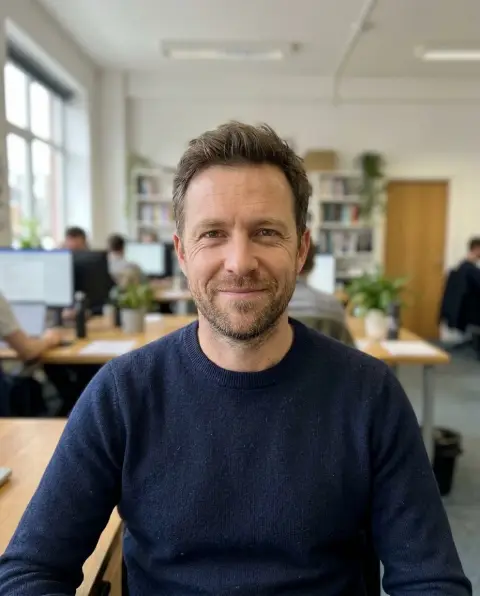
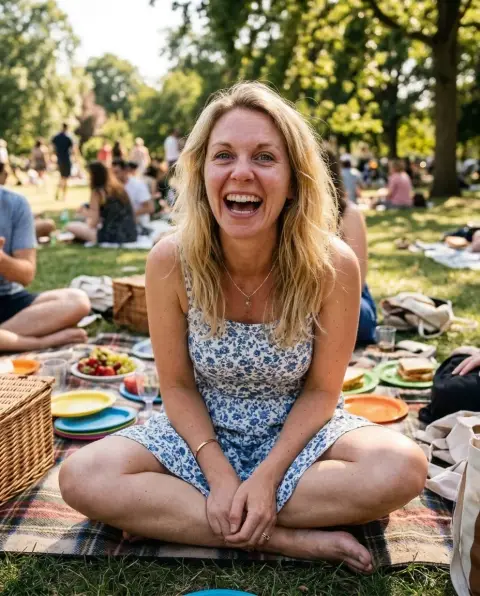
Face Expression Changer
Same photo, a different expression.
Drop a photo
or paste with ⌘V · JPG · PNG · WebP · up to 8 MB
No photo handy? Try one of ours.
Face Expression Changer examples.
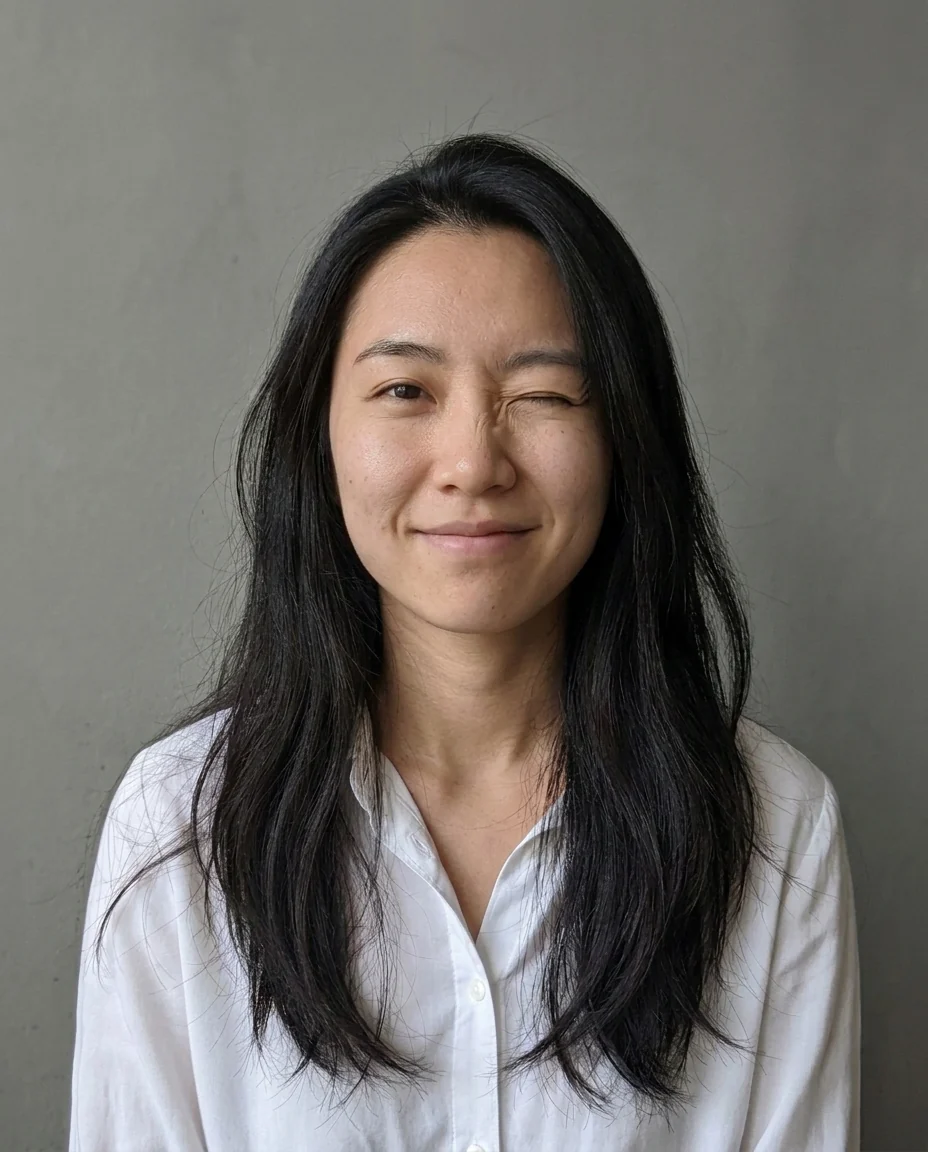
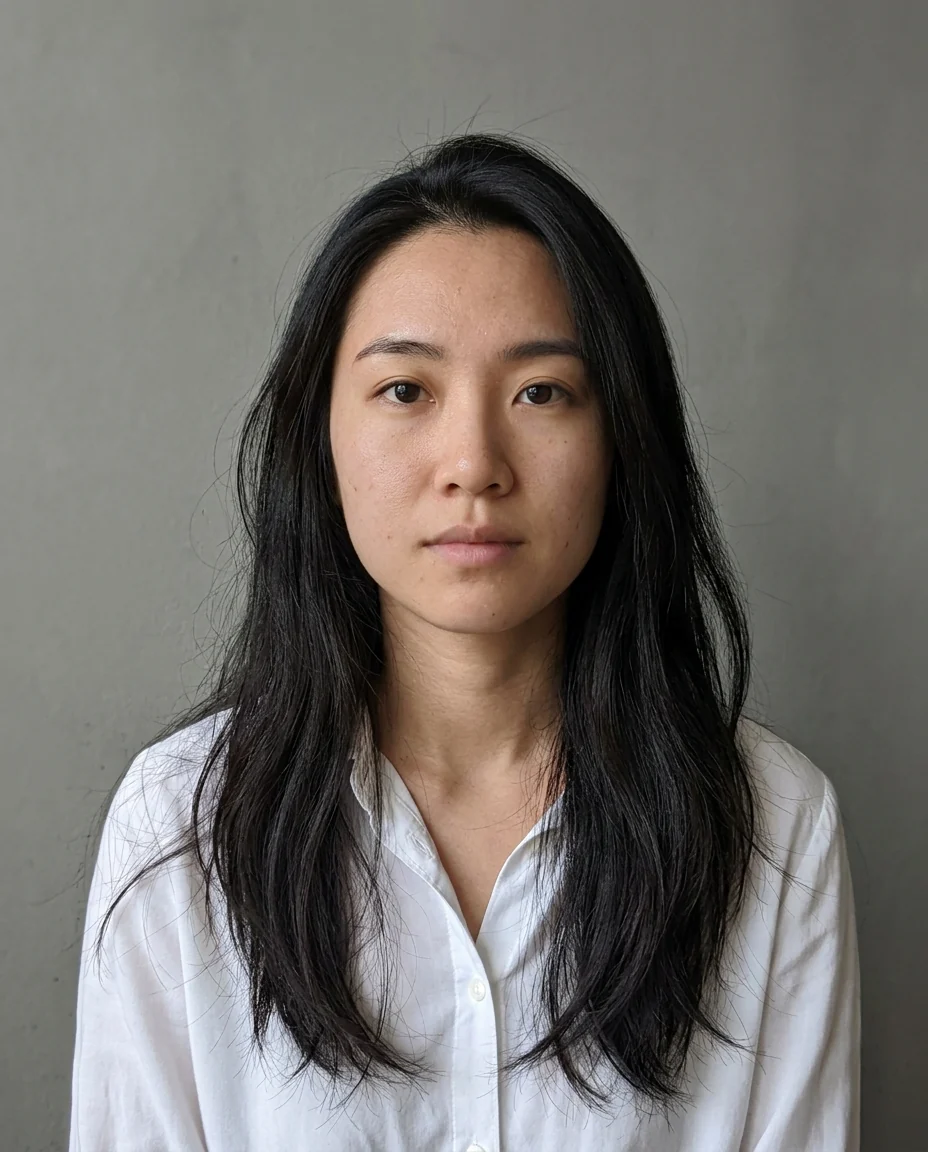
Wink
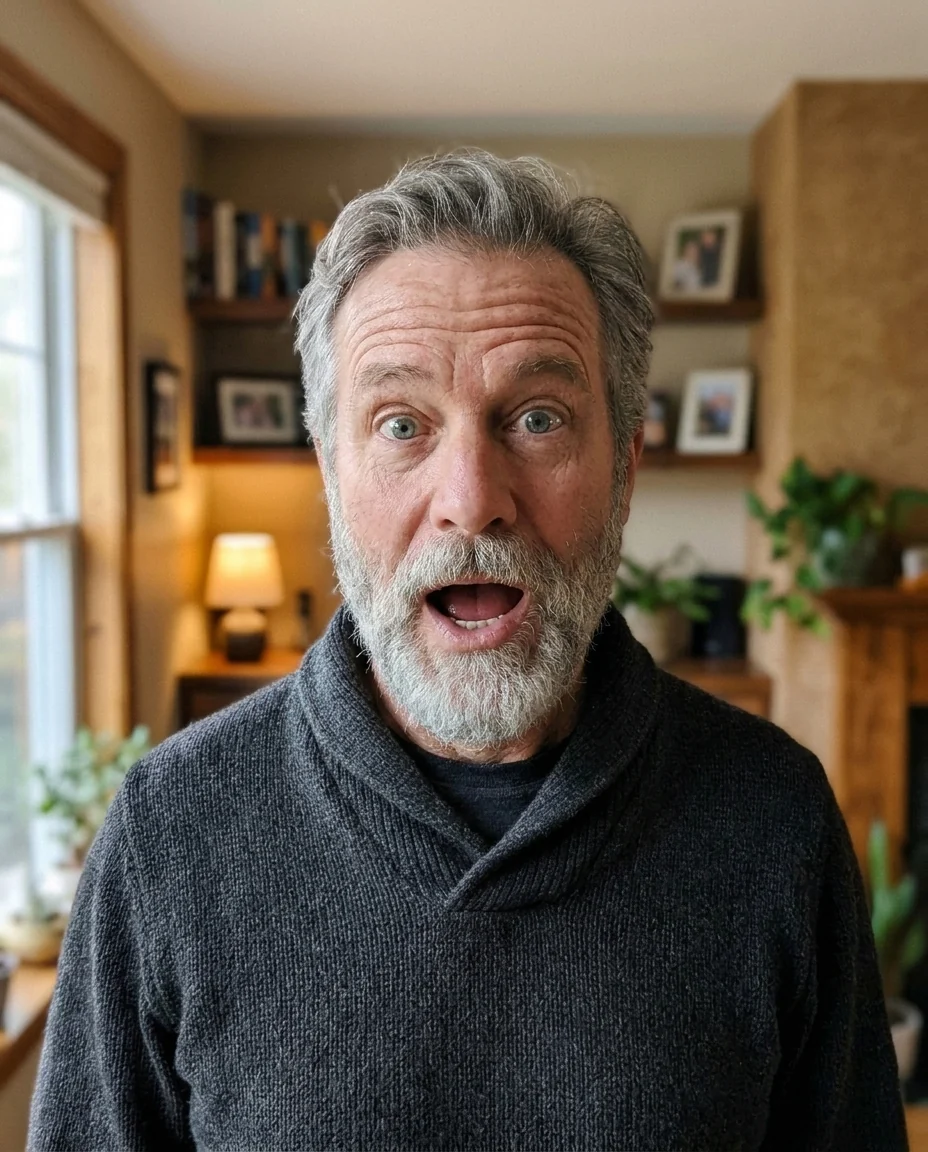
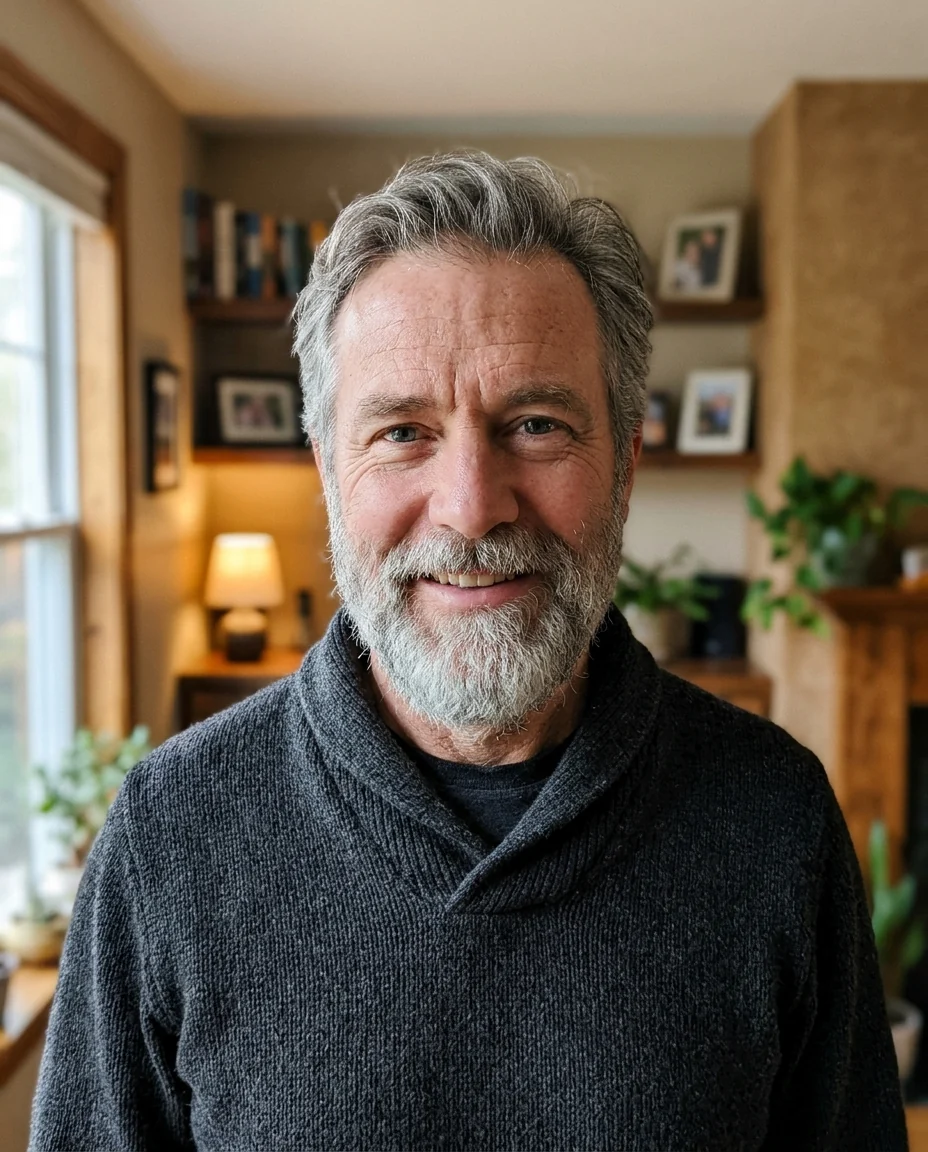
Surprised
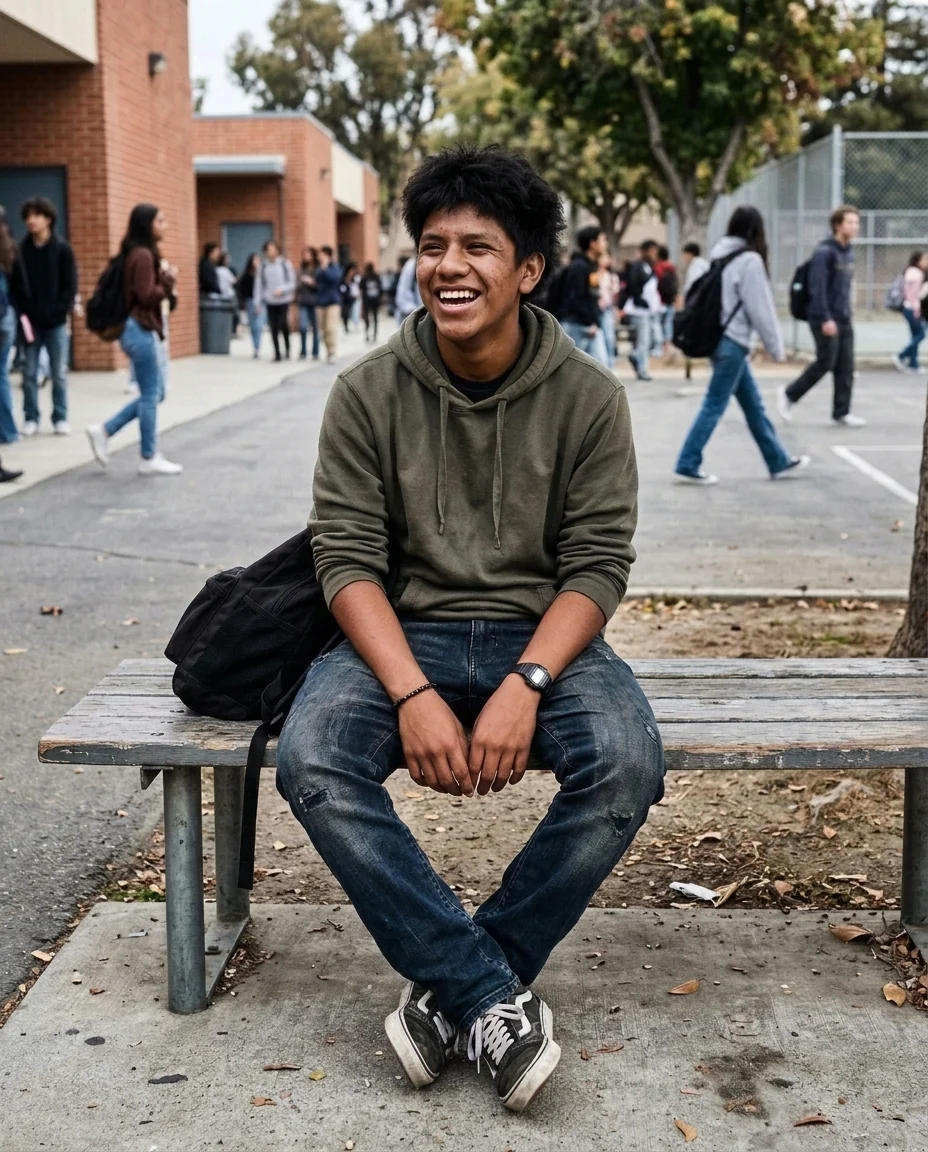
Laugh
Face Expression Changer features.
Five expressions
Smile, laugh, wink, surprised or serious.
Moves like a real face
Eyes, brows and cheeks change too.
Same person and photo
Pose, clothes and background are kept.
Face Expression Changer, step by step.
01
Upload a photo
A clear face, large in the frame.
02
Pick an expression
Or Custom to describe one.
03
Download
Compare with the original.
Face Expression Changer use cases.
- Fixing a group photo
- Turn one person's frown into a smile.
- Reaction images
- Make a surprised or winking version for a post.
- Characters and stories
- Several expressions of the same face for a comic or slides.
Face Expression Changer: best photos and fixes.
Photos that change well
A face that is large, sharp and facing the camera gives the most natural expressions, because the eyes, brows and mouth all have enough detail to move. Side views can work, but the far side of the face is harder to change. Hands, cups or hair covering the mouth make smiles and laughs harder, since the mouth has to be redrawn. Even light helps too: strong side shadows on the face can turn into odd creases when the cheeks move.
Choosing an expression
Smile is warm and natural; Laugh opens the mouth and crinkles the eyes; Wink closes one eye with a small smile; Surprised raises the brows and opens the mouth; Serious calms the face with a closed mouth. Custom lets you write your own: "a smirk", "sad, about to cry", "angry frown", "sleepy".
Teeth and open mouths
Laughs and surprised faces show teeth or the inside of the mouth, which isn't in a closed-mouth photo and has to be drawn new. Teeth can look slightly different from the person's real ones. If teeth matter, start from a photo where the person is already smiling with their teeth showing.
Keeping the likeness
Only the expression should change; face shape, skin tone, age, hair and glasses are kept. Big expressions move more of the face, so they drift more than small ones. If the person looks less like themselves, try a gentler version in Custom, such as "a small smile", or regenerate once. With glasses, big expressions such as Laugh can pull the frame slightly out of place, so check the lens edges.
Several expressions
To make a set, such as an emoji pack or a character sheet, run the same photo several times with different expressions and keep the original lighting. The results match because the pose and background are kept. Use them side by side for reaction images or in slides, and name the files by expression so a set is easy to find later.
Related tools
The smile filter is tuned only for smiles, and open eyes in photo fixes blinks. The face editor handles other single changes such as brows or skin. For a cartoon version of your expressions, try the AI emoji generator or the chibi generator.
Face Expression Changer FAQ.
Can I use someone else's photo?
Use photos of yourself, or of people who are happy for you to edit their picture. Don't use the result to mock, embarrass or deceive anyone.
Can it make someone wink?
Yes. Pick Wink for one eye closed and a small smile.
Will the teeth look like mine?
Often not. Teeth in a laugh or surprise are drawn from scratch, so ask for a closed-mouth smile if you want them left out.
Can I write my own expression?
Yes. Choose Custom and describe it, for example "a smirk" or "sleepy".
Is the Face expression changer free?
Yes, you can try it free. New accounts get 15 free credits, and one generation here uses 13 credits. You sign in with your email; no card needed. Results have no watermark. After that, plans add credits every month and credit packs never expire.