Photo to Painting
Your photo, repainted in four styles.
Drop a photo
or paste with ⌘V · JPG · PNG · WebP · up to 8 MB
No photo handy? Try one of ours.
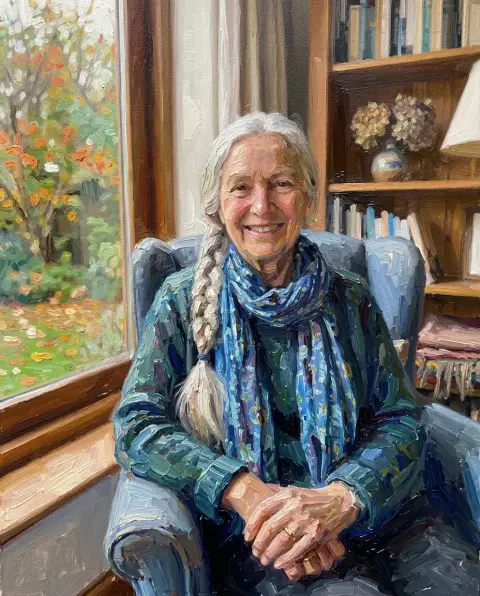
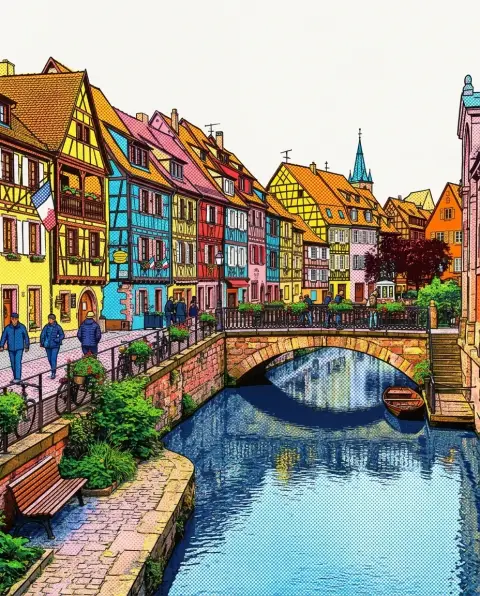
Photo to Painting examples.
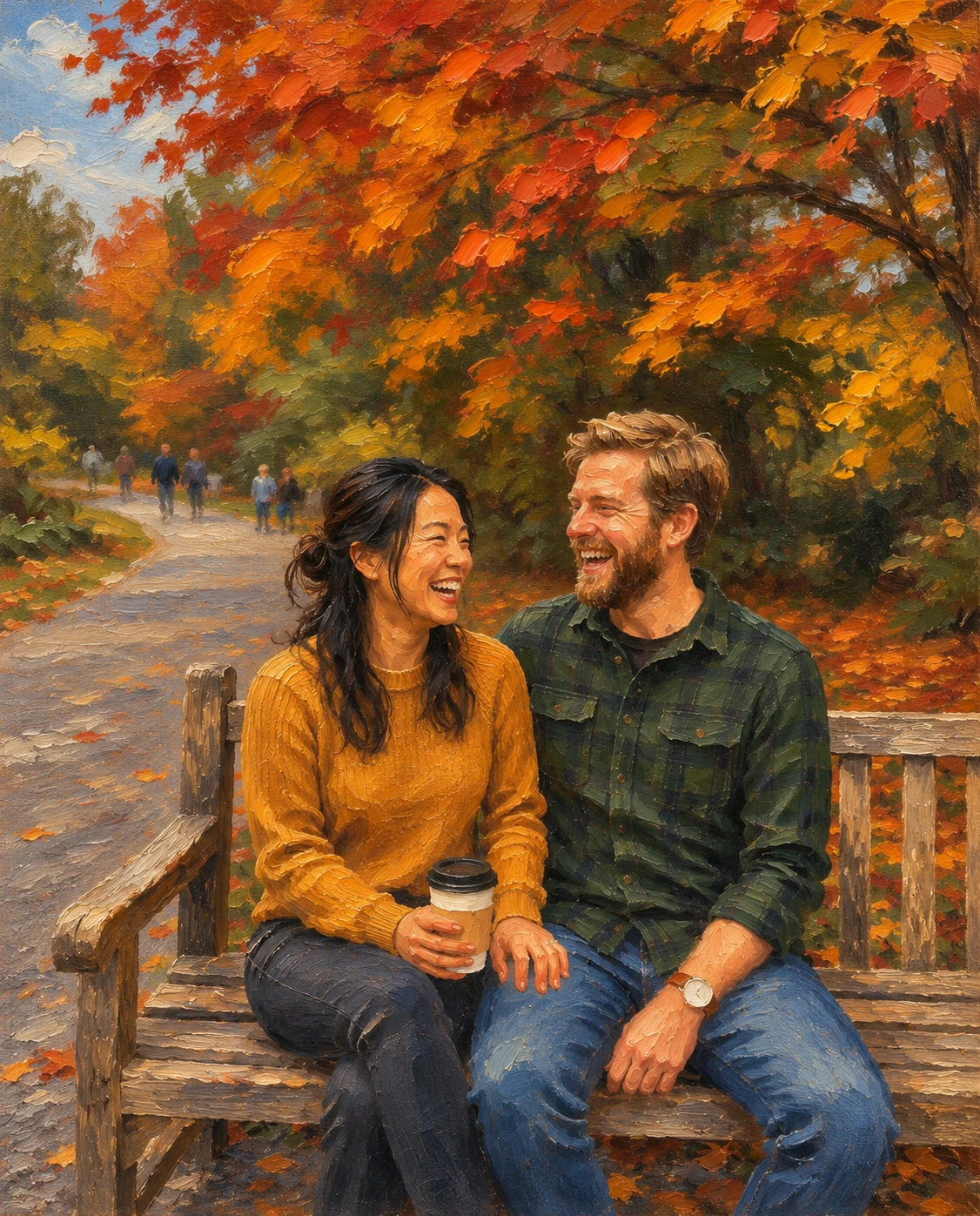
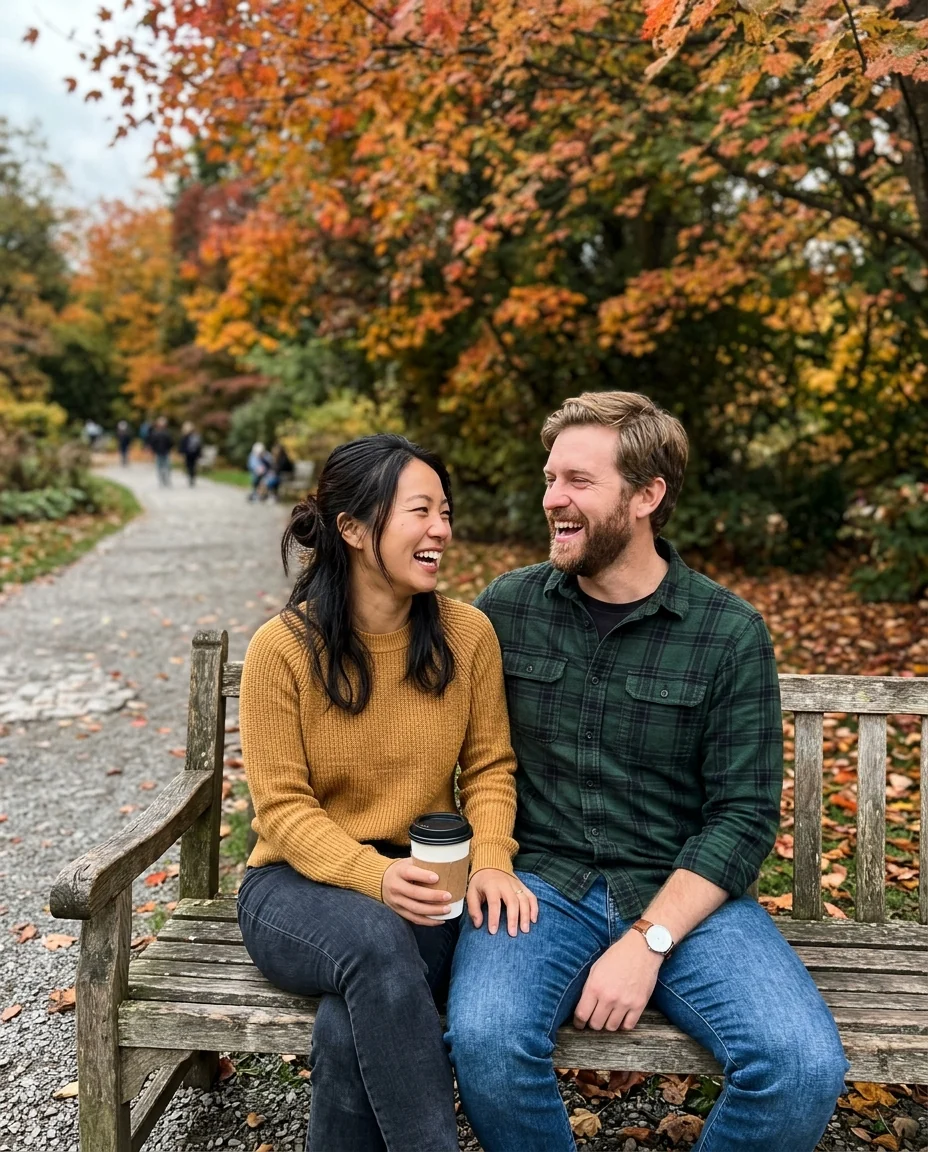
Oil portrait
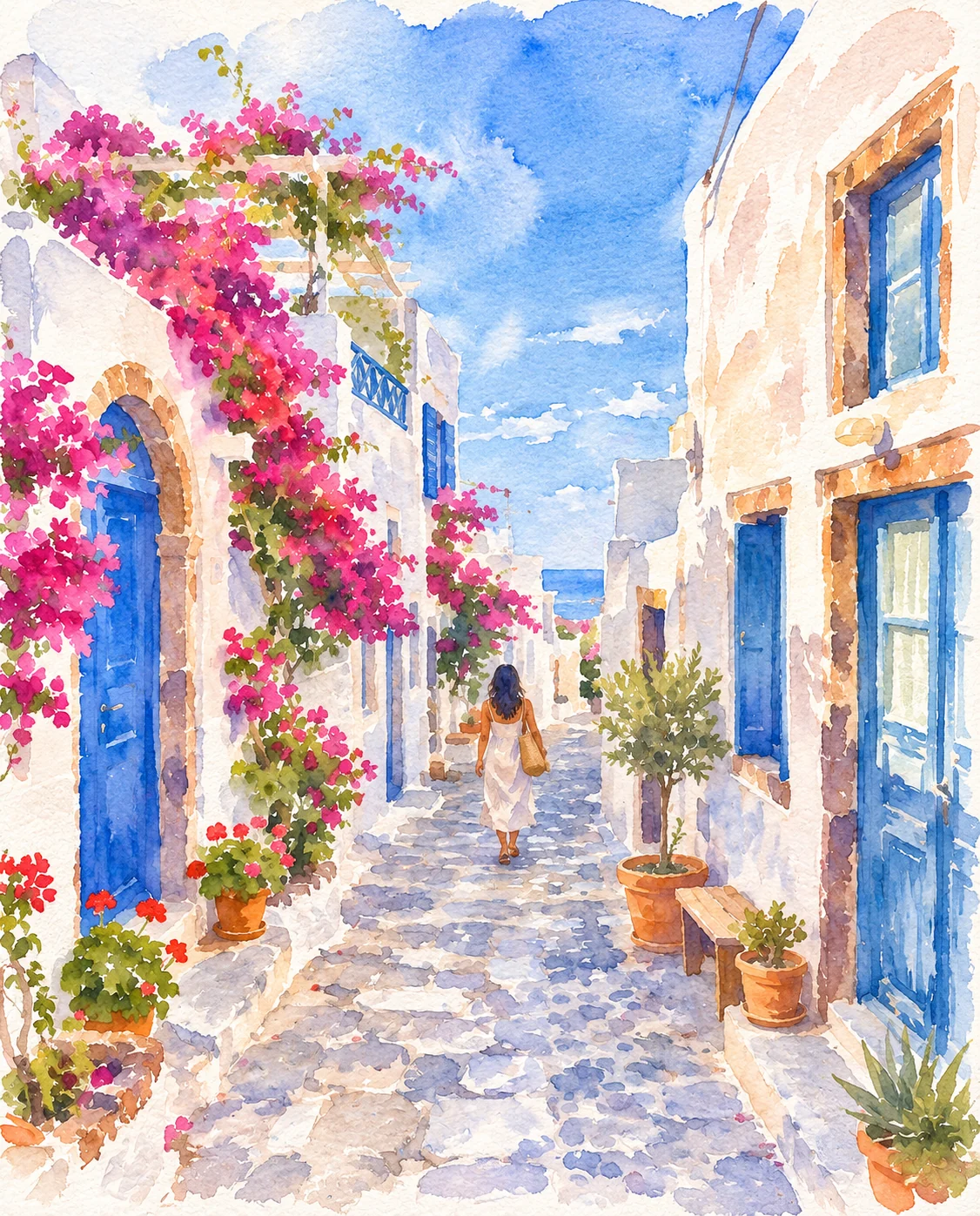
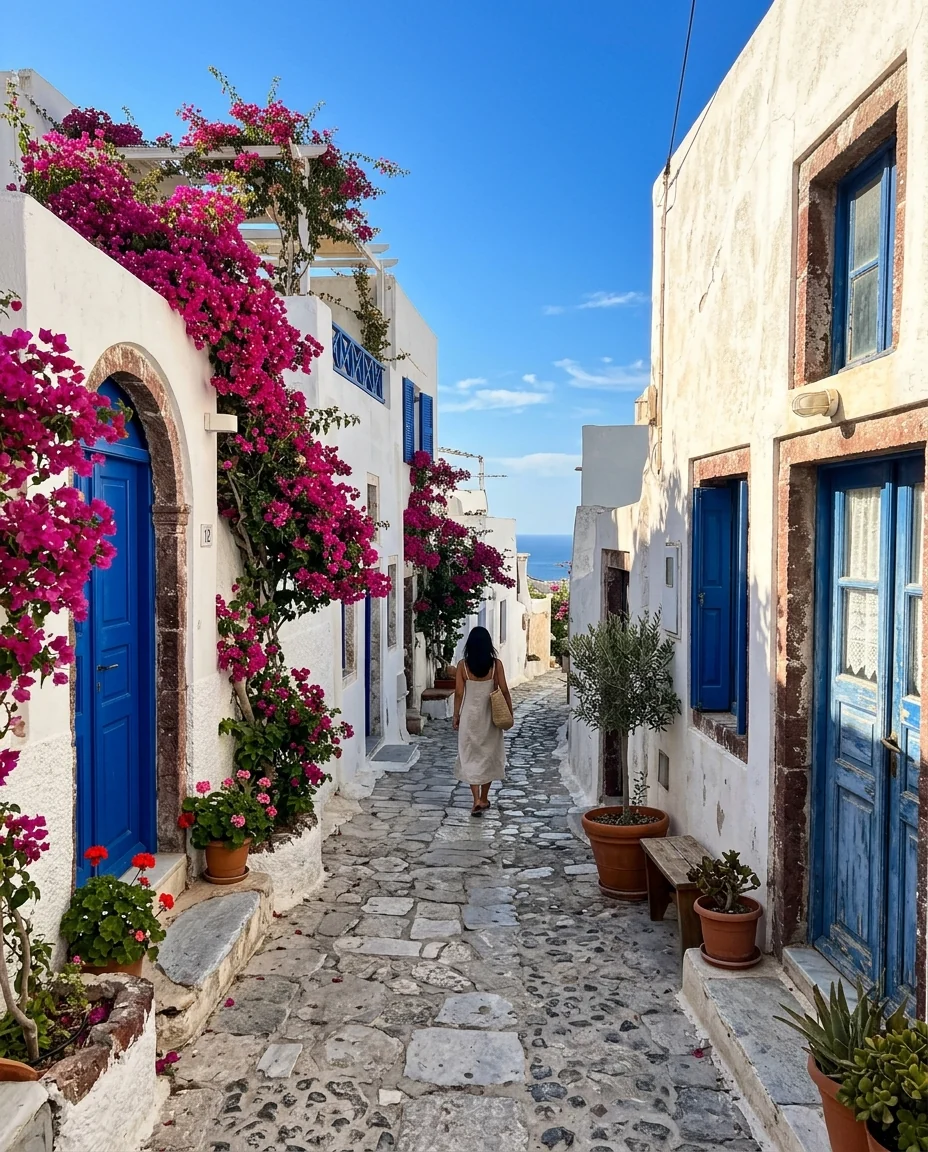
Watercolor street
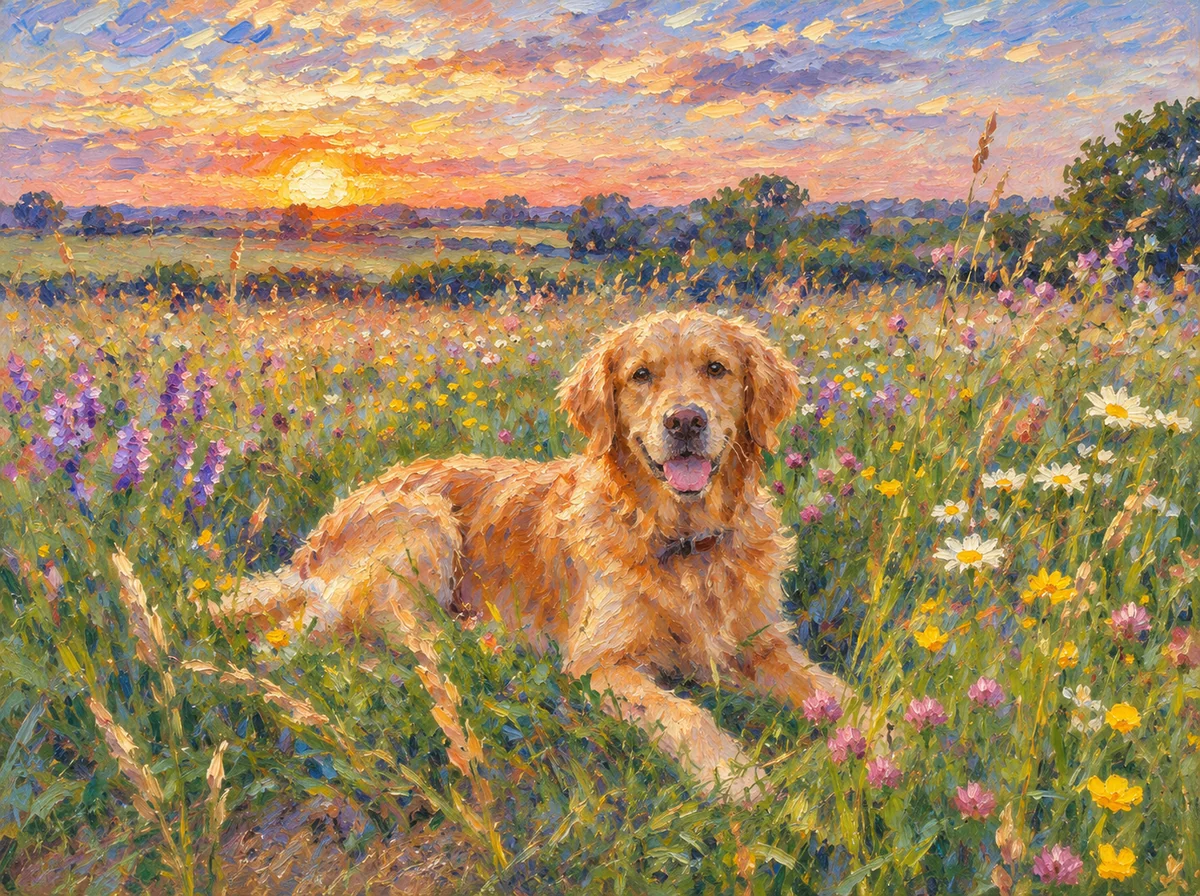
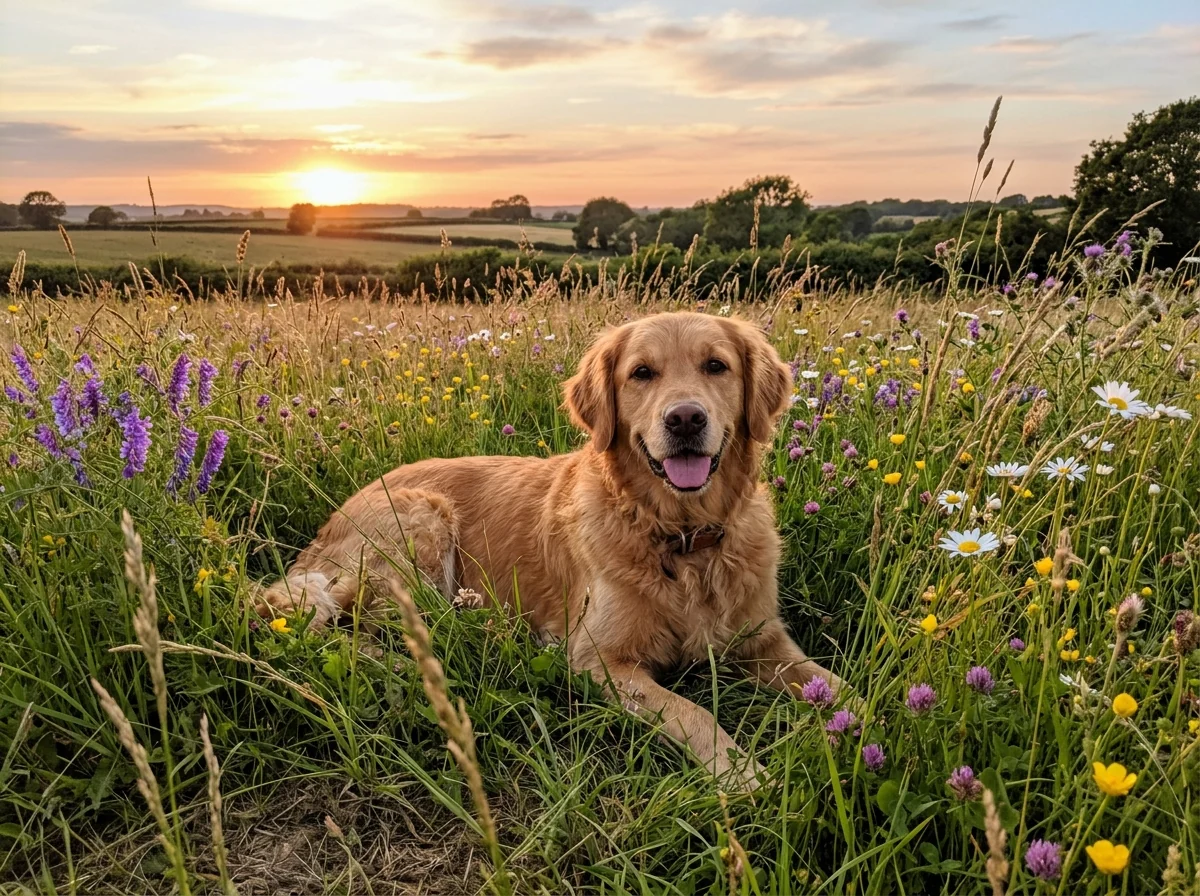
Impressionist dog
Photo to Painting features.
Four painting styles
Oil, watercolor, impressionist and acrylic pop.
Real brushwork
Paint texture across the whole picture.
Still your photo
People, pose and scene stay recognizable.
Photo to Painting, step by step.
01
Upload a photo
People, pets, places or still life.
02
Pick a painting style
Oil, Watercolor, Impressionist or Acrylic pop.
03
Download
Print it or frame it.
Photo to Painting use cases.
- Gifts
- A painted portrait of a couple, a family or a pet.
- Wall art
- Turn a travel photo into a print for your home.
- Memorial portraits
- A gentle painted version of a cherished photo.
Photo to Painting: best photos and fixes.
Photos that paint well
Paintings simplify, so photos with a clear subject and good light make the strongest paintings. Portraits in soft light, pets in the sun, landscapes with a clear foreground and still lifes on a table all work well. Very busy scenes with many small people or objects still paint, but small details turn into strokes. Start from the sharpest, largest file you have, especially if you plan to print.
Choosing a style
Oil is rich and blended, the classic choice for portraits and gifts. Watercolor is light and airy, with soft edges and white paper showing through, which suits travel scenes, flowers and children. Impressionist uses short strokes of pure color and shines with outdoor light, gardens and water. Acrylic pop is bold and graphic, good for pets, cityscapes and modern interiors.
Keeping faces recognizable
People keep their likeness, but a painting is not a photo: faces are built from brushstrokes, so fine details soften. Faces that fill a good part of the frame keep more likeness. In group photos the faces are small, which suits impressionist and watercolor styles, where loose faces look right, more than oil, where you may expect a detailed portrait.
Printing your painting
For a print, crop the photo to the shape of your frame before uploading, so the composition is planned for it. Results come out at the photo's aspect ratio. Choose 4K in the settings if you plan to print large; textured matte paper or canvas makes the brushwork look more real than glossy paper.
Steering the painting
Add instructions to adjust the mood or palette: "warm golden tones", "muted pastel colors", "dark dramatic background", "paint the background more loosely". Changes that keep the scene work best; big rewrites belong in a different tool.
Other art tools
Photo to oil painting gives one classic loose oil look. Photo to sketch and turn photo into line drawing make pencil and line art. Style transfer applies the style of any artwork you upload. For anime and cartoon styles, try photo to anime, the ghibli filter or the cartoon generator.
Photo to Painting FAQ.
Will it look hand-painted?
It is made to: brushwork and paint texture cover the whole image, including faces and background.
Can I print it?
Yes. Choose 4K for large prints, and crop the photo to your frame's shape first.
Does it work on pet photos?
Yes. Pets paint especially well, with fur turned into brushstrokes.
Is the Photo to painting free?
Yes, you can try it free. New accounts get 15 free credits, and one generation here uses 9 credits. You sign in with your email; no card needed. Results have no watermark. After that, plans add credits every month and credit packs never expire.