












Renaissance Filter
Velvet, lace and cracked varnish: your face in an old-master portrait.
Drop a photo
or paste with ⌘V · JPG · PNG · WebP · up to 8 MB
No photo handy? Try one of ours.
More like this.
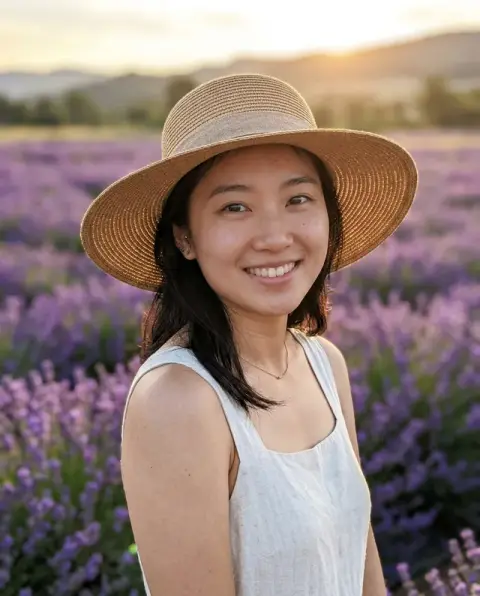
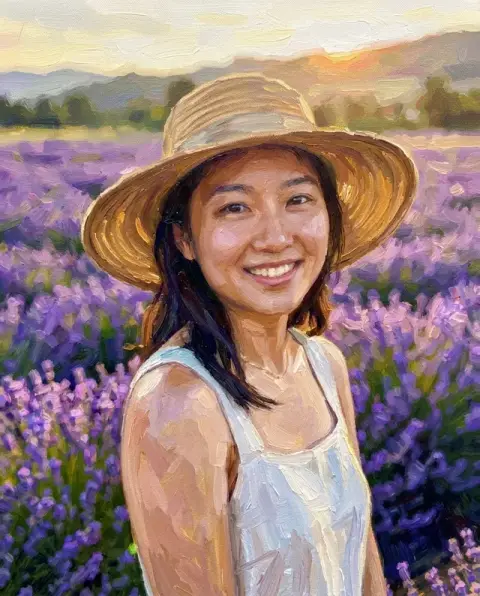
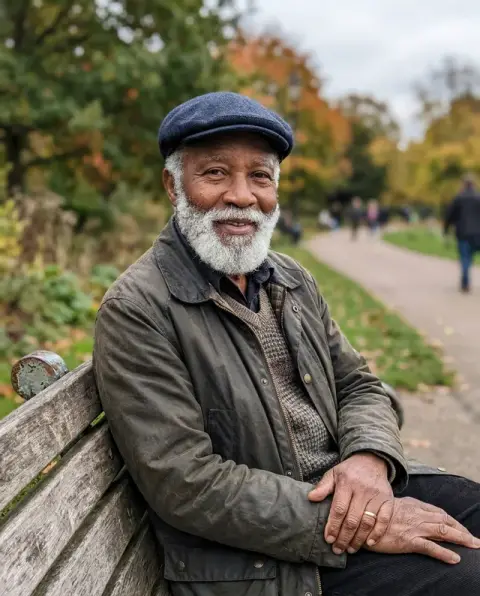
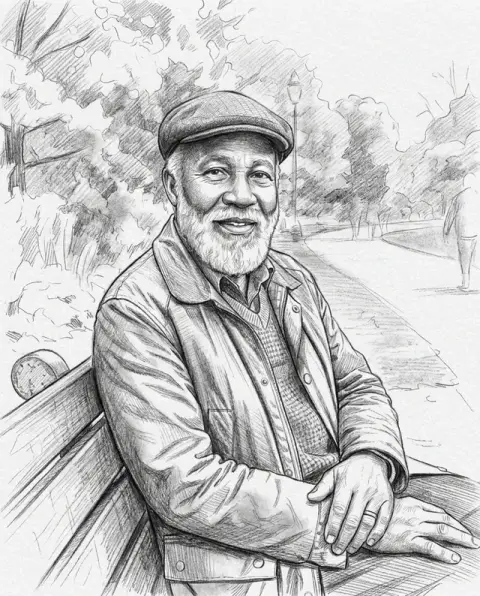


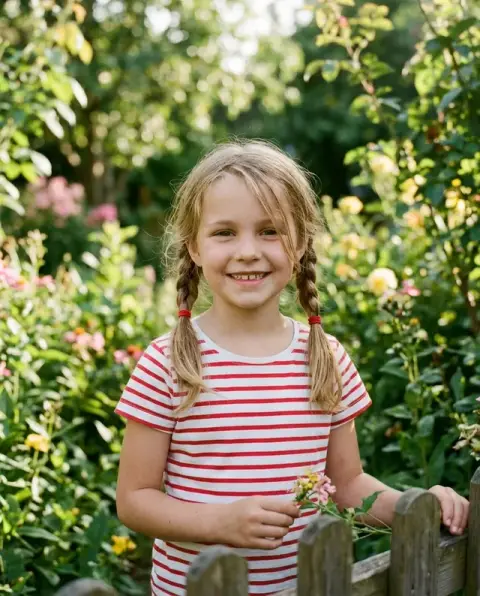
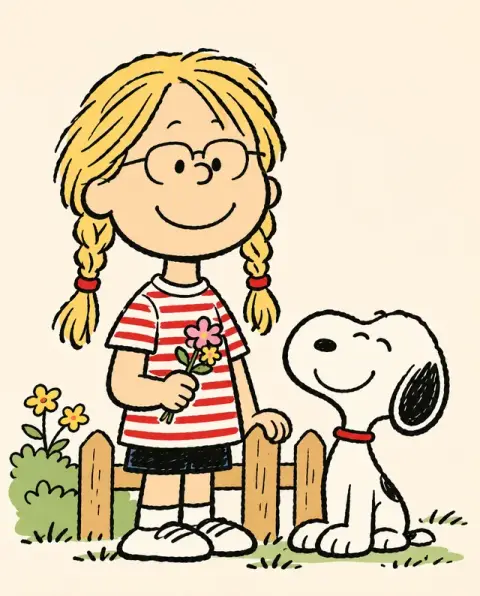
Renaissance Filter examples.
Real results from this page's default settings in one click, not retouched.How examples are made
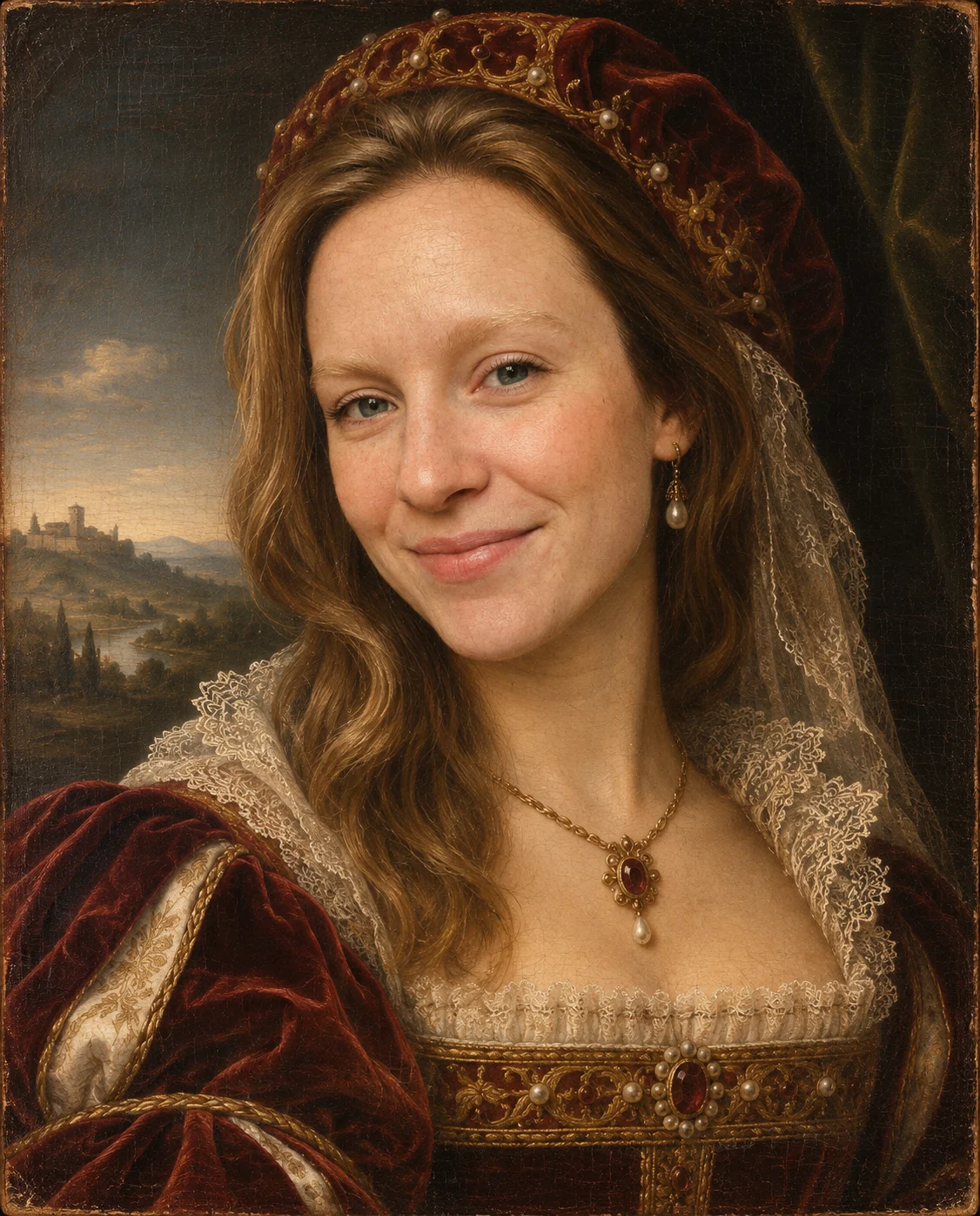

A woman with wavy hair painted as a Renaissance oil portrait in a velvet gown and veil
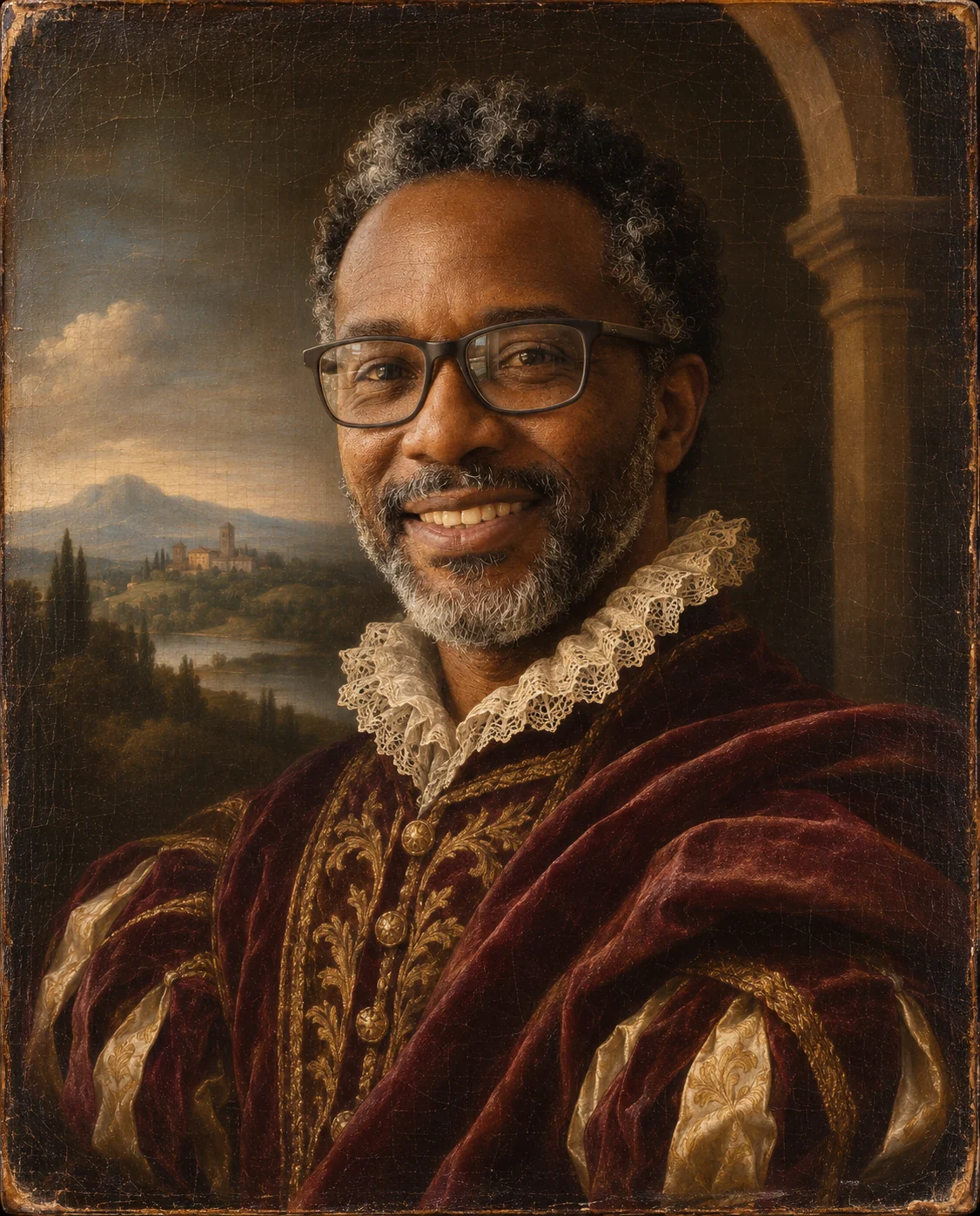

A bearded man with glasses in a Renaissance oil portrait with a lace ruff and velvet robe
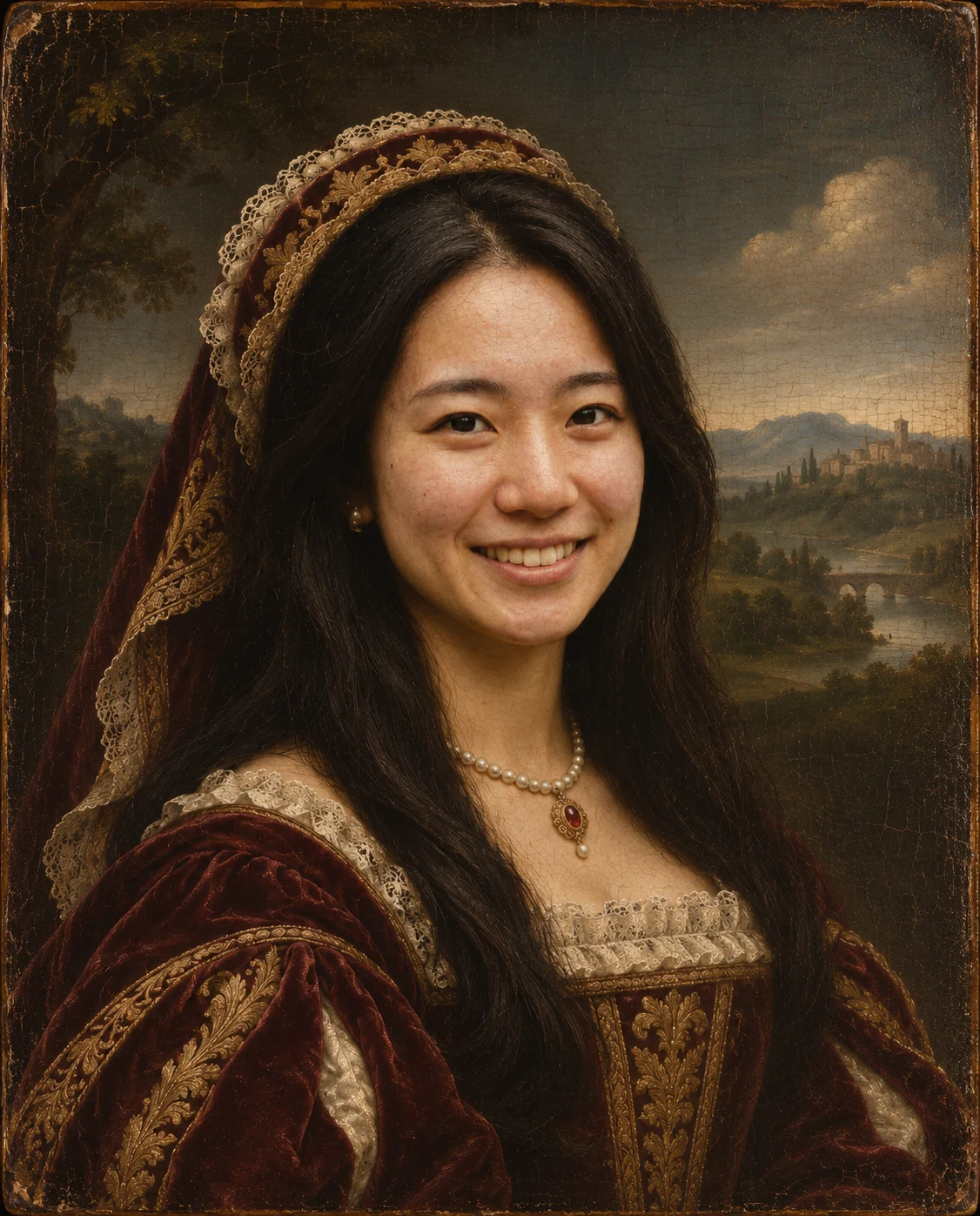

A woman with long black hair as a Renaissance painting with a jeweled hood and hazy landscape
Renaissance Filter features.
A painted panel, not a filter overlay
The whole picture is re-rendered as an Italian Renaissance oil painting, with fine craquelure and varnish like an old panel.
Period clothing added for you
Rich velvet and lace replace modern clothes, so a plain sweater becomes a gown or a doublet.
Soft sfumato light
Smoky, blended shadows and warm skin tones give the calm glow of old portraits.
Still recognizable
Face shape, age, skin tone, expression and pose stay yours, so the portrait still looks like you.
A dark or landscape background
The room behind you is swapped for a dark backdrop or a distant hazy landscape, as in classic portraits.
Renaissance Filter, step by step.
01
Upload a portrait
A clear photo with your face and shoulders in view works best.
02
Add details if you like
Optional: a gown color, a necklace or a hat in the instructions box.
03
Generate and save
Download the painting and post it with the trend.
Renaissance Filter use cases.
- A gallery-style profile picture
- Swap your avatar for an oil portrait that looks like it hangs in a museum.
- Gifts for history and art fans
- Print a portrait of a friend or partner for a birthday, framed like a family heirloom.
- TikTok and Reels trend posts
- Show your selfie next to the painting, the way the Renaissance portrait trend is usually posted.
- Family portrait jokes
- Make one portrait per family member and share them in the group chat.
- Costume party and event invites
- Use your painted self on an invitation for a masquerade, gala or dinner.
- Author and creator bios
- Use a painted portrait on a book page or blog instead of a standard headshot.
Renaissance Filter: best photos and fixes.
What the painting changes
Clothing, background and lighting are repainted in the Renaissance style, while your face, pose and expression are kept. Think of it as sitting for a portrait painter, not as a photo filter.
Photos that paint best
Front-facing portraits with even light and the shoulders visible give the cleanest result. Heavy shadows or a hand covering the face can make the painted skin look uneven.
Using the instructions box
The look already includes velvet, lace and a dark or landscape backdrop. Use the optional box for small choices, such as the gown color or a hat. Keep it short, and avoid asking for text on the canvas, since the style leaves text out.
Other painting styles
For loose brushwork and a general painted look on any subject, use photo to oil painting. For a lighter, translucent look try photo to watercolor.
Groups and pets
The portrait is built around one person. For a group, make one painting per person and combine them with the image combiner.
Keeping it realistic or playful
The style is serious and formal by default. A big laugh can look funny in a solemn painting, which is part of why the trend is shared.
Renaissance Filter FAQ.
What is the Renaissance filter?
It turns your photo into an Italian Renaissance oil portrait with period clothing, a dark or landscape background, soft sfumato light and visible craquelure. It is a web version of the TikTok trend that works on any photo.
Will I still look like me?
The prompt keeps your identity, face shape, age, skin tone, expression and pose, so the portrait should read as you. Results vary a little each run.
Can I get an AI Renaissance portrait of a man or a woman?
Yes. The clothing adapts to the person in the photo, for example a lace collar and doublet or a velvet gown. Results vary each run.
Can I choose the clothes or background?
You can suggest them in the optional instructions box, such as a green velvet dress or a black cap. The result stays a Renaissance painting.
How is this different from photo to oil painting?
This look is a specific old-master portrait with period clothes and craquelure. [Photo to oil painting](/effects/photo-to-oil-painting) is a general oil style that keeps your clothes and setting.
Does it work for pets or groups?
It works best on one person facing the camera. For several people, make separate portraits and combine them afterwards.
Does the Renaissance filter cost credits?
One result uses 9 credits with the default model, GPT Image 2. New accounts get 25 free credits once, and you can pick other models from the model menu at their own prices. Results have no watermark, and a failed generation refunds its credits.
What files can I upload?
A JPG, PNG or WebP up to 8 MB. On a computer you can scan a QR code to send a photo from your phone; the link works for 10 minutes.
Are my photos used to train AI?
No. Uploads are not used for training. Results stay in My files for 48 hours, or 30 days once you've bought a credit pack, and you can delete them sooner.

