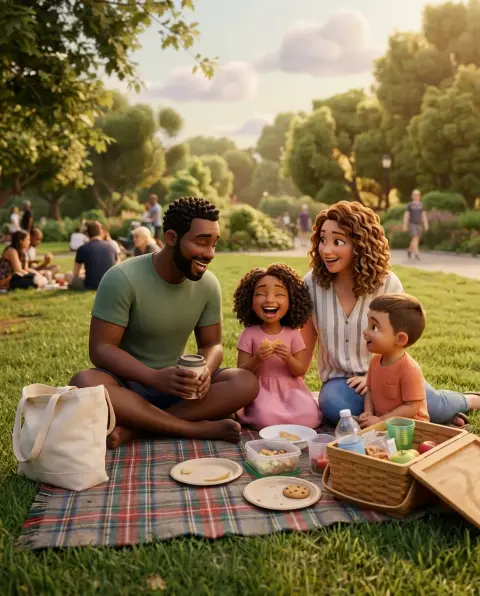
Tim Burton Filter
Pale skin, huge dark eyes and stripes under a spooky moon.
Drop a photo
or paste with ⌘V · JPG · PNG · WebP · up to 8 MB
No photo handy? Try one of ours.
More like this.
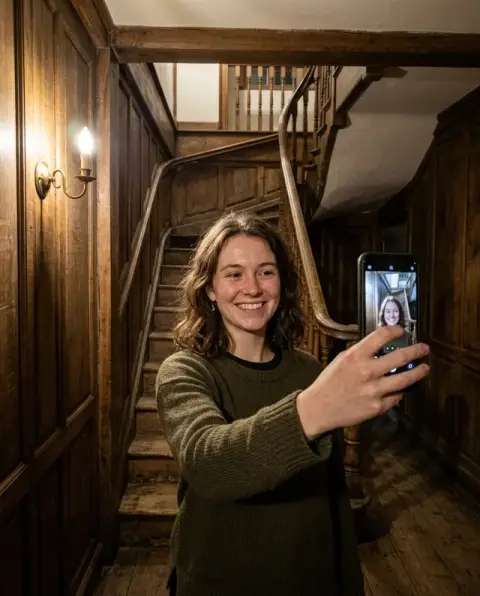
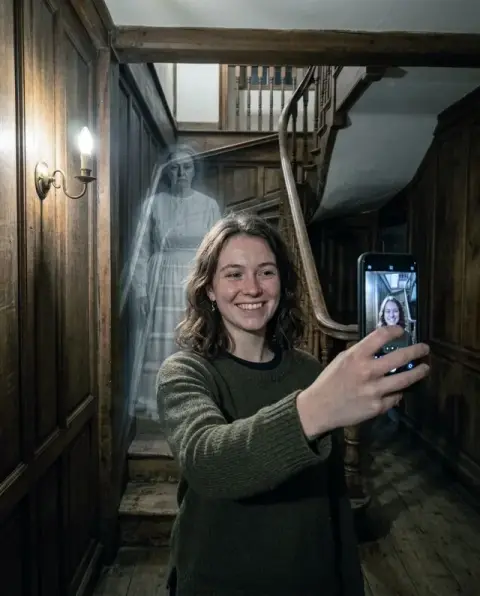



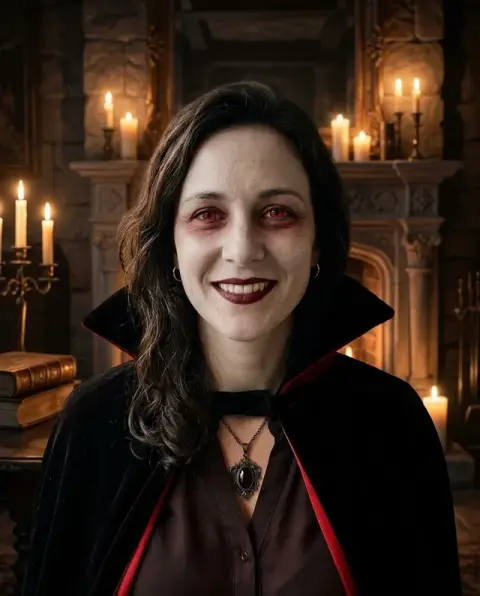

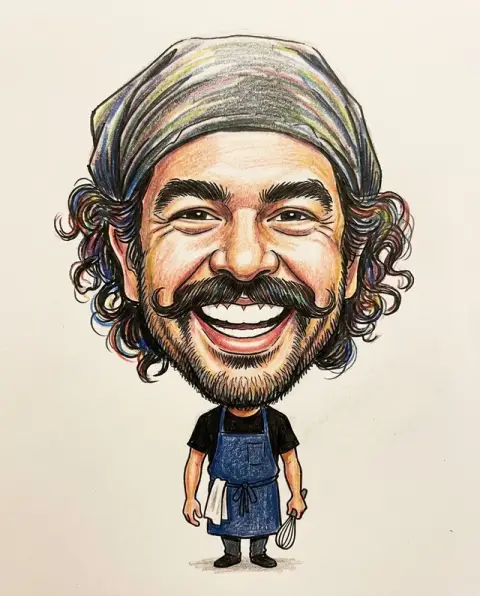
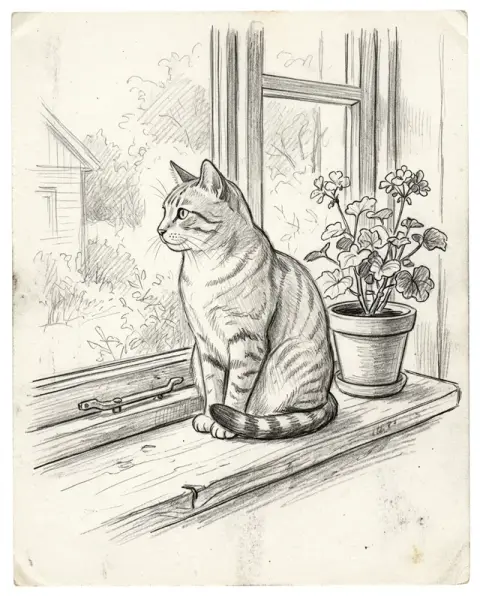
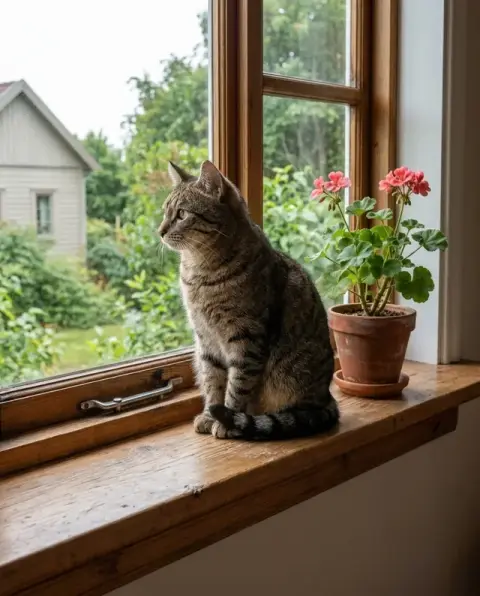
Tim Burton Filter examples.
Real results from this page's default settings in one click, not retouched.How examples are made
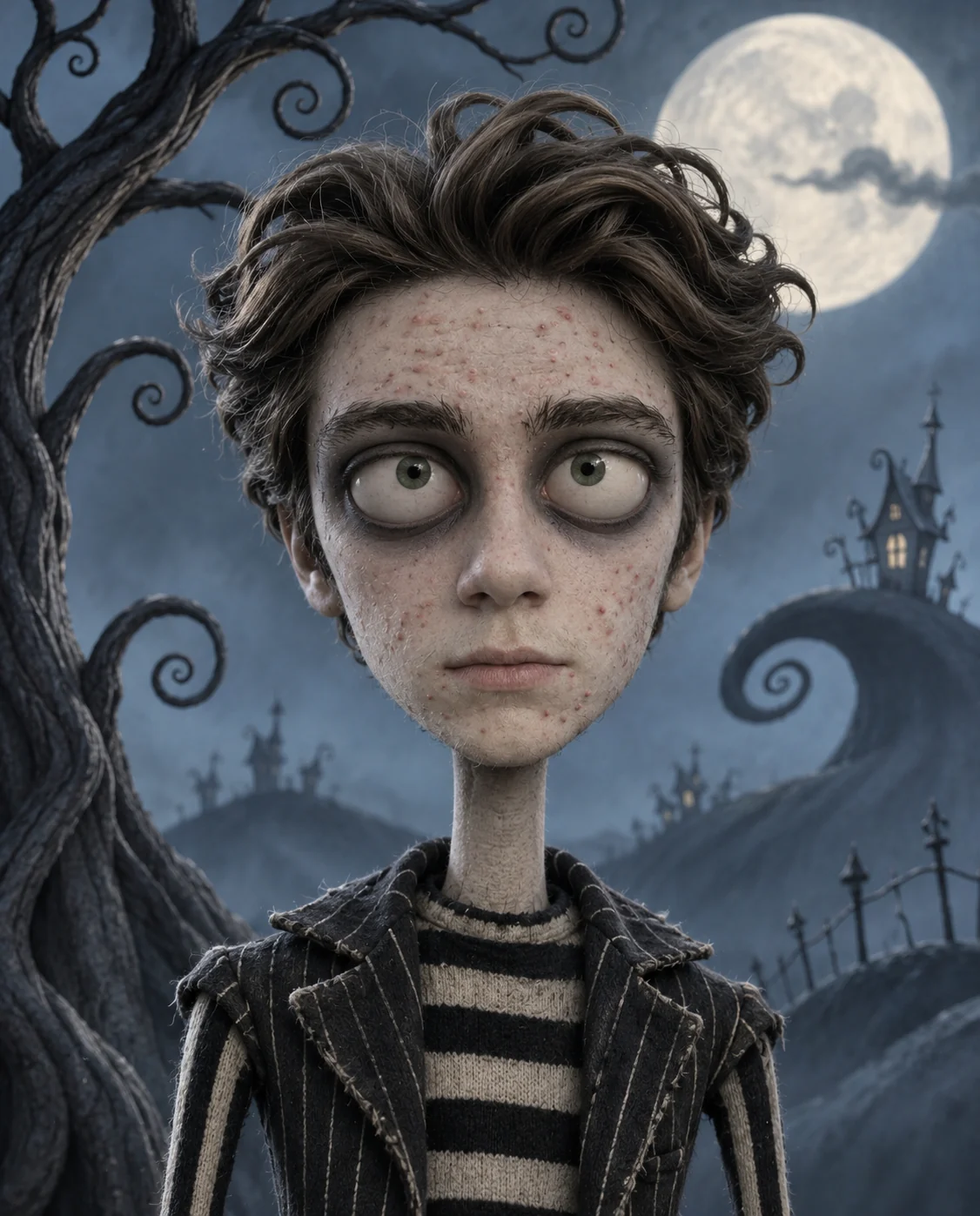
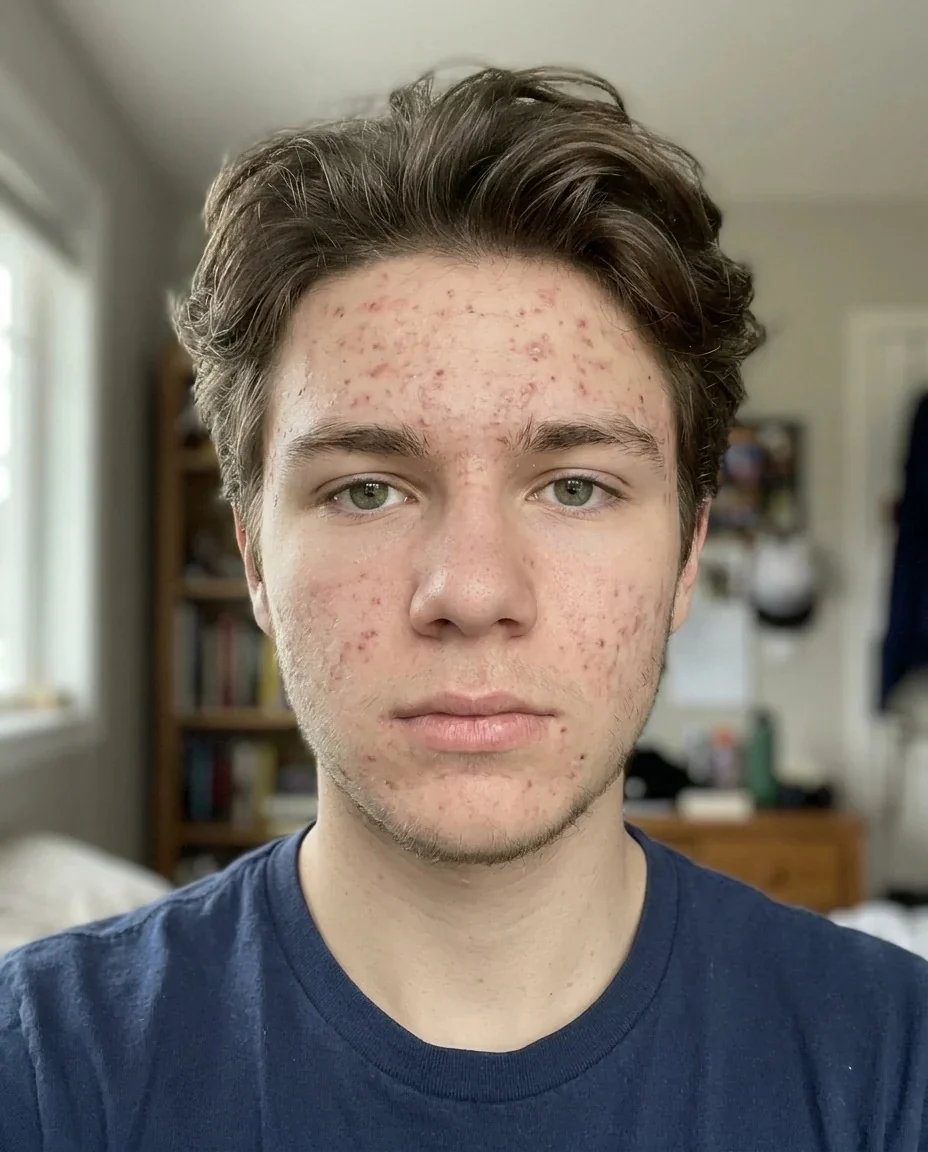
A teenager as a pale gothic stop-motion puppet with huge dark eyes under a big moon
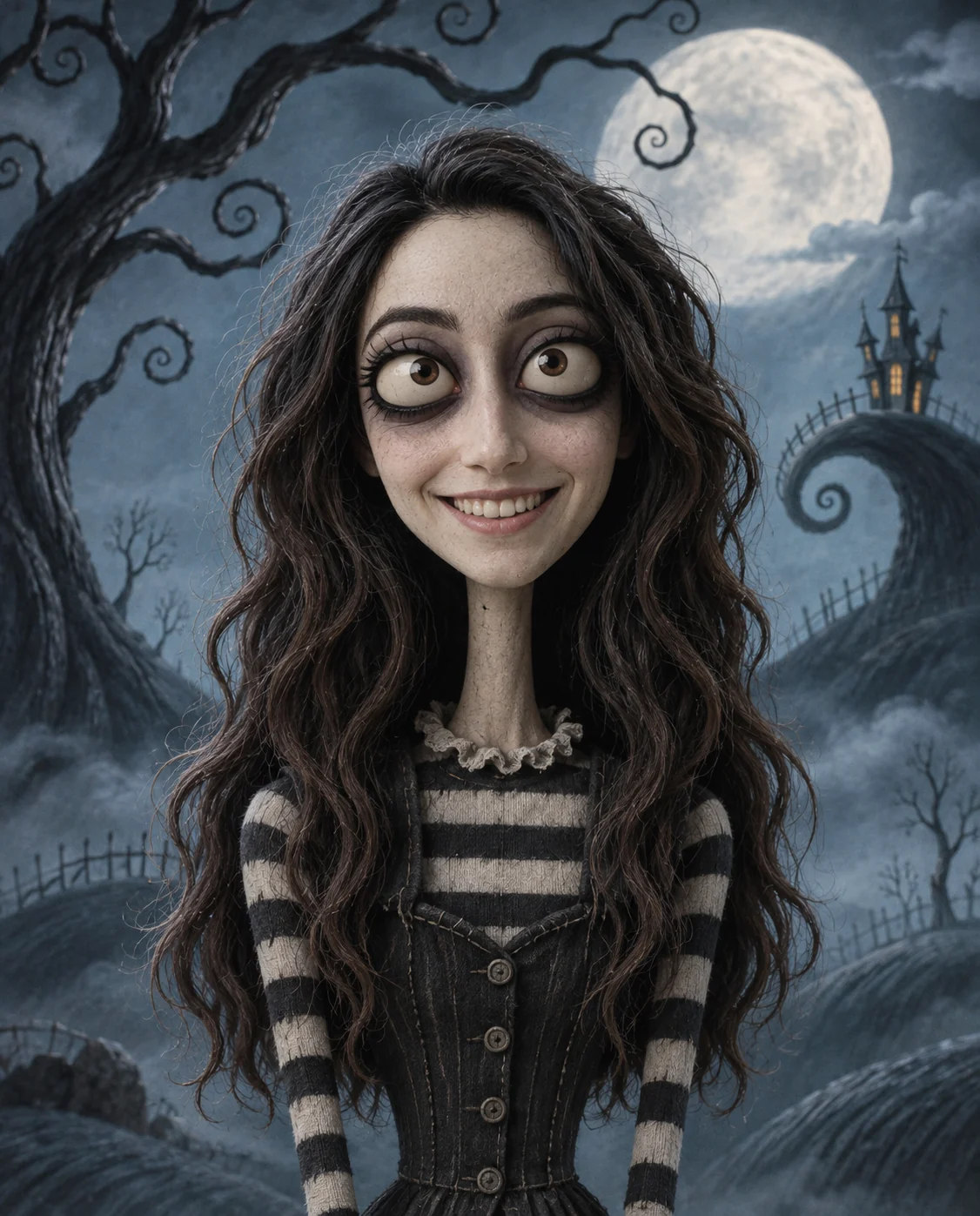

A woman with long wavy dark hair as a thin striped-dress puppet beside a curly tree
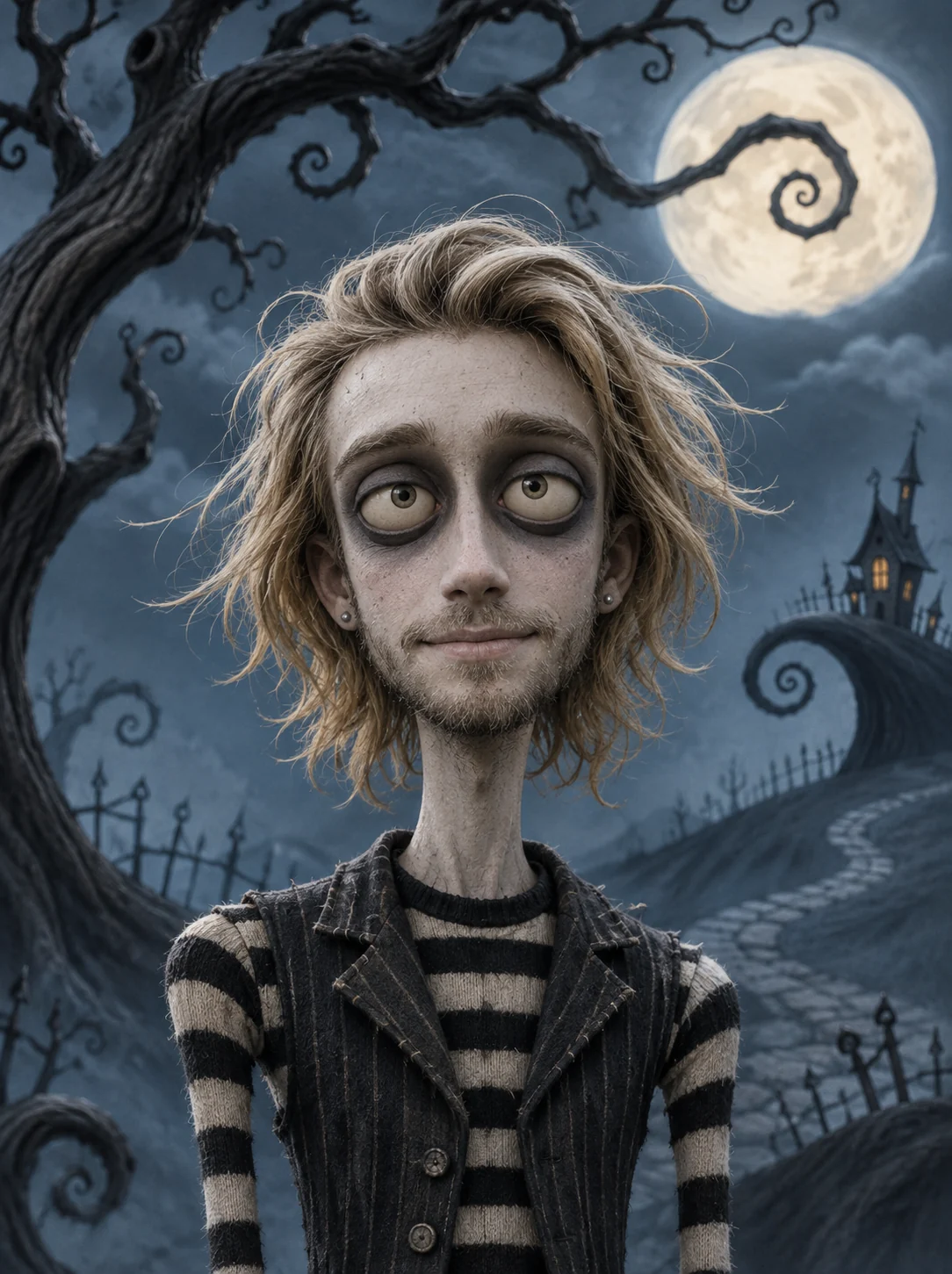

A man with shoulder-length blond hair as a lanky gothic puppet in a striped shirt and vest
Tim Burton Filter features.
A gothic stop-motion puppet
Your photo becomes a thin-limbed puppet with pale skin and oversized, dark-ringed eyes, in the whimsical dark style of Tim Burton films.
Striped clothes
Black and white stripes and a tailored dark outfit replace your own clothes.
A moonlit curly-tree backdrop
A twisting tree, a big moon and a muted blue-grey palette set the mood behind you.
Still recognizable
Hair, face shape, age, expression and pose stay yours, so people can tell who the puppet is.
Dark but friendly
The style is eerie and whimsical rather than gory, so it suits profile pictures and posts.
Tim Burton Filter, step by step.
01
Upload a portrait
A clear photo of one person, ideally from the waist up.
02
Add details if you like
Optional: a hat, a pet or a color note in the instructions box.
03
Generate and save
Download your puppet and share it with the trend.
Tim Burton Filter use cases.
- Halloween profile pictures
- Use your gothic puppet as an avatar through October.
- Goth and alt aesthetics
- Get a character portrait for a dark moodboard or a creative bio.
- Fan posts and watch parties
- Post your character version after a movie night with friends.
- TikTok and Reels trend videos
- Show your photo next to the stop-motion version, the way the trend is shared.
- Spooky party invitations
- Put a gothic portrait of the host on an invite.
- Gifts for fans of dark fantasy
- Print a puppet portrait of a friend as a card or poster.
Tim Burton Filter: best photos and fixes.
What changes and what stays
Skin, eyes, limbs, clothes and background are restyled. Your hair, face shape, expression and pose stay recognizable. Expect a tall, thin puppet rather than your real proportions.
Photos that work best
Even light, one person and a clear view of the face give the cleanest result. A hand over the face or heavy shadows can make the eye rings look uneven.
Using the instructions box
The prompt already sets stripes, the moonlit tree and the blue-grey palette. Use the optional box for small touches such as a hat or a pet. Avoid asking for text, which the style leaves out.
Spooky versus cartoon
If you want a playful ghost or monster look, try the Halloween filter or the ghost filter. For a friendlier 3D style, use photo to 3D cartoon.
Groups and pets
The look is built around one person. For group photos, make one puppet per person and combine them in the image combiner.
Why the background changes
The moonlit tree backdrop is part of the style, so your original room or park is replaced.
Tim Burton Filter FAQ.
Is this an official Tim Burton filter?
No. It is an unofficial, fan-made style inspired by Tim Burton films and is not affiliated with the rights holder. It is a web version of the TikTok trend that works on any photo.
What does the Tim Burton filter do?
It turns the person in your photo into a gothic stop-motion style character with pale skin, oversized dark-ringed eyes, thin limbs and striped black and white clothes, in front of a moonlit curly-tree scene.
Will I still look like me?
The prompt keeps your identity, face shape, age, skin tone, expression and pose, so the puppet should read as you. Results vary a little each run.
Can I try the AI Tim Burton style on a pet?
It works best on one person facing the camera. A pet can be added through the optional instructions box, but results vary.
Can I change the colors?
The default palette is muted blue and grey. You can suggest another color note in the optional instructions box, such as a purple and black scheme.
How is it different from the Halloween filter?
This is a quirky stop-motion puppet look. The [Halloween filter](/effects/halloween-filter) gives costumes and monsters like werewolves or mummies.
Does the Tim Burton filter cost credits?
One result uses 9 credits with the default model, GPT Image 2. New accounts get 25 free credits once, and you can pick other models from the model menu at their own prices. Results have no watermark, and a failed generation refunds its credits.
What files can I upload?
A JPG, PNG or WebP up to 8 MB. On a computer you can scan a QR code to send a photo from your phone; the link works for 10 minutes.
Are my photos used to train AI?
No. Uploads are not used for training. Results stay in My files for 48 hours, or 30 days once you've bought a credit pack, and you can delete them sooner.