












AI Photo with Neymar
Your own photo, with Neymar Jr grinning next to you.
Drop a photo
or paste with ⌘V · JPG · PNG · WebP · up to 8 MB
No photo handy? Try one of ours.
More like this.
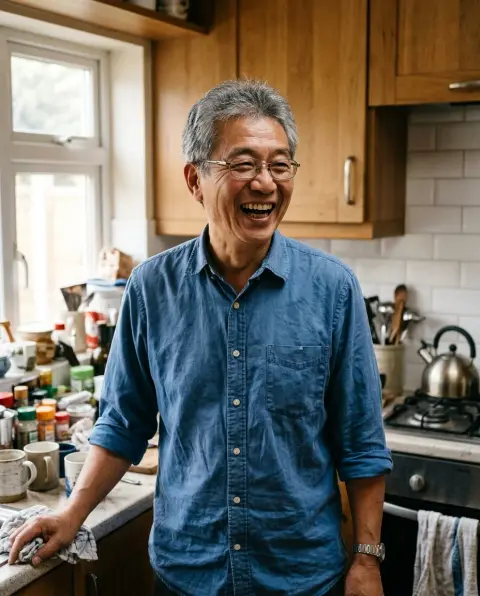
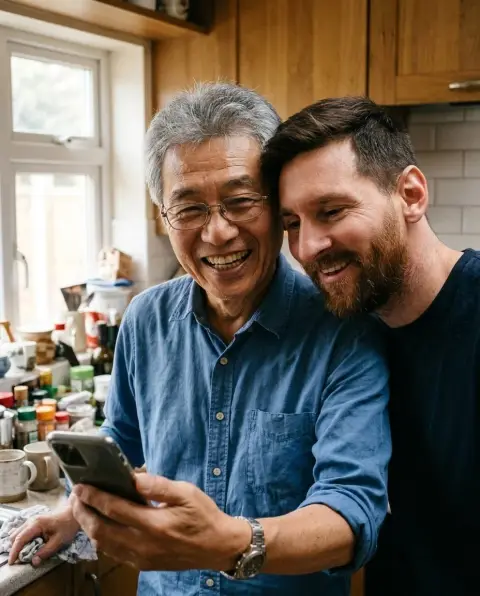
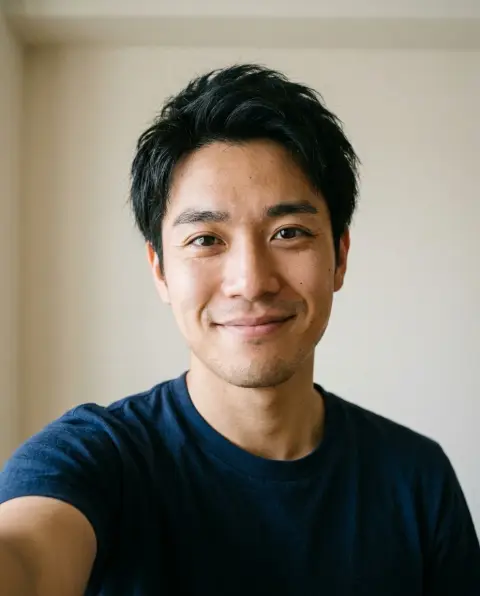
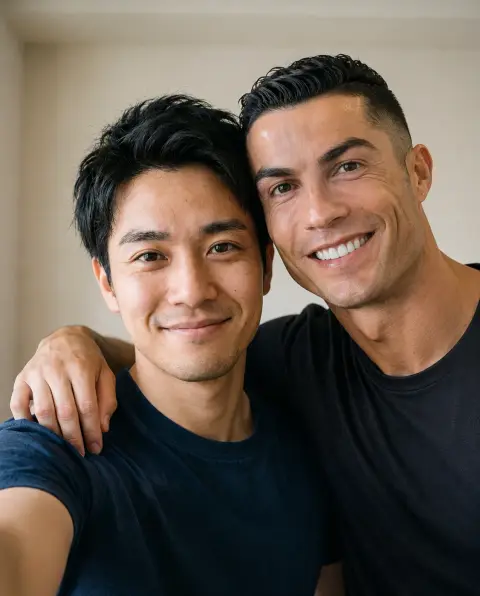
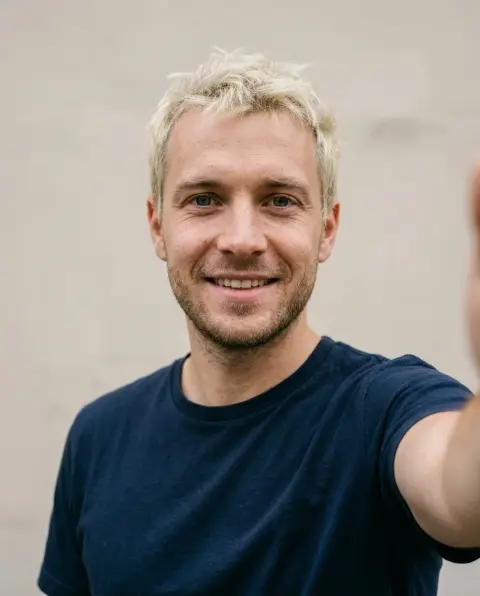
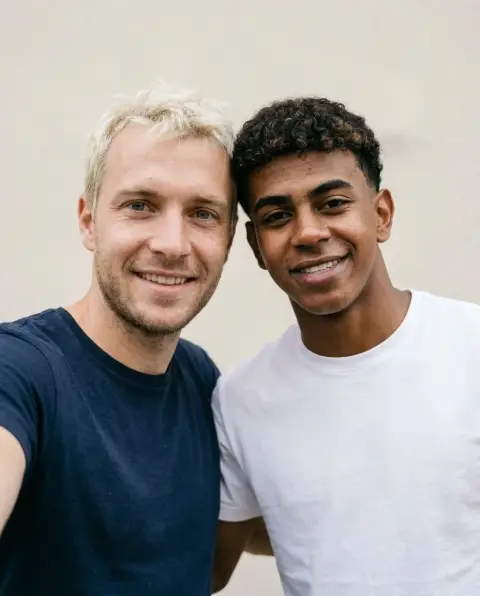
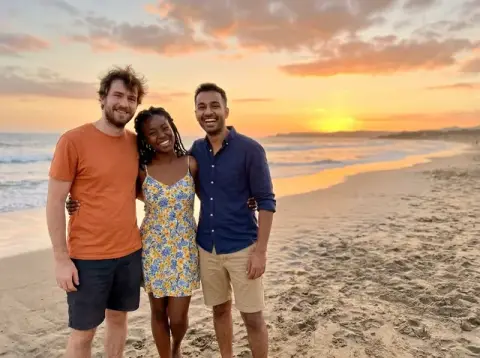
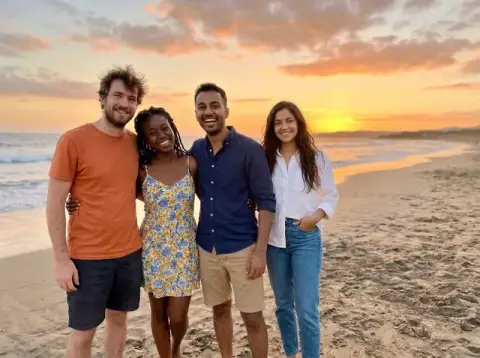


AI Photo with Neymar examples.
Real results from this page's default settings in one click, not retouched.How examples are made
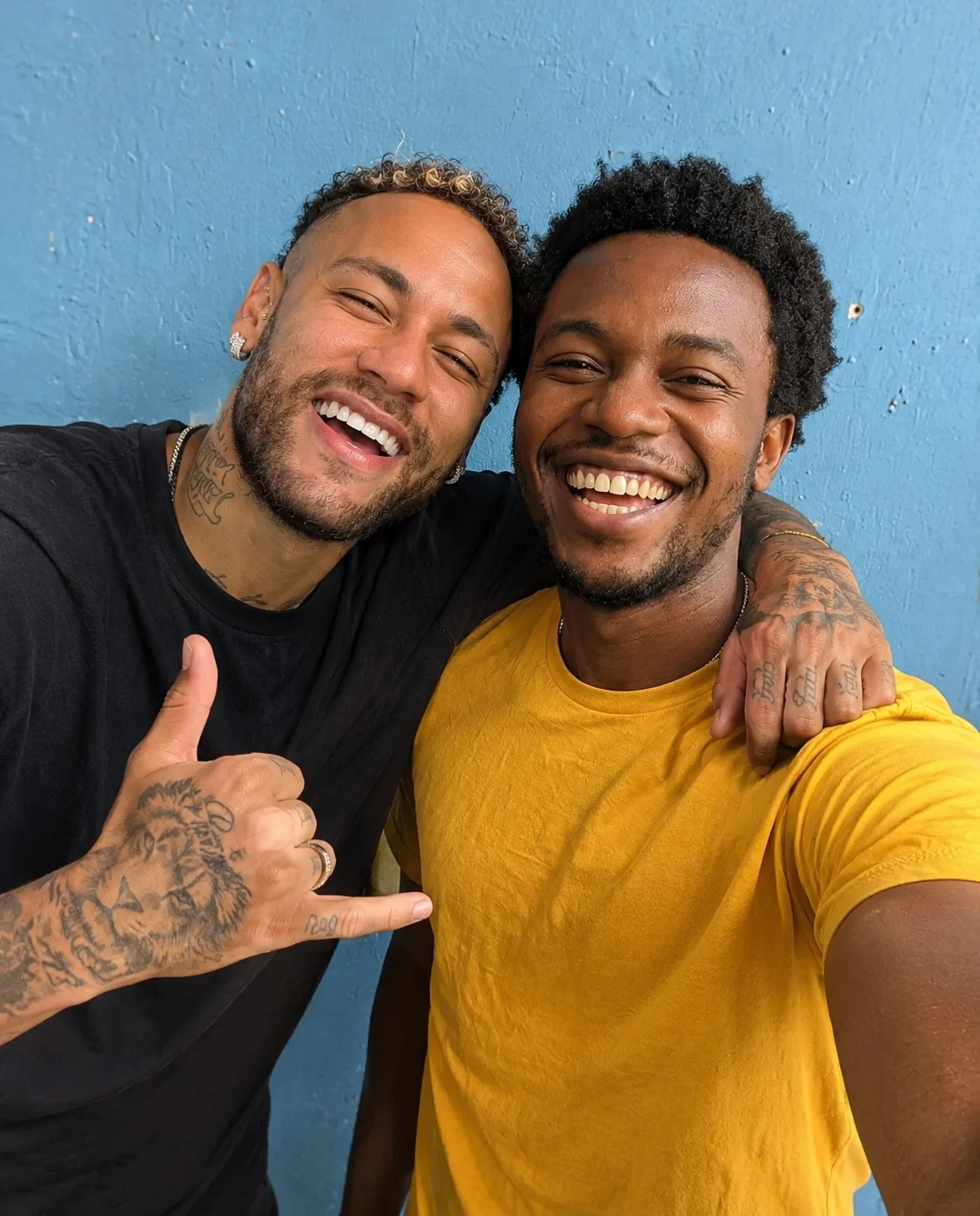
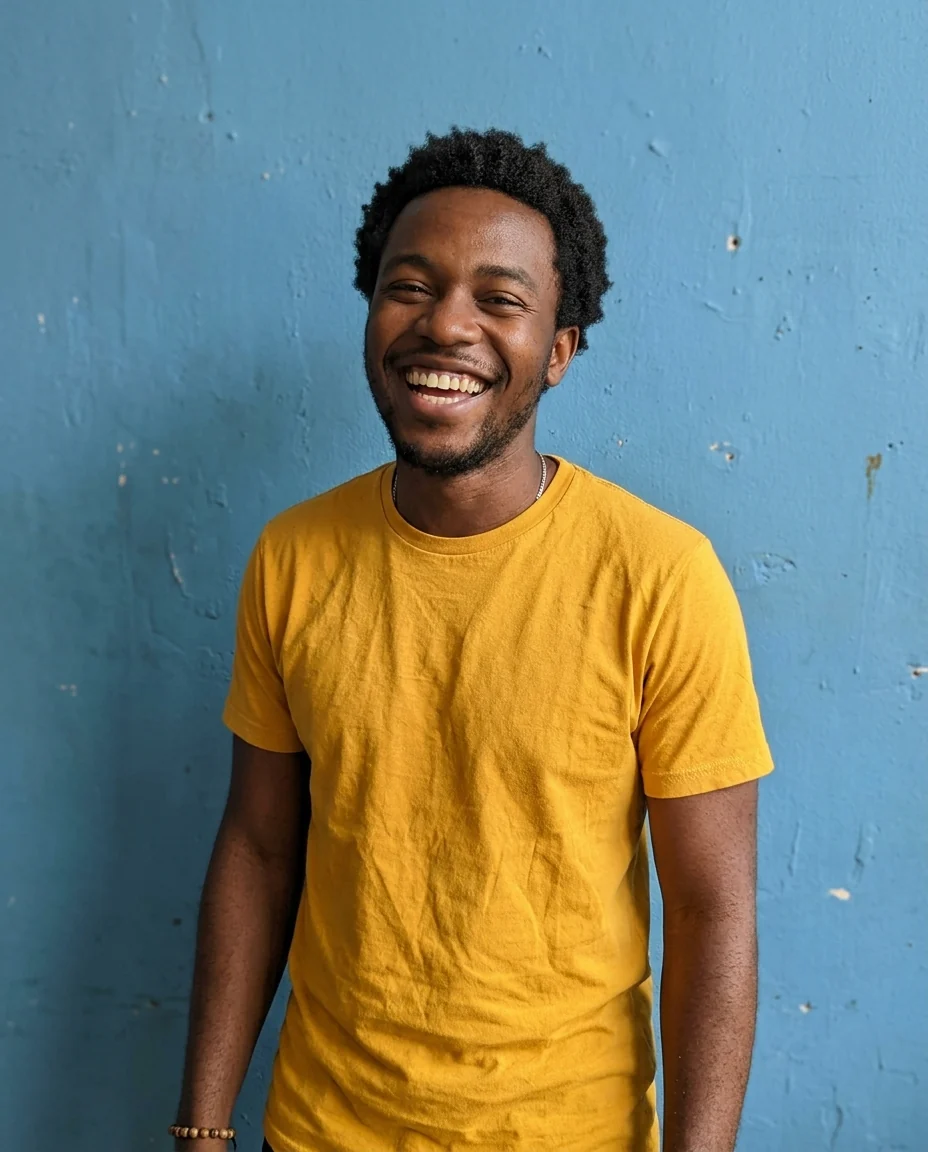
Selfie together
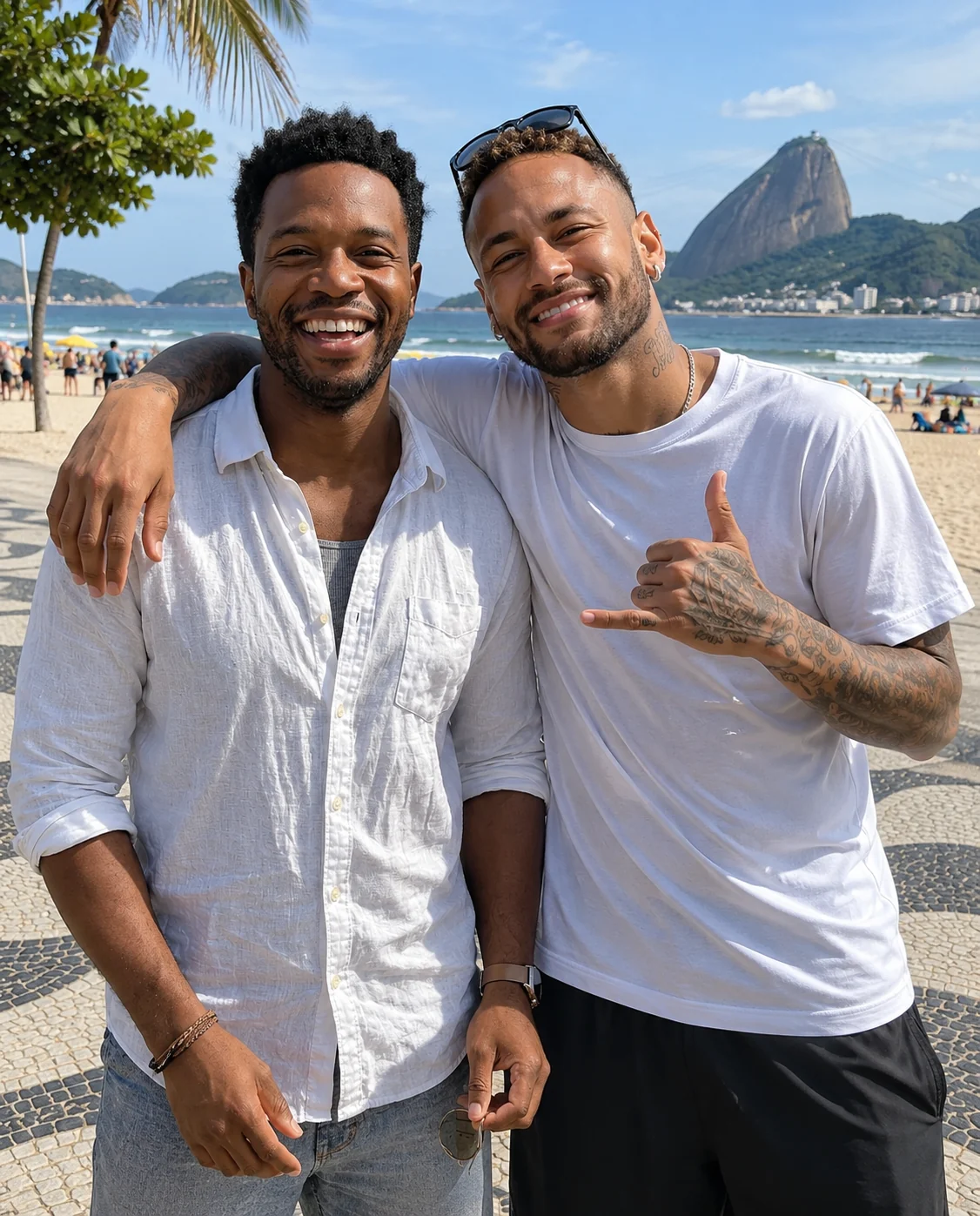
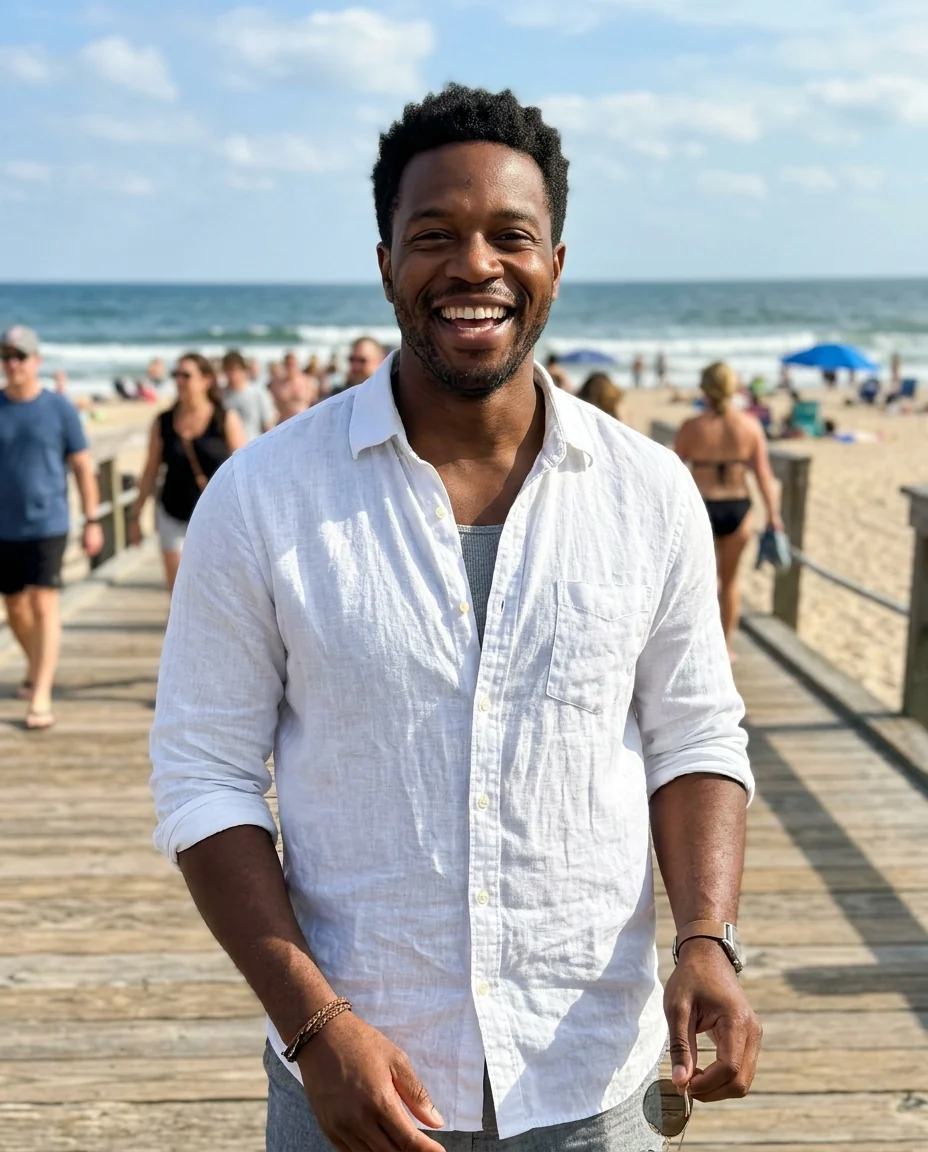
Beach in Rio
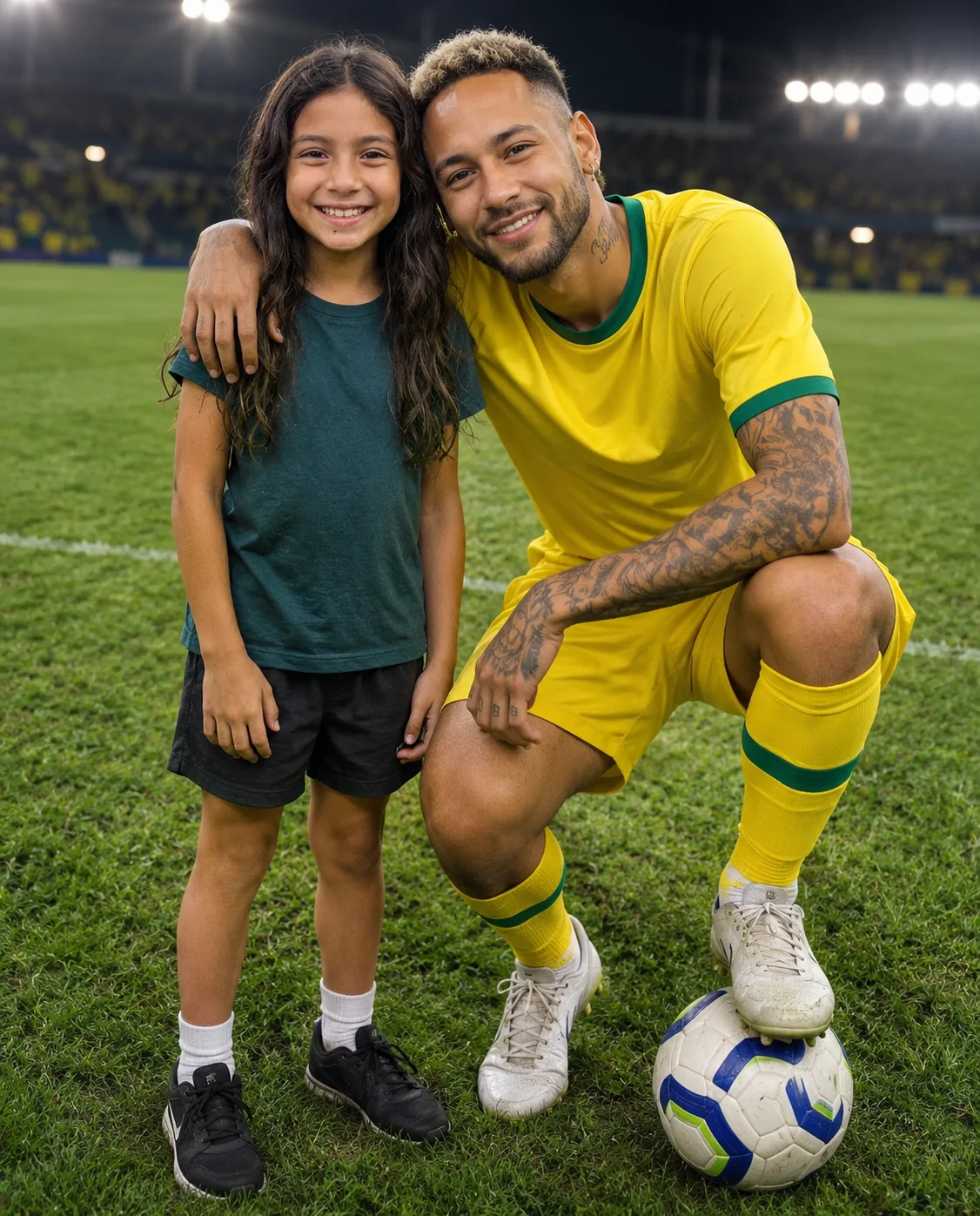
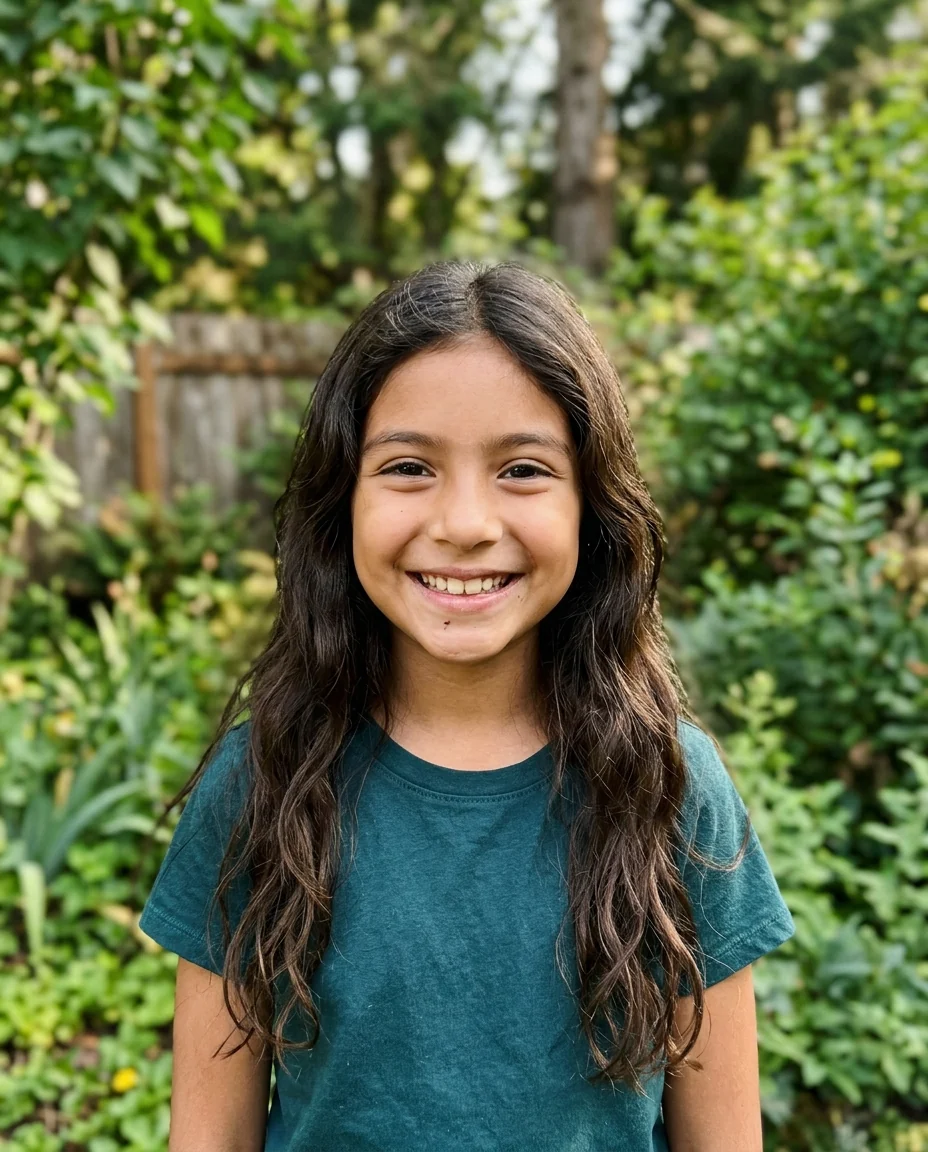
On the pitch
AI Photo with Neymar features.
Looks like Ney
His face, hair and tattoos, not a lookalike.
You stay you
Your face, hair and clothes are kept.
Three scenes
Selfie, Rio beach or stadium pitch.
AI Photo with Neymar, step by step.
01
Upload your photo
A bright photo of you, smiling helps.
02
Pick a scene
Selfie, beach in Rio, or on the pitch.
03
Download
Post it or send it to your group chat.
AI Photo with Neymar use cases.
- Holiday posts
- A Rio beach day with Neymar for your summer feed.
- Gifts for young fans
- Show a kid who loves Brazil football a picture with Ney.
AI Photo with Neymar: best photos and fixes.
The photo that works best
Use a sharp, well-lit photo of only you, facing the camera, with nothing in front of your face. A happy expression helps a lot, because Neymar grins in every scene and a serious face next to him can look odd. A selfie at arm's length suits the selfie scene; a photo from a little further back suits the beach and the pitch.
Selfie, beach or pitch
Selfie together keeps your own background and adds Neymar leaning in with a playful hand sign, like a quick picture after you met him. Beach in Rio takes you both to Copacabana-style sand, with the wavy black-and-white promenade and Sugarloaf Mountain behind, Neymar in a white t-shirt with sunglasses pushed up. On the pitch places you under stadium lights, with Neymar in a yellow and green kit crouching beside you, a ball under his foot.
Full body or half body
The selfie only needs your head and shoulders. The beach works well from the waist up, but a full-length photo lets your feet sit in the sand. For the pitch, Neymar crouches, so a photo where you stand or kneel with your legs visible gives the best pose. If only your face is in the photo, your body is filled in to match the scene.
Ideas for the instructions
Write one short moment in the instructions, such as "Neymar teaching me a rainbow flick", "both of us doing a samba step" or "sunset on the beach with coconuts". You can change the time of day too, for example "golden hour". Keep it simple; several actions at once tend to make the picture busy.
Kits, logos and text
Neymar's kit is a plain yellow shirt with green trim, with no badge, crest or sponsor. On the beach he wears a plain white tee. No words or numbers are added to the picture. Your own clothes stay as they are, so a yellow or green top is a nice touch if you want to look like part of the team.
If it doesn't look right
Results change a little each time. If Neymar's hair or tattoos look wrong, simply generate again with the same photo. If your face looks off, try a clearer, front-facing photo with even light. Adding "both smiling at the camera" often makes the pose more natural.
AI Photo with Neymar FAQ.
Will it really look like Neymar?
Yes. The picture shows Neymar Jr's own face, hair and tattoos next to you. If one result looks off, generate again.
Will my face change?
No. Your face, hair, skin tone and body are kept, so you are easy to recognize.
Can I make a simple selfie with Neymar?
Yes. Pick Selfie together and your own background stays, with Neymar leaning in and making a hand sign.
Is this a real photo with Neymar?
No. It is an AI-made picture for fun. Amberleak is not connected with Neymar Jr. Don't use it to suggest he endorses anything or to fool people into thinking you met him.
Is AI photo with Neymar free?
Yes, you can try it free. New accounts get 25 free credits, and one generation here uses 9 credits. You sign in with your email; no card needed. Results have no watermark. After that, credit packs never expire, and your first one is half price.

