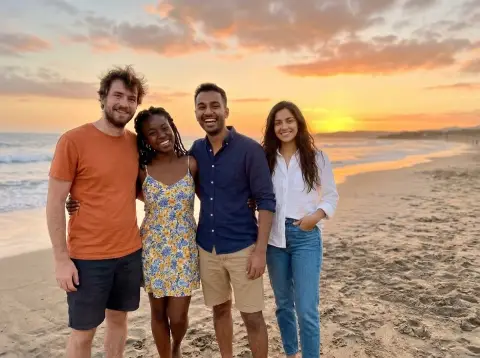
AI Photo with Justin Bieber
Your own photo, with Justin Bieber hanging out next to you.
Drop a photo
or paste with ⌘V · JPG · PNG · WebP · up to 8 MB
No photo handy? Try one of ours.
More like this.

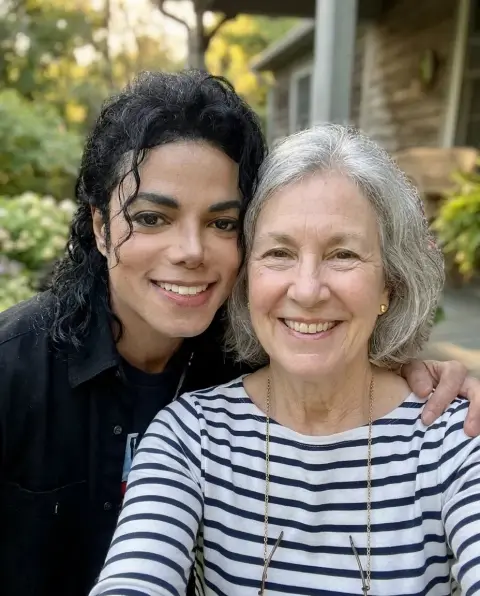
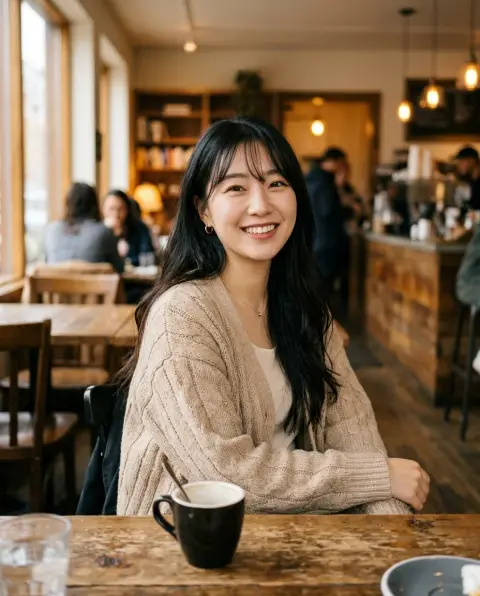
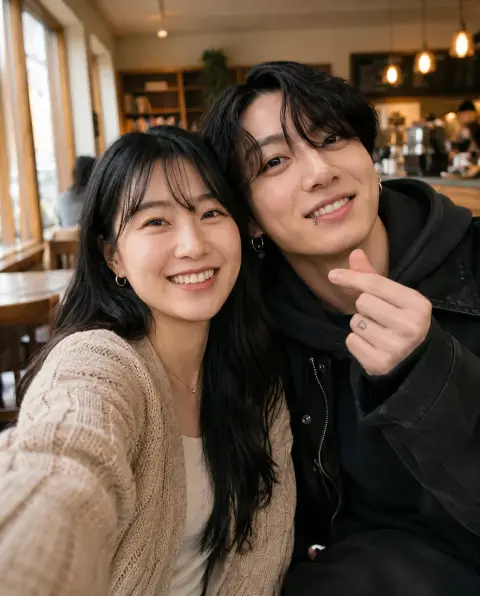
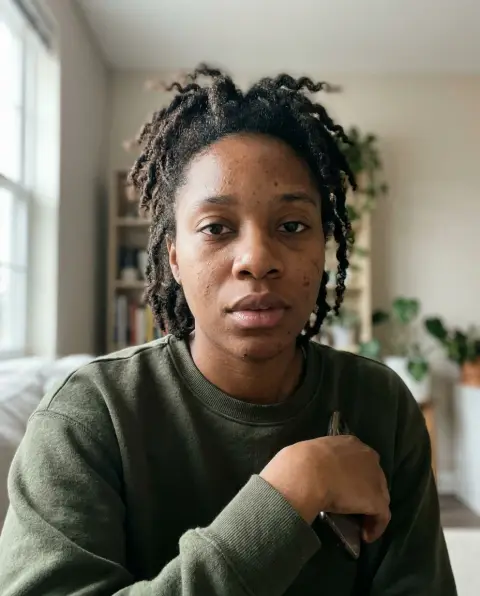
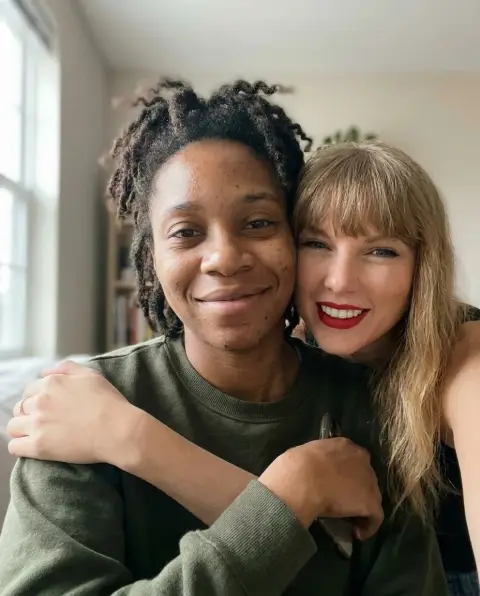
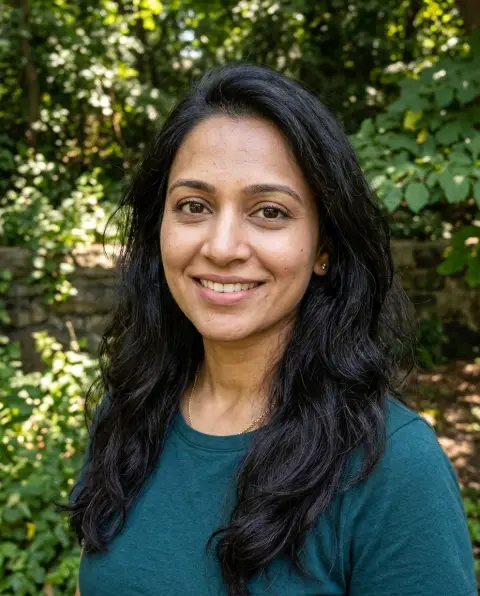
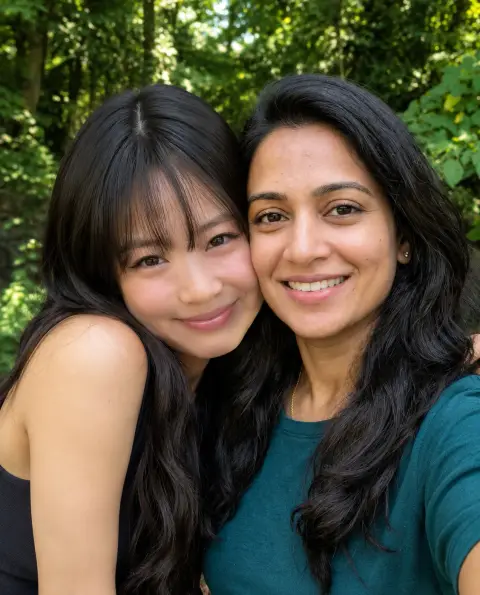
AI Photo with Justin Bieber examples.
Real results from this page's default settings in one click, not retouched.How examples are made
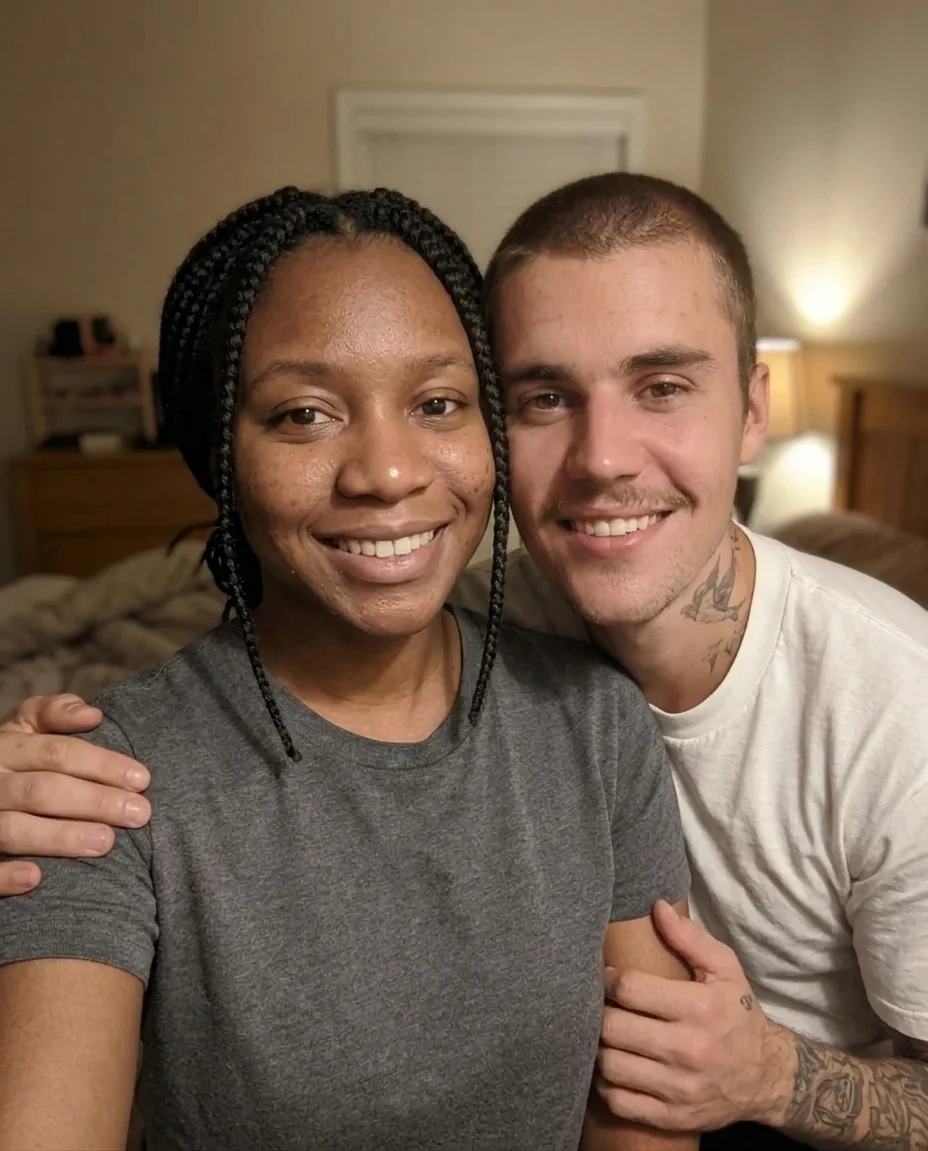
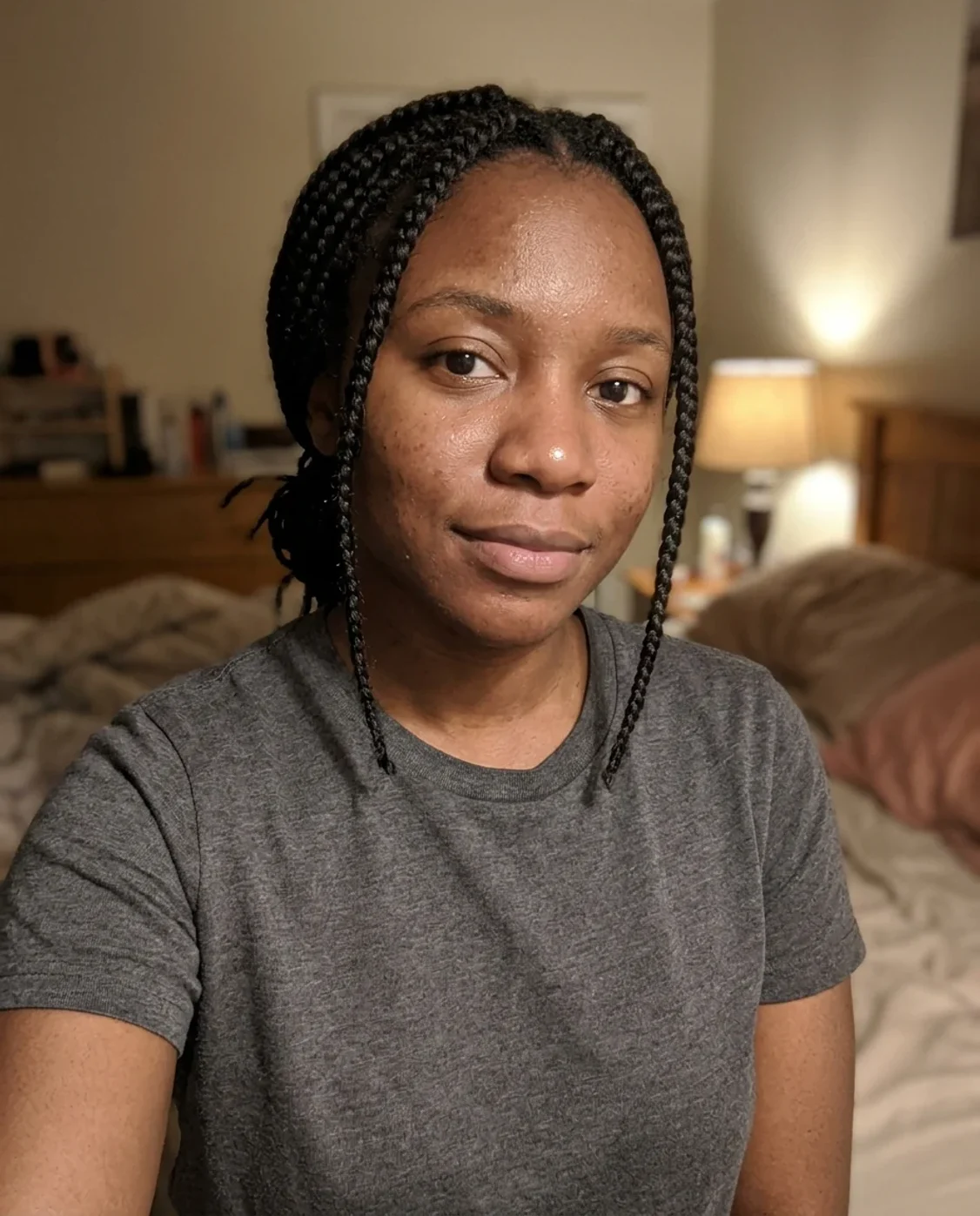
Selfie together
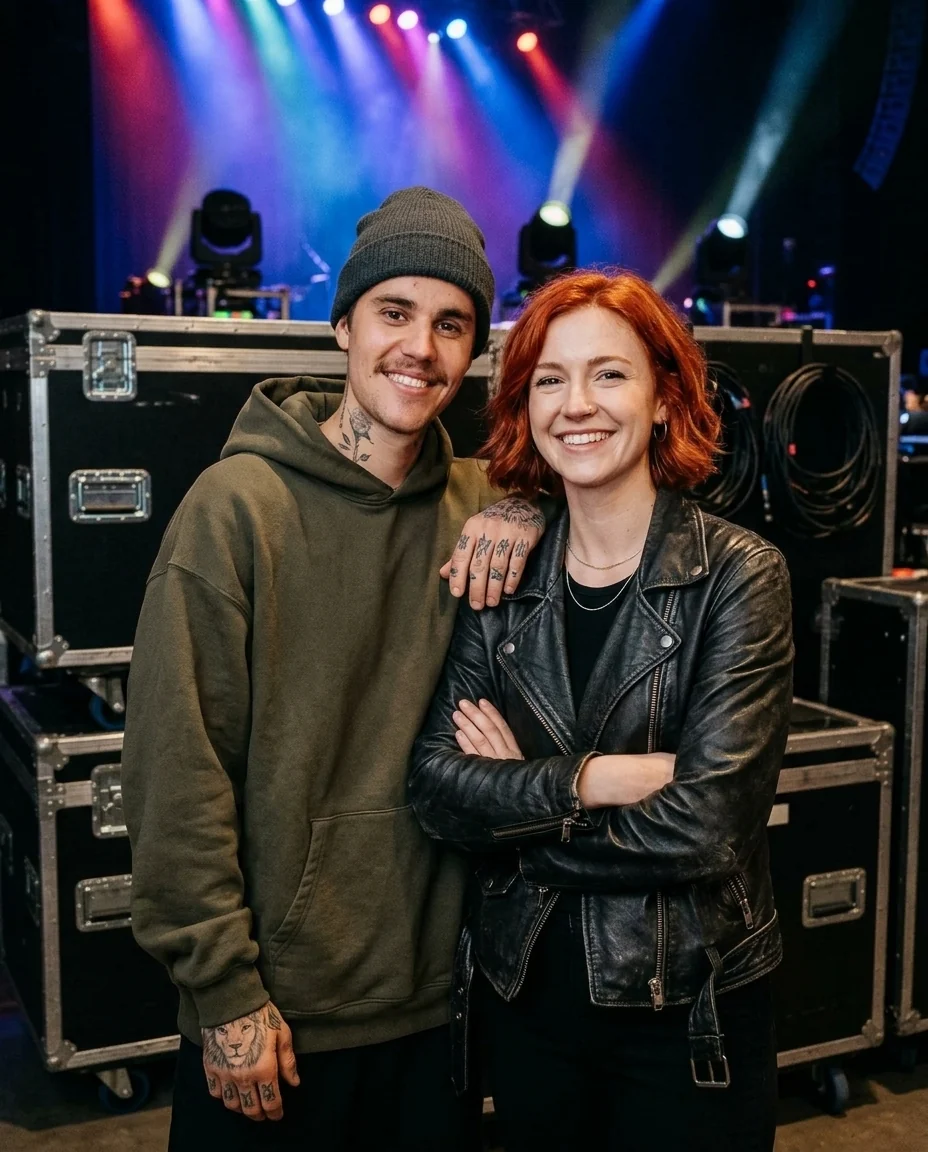
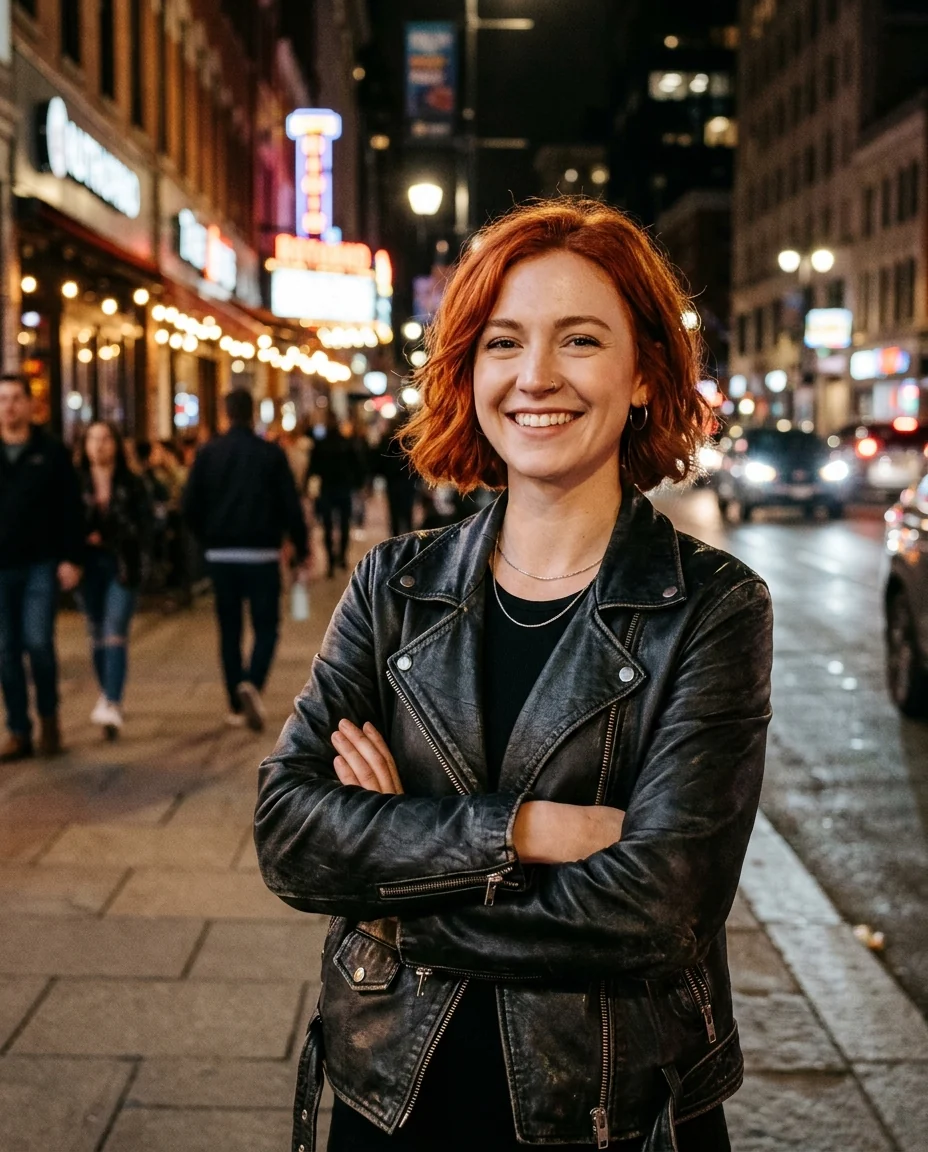
Backstage
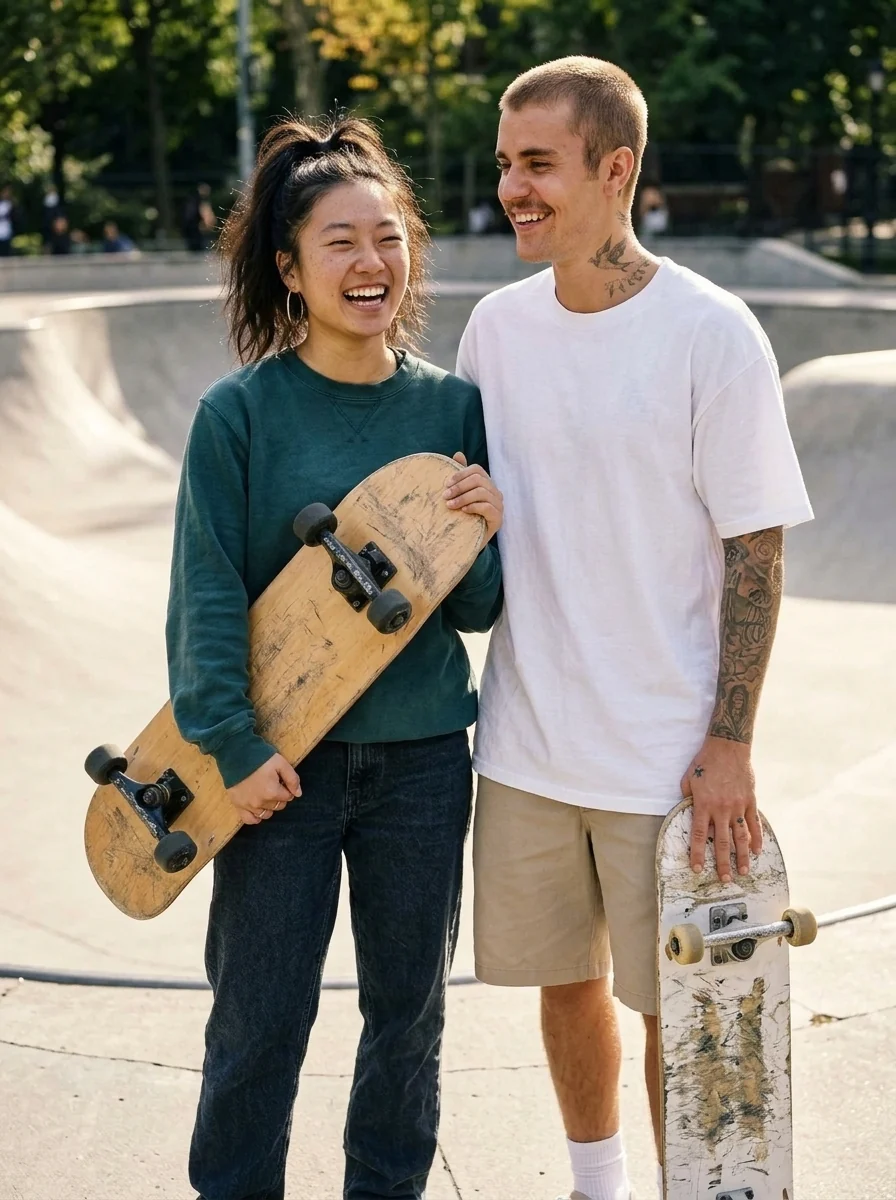
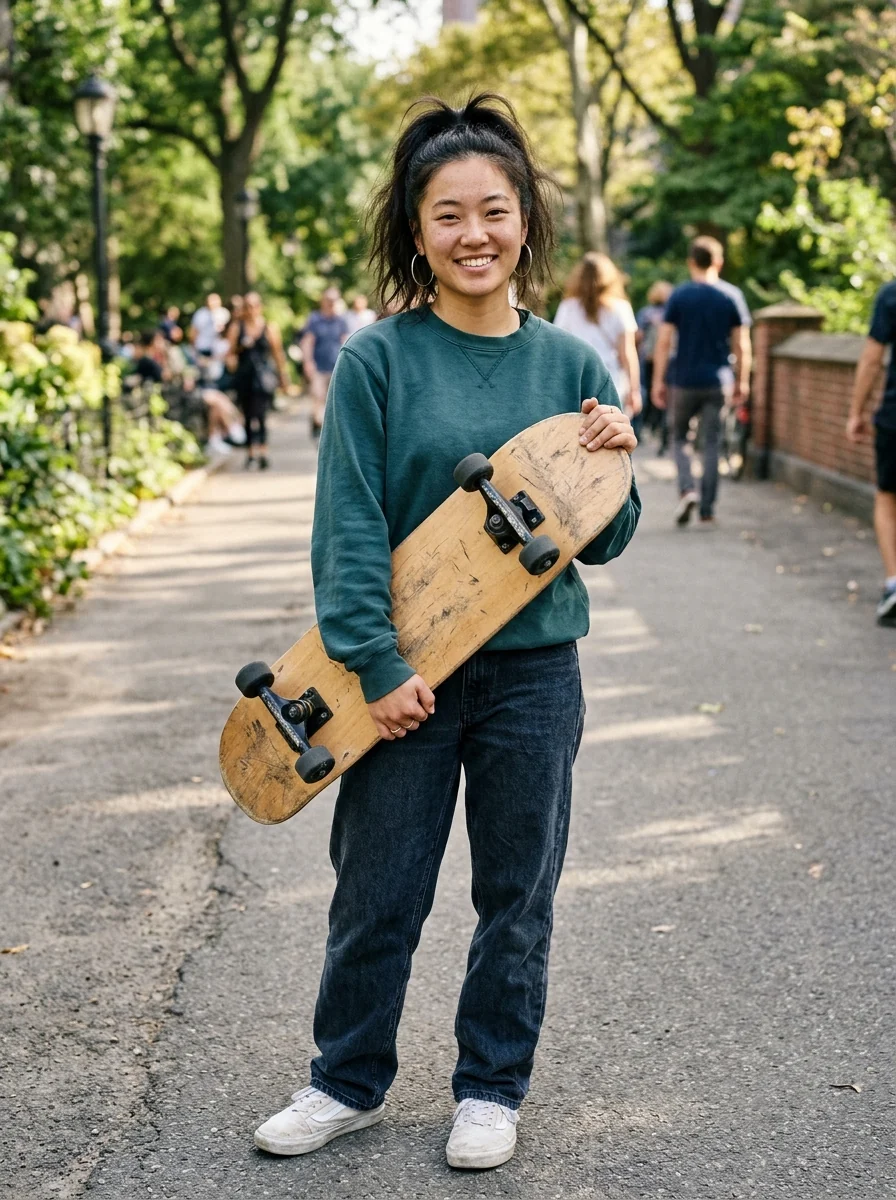
At the skatepark
AI Photo with Justin Bieber features.
Looks like Justin
His face, tattoos and style, not a lookalike.
You stay you
Your face, hair and clothes are kept.
Three scenes
Selfie, backstage or skatepark.
AI Photo with Justin Bieber, step by step.
01
Upload your photo
A clear photo of you, front facing.
02
Pick a scene
Selfie, backstage, or at the skatepark.
03
Download
Share it or keep it as your lock screen.
AI Photo with Justin Bieber use cases.
- Fan posts
- A hangout picture with Justin for your story.
- Gifts for Beliebers
- Surprise a friend who has loved his music for years.
AI Photo with Justin Bieber: best photos and fixes.
The photo that works best
Pick a clear photo of only you, looking toward the camera, with your face in good light and nothing covering it. A phone selfie is perfect for the selfie scene, since Justin leans in at the same arm's length. For backstage and the skatepark, a photo from a little further away shows more of you and gives a more natural pose.
Selfie, backstage or skatepark
Selfie together keeps your own room or street and adds Justin Bieber beside you, as if he dropped by for a picture. Backstage moves you behind a concert stage, with stage lights and black road cases behind, Justin in an oversized hoodie and a beanie. At the skatepark takes you both to a sunny park with ramps, Justin in a loose t-shirt and shorts holding a skateboard, both relaxed and laughing.
Full body for the skatepark
The skatepark shows you both from head to toe or close to it. If you upload a close-up selfie, your body and legs are filled in, which can look less like you. A full-length photo in jeans, shorts or sneakers fits the scene well. Backstage works from the waist up, and the selfie only needs your head and shoulders.
Ideas for the instructions
Write one small moment, like "Justin teaching me a kickflip", "sitting on the edge of the bowl together" or "Justin playing guitar backstage". You can also change the light, for example "sunset at the skatepark". Keep it to one action; too many ideas in one picture make it look staged.
Clothes, logos and text
Justin's hoodie, beanie and t-shirt are plain, with no brand names or logos, and the road cases backstage are plain black with no printed names. No words are added to the picture. Your own clothes stay the same, so a hoodie or casual outfit in your photo fits right in.
If it doesn't look right
Every run is a bit different. If Justin's face, hair or tattoos look off, generate again with the same photo. If your face looks wrong, try a sharper, front-facing photo in daylight. Adding "both smiling at the camera" can make the picture feel more relaxed.
AI Photo with Justin Bieber FAQ.
Will it really look like Justin Bieber?
Yes. The picture shows Justin Bieber's own face, short hair and tattoos next to you. If one result looks off, generate again.
Will my face change?
No. Your face, hair, skin tone and body are kept, so you are clearly recognizable.
Can I make a simple selfie with Justin Bieber?
Yes. Pick Selfie together and your own background stays, with Justin leaning in beside you.
Is this a real photo with Justin Bieber?
No. It is an AI-made picture for fun. Amberleak is not connected with Justin Bieber. Don't use it to suggest he endorses anything or to fool people into thinking you met him.
Is AI photo with Justin Bieber free?
Yes, you can try it free. New accounts get 25 free credits, and one generation here uses 13 credits. You sign in with your email; no card needed. Results have no watermark. After that, credit packs never expire, and your first one is half price.