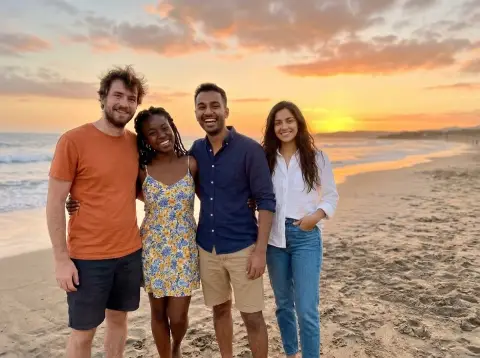
AI Photo with Jungkook
Your own photo, with Jungkook making a finger heart beside you.
Drop a photo
or paste with ⌘V · JPG · PNG · WebP · up to 8 MB
No photo handy? Try one of ours.
More like this.
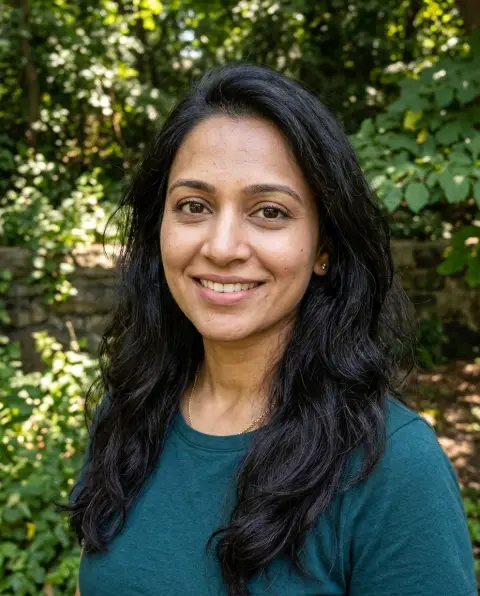
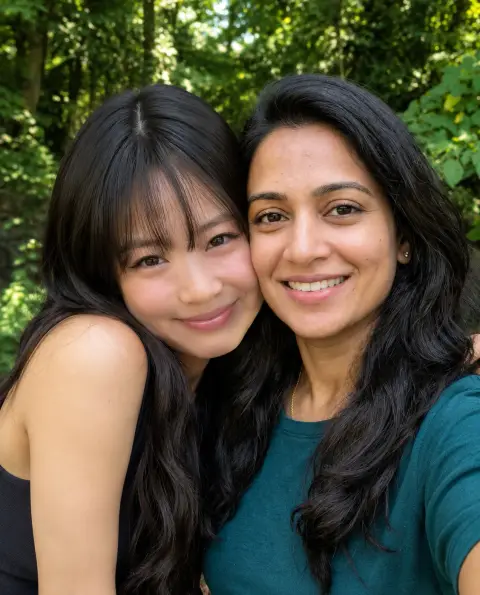
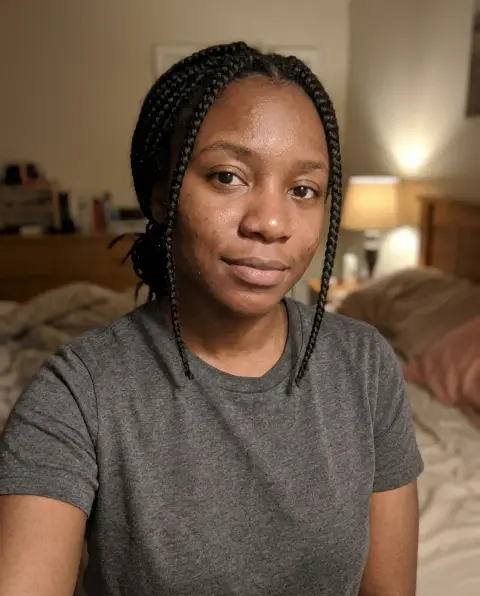
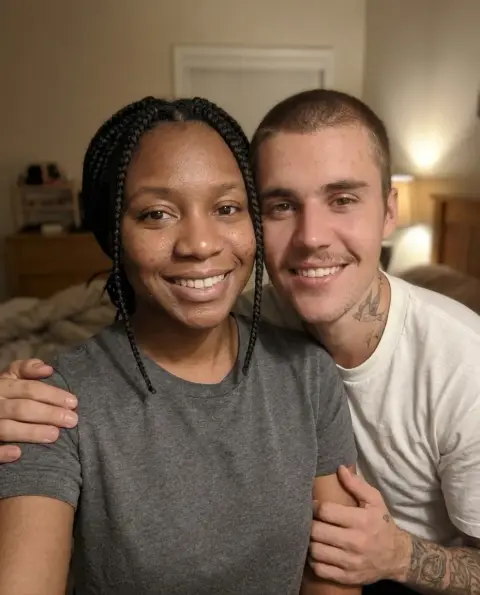
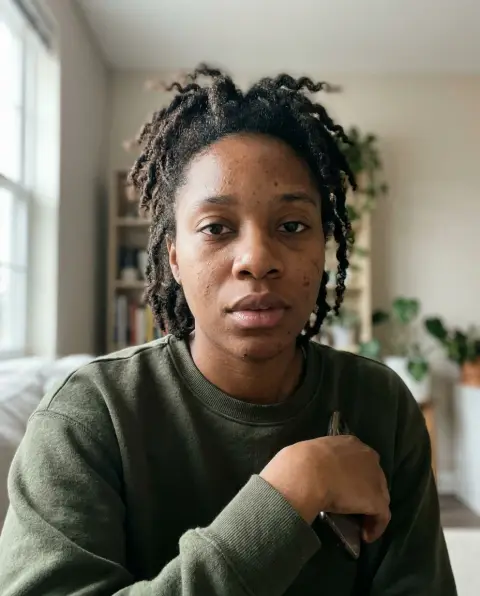
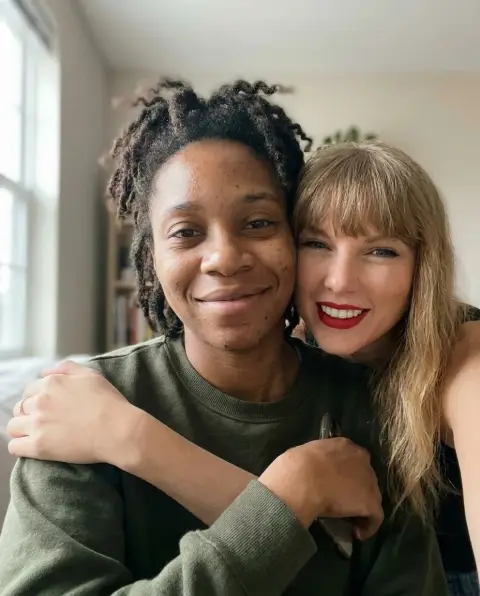

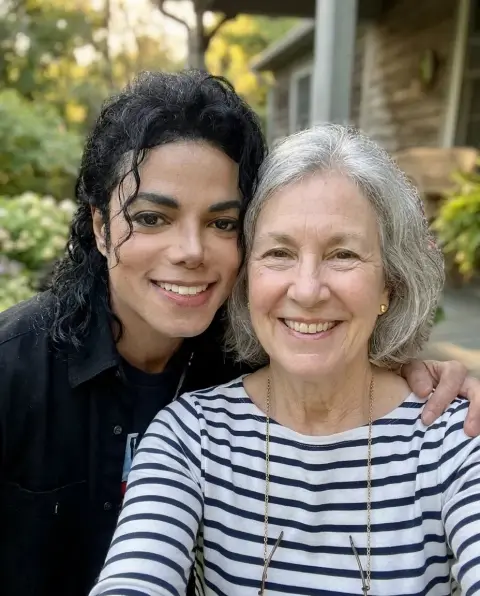


AI Photo with Jungkook examples.
Real results from this page's default settings in one click, not retouched.How examples are made
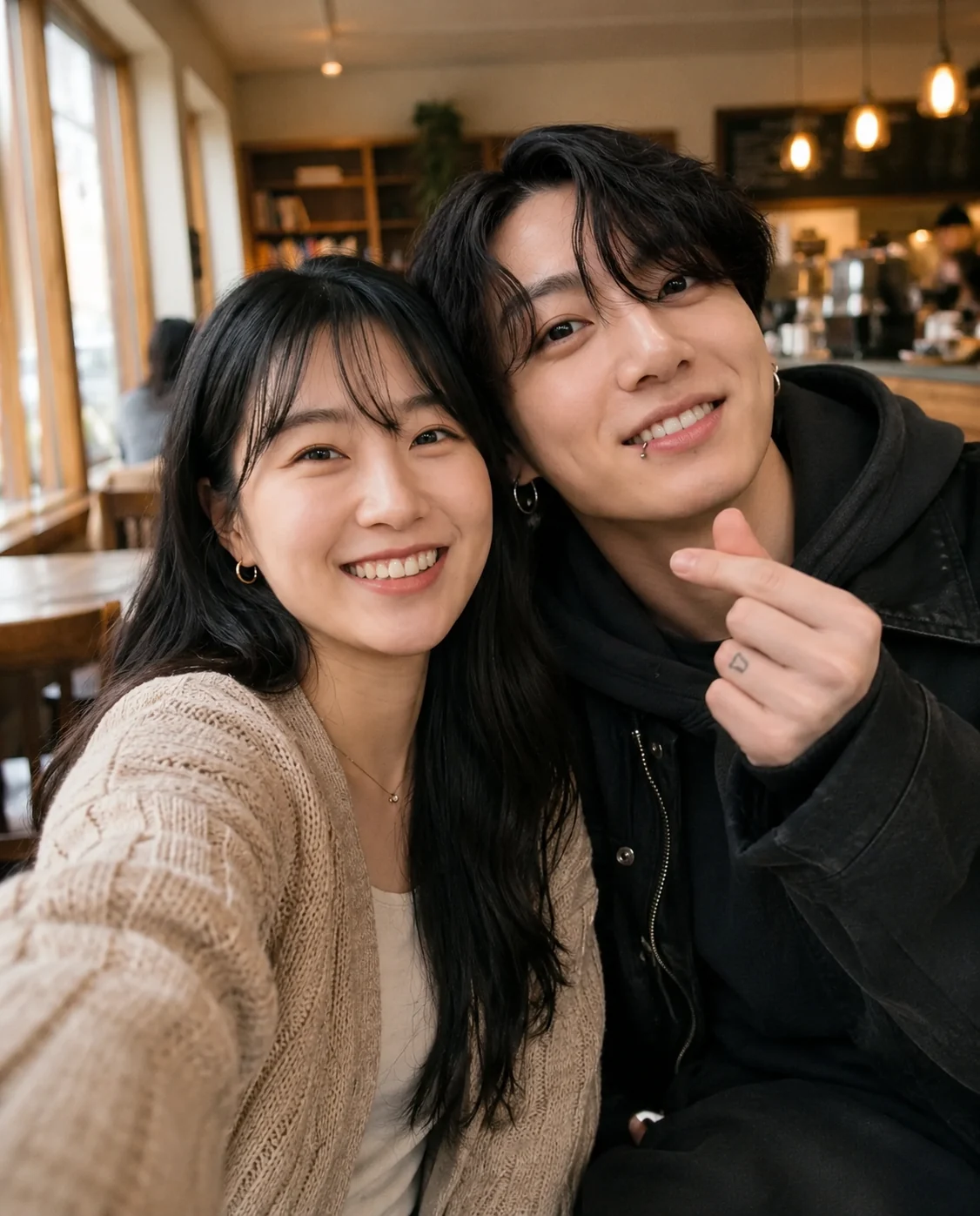
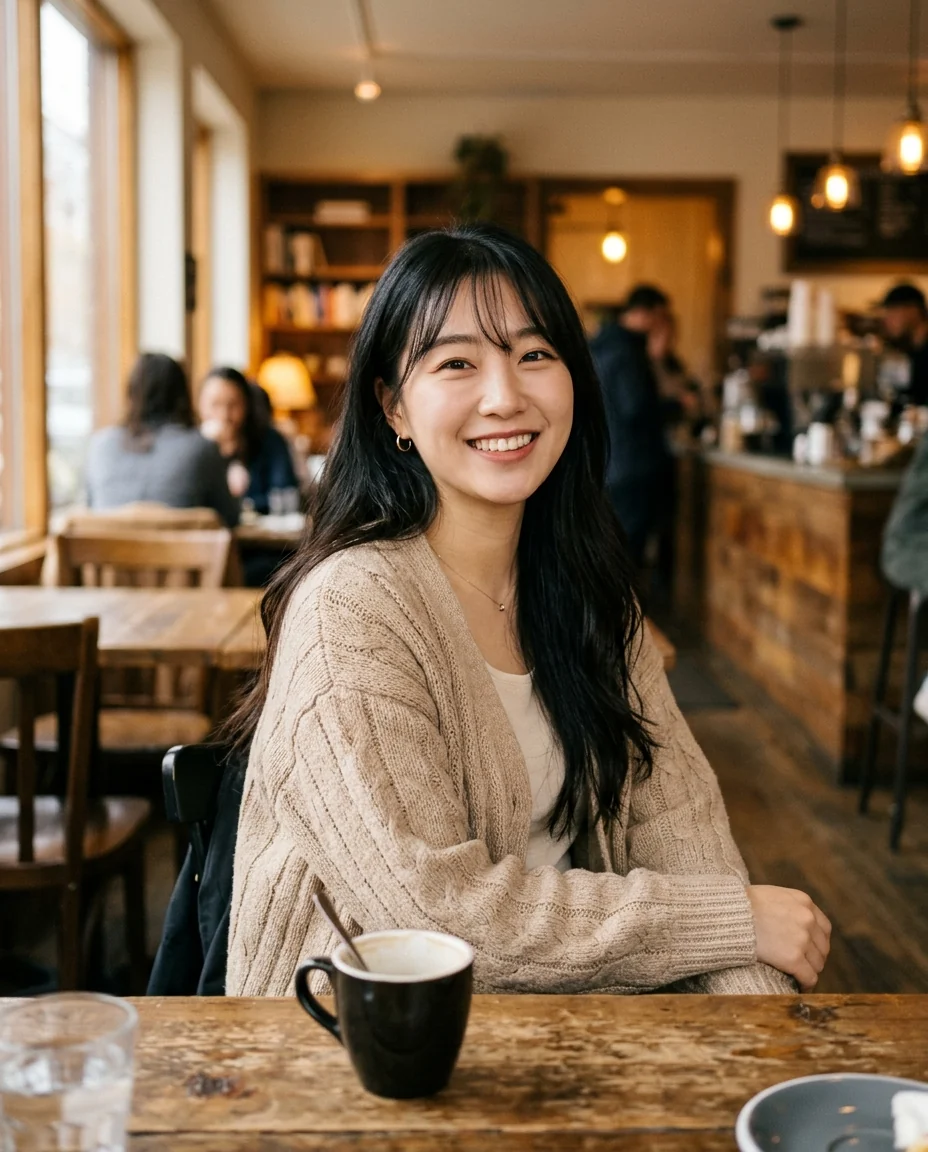
Selfie together
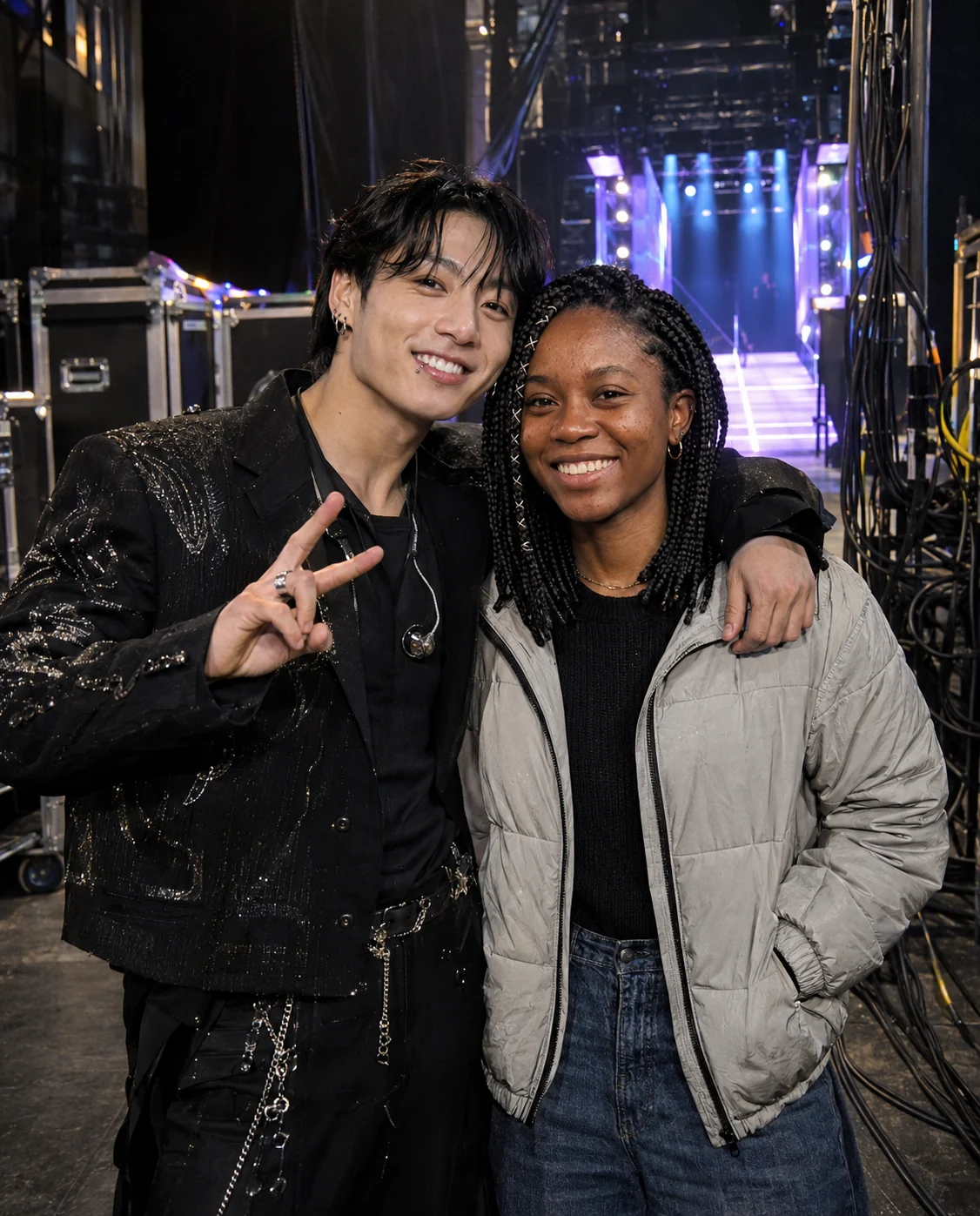
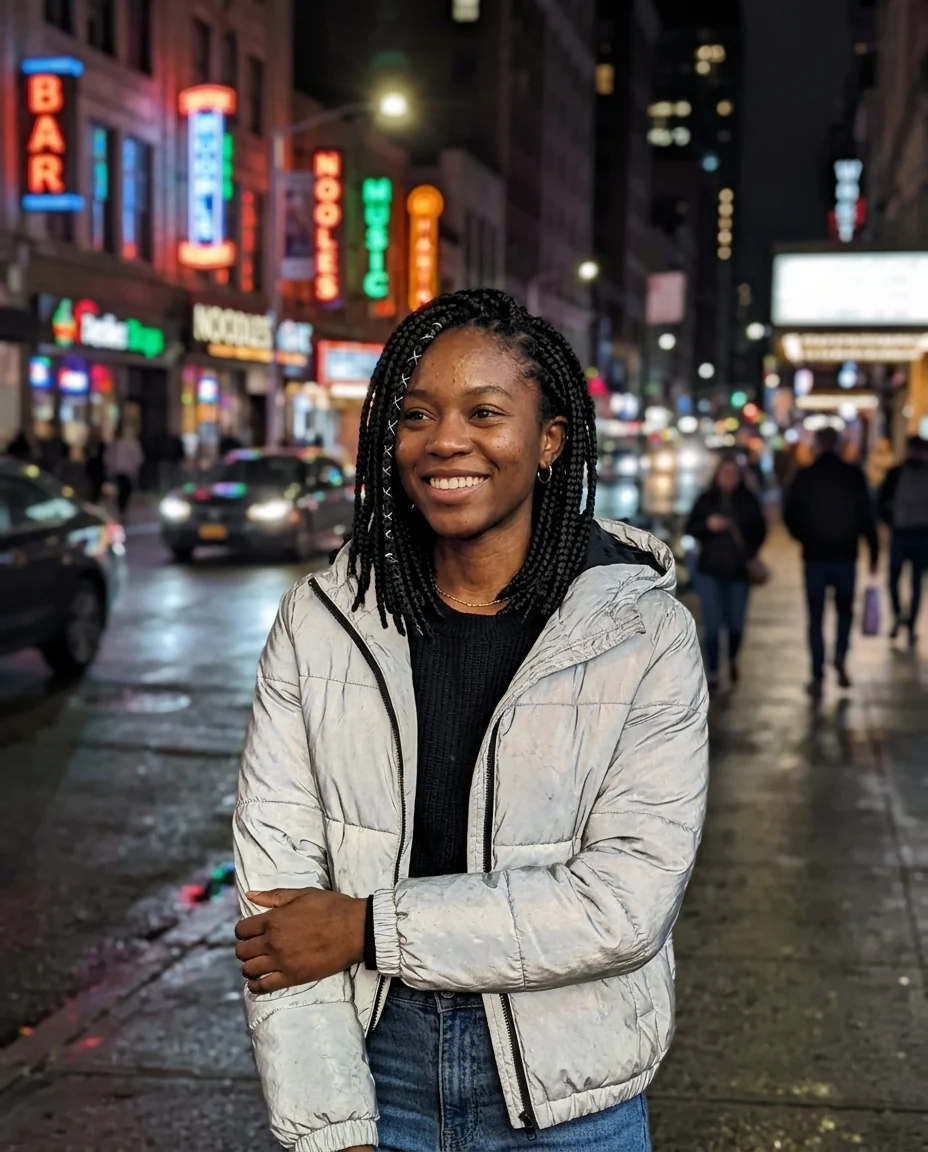
Backstage at a concert
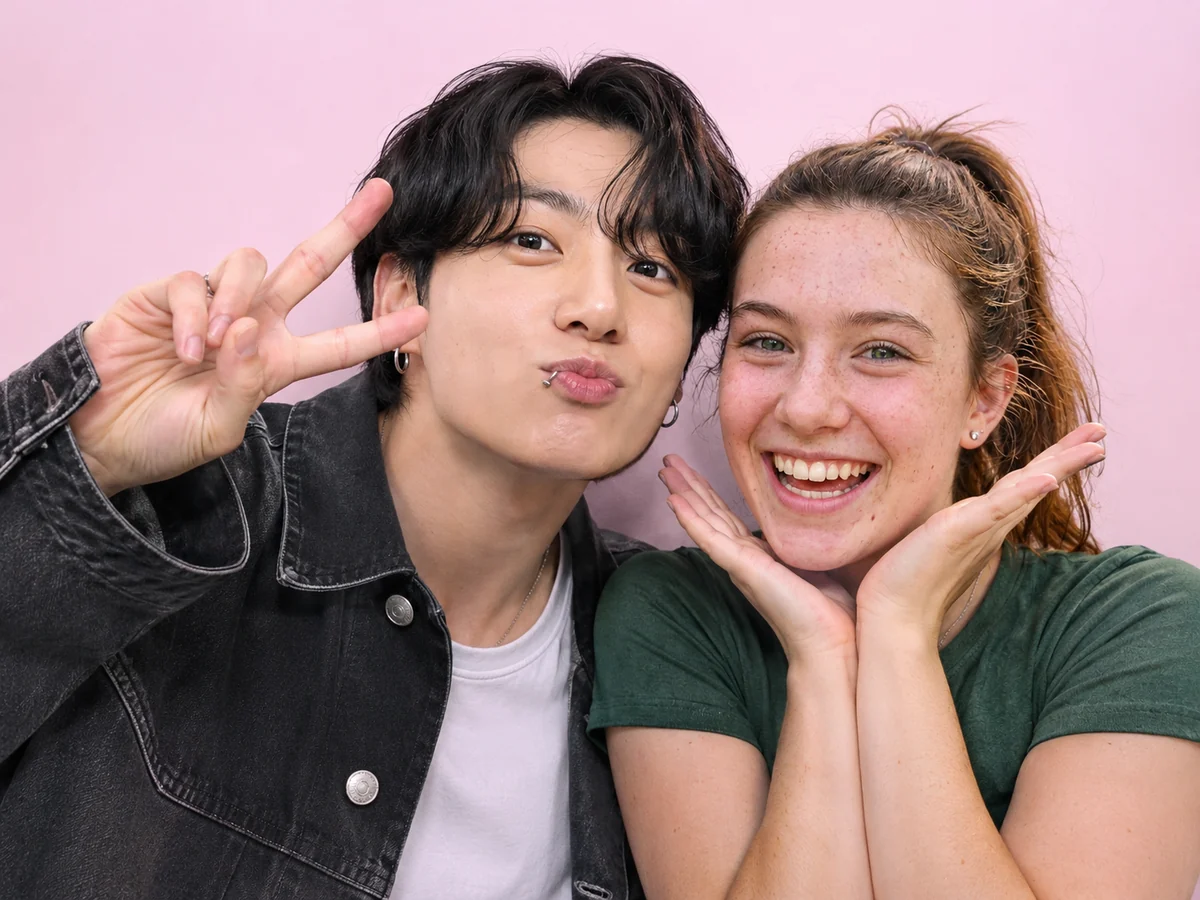
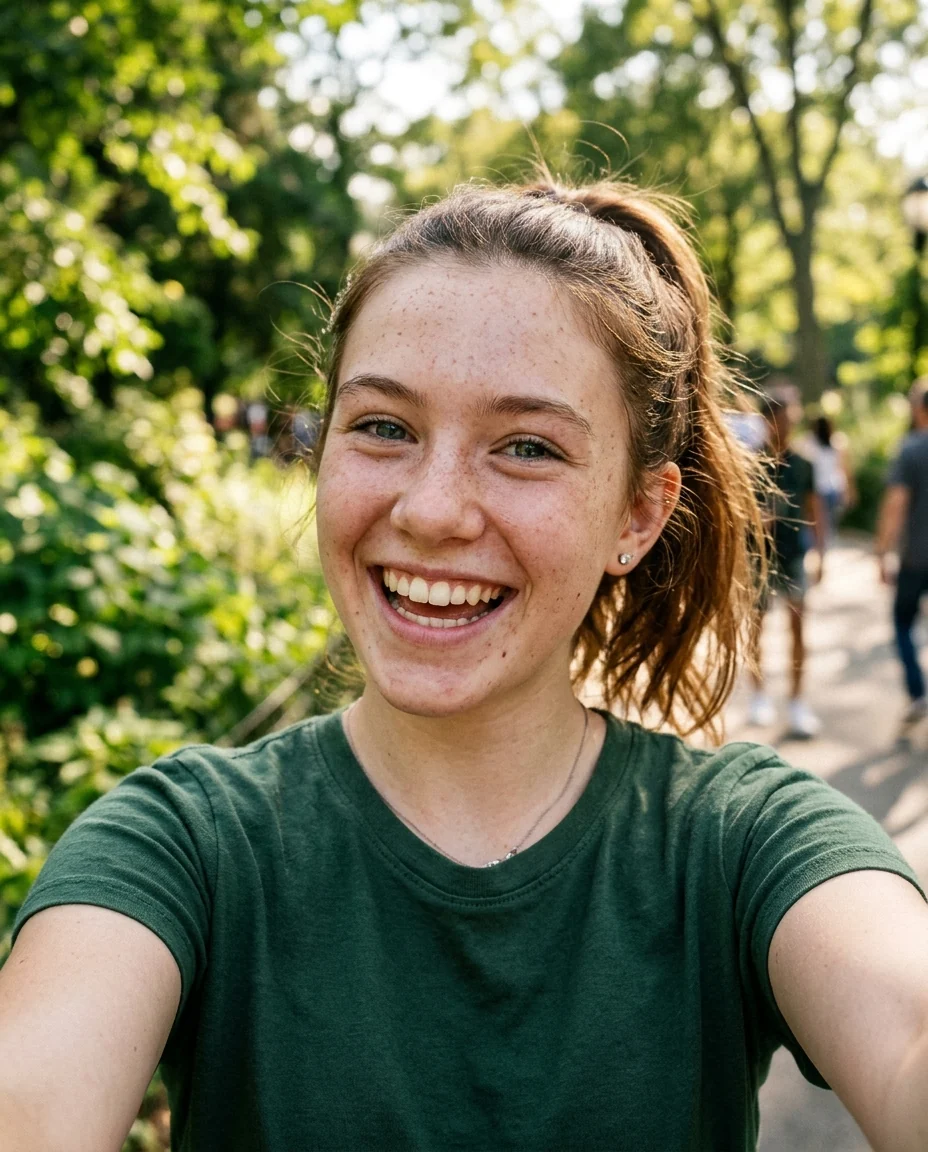
Photo booth strip
AI Photo with Jungkook features.
Looks like JK
His face, hair and lip piercing, not a lookalike.
You stay you
Your face, hair and clothes are kept.
Three scenes
Selfie, backstage or Korean photo booth.
AI Photo with Jungkook, step by step.
01
Upload your photo
A clear selfie or portrait of you.
02
Pick a scene
Selfie, backstage, or photo booth.
03
Download
Save it to your fan album or post it.
AI Photo with Jungkook use cases.
- Fan accounts
- A picture with Jungkook for your story or fan page.
- Birthday surprise
- Make a booth picture for a friend whose bias is JK.
AI Photo with Jungkook: best photos and fixes.
The photo that works best
Use a clear photo of you alone, looking at the camera, with your face in soft, even light. Bangs and glasses are fine, but keep your eyes visible and your hands away from your face. A phone selfie is ideal for the selfie and photo booth scenes, because both are close and front-on, just like a real booth shot.
Selfie, backstage or booth
Selfie together keeps your own place, such as your cafe table or bedroom, and adds Jungkook leaning in with a small finger heart. Backstage at a concert moves you behind the stage, with cables, lights and a glowing entrance behind you, and Jungkook in a black stage outfit. Photo booth strip gives you one bright frame against a pastel backdrop, like the Korean booths, with both of you doing cute poses.
Close-up or half body
None of these scenes needs a full-body photo. The selfie and booth are head and shoulders, and backstage is usually waist up. A photo where your shoulders are in the frame helps the AI place Jungkook at the right height. If your photo is very tight on your face, a bit of your top is filled in to match.
Ideas for the instructions
Add one small idea, like "both making a big heart with our arms", "Jungkook wearing bunny ears in the booth" or "sharing a bubble tea". For backstage, you might try "holding a light stick" or "just after the show". Short and simple works best; a long list of poses makes faces and hands less natural.
Outfits, logos and text
Jungkook's stage outfit is plain black, with no group logo or album name, and the booth backdrop is plain pastel with no frame text or date stamp. No names or words are written on the picture. Your clothes stay as they are, so wear the outfit you would choose for a real concert day.
If it doesn't look right
Results vary a little each time. If Jungkook's hair or smile is not quite him, generate again with the same photo first. If your own face looks different, a sharper front-facing selfie fixes most cases. Adding "both smiling at the camera" helps keep the picture warm and natural.
AI Photo with Jungkook FAQ.
Will it really look like Jungkook?
Yes. The picture shows Jungkook's own face, black hair and slim build next to you. If one result looks off, generate again.
Will my face change?
No. Your face, hair, skin tone and body are kept, so you look like yourself.
Can I make a simple selfie with Jungkook?
Yes. Pick Selfie together and your own background stays, with Jungkook leaning in and making a finger heart.
Is this a real photo with Jungkook?
No. It is an AI-made picture for fun. Amberleak is not connected with Jungkook or BTS. Don't use it to suggest he endorses anything or to fool people into thinking you met him.
Is AI photo with Jungkook free?
Yes, you can try it free. New accounts get 25 free credits, and one generation here uses 9 credits. You sign in with your email; no card needed. Results have no watermark. After that, credit packs never expire, and your first one is half price.