AI Photo with Taylor Swift
Your own photo, with Taylor Swift right beside you.
Drop a photo
or paste with ⌘V · JPG · PNG · WebP · up to 8 MB
No photo handy? Try one of ours.
More like this.

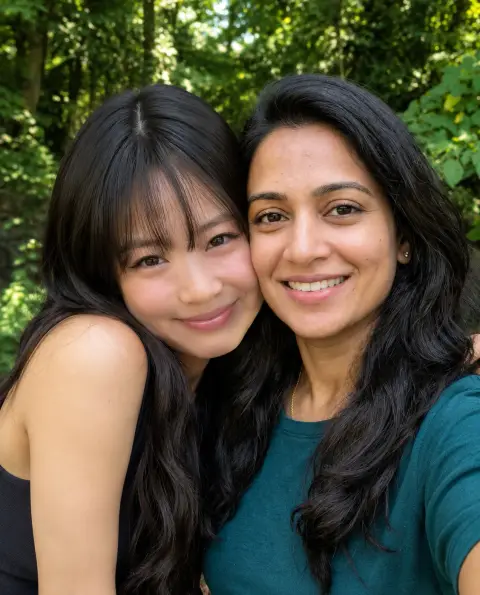

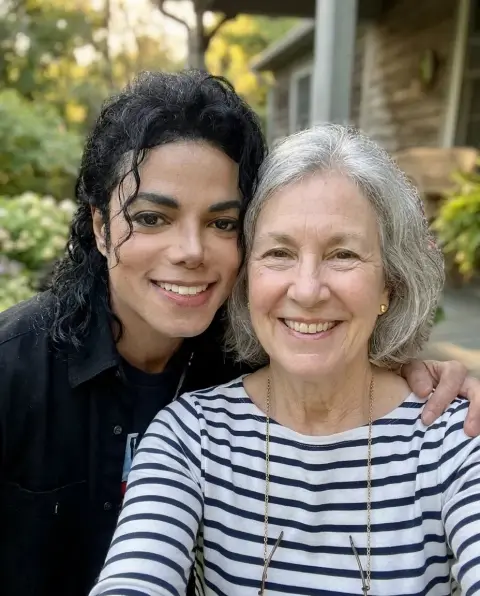
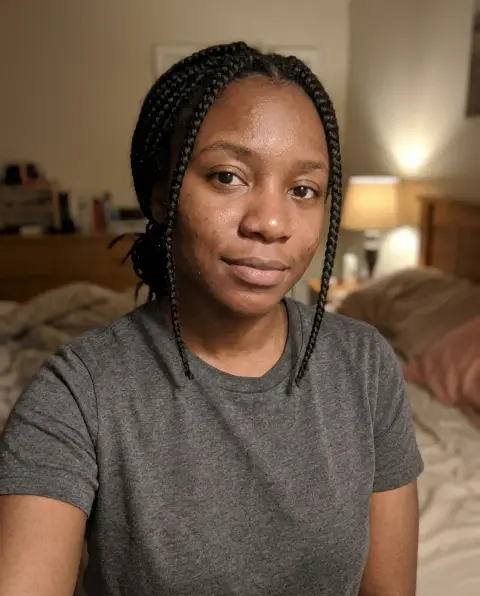
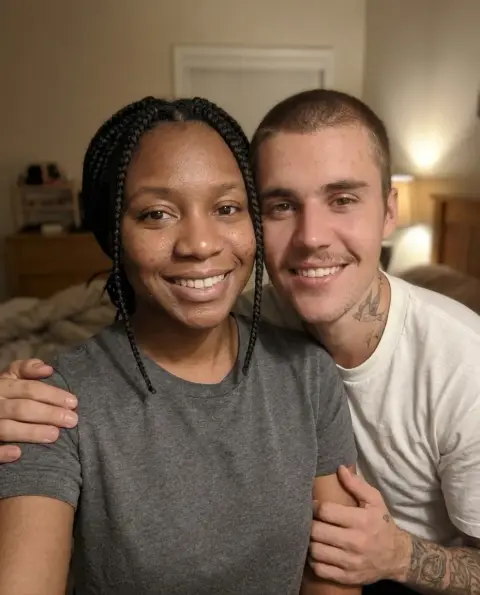
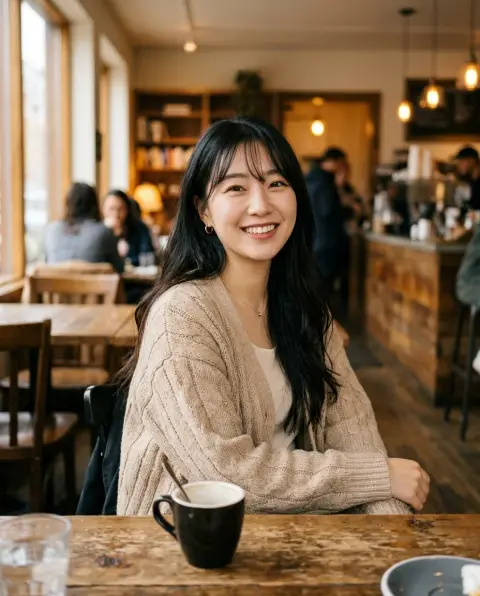
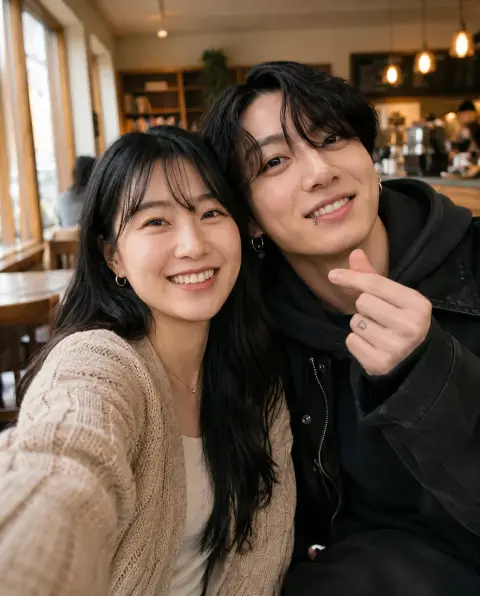


AI Photo with Taylor Swift examples.
Real results from this page's default settings in one click, not retouched.How examples are made
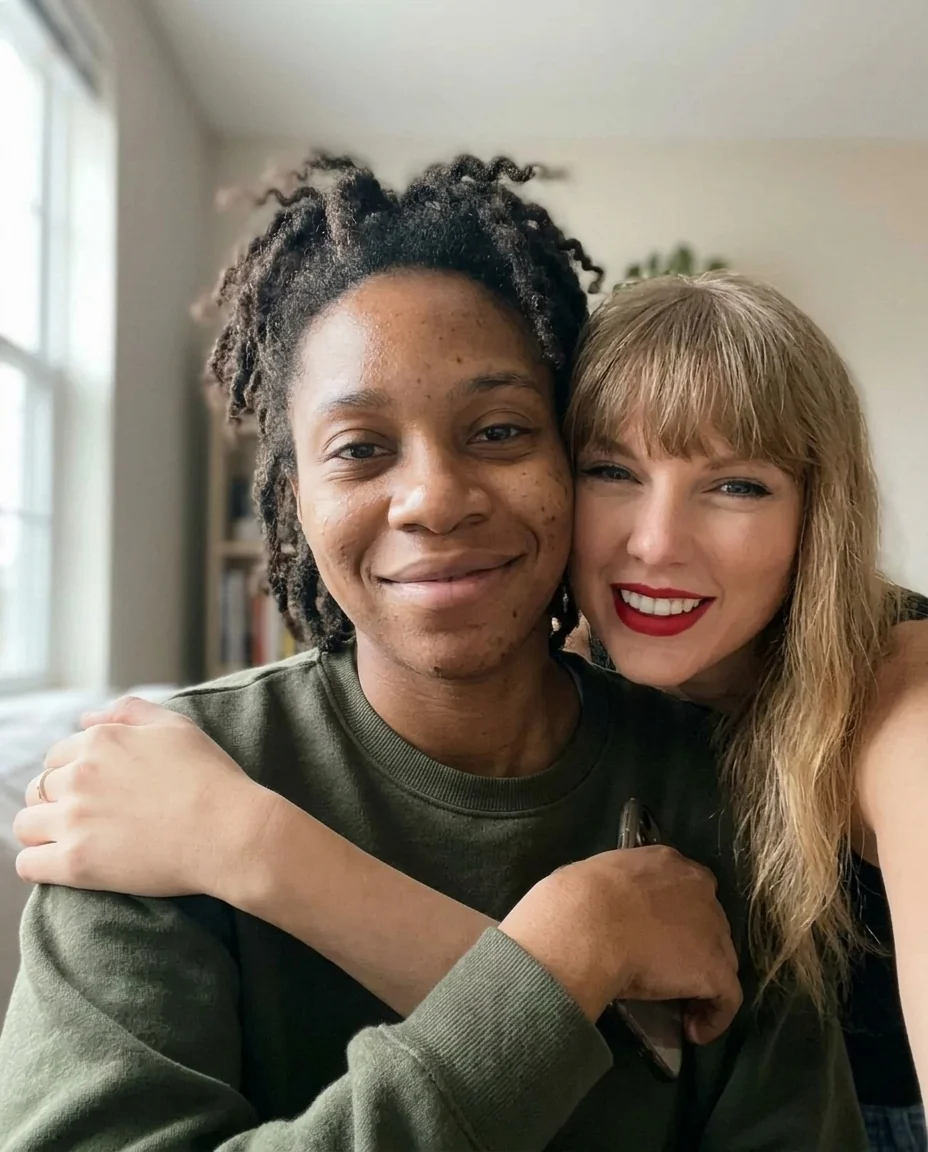
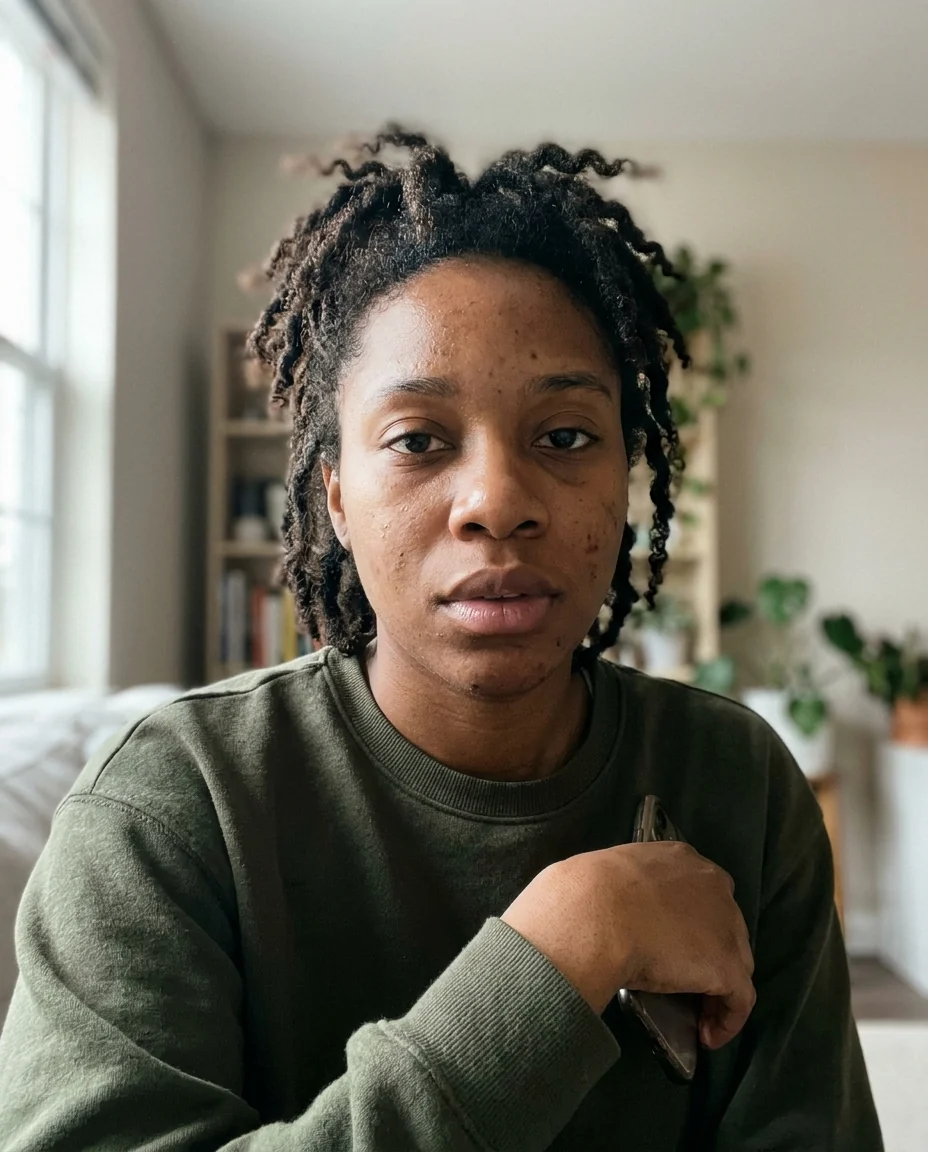
Selfie together
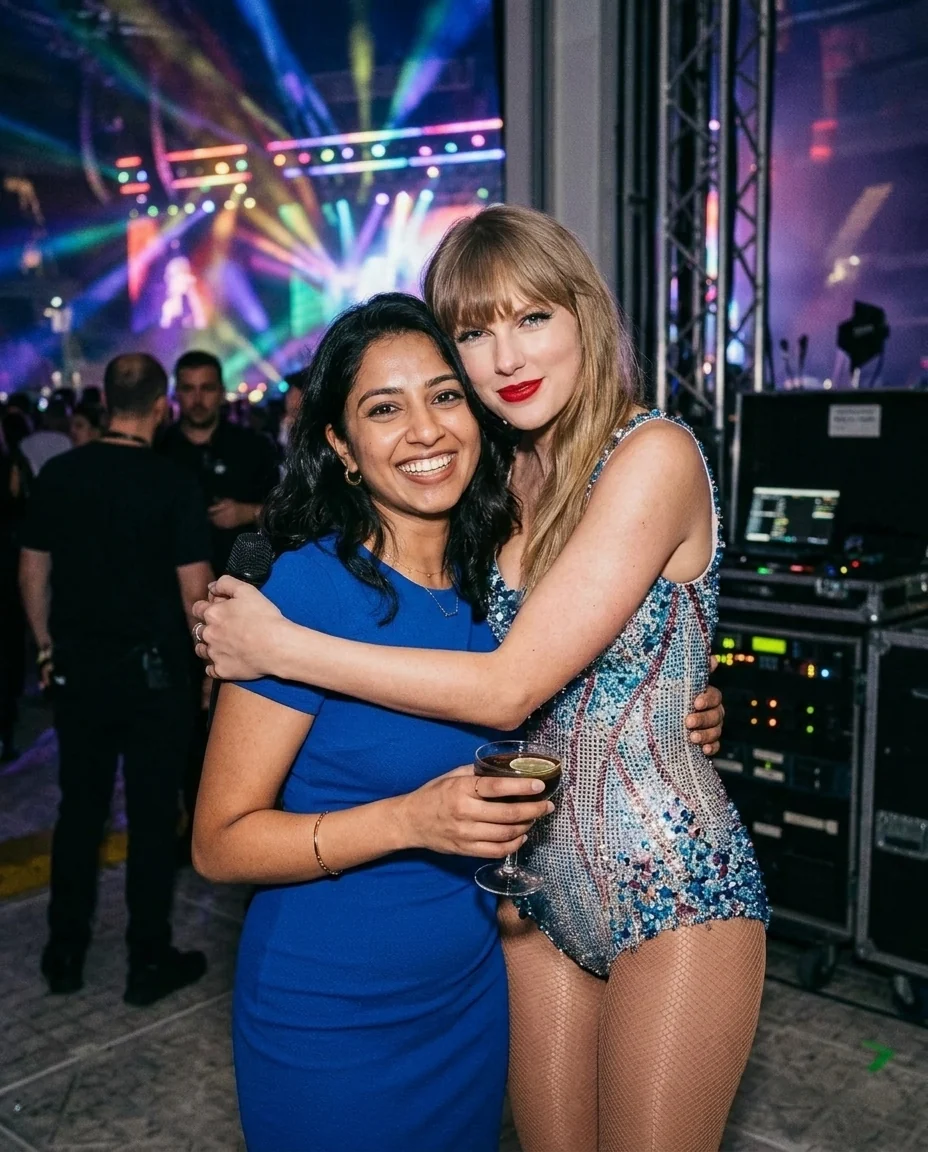

Backstage at the tour
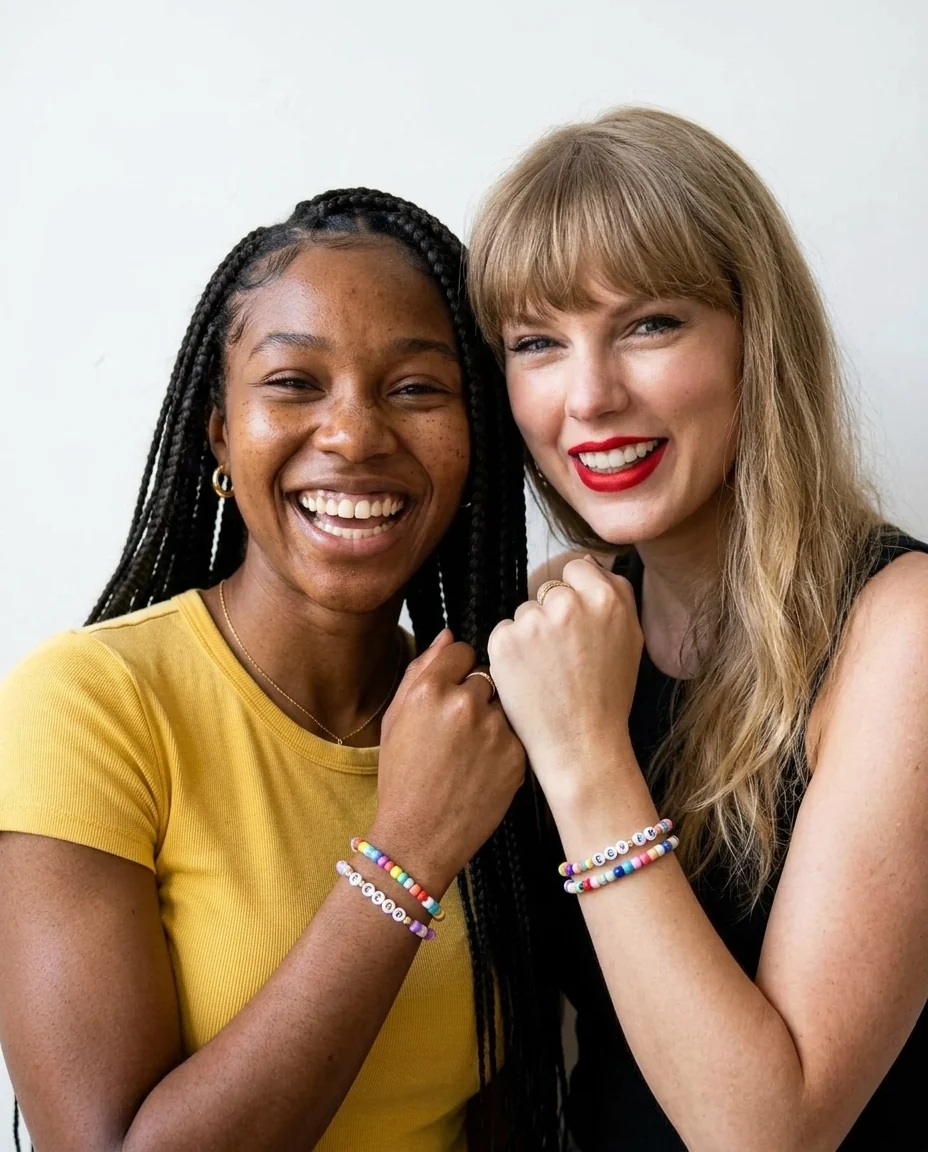
Swapping bracelets
AI Photo with Taylor Swift features.
Looks like Taylor
Her face, bangs and red lip, not a lookalike.
You stay you
Your face, hair and clothes are kept.
Three scenes
Selfie, backstage hug or bracelet swap.
AI Photo with Taylor Swift, step by step.
01
Upload your photo
A clear photo of you, smiling if you can.
02
Pick a scene
Selfie, backstage, or swapping bracelets.
03
Download
Share it with your concert crew.
AI Photo with Taylor Swift use cases.
- Concert memories
- The backstage hug you wished for, for your tour album.
- Gifts for Swifties
- Surprise a friend with a bracelet swap with Taylor.
AI Photo with Taylor Swift: best photos and fixes.
The photo that works best
Use a clear photo of just you, looking at the camera, with your face in good light and not covered by sunglasses or your hair. A phone selfie at arm's length is the best start for the selfie scene. A photo from the waist up suits the backstage hug and the bracelet swap, since both show your arms and hands.
Selfie, backstage or bracelets
Selfie together keeps your own room or street and adds Taylor Swift in red lipstick leaning in beside you. Backstage at the tour moves you behind a stadium stage, with colored lights glowing, Taylor in a sparkly sequined bodysuit giving you a hug. Swapping bracelets keeps your own place: Taylor, in a cozy cardigan, holds up her wrist next to yours, both showing the beaded friendship bracelets you just traded.
Selfie, waist up or full body
None of the scenes needs a full-length photo. For the selfie, head and shoulders is enough. For backstage and bracelets, a photo where your arms and hands are in the frame gives a better hug and a cleaner wrist pose. If your hands are not in the photo, they are added, which can look a little less like you.
Ideas for the instructions
Add one short moment, like "Taylor writing a lyric on my arm", "both of us making a heart with our hands" or "baking cookies in a cozy kitchen". You can also choose bracelet colors, for example "pink and gold beads". Keep it to one idea, so hands and faces stay natural.
Outfits, beads and text
Taylor's stage bodysuit and cardigan are plain, with no tour names or logos, and the bracelet beads are colorful but carry no letters or words. No text is added anywhere on the picture. Your own clothes stay the same, so if you have a sparkly concert outfit, upload a photo wearing it.
If it doesn't look right
Each run gives a slightly different result. If Taylor's bangs or smile look off, generate again with the same photo. If the hands or bracelets look odd, a photo with your arms in view helps. For your own face, a sharper, front-facing photo fixes most problems.
AI Photo with Taylor Swift FAQ.
Will it really look like Taylor Swift?
Yes. The picture shows Taylor Swift's own face, blonde hair with bangs and red lipstick next to you. If one result looks off, generate again.
Will my face change?
No. Your face, hair, skin tone and body are kept, so you are clearly you.
Can I make a simple selfie with Taylor Swift?
Yes. Pick Selfie together and your own background stays, with Taylor leaning in beside you.
Is this a real photo with Taylor Swift?
No. It is an AI-made picture for fun. Amberleak is not connected with Taylor Swift. Don't use it to suggest she endorses anything or to fool people into thinking you met her.
Is AI photo with Taylor Swift free?
Yes, you can try it free. New accounts get 25 free credits, and one generation here uses 13 credits. You sign in with your email; no card needed. Results have no watermark. After that, credit packs never expire, and your first one is half price.