












AI Photo with Michael Jackson
A tribute picture of you with the King of Pop.
Drop a photo
or paste with ⌘V · JPG · PNG · WebP · up to 8 MB
No photo handy? Try one of ours.
More like this.
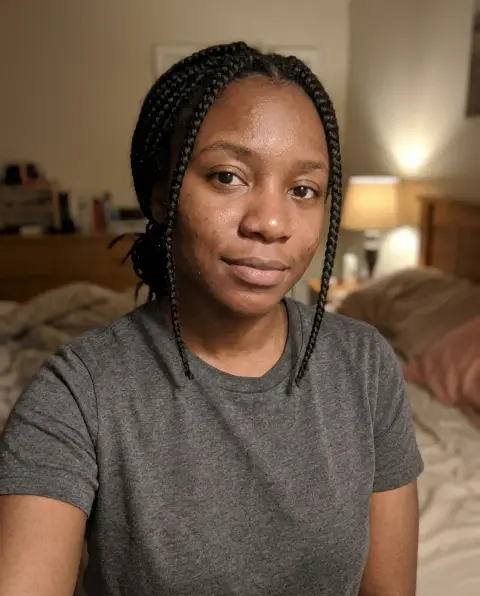









AI Photo with Michael Jackson examples.
Real results from this page's default settings in one click, not retouched.How examples are made
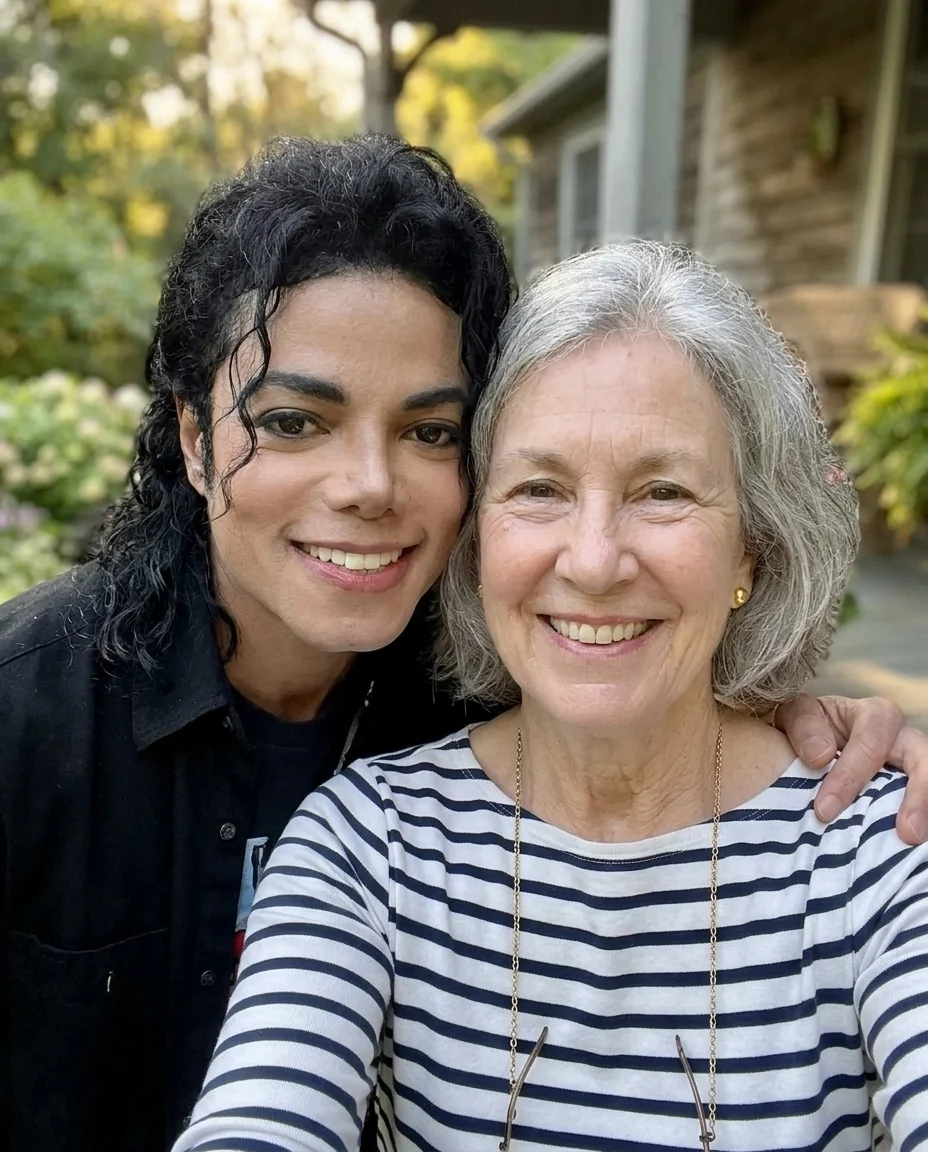

Selfie together
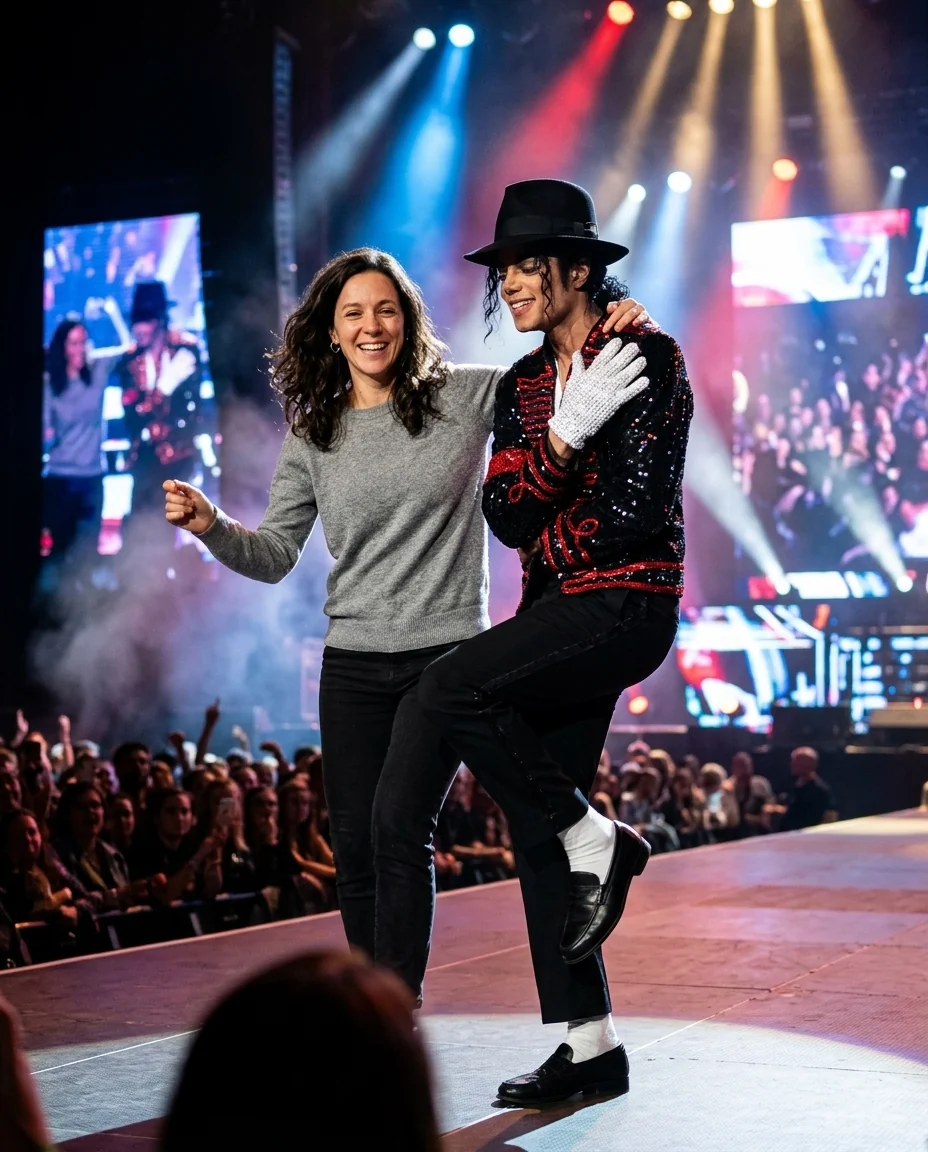

On stage
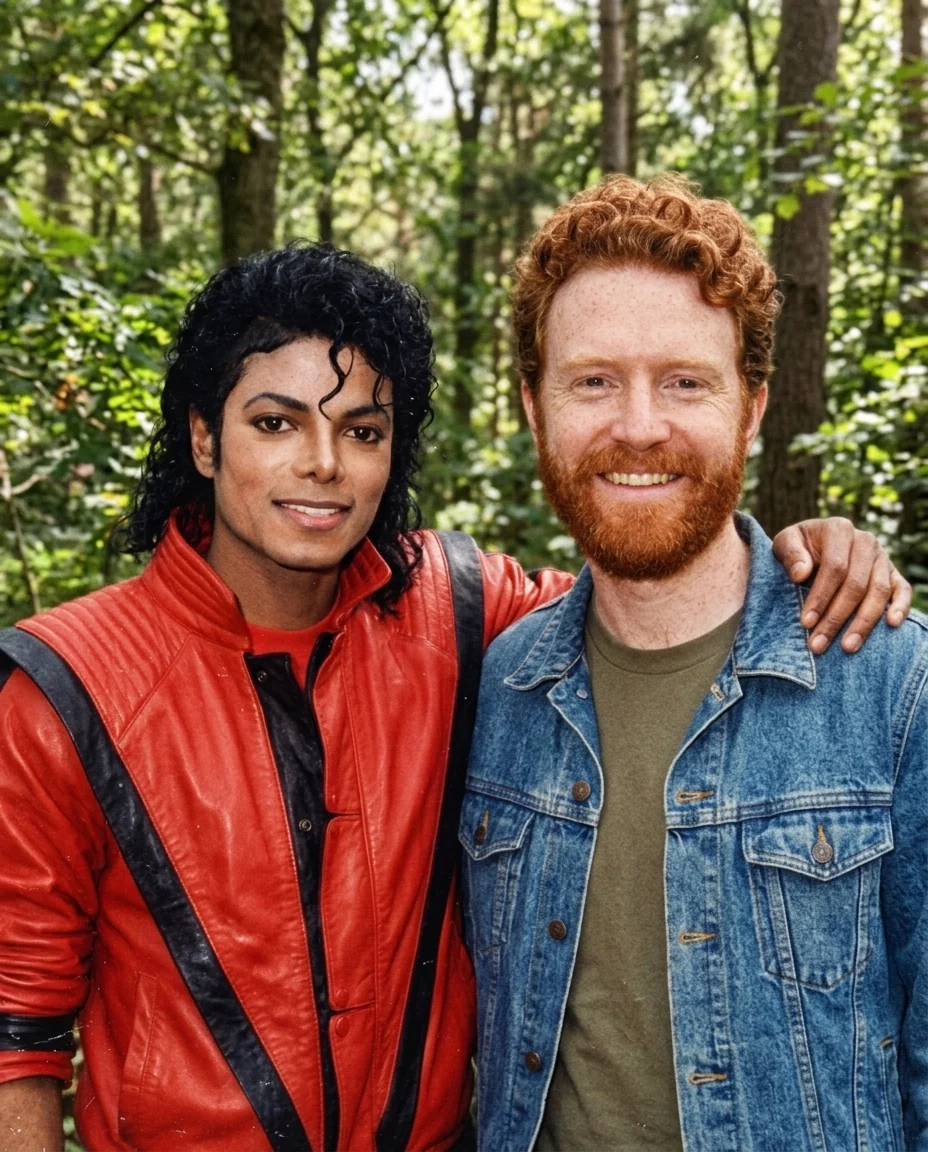

1980s style
AI Photo with Michael Jackson features.
Looks like Michael
His late-1980s face, curls and build.
You stay you
Your face, hair and body are kept.
Three scenes
Selfie, on stage or a 1980s snapshot.
AI Photo with Michael Jackson, step by step.
01
Upload your photo
A clear photo of you, face to the camera.
02
Pick a scene
Selfie, on stage, or 1980s style.
03
Download
Keep it as a tribute or share it with fans.
AI Photo with Michael Jackson use cases.
- Fan tributes
- A tribute picture for a birthday or anniversary post.
- Gifts for longtime fans
- Surprise a parent or grandparent who grew up with his music.
AI Photo with Michael Jackson: best photos and fixes.
The photo that works best
Use a clear photo of only you, facing the camera, with your face in good light and free of sunglasses or hands. A phone selfie works well for the selfie scene. For the stage, a photo taken from a few steps back, where you stand with room around you, gives the dance pose more to work with. Older photos are fine as long as your face is sharp.
Selfie, stage or 1980s
Selfie together keeps your own place, a porch, kitchen or living room, and adds Michael Jackson as he looked in the late 1980s, smiling beside you. On stage moves you onto a concert stage with spotlights and haze, Michael in a black fedora, white glove, sequined jacket and loafers with white socks, rising onto his toes while you dance with him. 1980s style turns the whole picture into an old film snapshot, with flash and grain, Michael in a red leather jacket.
What the 1980s scene changes
The 1980s scene is the only one that changes your clothes. You keep your face and hair, but you are dressed in clothes from that decade, such as a denim jacket, and the colors fade like a print from a family album. The selfie and stage scenes keep your own clothes, so pick a photo where you like what you are wearing.
Ideas for the instructions
Add a short moment to the instructions, like "both of us doing the moonwalk", "Michael tipping his hat to me" or "dancing under one spotlight". For the 1980s scene, you can set the room, such as "a living room with a record player". One idea per picture keeps the result clean and believable.
Clothes, logos and text
Michael's outfits are shown as plain costumes, with no album names, tour titles or logos. No words, dates or signatures are added to the picture. If you want a certain look, say so in the instructions, for example "Michael in a gold jacket".
If it doesn't look right
Results differ a little each time. If Michael's face or hair does not look right, generate again with the same photo before changing the instructions. If your own face looks off, use a sharper, front-facing photo. Adding "both smiling at the camera" often gives a warmer tribute picture.
AI Photo with Michael Jackson FAQ.
Will it really look like Michael Jackson?
Yes. The picture shows Michael Jackson's face as it was in the late 1980s, with his black curly hair and slim build. If one result looks off, generate again.
Will my face change?
No. Your face, hair, skin tone and body are kept. Only the 1980s scene changes your clothes.
Can I make a selfie with Michael Jackson?
Yes. Pick Selfie together and your own background stays, with Michael leaning in beside you.
Is this a real photo with Michael Jackson?
No. It is an AI-made tribute picture for fans. Amberleak is not connected with Michael Jackson or his estate. Don't use it to suggest he endorses anything or to fool people into thinking it is a real photo.
Is AI photo with Michael Jackson free?
Yes, you can try it free. New accounts get 25 free credits, and one generation here uses 13 credits. You sign in with your email; no card needed. Results have no watermark. After that, credit packs never expire, and your first one is half price.

