70s Filter
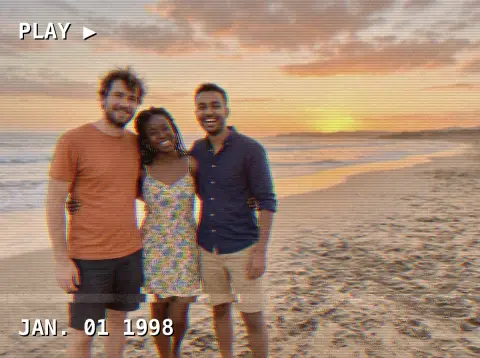
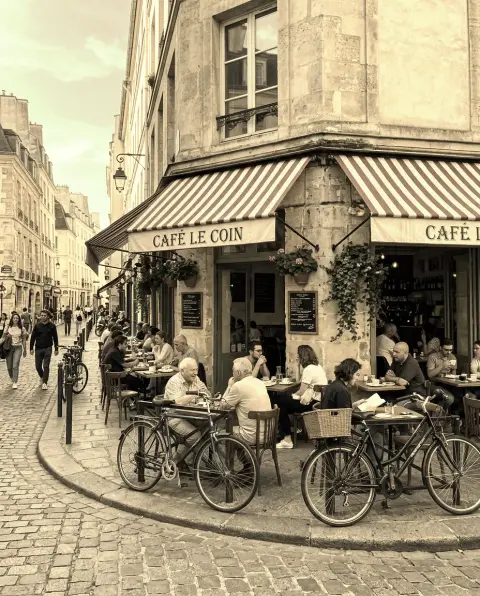
You in the hair, clothes and film look of another decade.
Drop a photo
or paste with ⌘V · JPG · PNG · WebP · up to 8 MB
No photo handy? Try one of ours.
More like this.
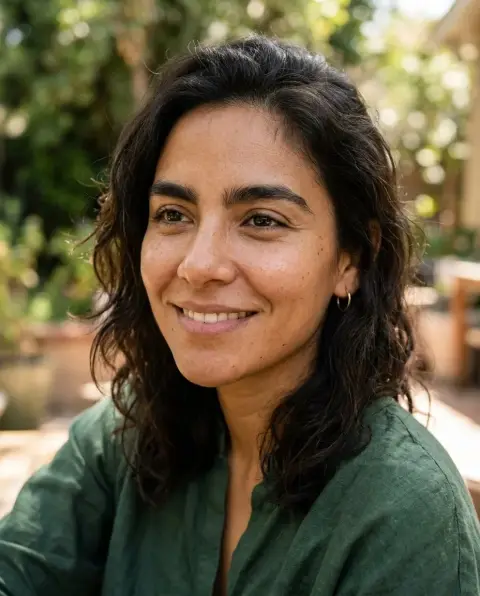

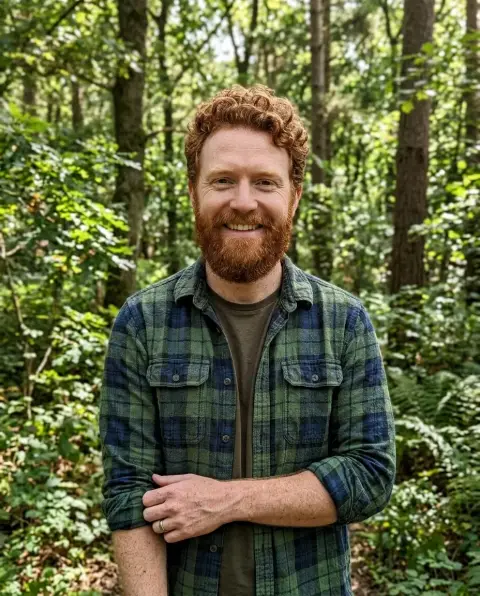
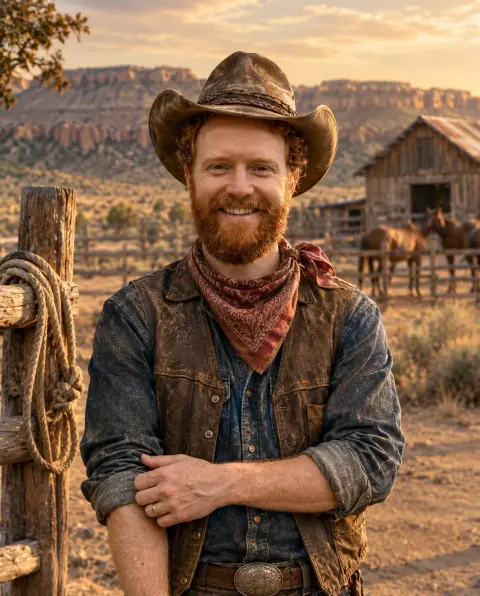

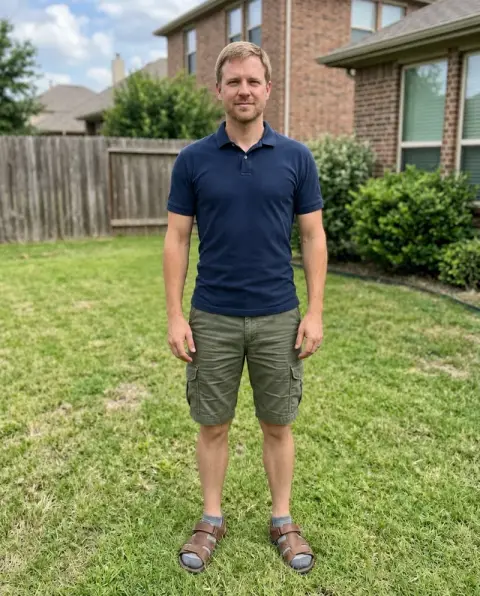
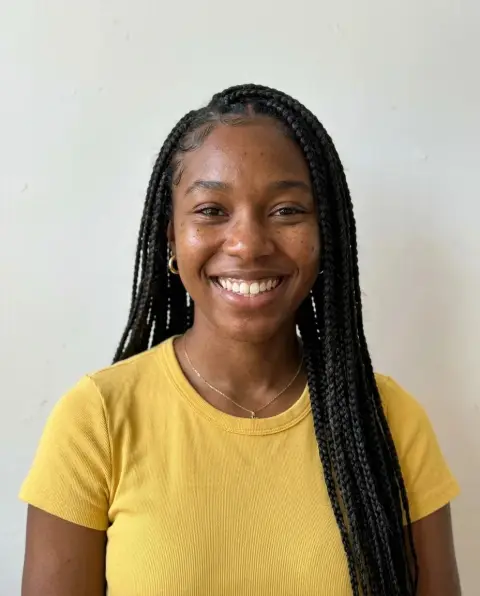
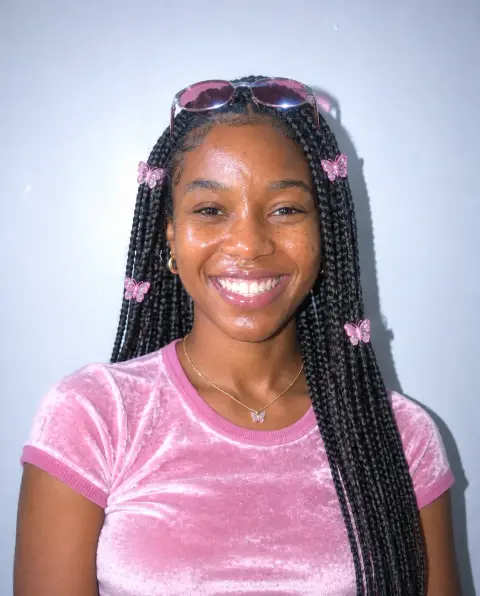
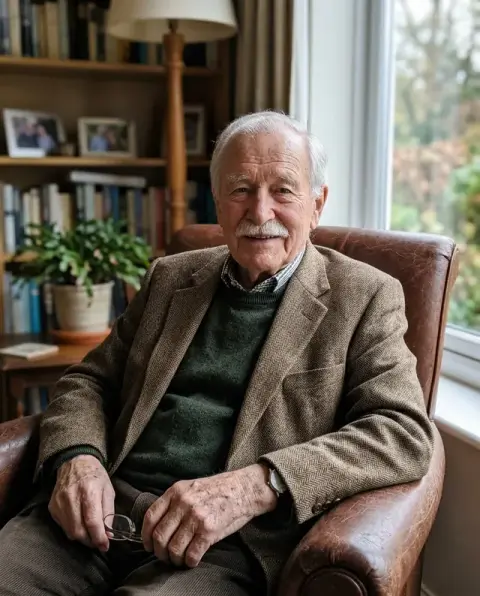
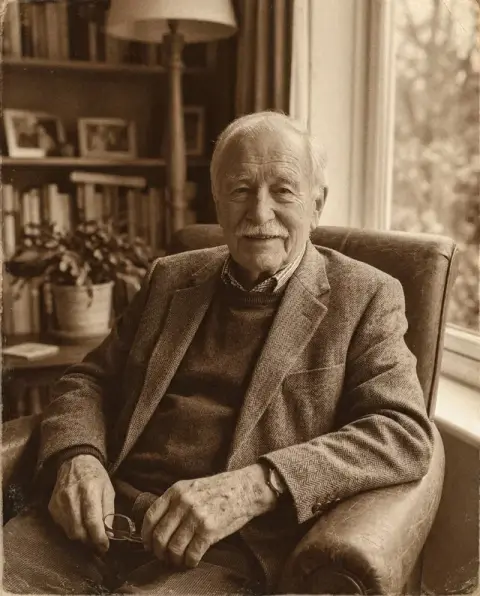


70s Filter examples.
Real results from this page's default settings in one click, not retouched.How examples are made
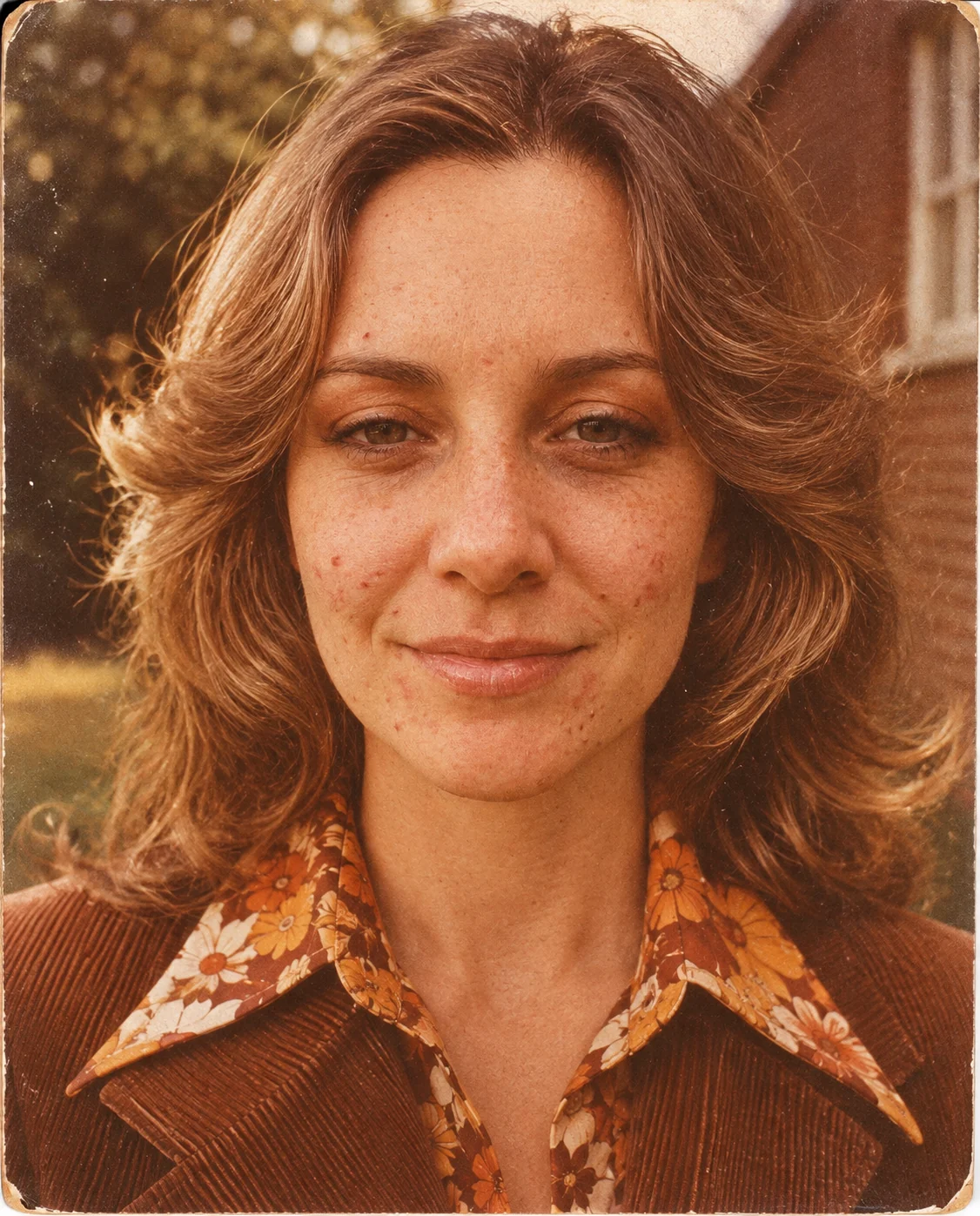
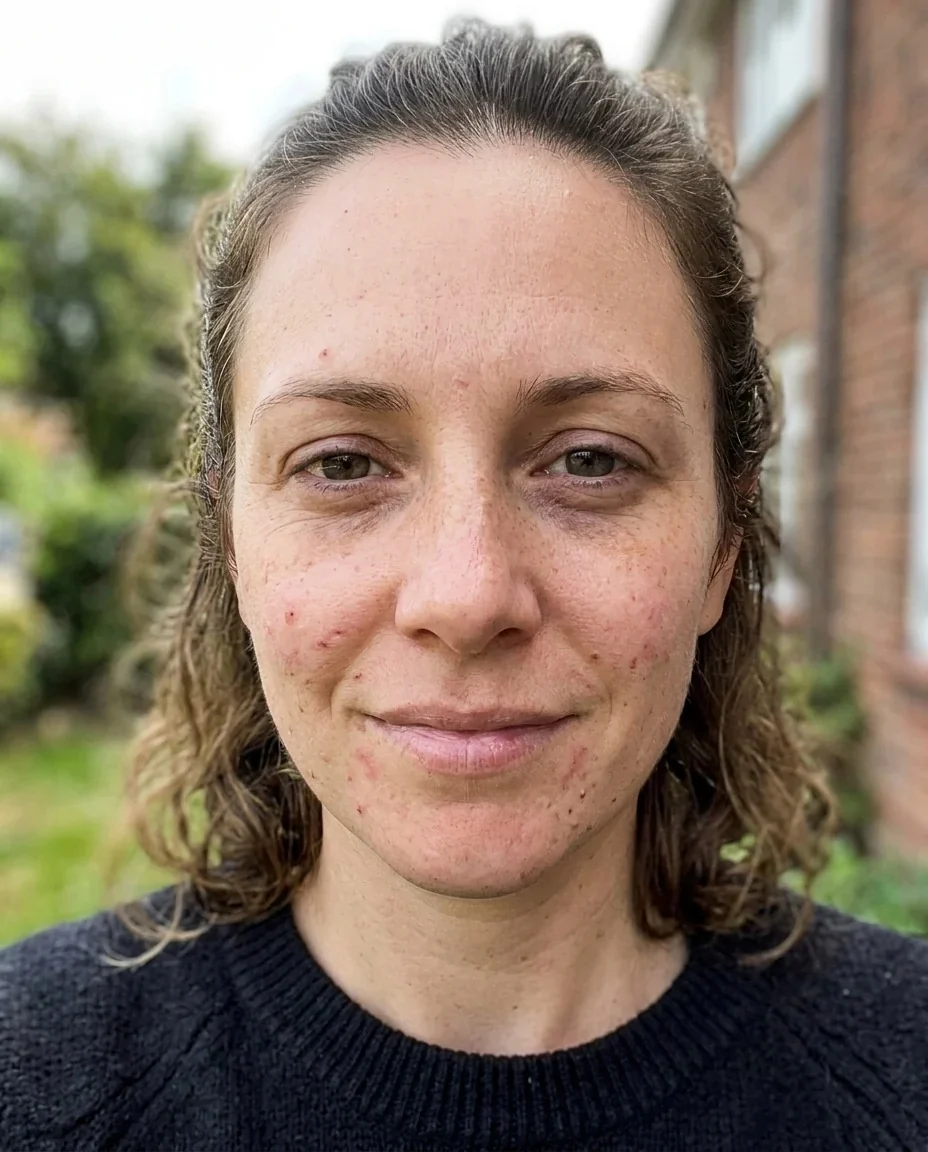
70s
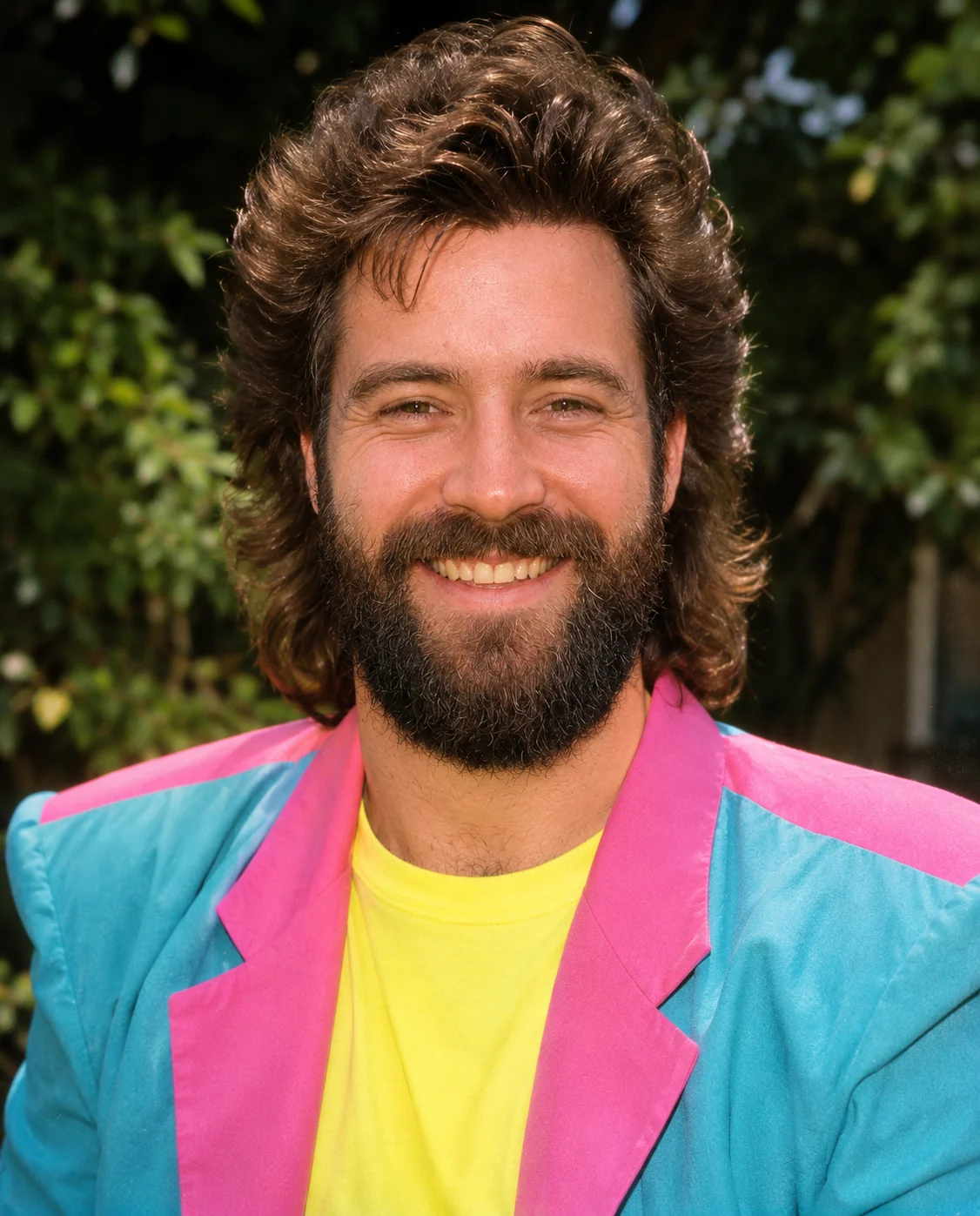

80s
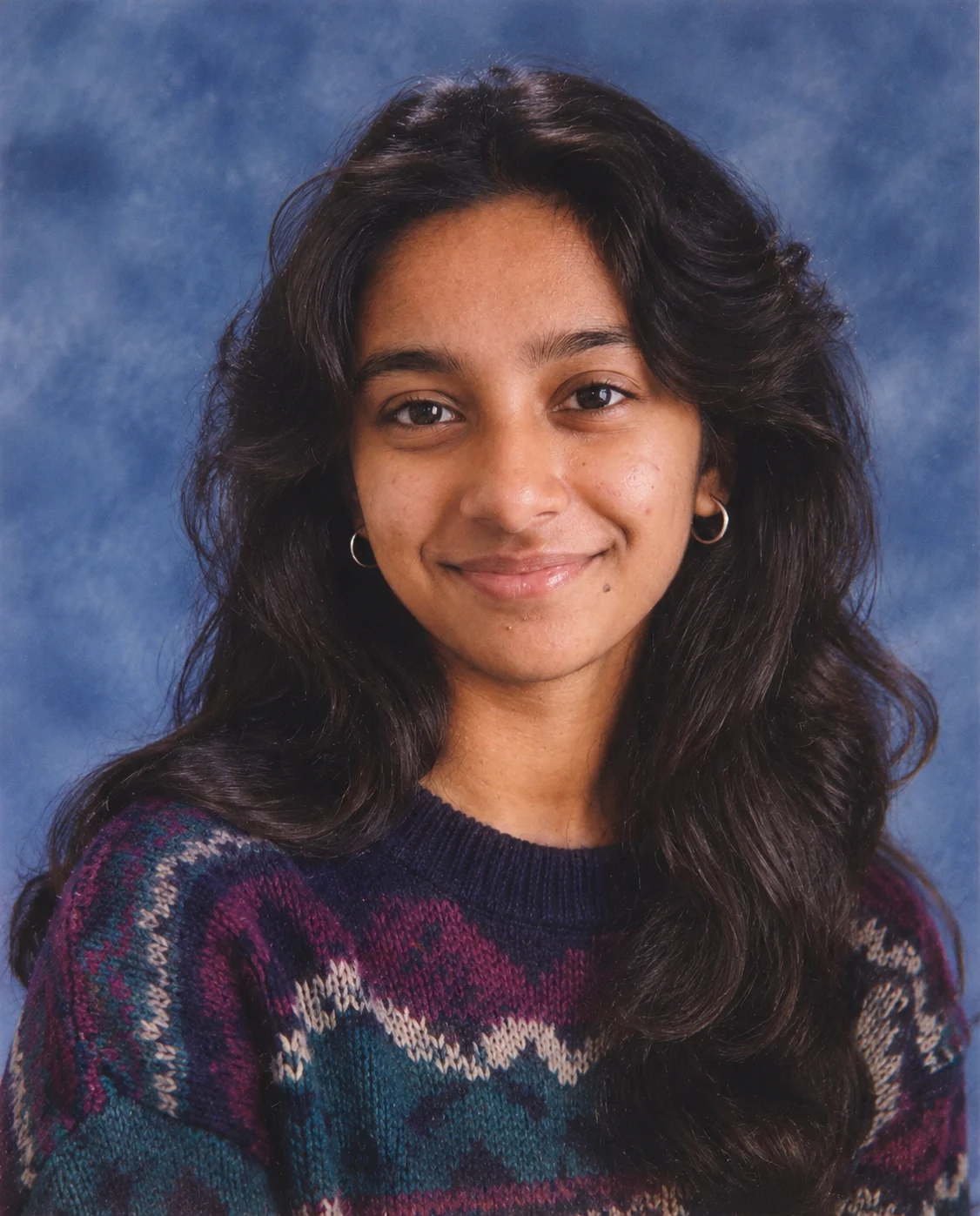
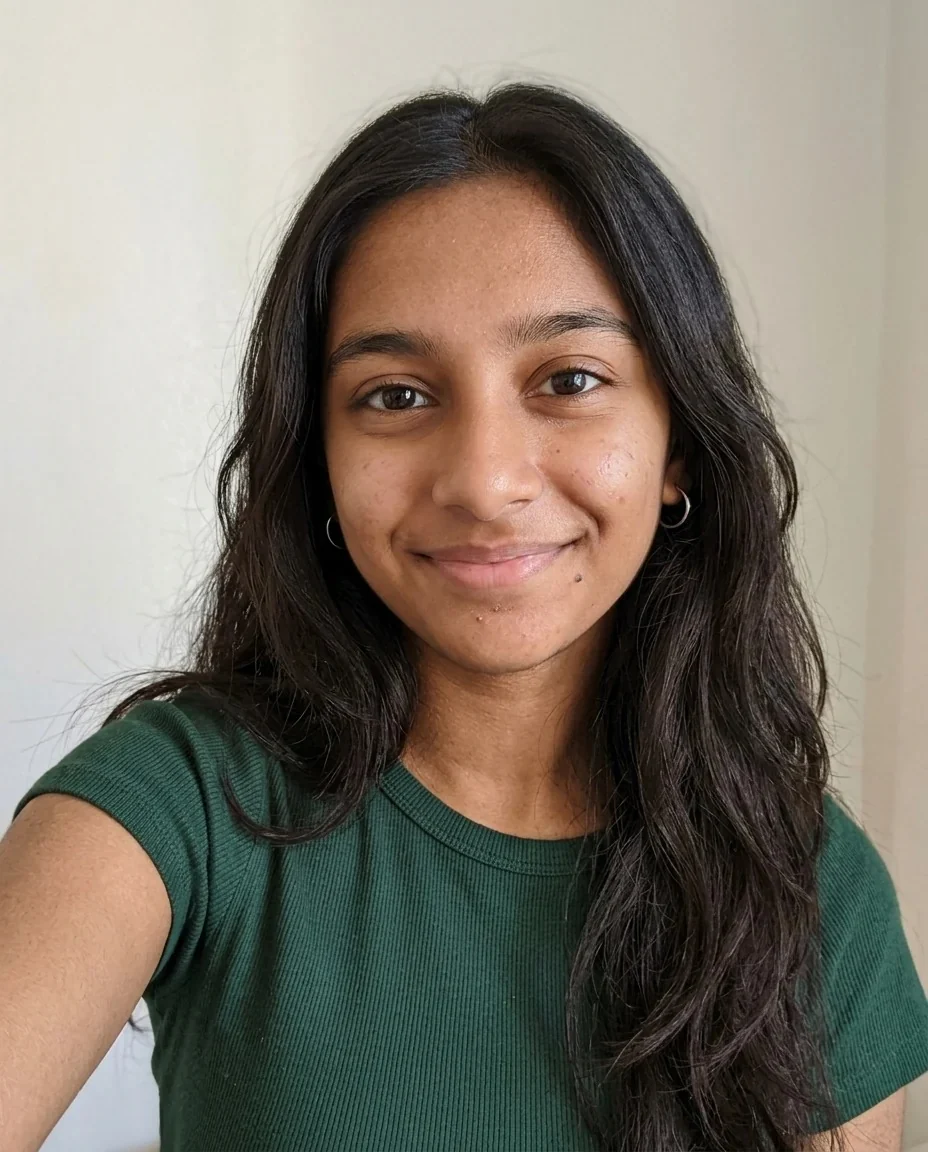
Yearbook
70s Filter features.
Five decades in one place
70s, 60s, 80s, 90s or a school yearbook portrait, plus Custom.
Period hair and clothes
Hairstyle, outfit and makeup change to match the era you pick.
The film look of the time
Warm grainy film, faded color or flash photography, depending on the decade.
Still you
Identity, face shape, age, skin tone, expression and pose stay the same.
70s Filter, step by step.
01
Upload a portrait
A clear face works best.
02
Choose the decade
70s, 60s, 80s, 90s, Yearbook or Custom.
03
Generate and save
Download your throwback.
70s Filter use cases.
- Decade party invites
- Make a 70s or 80s portrait for a themed party, a birthday or a reunion.
- Yearbook-style throwbacks
- Post a 90s yearbook portrait next to your real school photo.
- Family tree jokes
- Give relatives a 60s or 70s portrait and guess who looks most like their grandparents.
- Costume and character ideas
- Use a decade portrait as a reference for a costume or a retro-themed shoot.
- Retro album and playlist covers
- Use a 60s or 70s portrait as the cover for a throwback playlist or a small music project.
- Wedding and anniversary throwbacks
- Show a couple in the decade they met, or the decade they wish they had.
70s Filter: best photos and fixes.
70s
Feathered or long natural hair, wide collars, earthy browns and oranges, and warm grainy film. Suits warm outdoor photos.
60s
Bouffant or mod hair, bold eyeliner, mod clothing and soft faded color film.
80s
Big voluminous hair, bright neon or pastel clothes with shoulder pads and flash-lit color film. People often look for an 80s filter or AI 80s portrait, and this is the same page.
90s and yearbook
90s gives grunge or sleek hair, flannel or slip-dress styling and a disposable-camera flash look. Yearbook is a 1990s school portrait with a blue studio backdrop and soft light.
Photo or film effect only
This changes the person's hair, clothes and photo look. If you only want the film color on your own photo, use the vintage filter instead, or the VHS filter for a tape look.
Sharing the result
Post the original and the throwback together. The result is a modern image styled to look old, so mention that it is AI-made if you post it as a joke.
Matching clothes to the decade
The tool changes your clothing to the era, so a plain top is replaced easily. Busy patterns or uniforms in the original can carry over, so pick a plain outfit if you want a full costume change.
Film color and grain by decade
The 60s lean soft and faded, the 70s warm and grainy, the 80s bright and flash-lit, the 90s snapshot-like with a flash look. The yearbook option swaps the film look for a studio portrait with soft light.
70s Filter FAQ.
Is there an 80s filter or a 90s filter too?
Yes. Choose 80s, 90s, 60s or Yearbook from the decade options on this page.
What does the AI yearbook photo look like?
A 1990s school portrait, head and shoulders, with a mottled blue studio backdrop and soft studio light.
Will I still look like myself?
The prompt keeps your identity, face shape, age, skin tone, expression and pose, and changes hair, clothes, makeup and film look.
Can I choose another decade?
Pick Custom and describe the era you want, for example the 1950s.
How is this different from the vintage filter?
The [vintage filter](/effects/vintage-filter) keeps your photo and changes its color and grain. This one restyles the person for the decade.
Why did my hair change?
Hair is part of the decade look, for example feathered in the 70s or big and voluminous in the 80s. Use Custom to ask for something that keeps your own style.
Which decade should I try first?
Try the 70s for a warm, grainy film look or the yearbook for a clean studio portrait. Each one takes one run, so compare a few on the same photo.
Does the 70s filter cost credits?
One result uses 9 credits with the default model, GPT Image 2. New accounts get 25 free credits once, and you can pick other models from the model menu at their own prices. Results have no watermark, and a failed generation refunds its credits.
What files can I upload?
A JPG, PNG or WebP up to 8 MB. On a computer you can scan a QR code to send a photo from your phone; the link works for 10 minutes.
Are my photos used to train AI?
No. Uploads are not used for training. Results stay in My files for 48 hours, or 30 days once you've bought a credit pack, and you can delete them sooner.