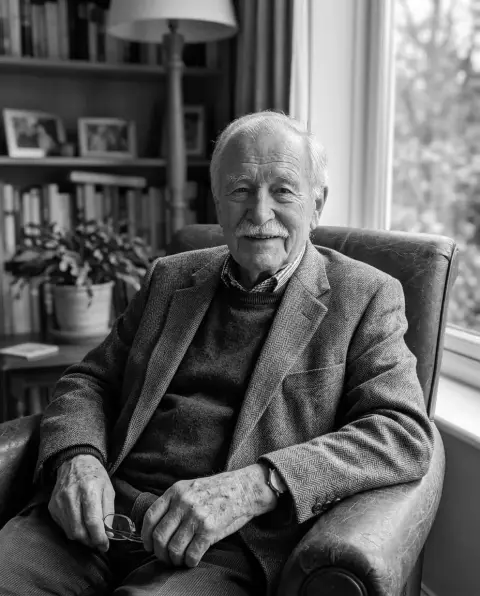
Sepia filter
Add an old brown tone to a photo and set how strong it is.
Drop a photo
or paste with ⌘V · JPG · PNG · WebP, stays on your device
No photo handy? Try one of ours.
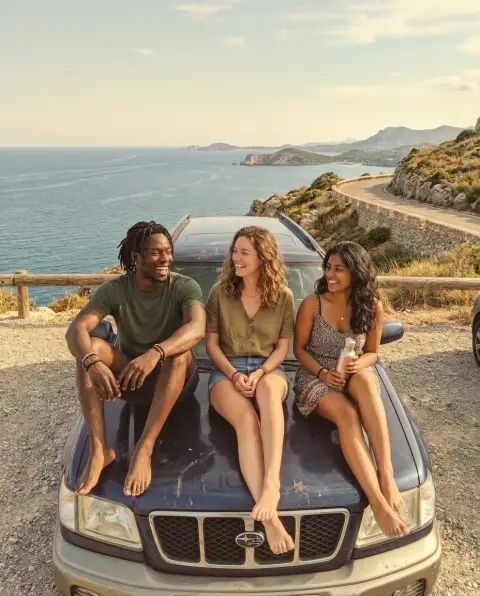 Vintage filter →
 Photo restoration →
Sepia filter examples.
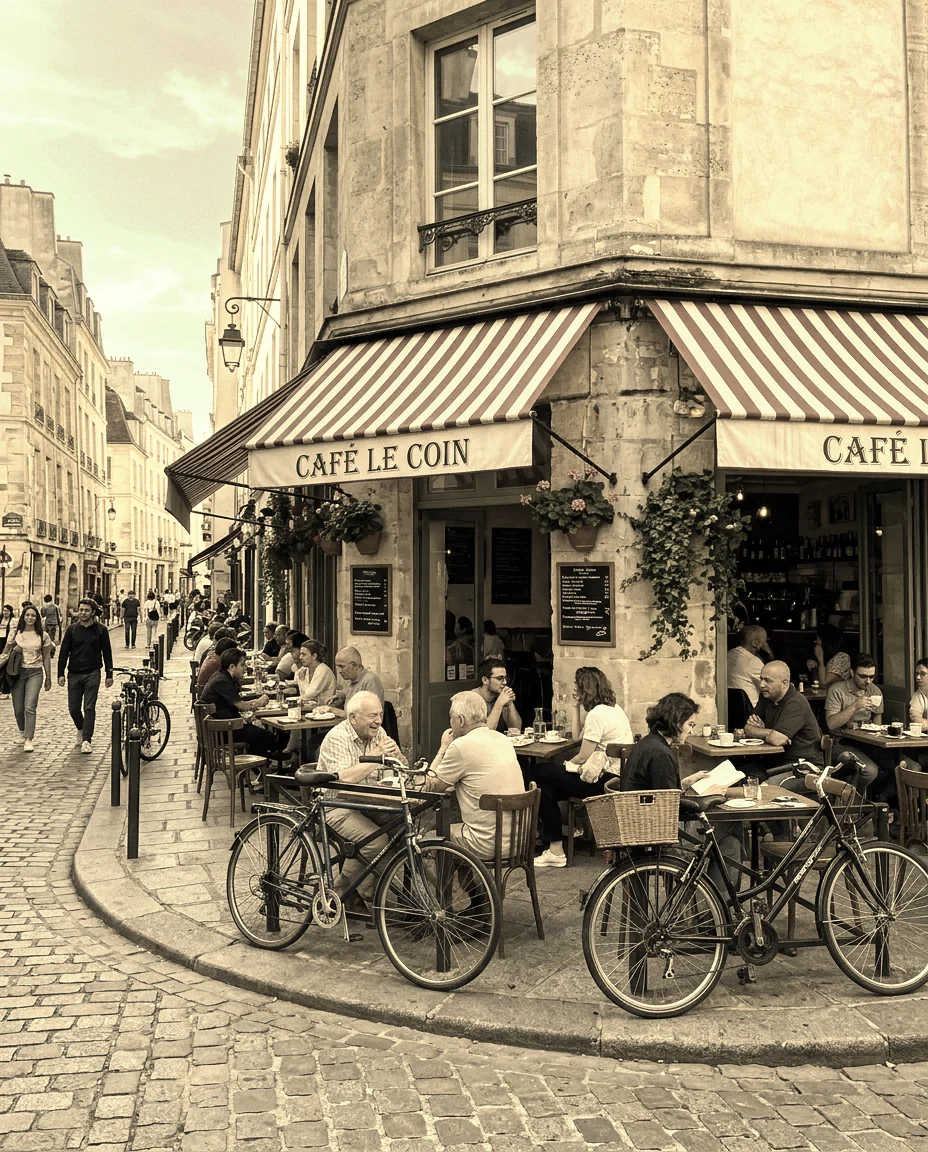
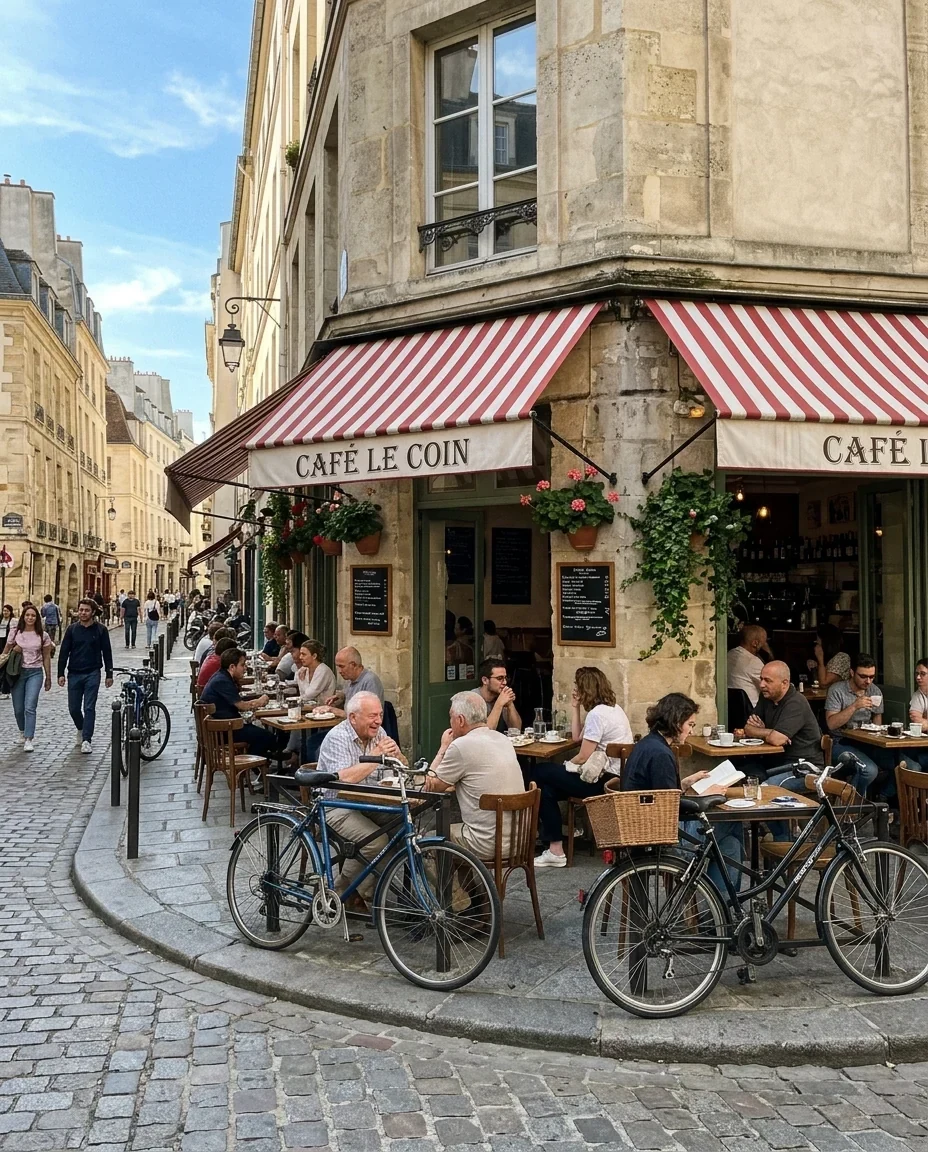
Sepia 80%
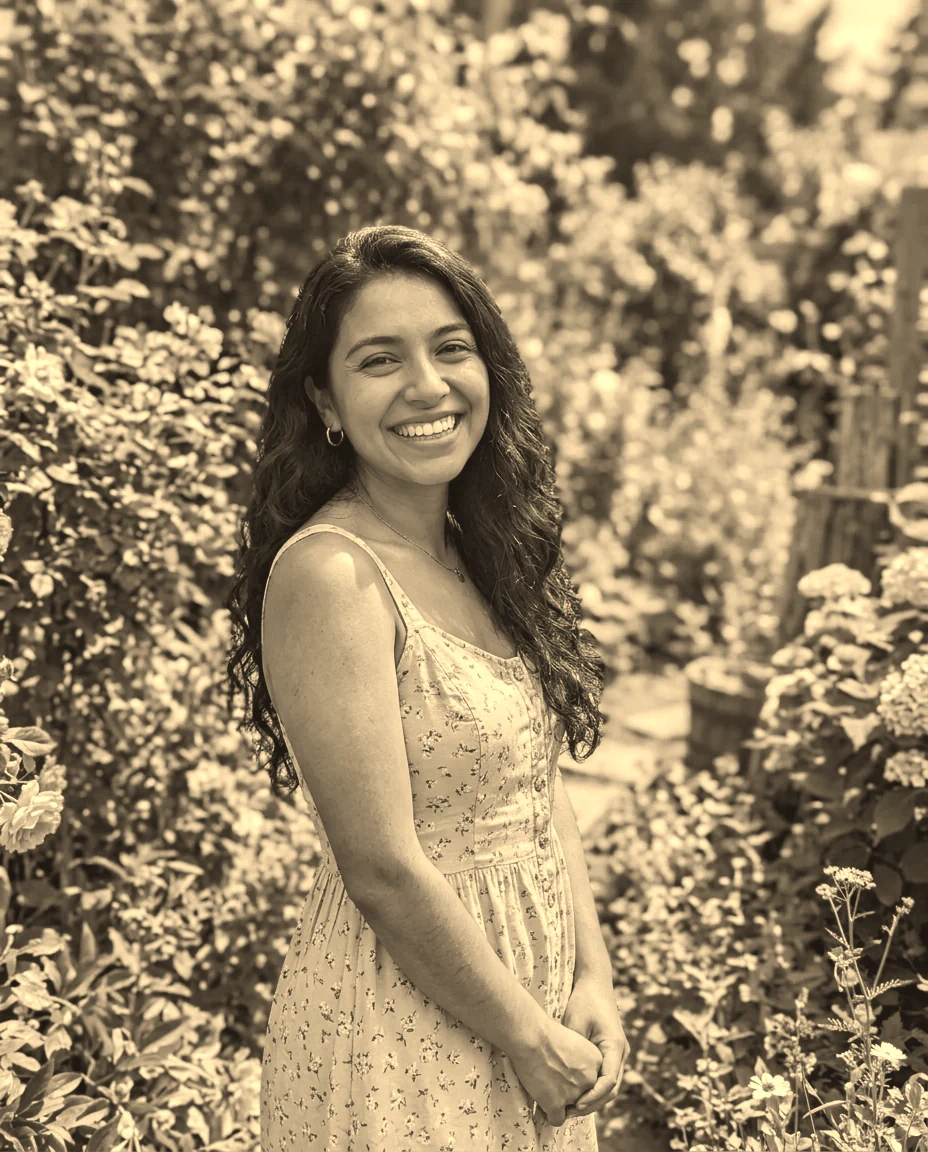
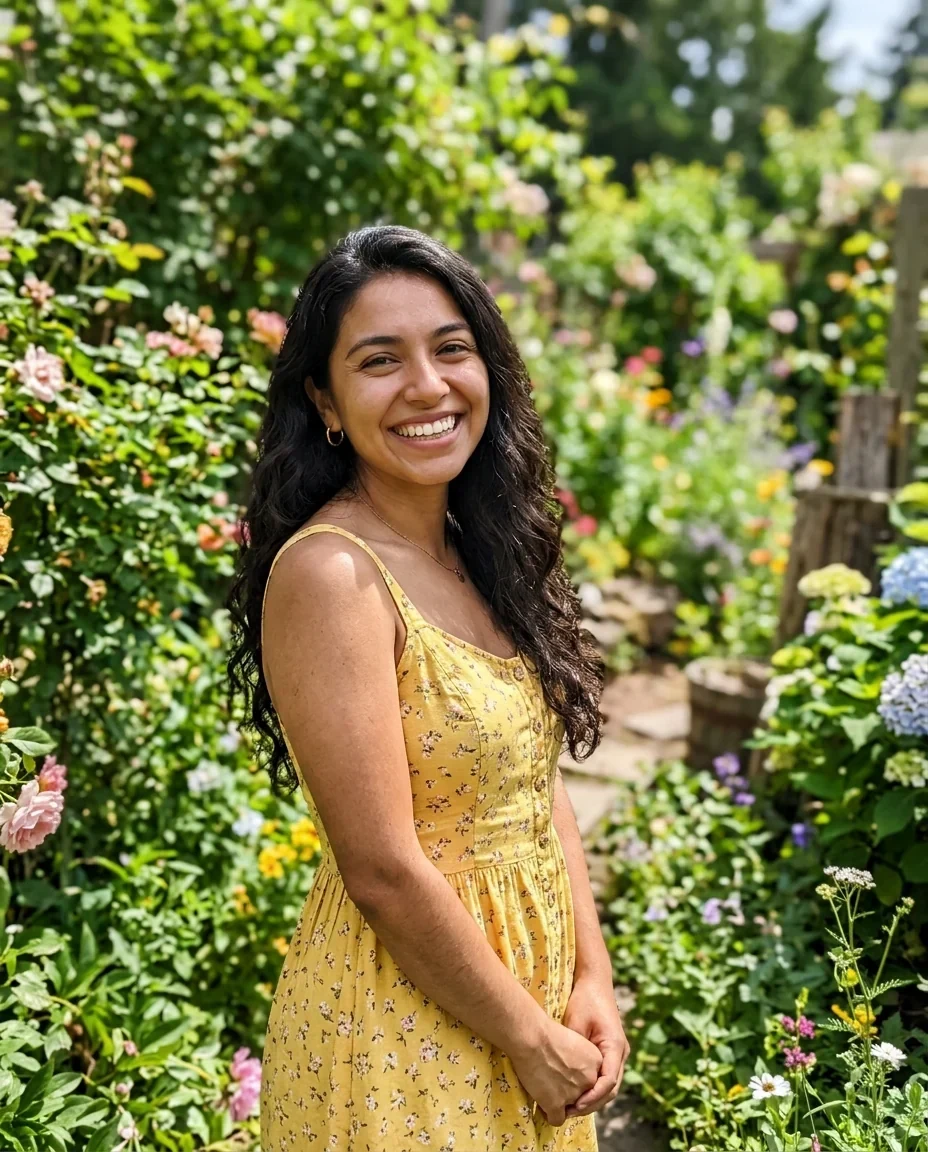
Faded print
Sepia filter features.
Strength 0 to 100%
Starts at 80 percent. Lower values mix the brown tone with the original colors.
Faded print
Lifts the blacks and softens contrast, like an old print.
Hold to compare
Press and hold to see the original, then release to see the result.
Sepia filter, step by step.
01
Add your photo
Drop, choose or paste it, or send it from your phone with the QR code.
02
Set the look
Move the strength slider and turn on Faded print if you want an aged feel.
03
Download
Save the full-resolution JPG or PNG.
Sepia filter use cases.
- Vintage portraits
- Give a portrait a warm, old-photo feel.
- Themed posts
- Make a set of pictures look like they come from one period.
- Softening harsh color
- Tone down a busy, bright photo into one warm color.
Sepia filter: best photos and fixes.
What sepia is
Sepia is a brown monochrome tone, named after the ink used in old photographic prints. In a digital tool it means converting a photo to a warm brown scale. This page lets you choose how far to go, from the original colors at 0 percent to a full brown tone at 100.
Strength
At 100 percent the photo is entirely brown. At lower strengths the brown is mixed with the original colors, which can look more natural and keeps some variety. The default of 80 gives a clear sepia look without losing every trace of the original.
The Faded print option
Old prints do not have deep blacks or sharp contrast. Faded print lifts the darkest tones and softens contrast to copy that. It works best on photos with strong shadows. For a clean modern look, keep it off.
Which photos suit sepia
Portraits, old buildings, street scenes, landscapes and anything with texture work well. Photos with bright neon or primary colors lose their main appeal when they turn brown. Strong contrast and clear shapes help the result hold up.
Sepia or black and white
The black and white tool has a plain sepia look with fixed settings. This page is the adjustable version, with strength control and the faded option. For a neutral gray look, use black and white instead of sepia.
Resolution and format
The filter works at the full resolution of your photo, scaled to at most 16 megapixels if it is larger. Save as JPG for sharing or as PNG if you want to keep every pixel. Use Hold to compare to check the effect before saving.
Sepia filter FAQ.
How do I make a photo sepia?
Add the photo and leave the strength at its default of 80 percent. Download the result.
Can I make the sepia lighter?
Yes. Lower the strength slider to mix in more of the original colors.
What does Faded print do?
It lifts the blacks and softens contrast so the photo looks like an old print.
Does it reduce the quality?
The result is saved at the full resolution of the photo, up to 16 megapixels. JPG compression may reduce it slightly.
How is this different from black and white?
Sepia adds a brown tone and you can adjust it. Black and white removes color without any tint.
Is it free?
Yes. It is free, needs no sign-in and uses no credits, and your photo never leaves your device.