Compress JPG
Shrink JPG files, or squeeze them under a size limit.
Drop images
or paste with ⌘V · JPG · PNG · WebP · HEIC · AVIF · SVG, up to 50 at once
No photo handy? Try one of ours.
 Unblur image →
 Photo restoration →
Compress JPG examples.
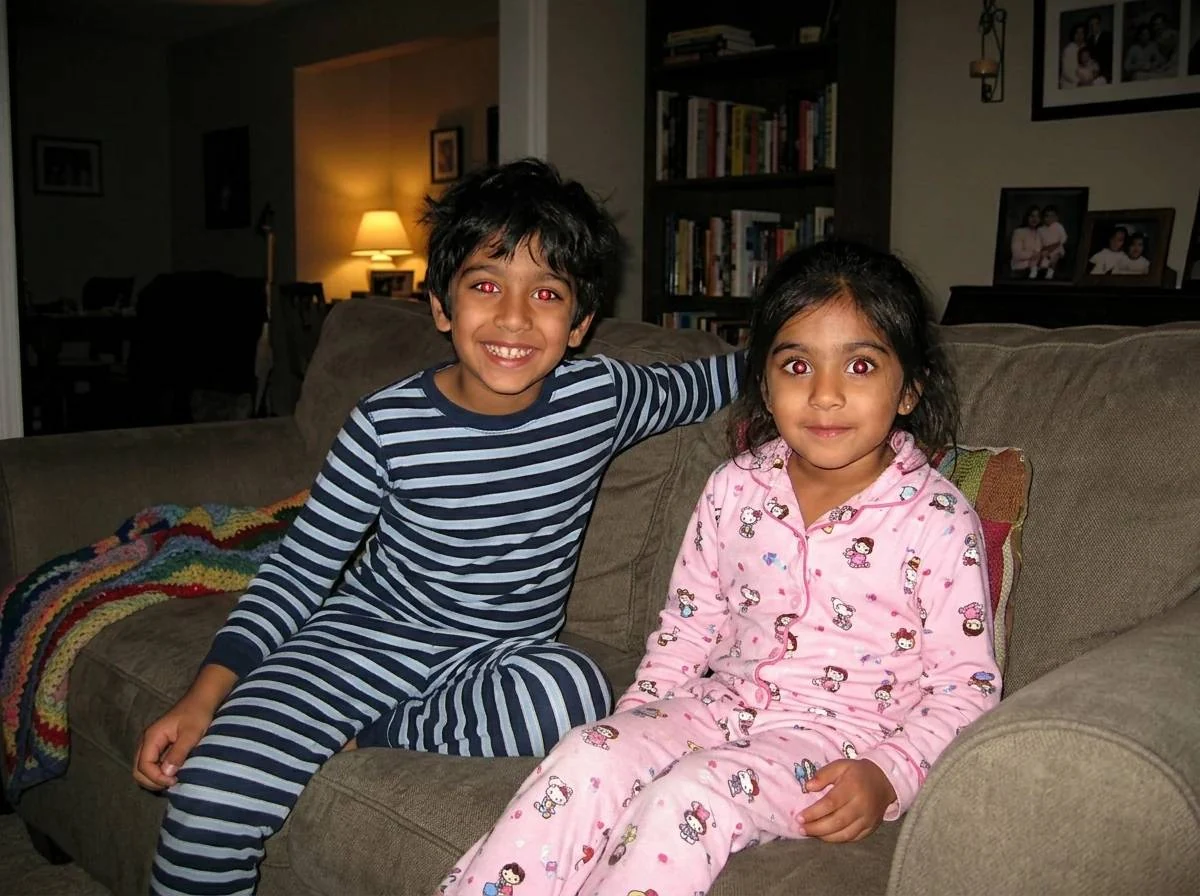
JPG under 200 KB
Compress JPG features.
Size limit
Choose 1 MB, 500 KB, 200 KB, 100 KB or 50 KB and the tool finds the best quality that fits.
Quality slider
Or set quality yourself, from 30 to 100. The default is 75.
Resize long side
Cap the long side at 2560, 1920 or 1280 px to save more.
Compress JPG, step by step.
01
Add your JPG files
Drag in up to 50 photos.
02
Pick a limit
Choose Max file size, for example 200 KB, or keep quality 75.
03
Download
Save one JPG or everything as a ZIP.
Compress JPG use cases.
- Application and ID uploads
- Portals that reject files over 100 KB or 200 KB.
- Email and chat
- Send several photos without hitting an attachment limit.
Compress JPG: best photos and fixes.
Why JPG files are too big
JPG is already compressed, but phone and camera files carry many more pixels than a form or screen needs. A 12-megapixel photo can be 3 to 6 MB. A government portal or job site that wants under 200 KB is asking for a far smaller version. Reducing quality and dimensions together is how you get there.
How Max file size works
When you set a limit such as 200 KB, the tool tries qualities from high to low and keeps the highest one that fits. Only if quality 40 is still too big does it shrink the pixel dimensions. That means a photo that is close to the limit loses very little, while a large one may be resized as well.
Getting to 100 KB or 50 KB
A tight limit on a high-resolution photo may force a size reduction, which is fine for a form thumbnail. If you want more control, set Resize to 1280 first and then choose the size limit. A 1280-pixel photo at 100 KB usually looks acceptable. A 50 KB limit gives noticeable softness on detailed pictures.
Every compression loses something
JPG compression is lossy. Each time a JPG is re-saved, a little more detail is discarded and the losses add up. Compress from the original file when you can, and avoid running the same result through the tool again. Keep the original in case you need a bigger version later.
Why a form may still reject it
Some forms check pixel dimensions, as well as the size in KB, for example 600 by 600 for a passport photo. This tool offers a long-side cap, not an exact crop. Check what the form asks for. Others want the extension in lowercase .jpg, which the converted file uses, or an exact aspect ratio.
Photo details and privacy
Compressing redraws the picture, so the date, phone model and GPS position are removed from the new file. That is useful before posting online. If the date matters, for instance for an insurance claim, keep the original and attach it separately. Nothing is uploaded, so ID photos stay on your device.
Compress JPG FAQ.
How do I compress a JPG to 100 KB?
Set Max file size to 100 KB. The tool lowers quality until it fits and shrinks dimensions only if quality 40 is not enough. Adding Resize 1280 helps keep it sharp.
How do I compress a JPG to 200 KB?
Choose 200 KB under Max file size. Most phone photos fit at a good quality, because 200 KB is plenty for screen viewing.
Does compressing a JPG reduce quality?
Yes, a little. JPG is lossy. At quality 75 the difference is usually hard to see at normal size, and larger savings show more softness.
What does quality 75 look like?
For most photos it looks nearly the same as the original on screen. Look closely at skies and fine textures to see differences.
Is my photo uploaded to compress it?
No. The work happens in your browser and the file stays on your device.
Is it free?
Yes. Quick tools are free, need no sign-in and use no credits; your images stay in your browser. The AI tools linked below need an account.