Compress image
Make photos and graphics smaller without leaving your browser.
Drop images
or paste with ⌘V · JPG · PNG · WebP · HEIC · AVIF · SVG, up to 50 at once
No photo handy? Try one of ours.
 Unblur image →
 Photo restoration →
Compress image examples.
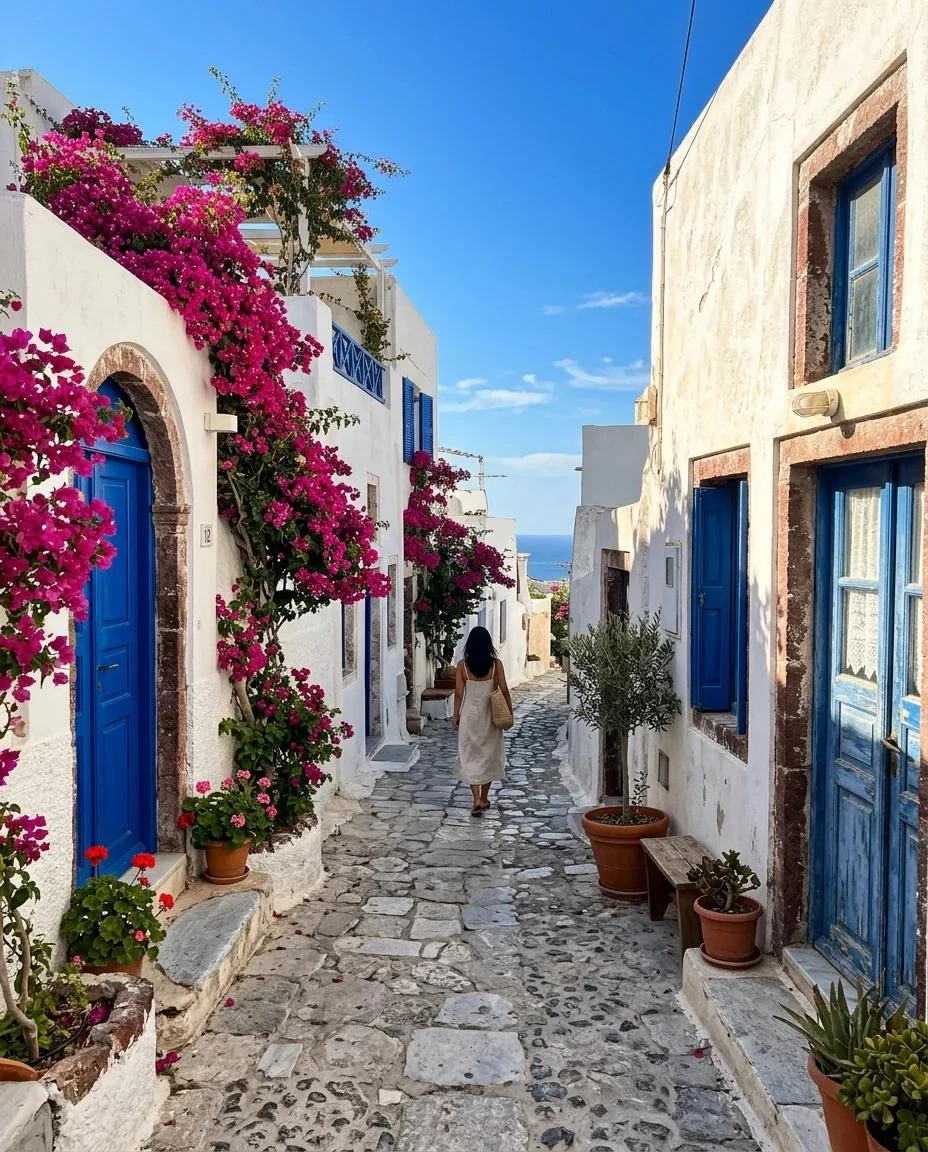
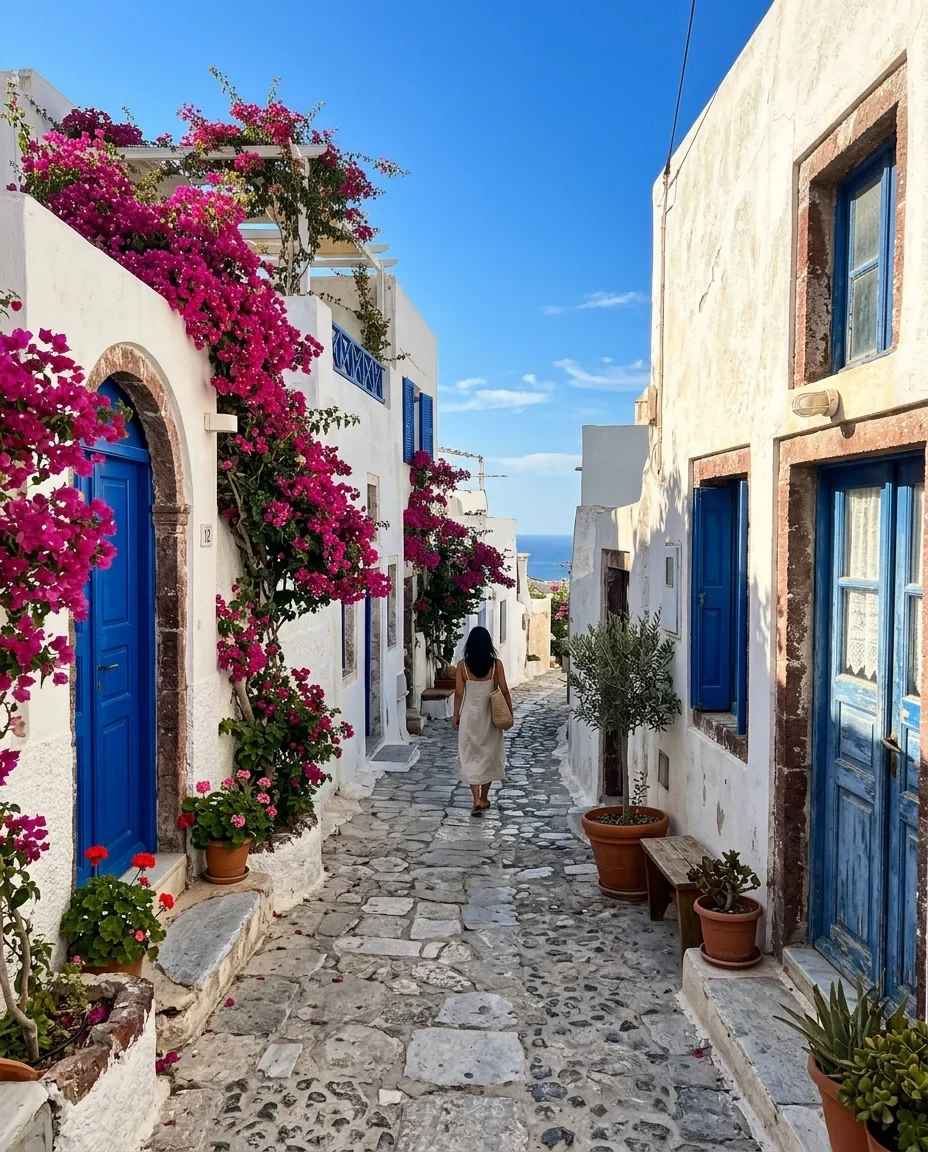
Photo, quality 75
Compress image features.
Quality or size limit
Set a quality from 30 to 100, or a Max file size from 1 MB down to 50 KB for JPG and WebP.
Resize option
Cap the long side at 2560, 1920 or 1280 px when pixels are the problem.
Savings shown
See the percentage saved for each file and in total.
Compress image, step by step.
01
Add your images
Up to 50 JPG, PNG, WebP or other files.
02
Choose how small
Keep quality 75, or set a Max file size or a resize.
03
Download
Save one file or all of them as a ZIP.
Compress image use cases.
- Email attachments
- Get photos under a mail limit without sending a link.
- Faster websites
- Smaller images load quicker and use less data on phones.
- Upload forms with a limit
- Meet a rule like 200 KB or 1 MB for IDs, applications and listings.
Compress image: best photos and fixes.
Why photos are so big
A modern phone photo is 12 megapixels or more and often 3 to 8 MB. Screens, emails and web pages rarely need that many pixels. A phone screen shows well under 3 megapixels, so most of the file is detail nobody sees. Shrinking the file mostly means storing the same picture more efficiently, and sometimes with fewer pixels.
What quality 75 looks like
JPG and WebP quality is a trade between size and fidelity. At 75 most photos look the same as the original at normal viewing size, while the file is often a fraction of the size. Differences appear only when you zoom in on skies, skin and fine textures. Below about 50, blocky patches and smudged edges become visible.
Hit a size such as 200 KB
Under Max file size you can pick 1 MB, 500 KB, 200 KB, 100 KB or 50 KB for JPG and WebP. The tool searches for the highest quality that fits the limit. It only shrinks the pixel dimensions if even quality 40 does not fit. If a limit is tight, resize the long side first to keep quality up.
Same format or switch
The output format defaults to Same, so JPG stays JPG, PNG stays PNG and WebP stays WebP. HEIC, AVIF, GIF and BMP files come out as JPG, or as PNG when they have transparency. You can also force JPG, PNG or WebP. WebP is usually smaller than JPG, but some older apps and forms still refuse it.
PNG is compressed differently
PNG has no quality slider in the usual sense. Here it is reduced to 256, 128, 64 or 32 colors with dithering, which can shrink screenshots and graphics by roughly half to four fifths and keeps transparency. Photos gain less because they contain many colors. For a photo, saving as JPG or WebP usually gives a far smaller file.
Nothing grows, nothing is sent
If a result would end up bigger than the original in the same format and size, the original is kept and marked Already small. That avoids making a file worse. Everything runs in your browser, so private photos are not uploaded. Compressing also redraws the image, which drops camera metadata such as date and GPS.
Compress image FAQ.
How do I compress an image to 200 KB?
Set Max file size to 200 KB. The tool finds the highest quality that fits, and only reduces the dimensions if quality 40 still does not fit. This works for JPG and WebP.
How do I compress an image without losing quality?
JPG and WebP compression is lossy, so some detail is always lost. At quality 75 to 85 most people cannot see it at normal size. Resizing the long side also saves space without lowering quality.
How do I reduce an image's size for email?
Use quality 75 and set Resize to 1920 or 1280. That is plenty for viewing on screens and usually brings a phone photo under a megabyte.
Why is my compressed PNG still large?
PNG photos have many colors, so reducing colors saves less than it does on screenshots. Choose JPG or WebP as the output for photos.
Does compressing remove my photo's location?
Yes. The image is redrawn, so camera data such as date, phone model and GPS is not kept.
Is it free?
Yes. Quick tools are free, need no sign-in and use no credits; your images stay in your browser. The AI tools linked below need an account.