On Discord, people see your profile picture far more often than your name. It sits next to every message, in the member list, in voice channels and on your profile card. Most of the time it's shown as a circle around 32 to 40 pixels wide. A photo that looks great full screen can turn into a blur at that size.
Here's how to make a pfp that works small, and a few ways to make one from your own photo without drawing it yourself.
The technical basics
- Upload at least 128 x 128 pixels. Discord accepts larger images and scales them down. A square 512 x 512 image is a good working size.
- Square file, circular display. Discord crops your avatar into a circle, so the corners are cut off. Keep anything important inside the middle 70 percent.
- PNG or JPG for still images. Animated GIF avatars require Nitro.
- Server profiles. With Nitro you can set a different avatar per server. Without it, one avatar shows everywhere.
Discord changes its limits from time to time, so check the upload dialog if a file is rejected.
What makes a pfp readable at 32 pixels
Shrink your candidate to the size of a thumbnail and look at it from arm's length. It should pass these tests:
- One subject, big in the frame. A face or a character's head and shoulders. Full-body shots become stick figures.
- Strong contrast with the background. A dark character on a light background, or the other way around.
- A plain or simple background. Busy scenery turns into noise.
- A distinctive color. In a member list of 200 people, the person with the bright orange pfp is the one people remember.
- No small text. Words are unreadable at avatar size.
Style 1: an avatar of yourself
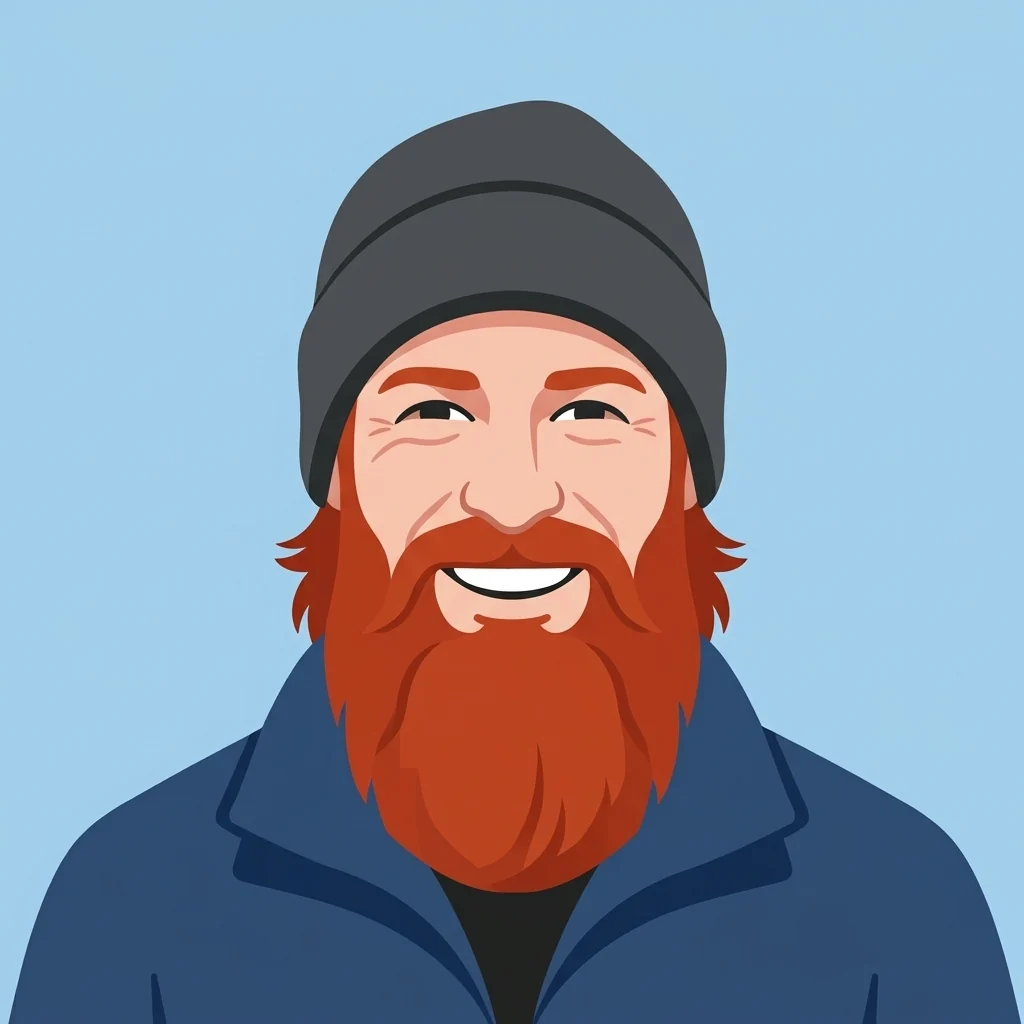
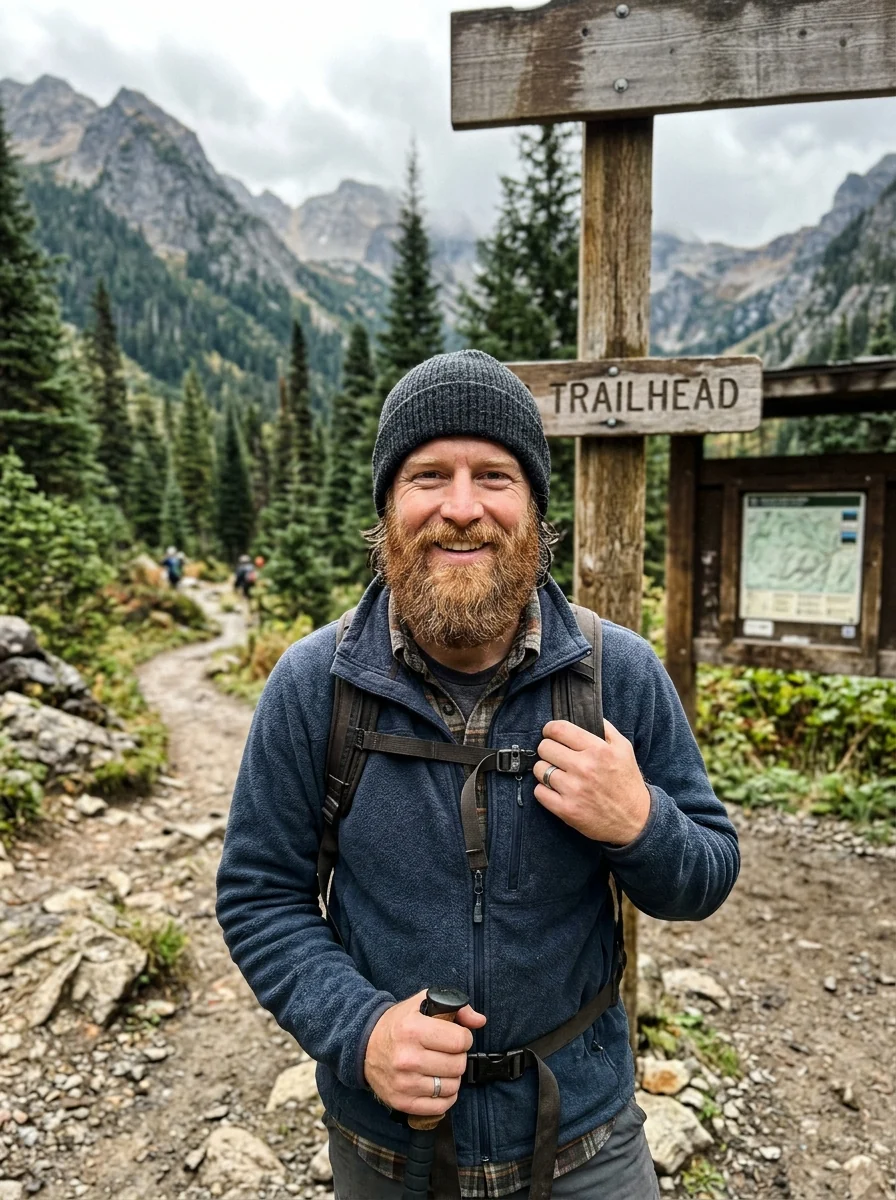
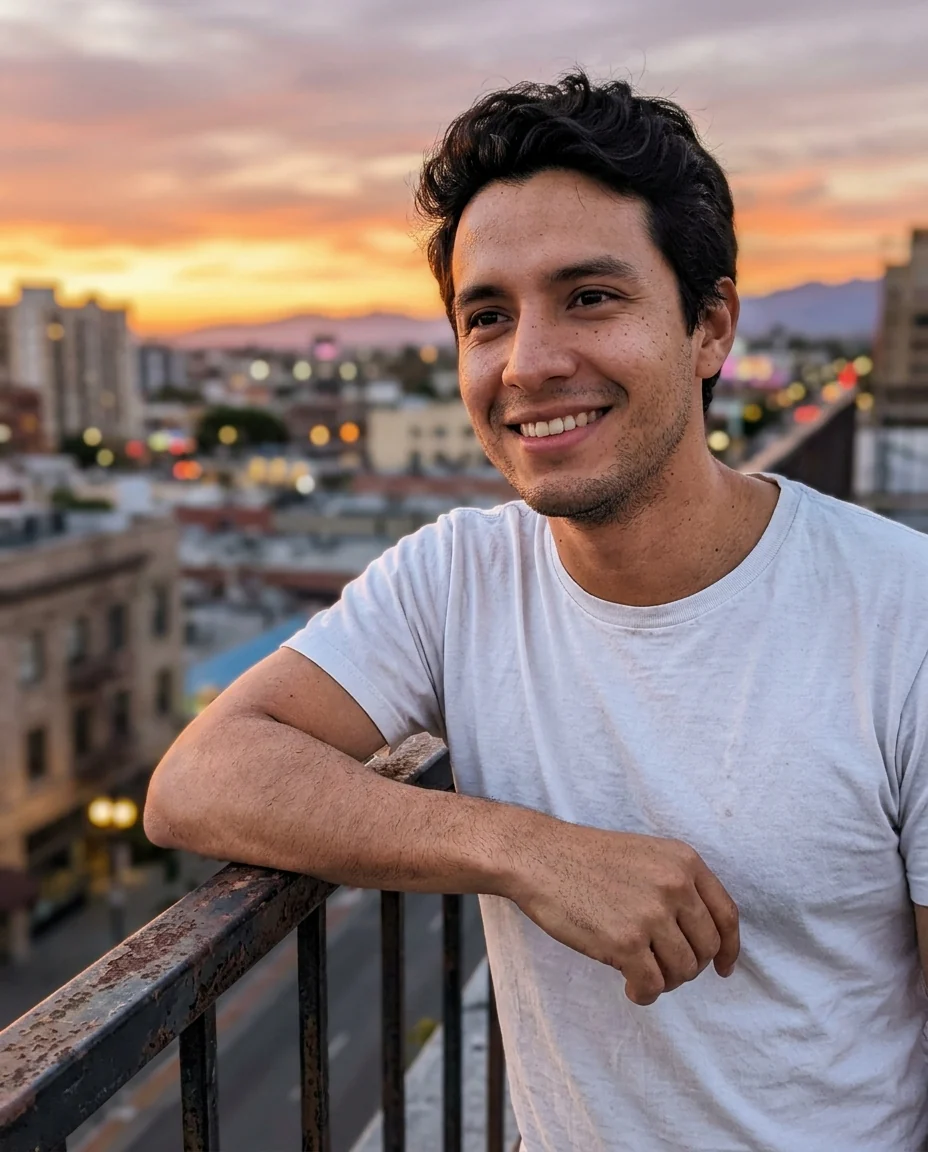
If you want people to recognize you without posting an actual selfie, an illustrated version of your face is the middle ground. Upload a clear, front-facing photo to the avatar generator and pick a style:
- 3D: a soft, rounded character like an animated film.
- Flat: a vector-style avatar with simple shapes. Very readable at small sizes.
- Painted: a brushy portrait, good if your server is about art or games with a painterly look.
- Custom: describe your own style in the instructions box, like "pixel art, 16-bit" or "claymation".
 Avatar generatorA square avatar from your photoTry it with your photo
Style 2: anime
Anime pfps are everywhere on Discord for a reason: the clean lines and large eyes stay readable at tiny sizes. Photo to anime redraws your photo as an anime character while keeping your hair, glasses and expression. A photo with a simple background gives the cleanest result. You can also ask for a specific look, for example "90s anime, cel shading".

Style 3: an emoji or mascot
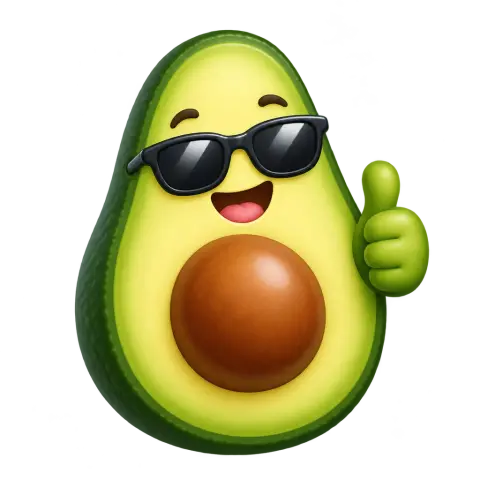
Not everyone wants their face online. A mascot, an animal or an object can become your identity just as well. The AI emoji generator makes a single emoji-style character from a text description, such as "a sleepy frog wearing headphones" or "a cactus giving a thumbs up". Pick the white background for a clean avatar. Choose transparent if you plan to put it on a colored background yourself.

How to crop for the circle
- Make the image square first. Center the face, with the eyes about one-third from the top.
- Leave a little space above the head. The circle cuts the top corners, and a cropped forehead looks odd.
- Zoom in more than feels natural. Head and shoulders should fill most of the frame.
- Preview it as a circle. Discord shows a preview in the upload dialog, so adjust the crop there.
Match your avatar to your banner and theme
Everyone can pick a banner color for their profile, and Nitro users can add a banner image and theme colors on top. Pick them from colors in your avatar. If your anime character has a teal hoodie, a teal banner ties the profile together. If you never set a banner color, Discord suggests one based on your avatar, which is another reason to give it one strong color.
Pfp ideas by server type
- Gaming servers: your character from the game you play most, a stylized version of your gaming setup, or a pixel-art avatar.
- Study and work servers: a clean flat or 3D avatar of yourself. Recognizable but not a selfie.
- Art communities: a painted or sketch version of your face, or a character you designed.
- Friends' servers: in-jokes. Your pet as an emoji, or yourself as an anime character.
- Matching pfps: couples and friend groups often use the same style for everyone. Run each person's photo through the same style so the set matches.
A quick safety note
A pfp generated from your own face is still your face. If you'd rather stay anonymous on public servers, go with a mascot or emoji instead of a stylized selfie. Never use someone else's photo without asking.
Checklist
- Square image, at least 128 x 128, ideally 512 x 512.
- Subject centered, big, with space above the head.
- Simple background, strong contrast, one memorable color.
- No text.
- Previewed as a small circle before saving.
Change your pfp now and then. A fresh seasonal version, like a Santa hat in December, gets noticed.