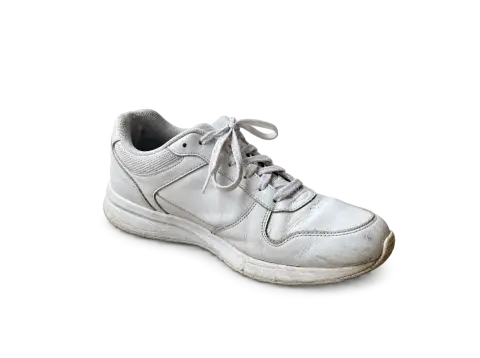
Photoroom is a photo editor built for sellers. It started with background removal on mobile and grew into a product photo studio: AI-generated backgrounds, templates for marketplaces, batch editing, and team features. It's popular with resellers, small brands and marketplace sellers, and it's sold with a subscription for the full features.
If you're looking at alternatives, it's usually because you need fewer features, a different pricing model, or a particular result Photoroom doesn't give you. Here's how to think about it.
What sellers actually need
Most product photo work comes down to four jobs:
- Cutout: separate the product from the background.
- White background: a clean main image for marketplaces like Amazon, eBay and Etsy.
- Lifestyle scene: the product on a counter, a shelf or a table, with matching light.
- Mockups: a design placed on a product, such as a logo on a mug or a print on a shirt.
Some sellers also need batch processing for hundreds of items. Others need one perfect photo per week. The right tool depends on which of these you do most.
Photoroom alternatives compared
Photoroom runs on iPhone, Android and the web, with a Shopify app and a separately billed API. Its paid plans (Pro, Max and Ultra) differ in AI credits and exports per month. These are the main alternatives. Plans and features were checked in November 2026.
remove.bg
remove.bg does one job, background removal, on the web, in desktop apps, on Android, as a Photoshop extension and through an API. Free downloads are low resolution (up to 0.25 megapixels); full resolution needs a subscription or pay-as-you-go credits. Best when all you need is the cutout.
Canva
Canva combines a background remover with templates for listings, social posts and ads. Free accounts can try the background remover a limited number of times, and unlimited use needs a paid plan. Choose it if your product photos end up in marketing graphics.
Adobe Express
Adobe Express is Adobe's online design editor, with background removal and templates. There's a free plan and a Premium plan with monthly generative credits.
Clipdrop
Clipdrop is a web toolkit for background removal, background replacement, relighting, cleanup and upscaling. The free plan allows 20 background removals a day, and Pro raises the limits and the output resolution.
Pebblely
Pebblely generates product scenes around a cutout, with ready-made themes and bulk generation. Paid plans are monthly, each with a set number of images. It's built for lifestyle scenes rather than general editing.
Pixelcut
Pixelcut is a phone-first product photo editor, also on the web, with background removal, AI backgrounds and upscaling. The free plan has limited removals and exports without a watermark, and Pro is a monthly or yearly subscription.
Photoshop and Lightroom
Full control over cutouts, color and retouching. Best for high-value products and professional photographers, but slower and with a learning curve.
Our tools for product photos
Background remover
The background remover cuts out the product with clean edges. Choose Transparent, White, Colour (a flat studio color) or Scene (a simple realistic setting), and optionally keep a soft contact shadow so the product sits naturally.

 Background removerCut out the subject and get a transparent PNGTry it with your photo
White background
White background places the product on pure white, keeping its shape, color and light. The fastest route to a marketplace-ready main image.
Background changer
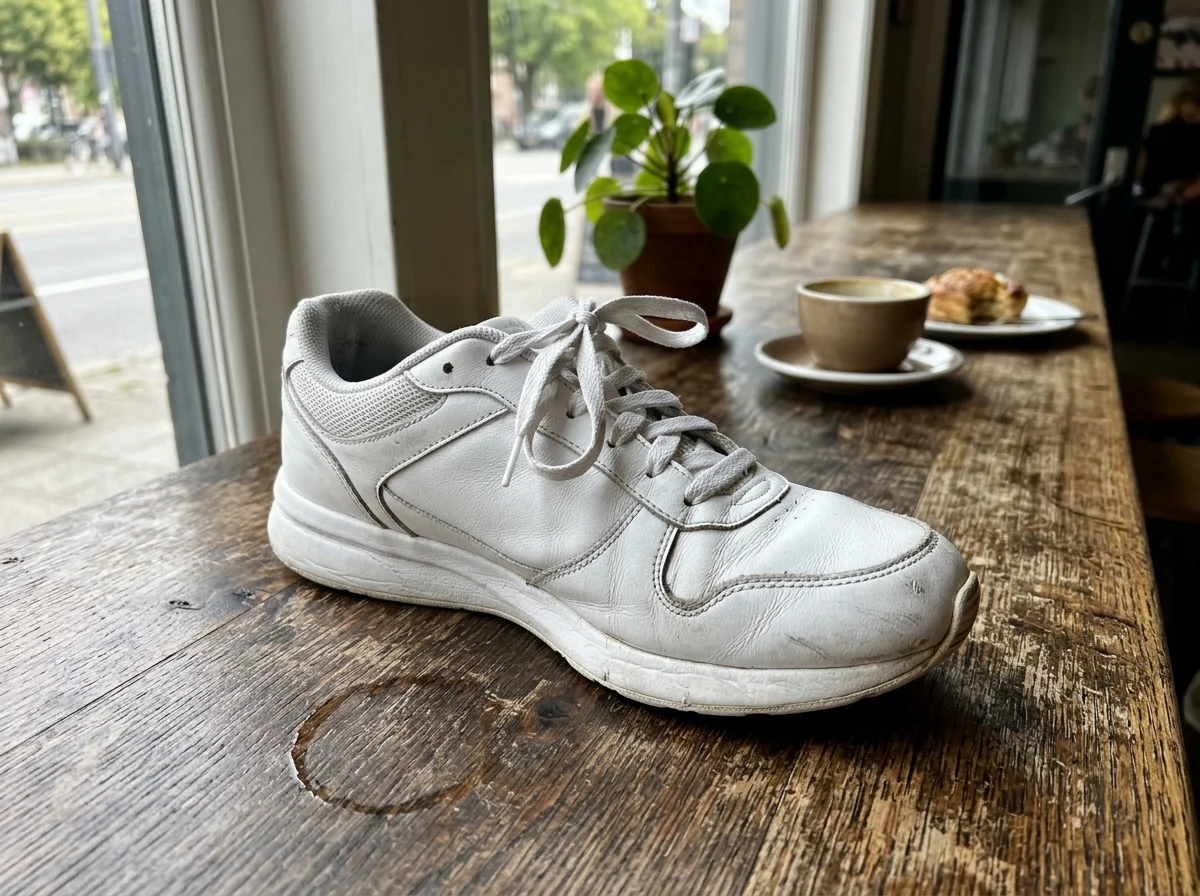
The background changer puts the product into a scene you describe, like "a white marble kitchen counter with soft morning window light", while keeping the product and its lighting the same.


 Background changerPut any subject in a new sceneTry it with your photo
Mockup generator
The mockup generator puts your design onto a product photo, following the folds of fabric or the curve of a mug or jar. Upload the design and a photo of the blank product.
 Mockup generatorPut your design on mugs, shirts and packagingTry it with your photo
Pricing
You sign in to use the tools. New accounts get 25 credits, then you pay for what you use, with the cost shown on the button before you generate. Credit packs never expire, and there's no subscription.
How to compare
Take three of your real product photos, ideally one easy (a box on a table), one hard (something with transparent or reflective parts like a glass bottle), and one with fine edges (fur, fringe, lace). Run them through each tool and check:
- Edges: clean, no halos, fine details kept.
- Color accuracy: the product color must match reality, or you'll get returns.
- Shadows: natural contact shadows make products look grounded.
- Scene realism: does the light on the product match the new background?
- Speed for your volume: one photo at a time, or batches?
Build a repeatable workflow
Whatever tools you pick, the real time saver is a routine. For example:
- Shoot all new products in one session, in the same spot and light.
- Make the white-background main image for every product.
- Make one lifestyle scene per product, using the same two or three settings across your shop so it looks consistent.
- Add mockups for printed products.
- Export everything at the same size and naming pattern.
A consistent shop looks more trustworthy than one where every listing has a different style, and a routine turns photo editing from a chore into an hour a week.
Honest photos sell better
Whatever tool you use, the product itself must look like what the buyer gets: same color, size and details. Styled backgrounds and mockups are fine for showing context, but heavily altered products lead to returns and bad reviews. Our guide to Etsy listing photos covers which photos to include and in what order.
Questions to ask before you subscribe to anything
- How many product photos do you edit in a typical month?
- Which of the four jobs (cutout, white background, scene, mockup) do you need most?
- Do you need batch processing, or is one at a time fine?
- Will you use templates for social media, or only listing photos?
- Does your marketplace already offer some of these tools?
If you edit a handful of photos a month, a subscription is often more than you need. If you edit hundreds, a tool with batch features pays for itself in saved time.
Which should you choose?
- High-volume reseller with batches every day: Photoroom.
- Cutouts only, at full resolution: remove.bg.
- Marketing graphics and social posts: Canva or Adobe Express.
- Styled product scenes without a photo shoot: Pebblely.
- An inexpensive phone app for listings: Pixelcut.
- High-end products and full control: Photoshop.
- A few products a week, different jobs, pay as you go: single-purpose tools like ours.
Start with good photos. A simple setup at home goes a long way, as shown in our guide to product photography with your phone.