
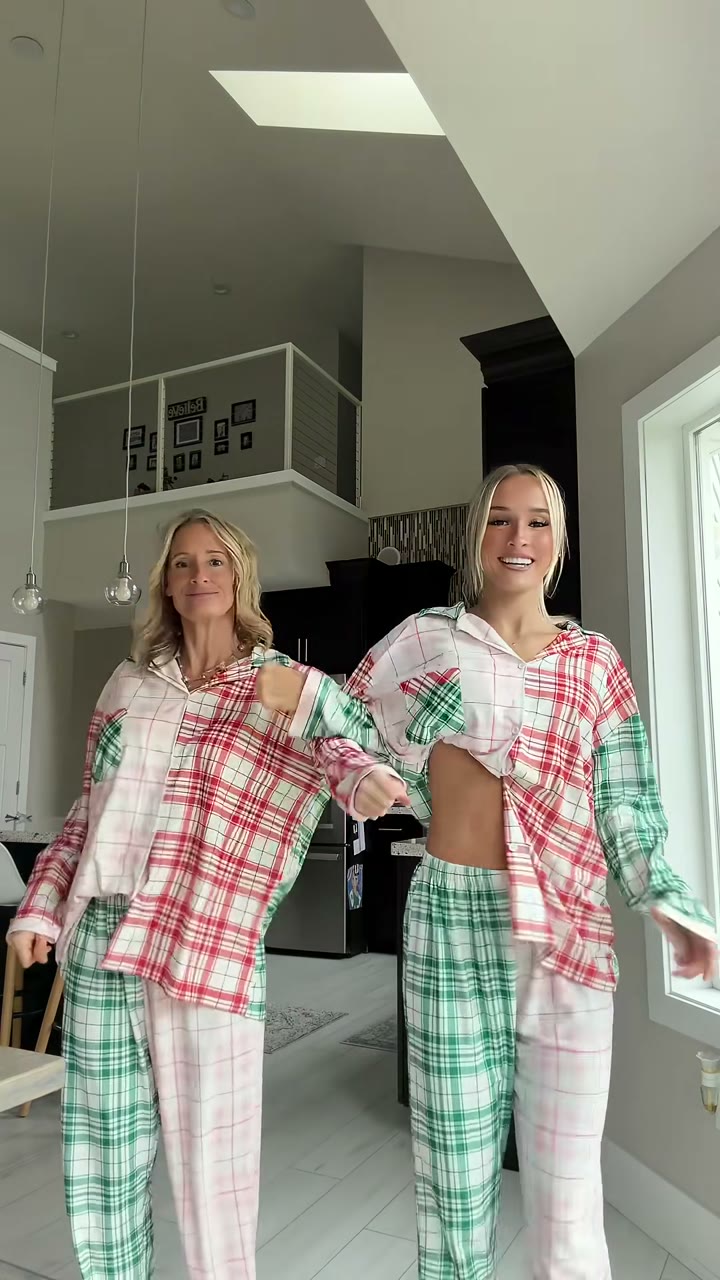
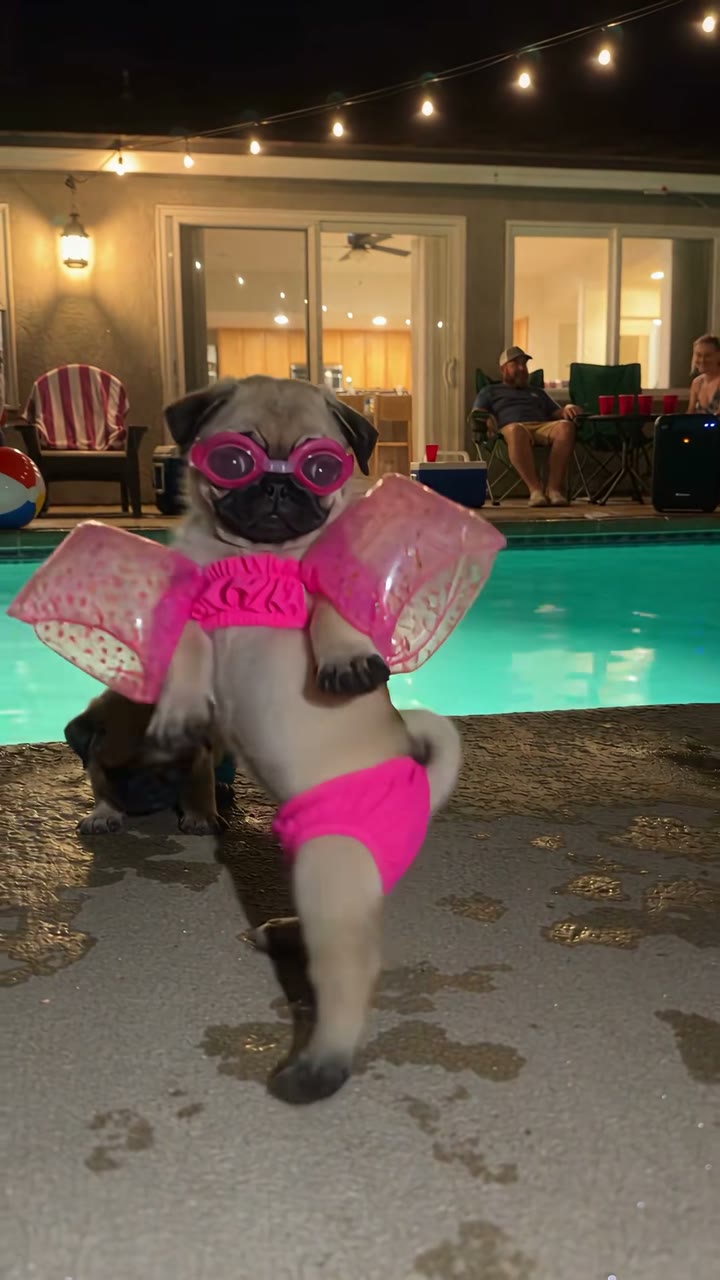
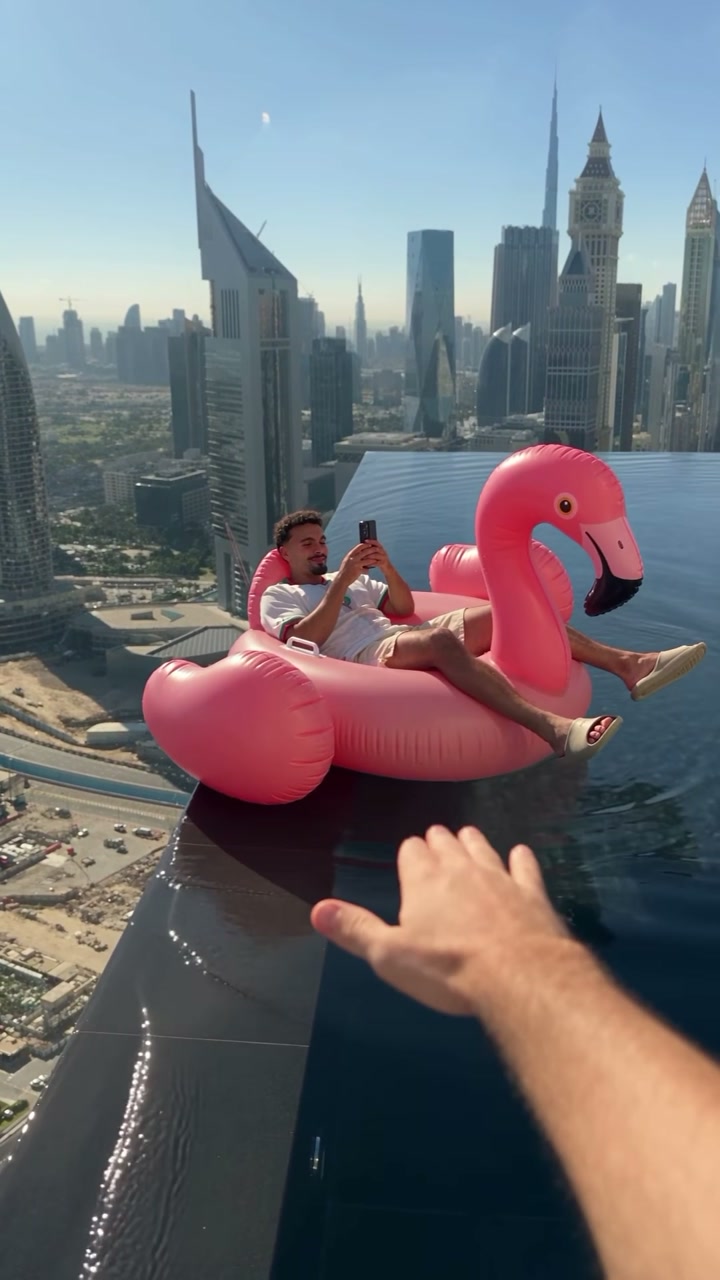
Trending on TikTok
Last Dance AI
1.2K views · Oct 24 · 15s
- 1 · Photo
- 2 · Free preview
- 3 · Your video
Add two photos: people or pets
Person 1
Saved for every trend on this device
Person 2
Only used for this video, not saved
Outfit
Free preview · no sign-up · $6.99 only if you love it
15s · 9:16
By making a preview you agree to our Terms and Privacy Policy, and confirm you're at least 16 (or the age of digital consent where you live) and may use this photo. Terms · Privacy
About the trend · Updated Nov 17, 2026
Last Dance on TikTok
@mochadied
Posted Oct 24, 2026 · the clip we build on
- views
- 1.2K
- views
- likes
- 92
- likes
- shares
- 4
- shares
Counts read Nov 18, 2026 · Watch on TikTok ↗
Clips belong to their creators and link to the original post. Creators can ask us to remove a link.
Last Dance AI features.
Exact scene and timing
Set in a leafy suburban backyard lawn bordered by evergreen trees under soft overcast daylight, following the original 15-second timing frame by frame.
Identity locked across frames
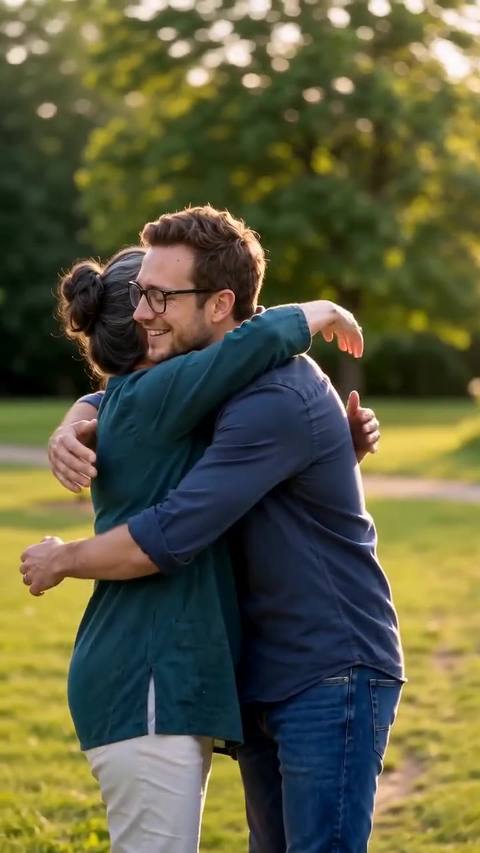
They lean in toward the camera at the start, step back across the grass, join hands and spin dramatically round each other.
Outfit and look control
Keep the trend's viral outfit or switch to Your outfit to wear the clothes from your photo.
Any person or pet fits
Upload a person or a pet photo; animals automatically stand upright and match the choreography.
Last Dance AI, step by step.
01
Upload two photos
Add a clear, well-lit photo for each role slot shown above.
02
See it free
Check the free preview of the first frame and fix it if you like. The full clip is $6.99, only if you love it.
03
Make the clip
Your cast is placed into the scene, then all 15 seconds are rendered with original sound.
Last Dance AI use cases.
- Join the trend in minutes
- Recreate Last Dance without filming, choreography practice or manual video editing.
- Friends, couples and pets
- Swap in friends, family members or your dog and cat for an instant shareable clip.
- Comment and story replies
- Drop a custom remake into group chats, Reels or TikTok replies while the audio is trending.
Last Dance AI: best photos and fixes.
Start with a sharp subject
For Last Dance, pick a clear, well-lit photo with no motion blur and nothing blocking the face or eyes. Front-facing or slightly angled portraits give the strongest facial lock across every frame.
Match each role slot
This template uses 2 slots: Left partner (the person on the left in dark trousers), Right partner (the person on the right in the light dress). Upload one distinct subject per photo and reorder slots anytime.
Outfit and costume tips
Choose The trend's outfit to wear the viral clothes from the original clip, or switch to Your outfit and upload a chest-up or waist-up photo to keep your own clothing.
Clean backgrounds help
Avoid group photos with extra bystanders or crowded rooms behind the subject. If your photo is slightly soft or busy, prep it first with Unblur Image or Background Remover.
Check the preview first
Always inspect your free first-frame preview before buying the full 15-second clip, and use your free fixes if lighting or framing feels off. Explore Pet Taxi AI or Favorite Rumors About Us for more viral video templates.
Last Dance: by hand or here
By hand
- Save and trim the clip
- Find a video model that takes a photo
- Check every shot and add the sound back
Here, in one click
- One photo, free preview
- Original sound kept
- $6.99, 1 free redo
- Full refund if it fails
Last Dance: is it safe to use your photo?
Your photo is only used to make your preview and your video, and we never use it to train AI models. Free previews are deleted after 24 hours. When you buy, the face in your frame is registered with the AI video provider to make the video, and the provider keeps that copy under its own terms; we can't delete it. A video you buy stays in My files for 30 days, and you can delete it sooner.
Last Dance AI FAQ.
What is the Last Dance trend?
Last Dance is a 15-second viral video format: You two in the Last Dance trend: leaning into the camera head to head on a grey autumn day, then stepping back across a leafy backyard lawn, joining one hand each, flinging your open arms wide and spinning round each other to "The Last Dance". Our AI remake puts your own photos into the exact scene and timing.
How much does a Last Dance video cost?
The preview is free and needs no sign-up: test your photo in the frame up to 3 times a day, with 2 free fixes each. The full 15-second video with the original sound is $6.99, paid once at checkout, with one free redo. Your next video within 48 hours, on the same account, costs $4.99, once.
How long does it take?
Usually four to six minutes. You can close the page while it runs: the finished MP4 lands in My files, and if you stay, the progress bar shows which step it is on.
What if the result looks wrong?
Check the free preview first: if the face, pose or framing isn't right, use one of the 2 free fixes or try another photo before you pay. After you buy, you get one free redo of the video. If making the video fails on our side, you get a full refund automatically.
Do I get the original sound?
Yes. The clip is rendered silent and the trend's original audio is laid back on top so every beat lines up cleanly. Download is an MP4 ready to post.
Can I use a pet photo?
Yes. Cat and dog photos work great here, keeping your pet's coat, ears and markings throughout the clip.