Photo grid maker
Put your photos into a neat grid.
Drop images
or paste with ⌘V · JPG · PNG · WebP · HEIC · AVIF · SVG, up to 50 at once
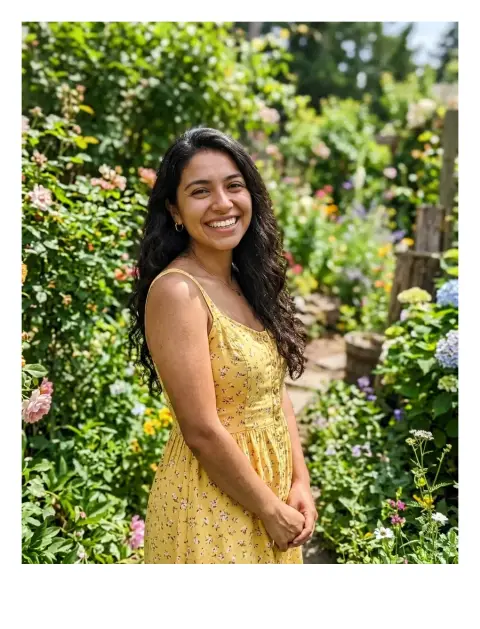
No photo handy? Try one of ours.
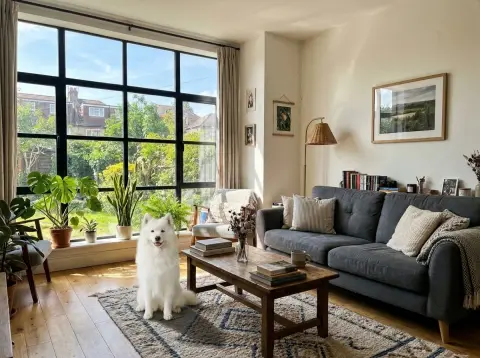 Image combiner →
Photo grid maker examples.
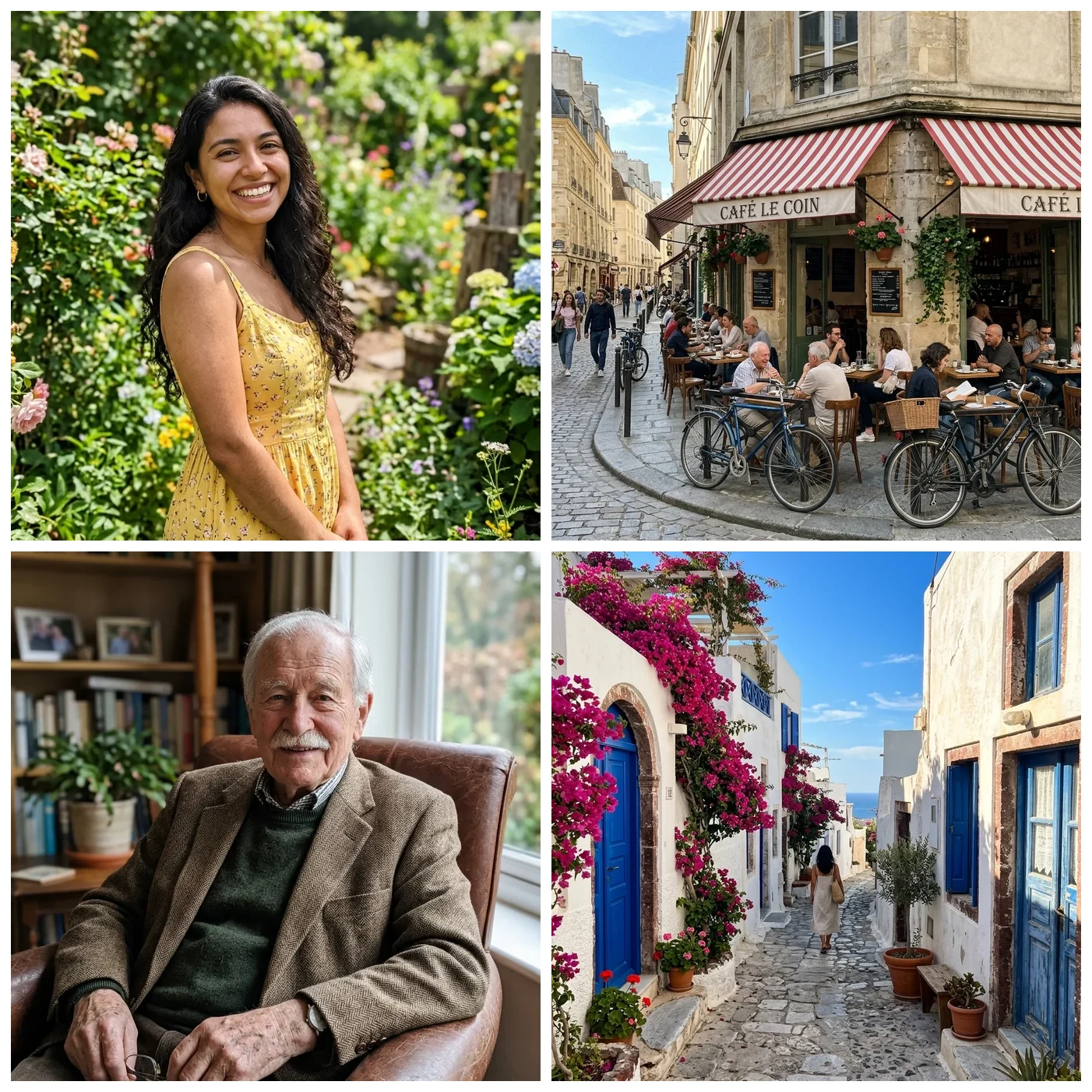
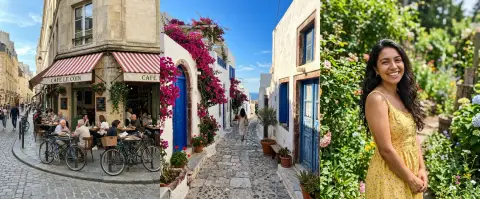
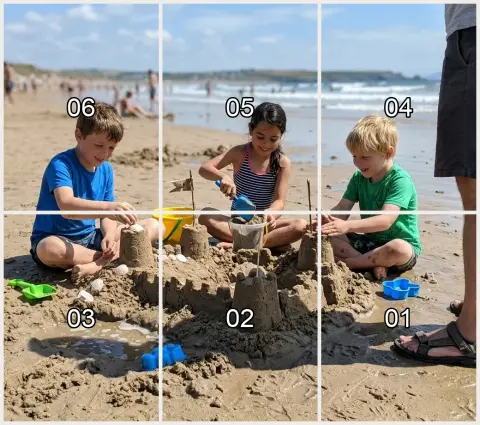
2 × 2 grid
Photo grid maker features.
Columns and cell shape
Choose 1 to 6 columns. Cells can be 1:1, 4:5, 3:4, 16:9 or the shape of your first photo.
Fit, spacing, background
Crop each photo to fill its cell or fit it whole. Spacing goes from 0 to 10%, default 2%, over white, black or a custom color.
Output width
Save at 1080, 2048 or 4096 px wide as JPG or PNG.
Photo grid maker, step by step.
01
Add your photos
Choose up to 50 photos and order them with the arrows.
02
Design the grid
Set the columns, cell shape, fit and spacing.
03
Pick a width and download
Choose 1080, 2048 or 4096 px and save a JPG or PNG.
Photo grid maker use cases.
- Social posts
- Show several photos in one square or 4:5 post.
- Product and listing images
- Show colors or angles of an item together.
- Memory collages
- Combine a trip or event into one shareable picture.
Photo grid maker: best photos and fixes.
Matching columns to photo count
Four photos fit a 2 × 2 grid, six fit 3 × 2 or 2 × 3, and nine fit 3 × 3. When the number does not divide neatly, the last row is shorter and its cells are centred, so it still looks tidy.
Crop to fill or fit whole
Crop to fill gives clean, even cells but trims the edges of each photo. Fit whole keeps every photo complete and leaves background showing around it. Use fit whole for screenshots, products and anything with details near the edge.
Choosing a cell shape
Use 1:1 for a classic square collage. 4:5 and 3:4 suit portrait photos. 16:9 suits landscape shots and video stills. The first photo's shape follows whatever you start with, so put your most typical photo first.
Spacing and background
A 2% gap on white is the default and gives a clean, light look. Zero spacing gives a mosaic. A black background looks sharper around bright photos. A custom color can match a brand or a page.
Output width and file size
1080 px is right for most social posts. 2048 px is good for sharing on screens or a blog. 4096 px gives more detail for printing, but makes a larger file. The result is kept within 16 MP.
Mixing portrait and landscape
A grid of cropped portrait and landscape shots can lose heads or horizons. Choosing fit whole, or a cell shape that suits most photos, avoids awkward cuts.
Photo grid maker FAQ.
How do I make a photo grid?
Add photos, set the columns, cell shape and spacing, then download the JPG or PNG.
How many photos can I use?
Up to 50, with 1 to 6 columns.
Can I keep photos uncropped?
Yes. Choose Fit whole and each photo is shown entire inside its cell.
What if the last row is short?
It is centred, not left aligned.
Can I change the order?
Yes. Use the arrows next to each photo.
Is it free?
Yes. It is free, needs no sign-in and the photo never leaves your device.