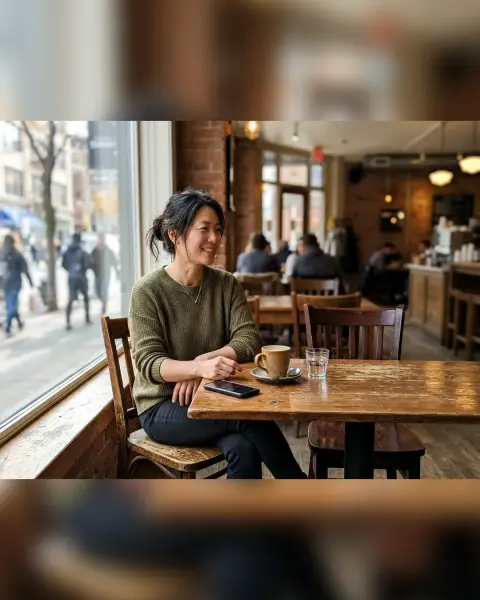
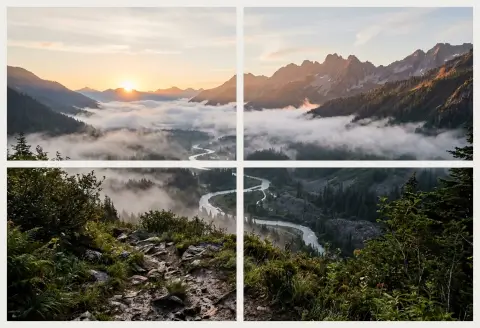
Instagram grid maker
Split one photo into a numbered 3-column profile grid.
Drop a photo
or paste with ⌘V · JPG · PNG · WebP, stays on your device
No photo handy? Try one of ours.
Post tile 01 first and the highest number last, so the full picture lines up on your profile.
Next, with AI
 Image extender →
Instagram grid maker examples.
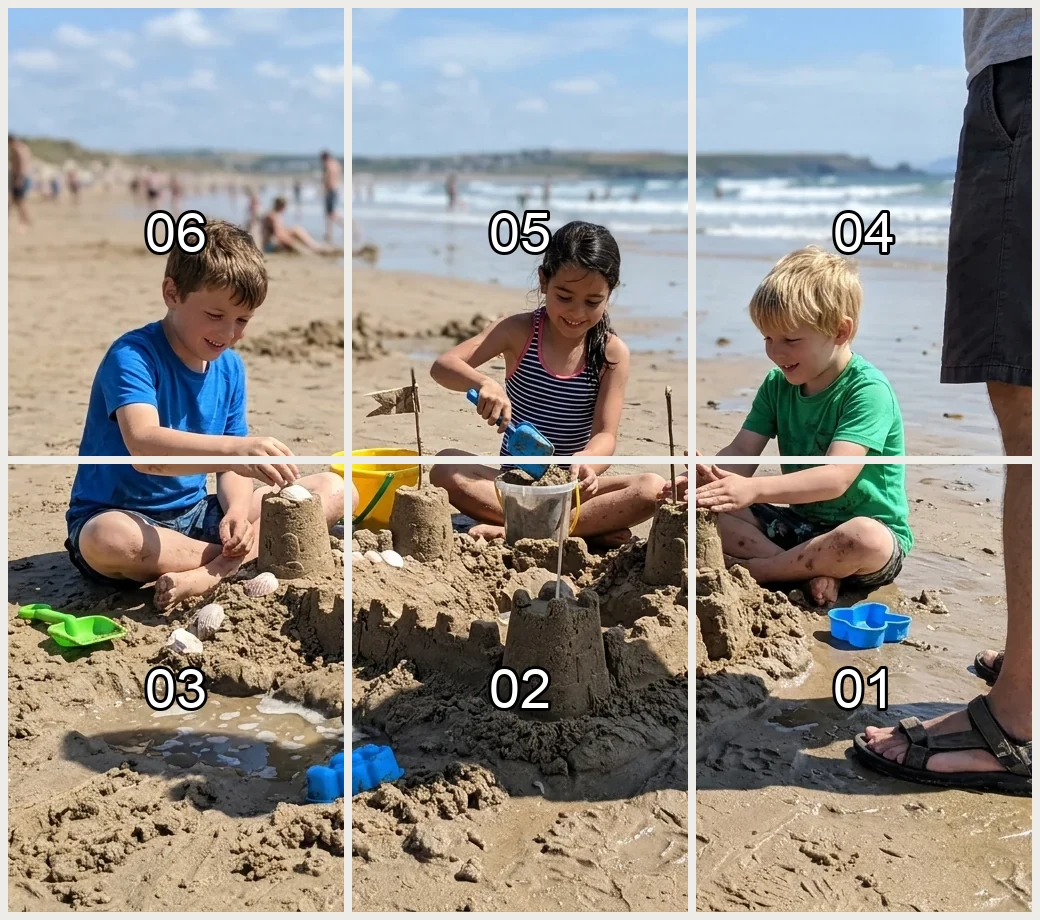
3 × 2 grid, posting order
Instagram grid maker features.
3 columns, 1 to 4 rows
Choose 3×1, 3×2, 3×3 or 3×4 for the whole picture.
Tile shape
3:4 is the default, matching how the profile grid shows posts since 2025. 4:5 and 1:1 are also there.
Numbered in posting order
Post 01 is the bottom-right tile and the top-left tile comes last, because your newest post shows at the top left. Tiles are up to 1080 px wide.
Instagram grid maker, step by step.
01
Add your photo
Choose a wide or square picture. The photo is cropped to the grid's shape first.
02
Set the grid and crop
Pick rows and tile shape, then move the Crop position slider to place the cut.
03
Download and post
Save the ZIP (name-post-01.jpg …) and post the files in number order.
Instagram grid maker use cases.
- Panoramic profile art
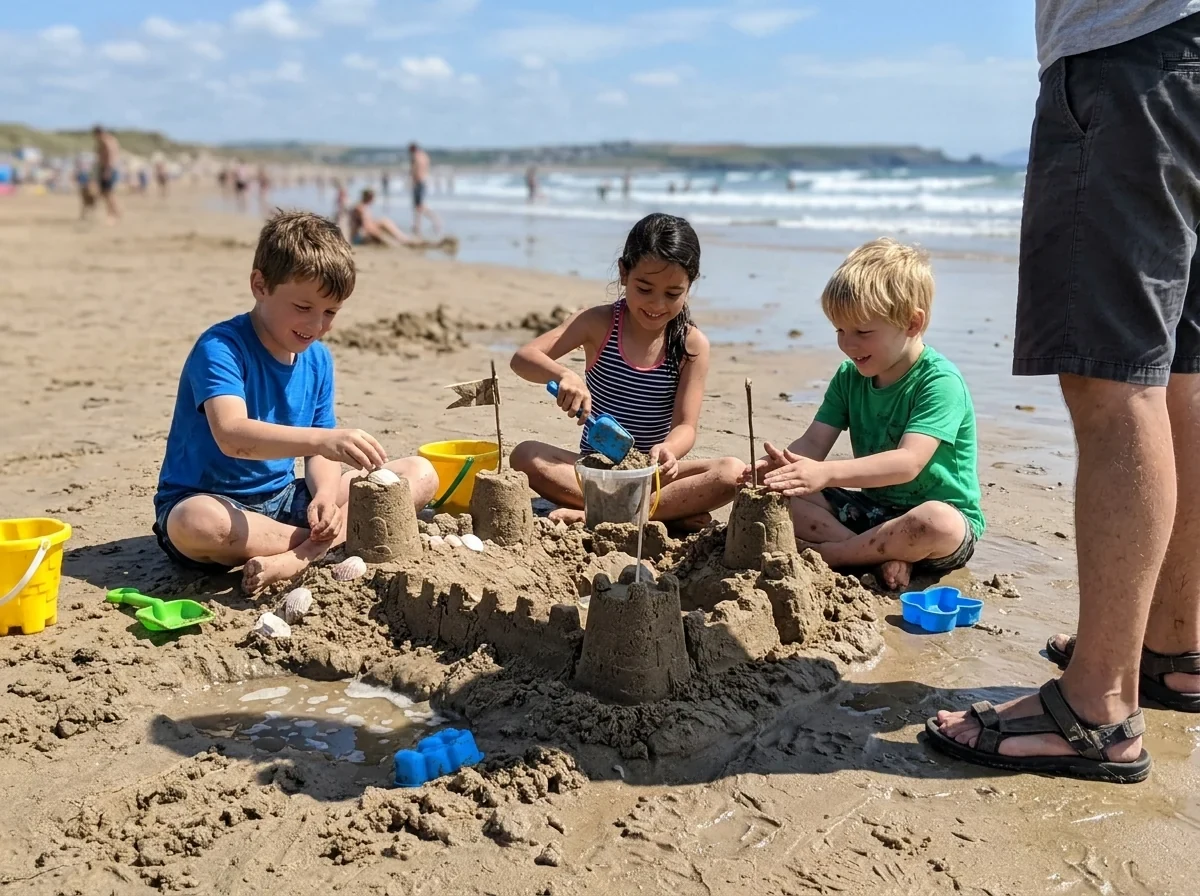
- Turn one wide beach, city or landscape shot into a single image across your grid.
- Launches and announcements
- Spread a poster or product photo over a row of three posts.
- Themed profile
- Plan a 3 × 3 or 3 × 4 block that looks like one picture.
Instagram grid maker: best photos and fixes.
Why the numbers run backwards
Instagram shows your newest post at the top left. To build the picture so it reads correctly, you post the bottom-right tile first and the top-left tile last. The tool numbers tiles that way, so you can post 01, 02, 03 and so on.
Choosing 3:4, 4:5 or 1:1
3:4 matches how the profile grid shows posts now, so the tile you see is the tile you made. Use 4:5 if your posts are 4:5 and you want the full post to match. Use 1:1 for older-style square grids.
Pick a photo that survives cropping
The photo is cropped to the shape of the whole grid first. A 3 × 3 grid of 3:4 tiles is a tall block, so a landscape photo loses its sides. Use the Crop position slider and check which part stays in the frame.
Avoid cuts through faces
Lines fall every third of the width. Keep faces and text away from those lines, or shift the crop. A face split between two tiles looks odd when the posts are opened one by one.
Pinned posts shift the grid
Pinned posts sit above the grid and push your new tiles down. If you pin posts, a grid made from your newest posts will not line up the way you planned. Plan around them, or unpin while you post the set.
Image size and quality
Tiles are up to 1080 px wide and saved as JPG. Start from a photo at least 3240 px wide if you want each tile at full width. Smaller photos make smaller tiles. Instagram may recompress files when they are posted.
Instagram grid maker FAQ.
How do I split a photo into 9 for Instagram?
Choose 3 columns and 3 rows, check the crop, download the ZIP and post the tiles in number order.
Which tile do I post first?
Post 01, the bottom-right tile. The top-left tile is posted last.
What size are the tiles?
Up to 1080 px wide. The shape is 3:4, 4:5 or 1:1, as you choose.
Will the grid line up on my profile?
It depends on how Instagram shows your grid, and pinned posts shift it. The tool numbers the tiles for posting in the right order, but the display is up to Instagram.
Can I use a vertical photo?
Yes. It is cropped to the grid's shape, so move the Crop position slider to choose which part stays.
Is it free?
Yes. It is free, needs no sign-in and the photo never leaves your device.