Resize image for Instagram
Pick a post shape and get a photo at the right pixel size.
Drop images
or paste with ⌘V · JPG · PNG · WebP · HEIC · AVIF · SVG, up to 50 at once
No photo handy? Try one of ours.
 Image extender →
 Background changer →
Resize image for Instagram examples.
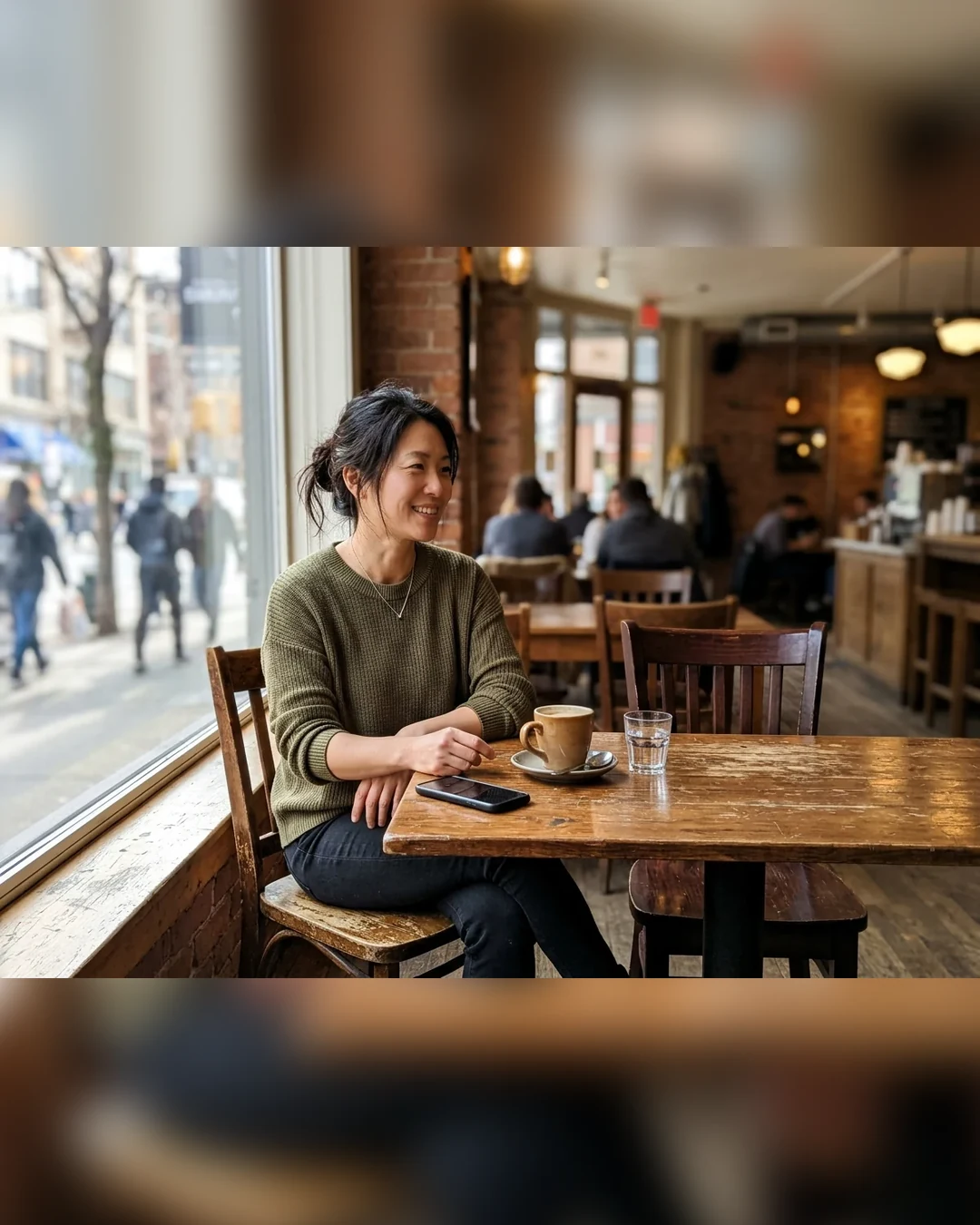
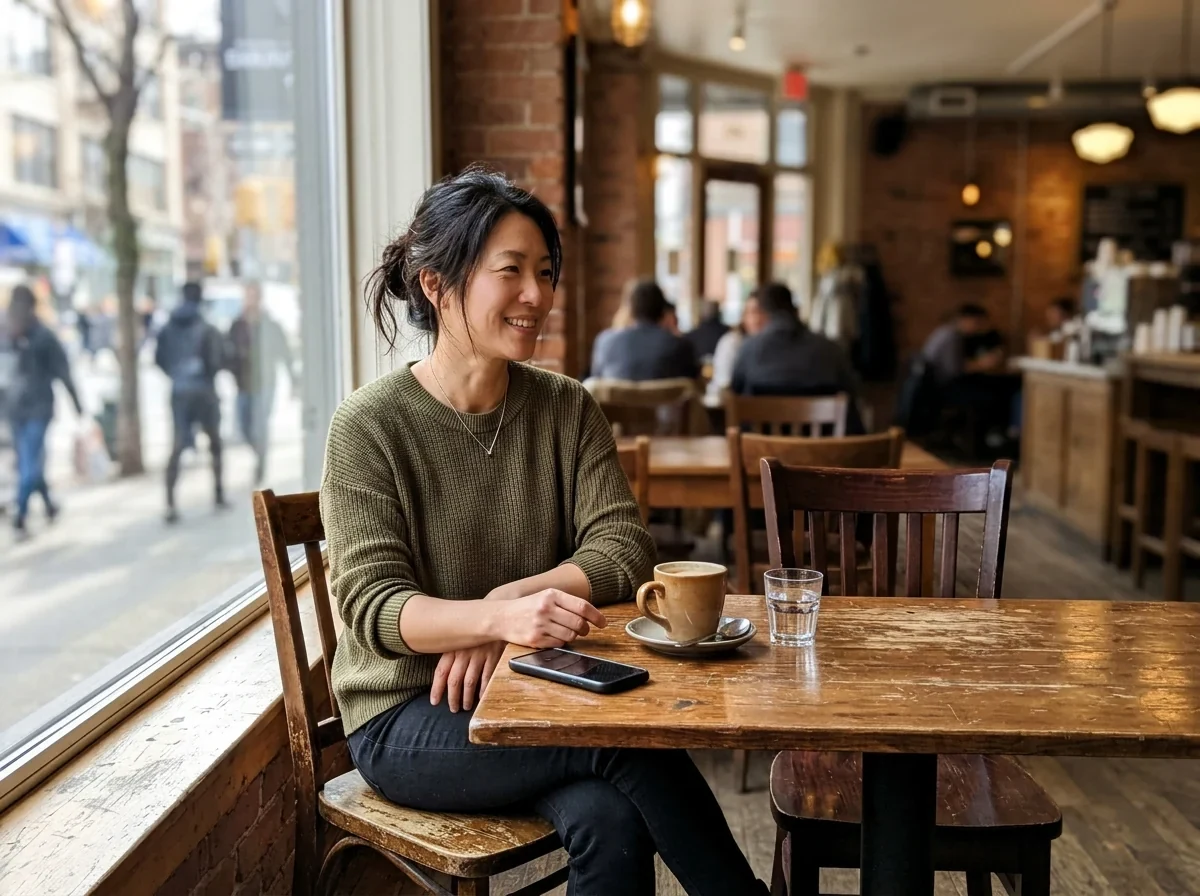
4:5 with blurred fill
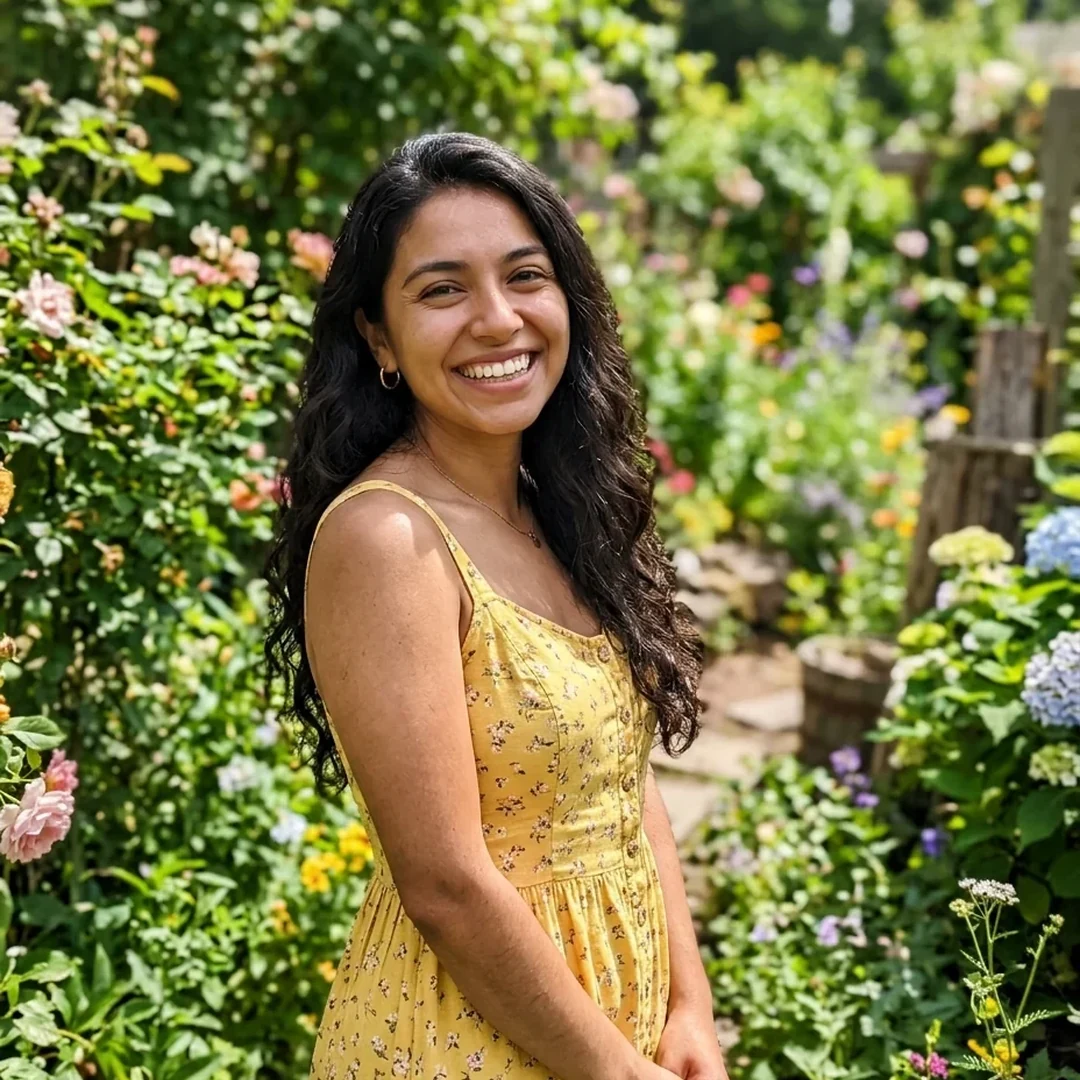
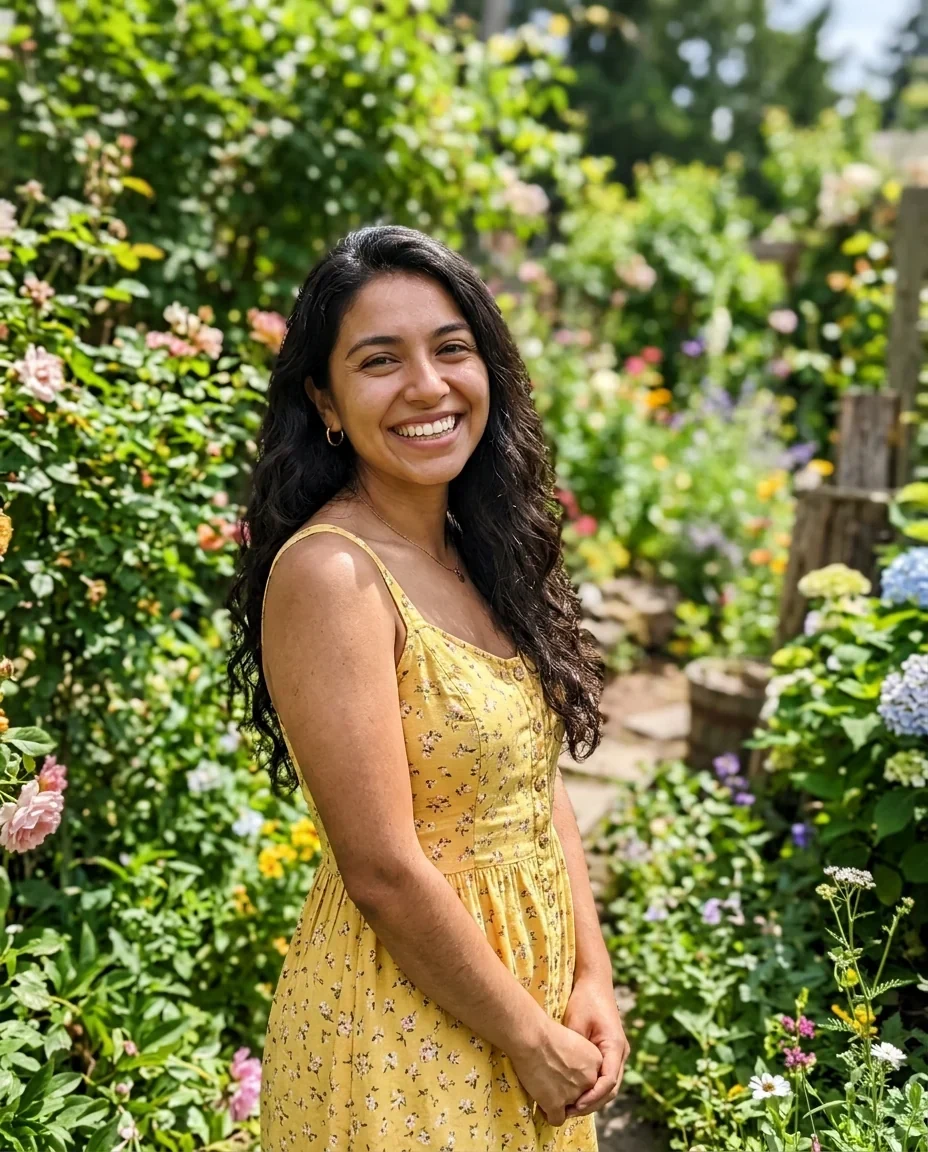
Square crop
Resize image for Instagram features.
Four Instagram shapes
Square 1080 by 1080, portrait 4:5 at 1080 by 1350, story 9:16 at 1080 by 1920, and landscape 1.91:1 at 1080 by 566.
Crop or fit whole
Crop to fill centres the photo and trims the edges. Fit whole keeps everything on white, black or a blurred copy.
Batch up to 50
Resize a whole set for a carousel. A single photo shows a preview.
Resize image for Instagram, step by step.
01
Add your photos
Drop, choose or paste them, or send from your phone with the QR code.
02
Pick the shape
Choose Square, Portrait, Story or Landscape, then Crop to fill or Fit whole.
03
Download
Save as JPG, or switch to PNG, and take one file or a ZIP.
Resize image for Instagram use cases.
- Feed posts
- Fit a camera photo to a square or 4:5 post.
- Stories and Reels covers
- Make a tall 1080 by 1920 image from a photo.
- Carousels
- Give every slide in a set the same size.
Resize image for Instagram: best photos and fixes.
The sizes and what they are for
Square is 1080 by 1080. Portrait 4:5 is 1080 by 1350 and the tallest shape in the feed. Story is 1080 by 1920 in 9:16, the same shape Reels use. Landscape is 1080 by 566, about 1.91:1. Choose by how the post should look, not by the original photo.
Crop or fit whole
A camera photo is usually 3:2, so it does not match any of these shapes. Crop to fill takes the centre and removes the rest. Fit whole keeps the whole picture and fills the leftover space with white, black or a blurred copy of the photo.
Which background to choose
A blurred copy looks natural for most scenes because the colors match. White suits bright, clean photos and product shots. Black suits night scenes and moody portraits. Preview each before you save, as the best one depends on the photo.
Where the subject sits
Crop to fill is a centre crop. Faces near the edge or a subject on one side may be cut. If that happens, use Fit whole instead, or crop the photo first in an editor so the subject is in the middle.
Photos for carousels
Posts in one carousel should share a shape. Resize the whole set to the same preset in one go, so slides do not jump in size when swiping. Mixed wide and tall photos work well with Fit whole.
Quality after posting
JPG is the usual choice. Instagram may recompress what you upload, so the version on the app can differ from your file. Start from a sharp, full-size photo and resize here to the target size to give it the best starting point.
Resize image for Instagram FAQ.
What size should an Instagram photo be?
Common sizes are 1080 by 1080 for square, 1080 by 1350 for 4:5 portrait, and 1080 by 1920 for stories. This tool outputs all of them.
How do I stop my photo from being cropped?
Choose Fit whole. The entire photo stays inside the frame, and the extra space is white, black or blurred.
Which shape is best for a post?
Portrait 4:5 gives the most vertical space in the feed. Square suits a balanced layout, and landscape suits wide scenes.
Will Instagram change my photo?
It may recompress it, so the posted version can look slightly different. Resizing first gives it a good starting file.
Can I resize many photos for a carousel?
Yes, up to 50 at once, all with the same shape and fit.
Is it free?
Yes. It is free, needs no sign-in and uses no credits, and your photo never leaves your device.