GIF frame extractor
Pull every frame out of an animated GIF.
Drop a GIF
Animated GIF · stays on your device
No photo handy? Try one of ours.
GIF frame extractor examples.
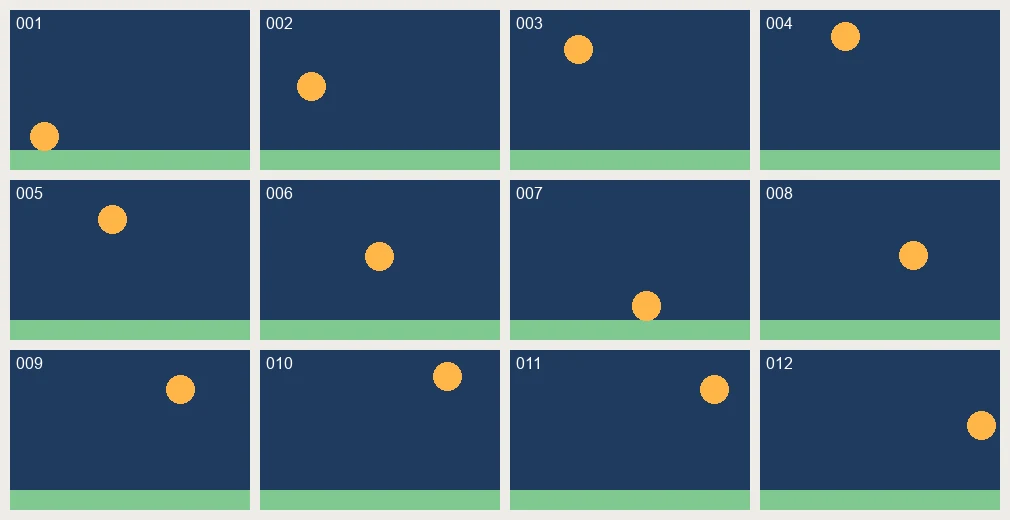

Every frame
GIF frame extractor features.
All frames to start
Every frame is selected and shown as a thumbnail with its number and delay, such as 0.10s.
PNG output
PNG keeps transparency. Files are named name-frame-001.png and so on, in a single ZIP.
Pick what you need
Click frames to turn them on or off, or use All, First or Every 2nd.
GIF frame extractor, step by step.
01
Add your GIF
Choose or drop one GIF.
02
Check the frames
Look at the delays and deselect any frames you do not need.
03
Download
Save the ZIP of PNG frames, or a single PNG if one is selected.
GIF frame extractor use cases.
- Choose the best frame
- Pick the clearest still from a reaction or meme GIF.
- Sprite sheet source
- Get individual frames to arrange into a sprite sheet.
- Edit and rebuild
- Edit frames in your usual editor, then put them back together with the GIF maker.
GIF frame extractor: best photos and fixes.
Reading the frame delays
Each GIF frame has its own delay, shown in seconds such as 0.10s. If most frames show 0.10s, the GIF plays at about 10 frames a second. A frame with 1.00s or more is a pause. Use these numbers when you rebuild the animation.
Editing frames and rebuilding
Extract all frames, edit the ones you want to change, then bring the files into the GIF maker in the same order. The numbers in the file names, 001, 002 and so on, keep the order clear when sorted.
Why PNG for frames
PNG is lossless and keeps transparent areas, which matters when a GIF has a clear background. JPG would turn those areas white and add compression marks around edges. PNG files are larger, so a long GIF makes a large ZIP.
Complete frames, not fragments
GIF files often store only the area that changed between frames. A tool that exports those parts gives you small pieces. Here each frame is rebuilt as the browser shows it, so every PNG is the complete picture.
Using frames as a sprite sheet source
Extract the frames, then place them in a grid in an image editor or with the photo grid maker, in order. Keep the cell size equal for every frame so a game engine can step through them evenly.
Large GIFs
Up to 1000 frames are read. GIFs with large pixel sizes make heavy PNGs, so select Every 2nd if you only need a sample, or choose single frames by hand.
GIF frame extractor FAQ.
How do I extract frames from a GIF?
Add the GIF, keep All selected and download the ZIP of PNG files.
Do I get the delay for each frame?
Yes. It is shown under each thumbnail, for example 0.10s.
Are transparent backgrounds kept?
Yes. PNG keeps transparency.
How many frames can it read?
Up to 1000.
Can I save as JPG instead?
Use the GIF to JPG page, which starts with JPG output and the first frame selected.
Is it free?
Yes. It is free, needs no sign-in and the photo never leaves your device.