Bob Filter
See a bob haircut on you before the salon.
Drop a photo
or paste with ⌘V · JPG · PNG · WebP · up to 8 MB
No photo handy? Try one of ours.
More like this.
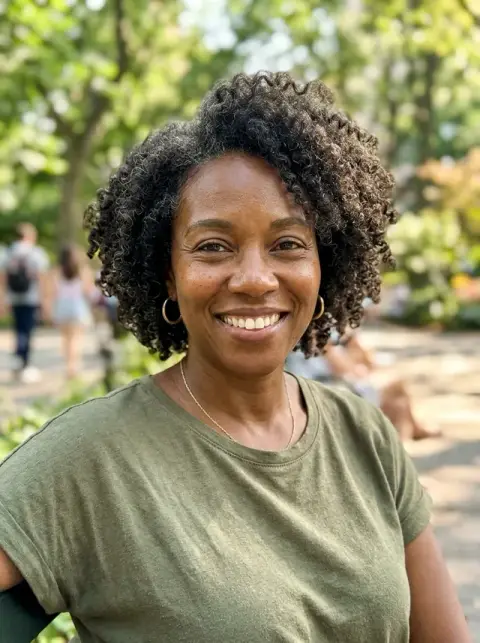
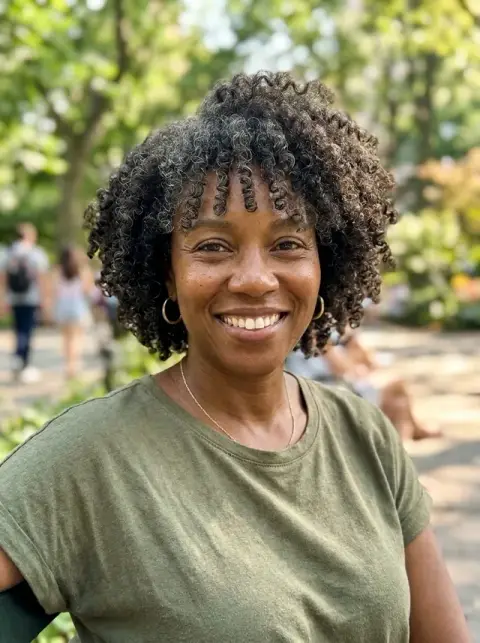


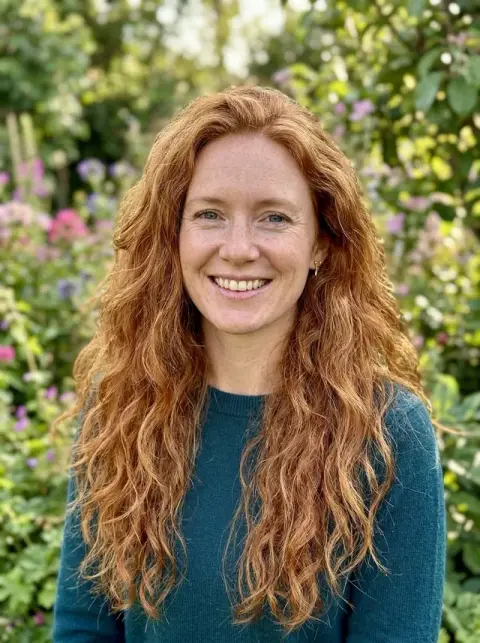
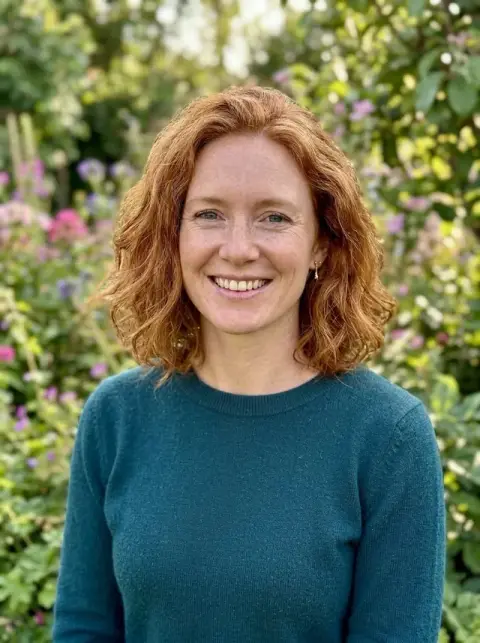
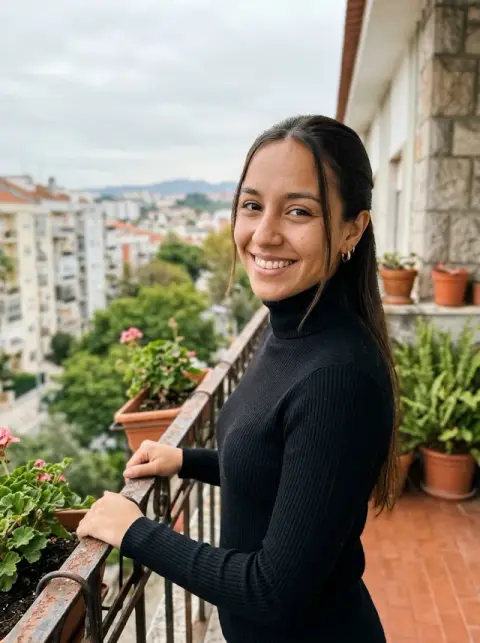
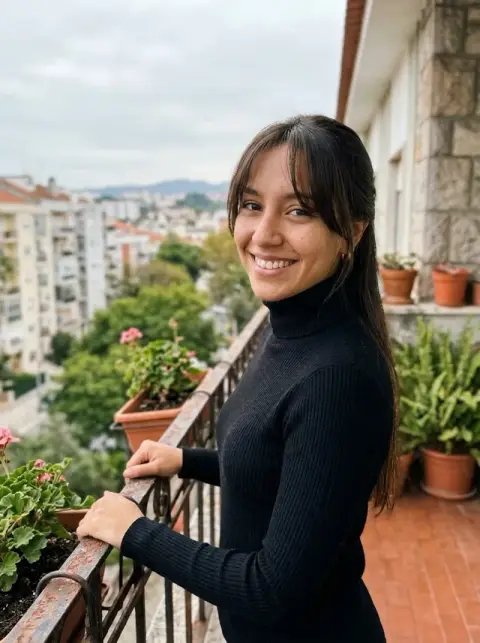




Bob Filter examples.
Real results from this page's default settings in one click, not retouched.How examples are made


Classic bob


Blunt bob
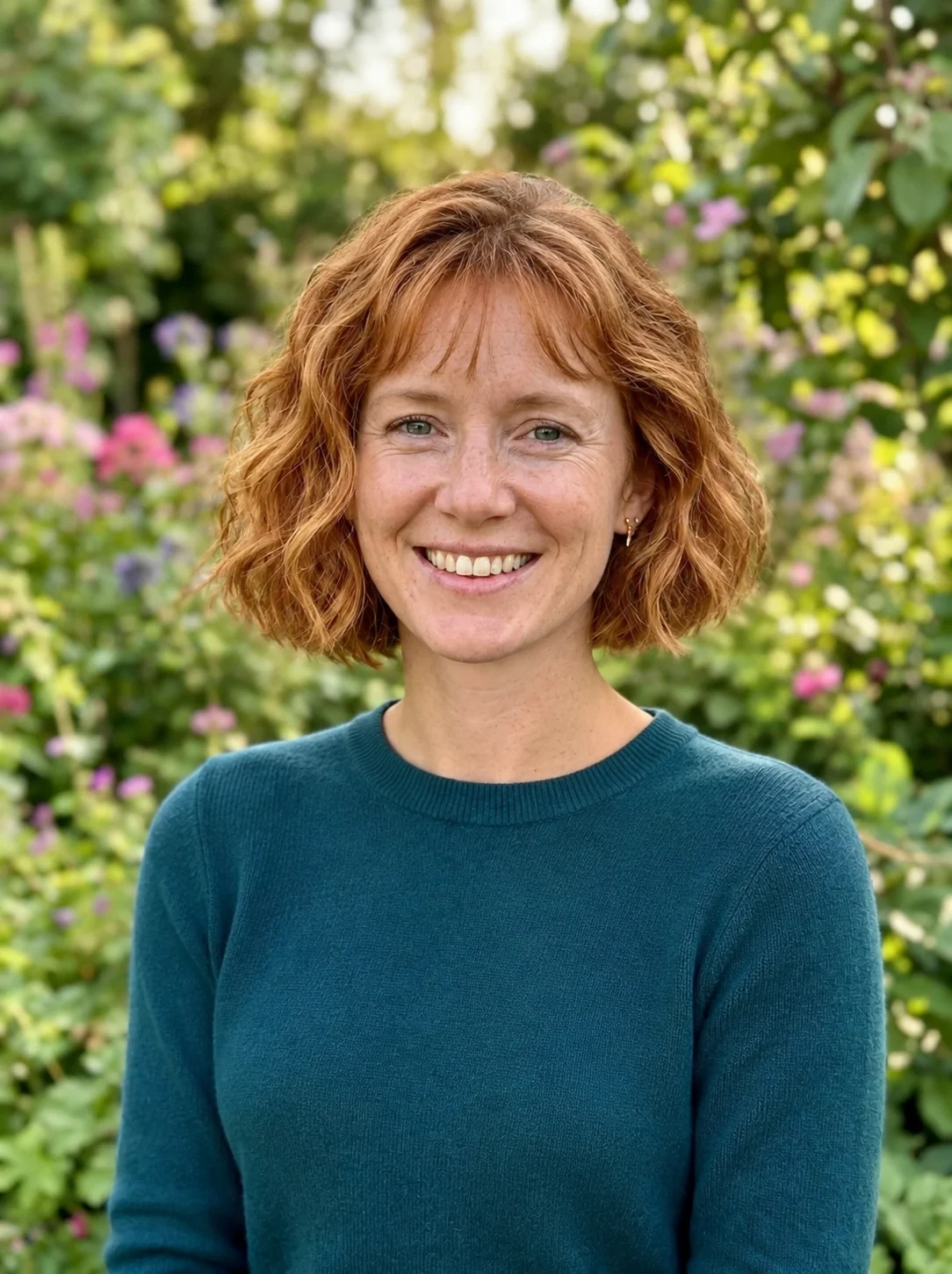
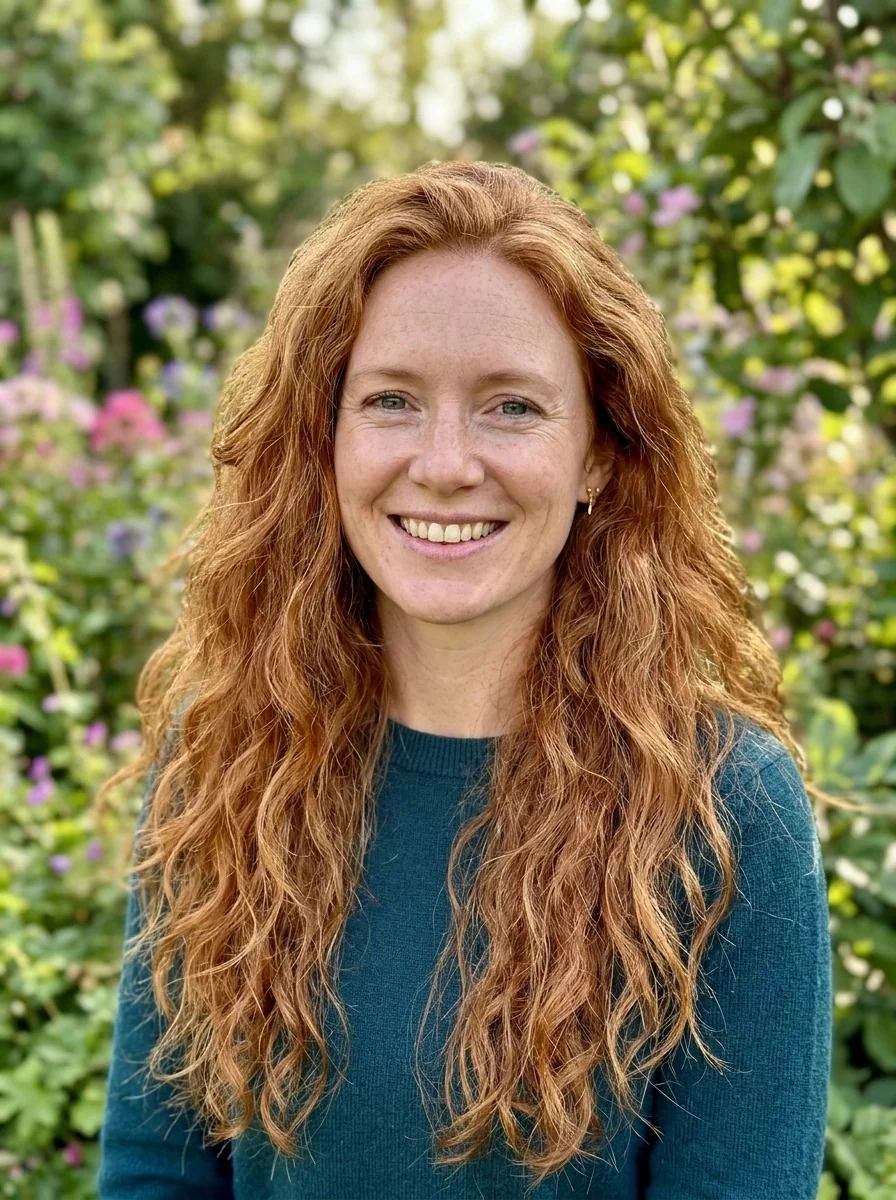
French bob
Bob Filter features.
Four bobs in one tap
Choose a classic chin-length bob, a collarbone-length long bob, a jaw-length French bob with light bangs, or a blunt bob with a sharp straight edge.
Cut from your own hair
The bob is made from your existing hair, so your color and natural texture carry over instead of being swapped for a generic wig.
Describe your own with Custom
If none of the four is quite right, pick Custom and describe the version you have in mind, such as an A-line shape or curtain bangs.
Only the hair changes
Your face, clothing, background and lighting stay as they were, so the before and after are easy to compare.
Bob Filter, step by step.
01
Upload a front-facing photo
Choose a clear photo with your hair visible, or scan the QR code on the page to send one straight from your phone.
02
Pick a bob
Select Classic bob, Long bob, French bob or Blunt bob. Choose Custom if you want to write your own description instead.
03
Generate and compare
Run the same photo with a second cut, then download the one that suits you best and keep it for your stylist.
Bob Filter use cases.
- Before cutting off long hair
- If you have had long hair for years, a bob is a big step. Seeing a lob or a classic bob on your own photo lets you sleep on it before the appointment, which is far easier than growing it back.
- Choosing between bob lengths
- A chin-length bob and a collarbone-length lob look quite different around the face. Run both on one photo and compare how each frames your jaw.
- Showing a stylist what you mean
- Words like blunt or French can mean different things to different people. A picture of the cut on your own face makes the brief much clearer.
- Trying the bob trend on any photo
- The bob look is popular on TikTok, and this web version works on any photo you have, not only through a camera app.
Bob Filter: best photos and fixes.
Photos that give a good bob
A front-facing photo with your whole head in frame, including the jawline, ears and neck, gives the model what a bob would reveal. Long hair falling over the shoulders or across the face has to be removed and the hidden areas drawn in, which is harder to do convincingly. Soft daylight and no hat help.
Picking the right length
The classic bob sits at the chin, the long bob reaches the collarbone, the French bob stops near the jaw with light bangs, and the blunt bob is one length with a sharp edge. If you want something in between, choose Custom and describe it. Looking at the shortest and longest side by side is the quickest way to find where you feel comfortable.
Straight, wavy and curly hair
Because the bob is cut from your own hair, your natural texture carries over. Wavy and curly hair tends to look bouncier and fuller when cut short, as it does in real life. For a closer look at curls, see the curly hair filter.
Face shape and bangs
Light bangs on a French bob frame the eyes and can shorten a long forehead, while a blunt bob draws a firm line at the jaw. Hair frames the face, so a new cut can make it look wider or narrower even though your features stay the same. Treat the result as a preview, and ask a stylist how your hair type and growth pattern would shape the cut.
If the color or face changes
Only the length and shape should change. If your hair comes out lighter or darker than it is, or your face looks different, regenerate with a sharper, evenly lit photo.
Exploring other cuts
For pixie cuts and crops, try the short hair filter, and for a wider range of styles the hairstyle changer. The wolf cut filter shows the shaggy, layered alternative.
Bob Filter FAQ.
Which bob styles can I try?
You can choose Classic bob, Long bob, French bob or Blunt bob. Choose Custom to describe another variation, such as an A-line bob or a bob with curtain bangs.
Will the bob keep my hair color?
Yes. The cut is made from your own hair, so your color and natural texture carry over. If the shade still shifts, regenerate or mention it in Custom.
Does it change my face?
No. Only the hair changes, and your face, clothing and background stay the same. A new cut can still change how your face looks, since hair frames it.
Is this the TikTok bob filter?
It is a web version of the bob haircut trend. It works on any photo you upload, and no camera app is needed.
Does it work if my hair is already short?
It works best on hair that has some length to cut. On hair that is already near jaw length, the change will be small.
Is the bob filter free?
You can try it without paying anything up front: new accounts get 25 free credits once, and one generation here costs 9 credits with the default model, GPT Image 2. You sign in to generate, and results have no watermark. You can pick other models from the model menu at their own prices.
Which files can I upload?
JPG, PNG or WebP, up to 8 MB per image. You can also scan the QR code on the page to send a photo from your phone; the link is valid for 10 minutes.
Are my photos used for training, and how long are results kept?
No, uploads are not used for training. Your results stay in My files for 48 hours, or for 30 days if you have a plan, so download the ones you want to keep. If a generation fails, the credits are refunded.