












Wolf Cut Filter
Shaggy layers and curtain bangs on your own photo.
Drop a photo
or paste with ⌘V · JPG · PNG · WebP · up to 8 MB
No photo handy? Try one of ours.
More like this.




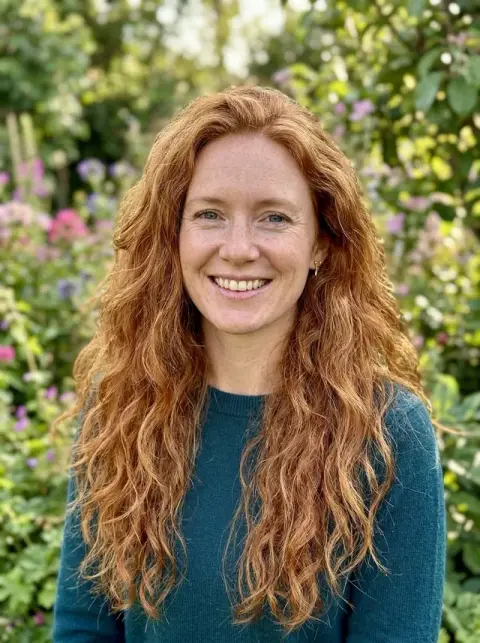







Wolf Cut Filter examples.
Real results from this page's default settings in one click, not retouched.How examples are made


Woman with a shaggy wolf cut, choppy layers and curtain bangs in warm brown hair
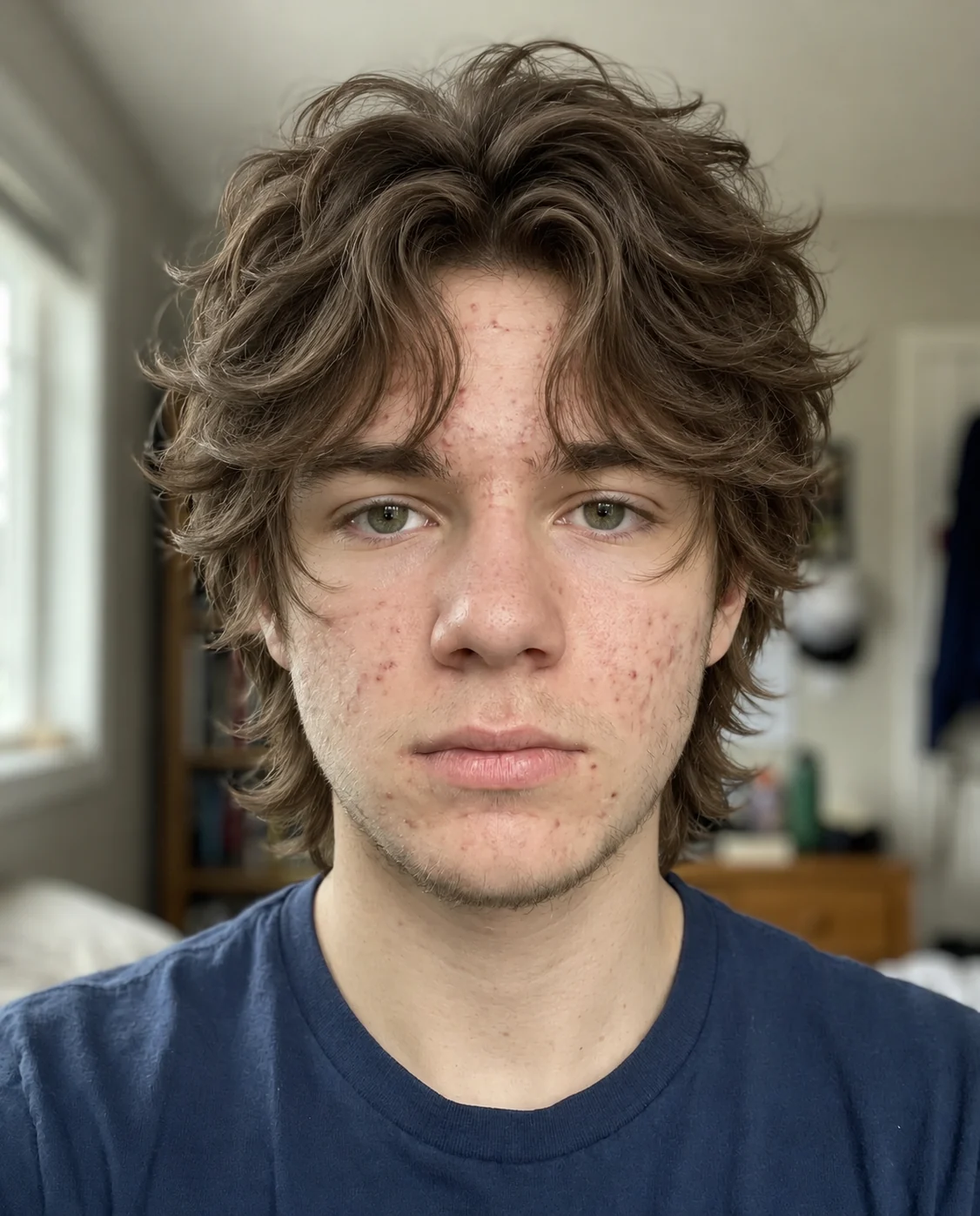
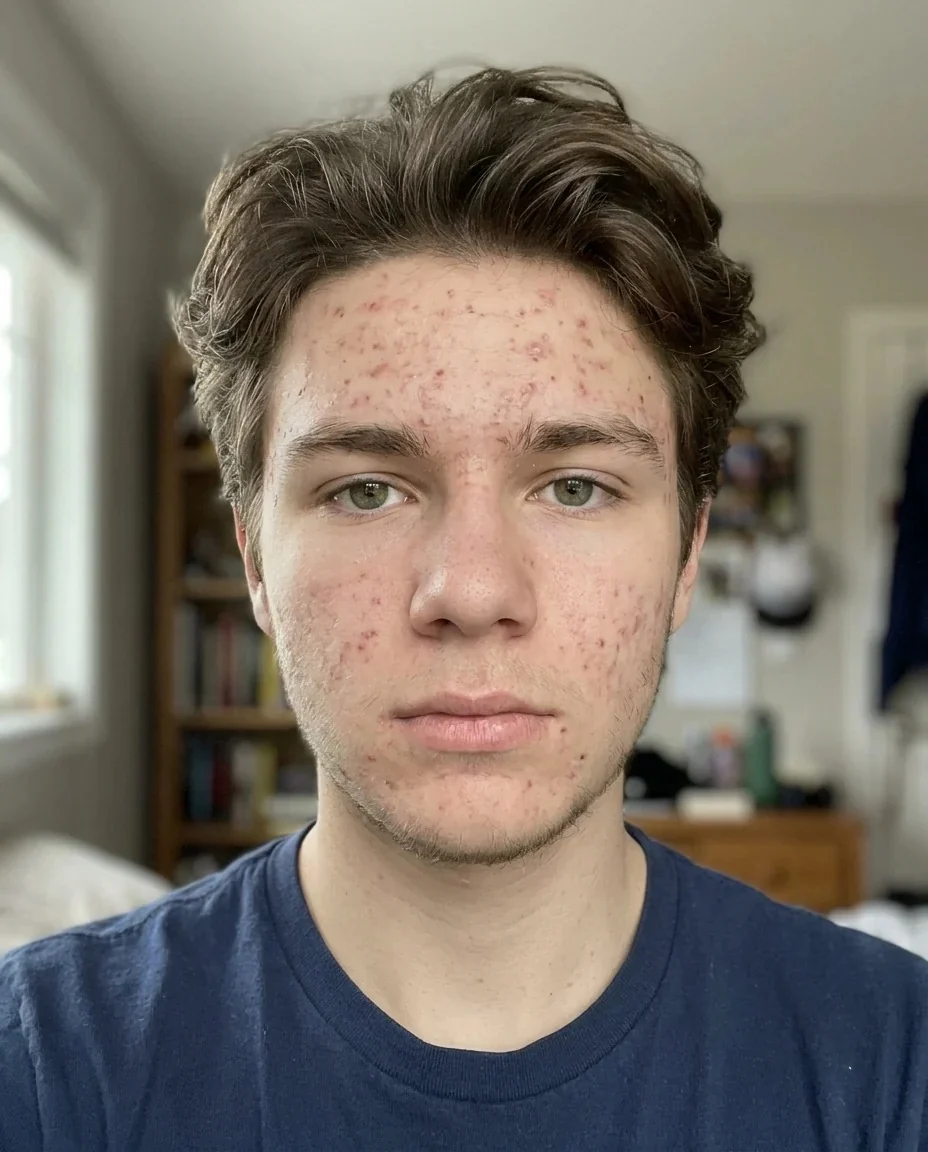
Teenage boy with tousled wavy wolf cut layers and a messy fringe


Blonde woman with long choppy wolf cut layers and soft curtain bangs outdoors
Wolf Cut Filter features.
The full wolf cut shape
You get the look the trend is known for: a shaggy, heavily layered cut with volume at the crown, choppy face-framing pieces and curtain bangs.
Cut from your own hair
The layers are made from your current hair, so your color and natural texture stay and the result looks like you after a salon visit.
Face and setting untouched
Your face, clothing, background and lighting stay the same, so you can compare the two photos directly.
Works on any photo
This is a web version of the trend, so you can use it on any photo you already have, not only through a phone camera app.
Wolf Cut Filter, step by step.
01
Upload a photo with your hair down
Choose a clear, front-facing photo, or scan the QR code on the page to send one from your phone.
02
Generate the wolf cut
Sign in and press the button. The AI layers your hair, adds volume on top and gives you curtain bangs.
03
Compare and download
Look at the before and after side by side, then save the picture to show a stylist or to use as a profile photo.
Wolf Cut Filter use cases.
- Trying a trend before committing
- The wolf cut involves a lot of layers, and a growing-out phase if you decide you do not like it. Previewing it on your own photo is a gentle way to test the idea.
- Bringing a reference to the salon
- A picture of the cut on your own face tells a stylist much more than a celebrity photo, because they can see how it sits with your hair color and face shape.
- Refreshing long, plain hair
- If your hair is long and one length, the wolf cut can show you how much movement layers would add without losing all your length.
- Testing a bolder profile picture
- If you are tempted by a more edgy look for an avatar, you can try it on one photo first.
Wolf Cut Filter: best photos and fixes.
Photos that work best
Use a front-facing photo with your whole head in frame and your hair down. Even light helps the model see the edge of your hair against the background. Photos where hair is tucked into a hood or collar leave too little to work with.
What the cut looks like
A wolf cut blends a shag and a mullet: heavy layers, plenty of volume on top, choppy pieces around the face and curtain bangs that part in the middle. The tool applies those elements to your own hair, so color and texture stay yours. It works best when your hair is at least chin length.
Straight, wavy and curly hair
Wavy hair usually looks the most natural in a wolf cut, because layers show off its movement. Straight hair gives a sharper, choppier look. Very curly hair may come out looser than it would in real life, so treat it as a rough preview.
Men and boys
The wolf cut is worn by people of all genders. On shorter hair you get a tousled, layered top with a messy fringe, and on longer hair the length at the back stays. For tidier short styles, try the short hair filter.
If the color or face changes
Only the shape of the hair should change. If the color looks lighter or darker, or your face seems different, regenerate with a sharper, evenly lit photo.
Related cuts
If you like the length at the back, the mullet filter takes it further. For a sleeker option, try the bob filter, and to browse more styles, the hairstyle changer.
Wolf Cut Filter FAQ.
What is a wolf cut?
It is a shaggy, heavily layered haircut with volume at the crown, choppy face-framing layers and curtain bangs. It blends elements of a shag and a mullet.
Is this the TikTok wolf cut filter?
It is a web version of the trend. It works on any photo you upload instead of running inside a phone camera app.
Will my hair color change?
No. The cut is made from your own hair, so your color and natural texture stay. If the shade drifts, regenerate once.
Does it work on short hair?
It works best when hair is at least chin length, so there is enough to layer. On very short hair the change will be smaller.
Will my face and outfit stay the same?
Yes. The prompt asks the AI to keep your face, clothing, background and lighting as they are, and to keep you recognizable.
Is the wolf cut filter free?
You can try it without paying anything up front: new accounts get 25 free credits once, and one generation here costs 9 credits with the default model, GPT Image 2. You sign in to generate, and results have no watermark. You can pick other models from the model menu at their own prices.
Which files can I upload?
JPG, PNG or WebP, up to 8 MB per image. You can also scan the QR code on the page to send a photo from your phone; the link is valid for 10 minutes.
Are my photos used for training, and how long are results kept?
No, uploads are not used for training. Your results stay in My files for 48 hours, or for 30 days if you have a plan, so download the ones you want to keep. If a generation fails, the credits are refunded.


