Mullet Filter
Short on the sides, long at the back, on your own photo.
Drop a photo
or paste with ⌘V · JPG · PNG · WebP · up to 8 MB
No photo handy? Try one of ours.
More like this.

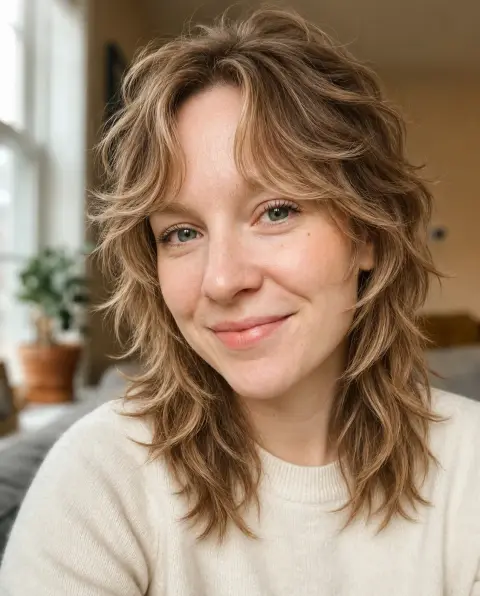


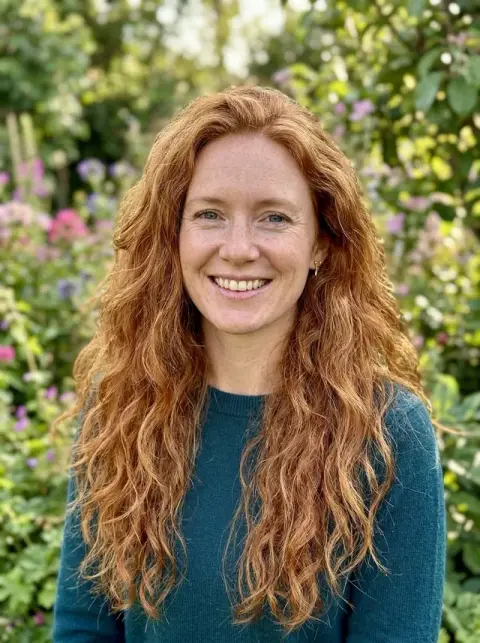
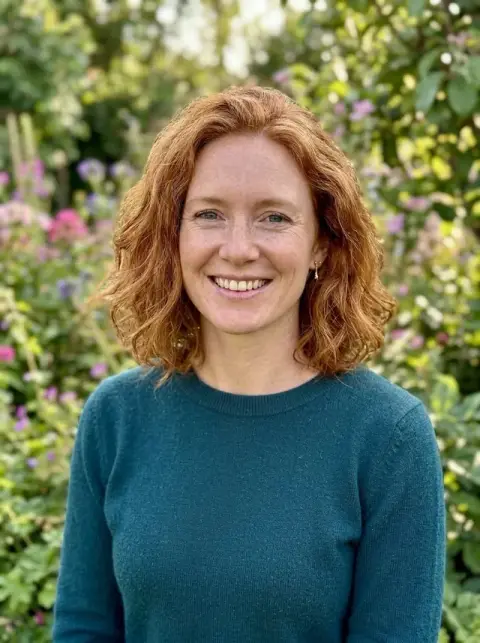
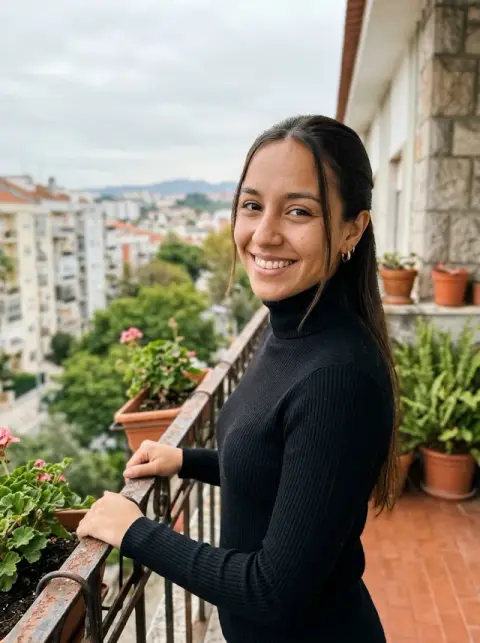
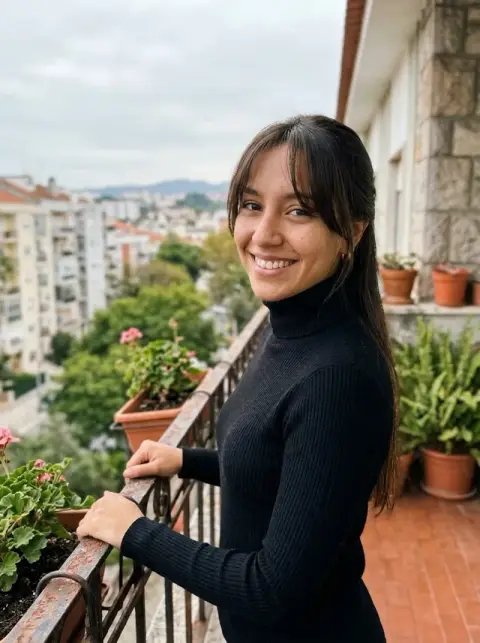




Mullet Filter examples.
Real results from this page's default settings in one click, not retouched.How examples are made


Modern mullet

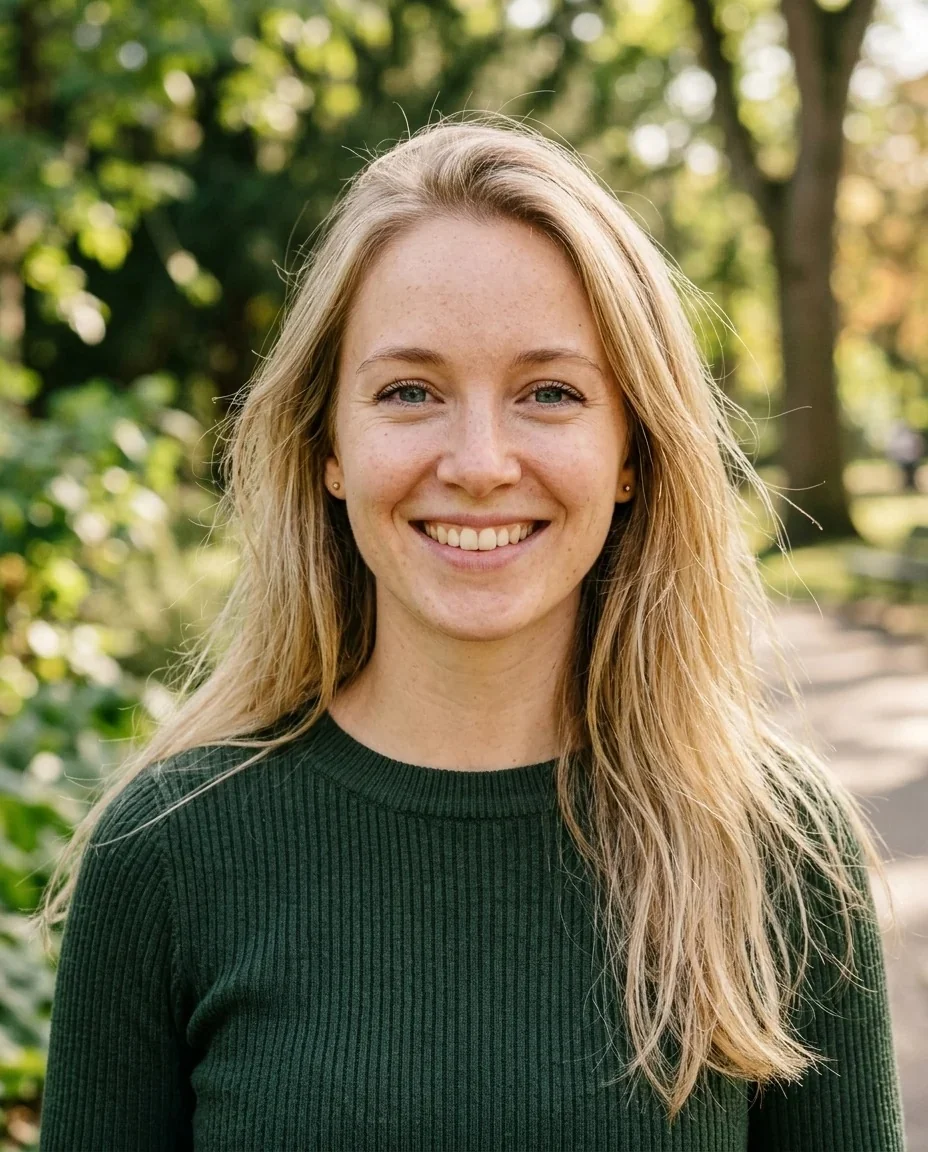
80s mullet


Modern mullet
Mullet Filter features.
Modern or 80s
Choose a modern textured mullet with a soft fade on the sides, or a classic 80s mullet with a short spiky top and a long flowing back.
Built from your own hair
The mullet is cut from your hair, so your color and natural texture stay and the result looks like your own head.
Short front, long back
Both styles keep the front and sides short and leave length at the back of the neck, which is the defining mullet shape.
Face and outfit unchanged
Only the hair changes, so you can set the before and after next to each other and judge the cut itself.
Mullet Filter, step by step.
01
Upload a photo
Pick a clear, front-facing photo with your hair visible, or send one from your phone by scanning the QR code.
02
Choose Modern mullet or 80s mullet
The modern style is softer and more textured. The 80s style is spikier on top and more dramatic.
03
Generate and compare
Run the same photo with the other style, then download whichever one you like best.
Mullet Filter use cases.
- Seeing if a mullet suits you
- A mullet is a commitment, and most people want to know how it looks on their own face before they ask a barber for it.
- Giving a barber a clear reference
- Short on the sides and long at the back can mean many things. A picture of the style on you helps you explain what you want.
- An 80s themed party
- If you are dressing up for an 80s night, you can see the spiky-top, long-back look on your photo first.
- A joke for the group chat
- Generate a mullet on a friend's photo, with their permission, and send it around.
Mullet Filter: best photos and fixes.
Photos that work best
Use a front-facing photo with your whole head in frame. Hair that is medium length or longer is easiest to turn into a mullet, because there is hair to keep at the back. Take the photo with your hair loose and in even light, so the outline of the hair is crisp.
Modern or 80s
The modern mullet is a textured cut with a soft fade on the sides and natural length at the back. The 80s mullet has a short spiky top and long hair flowing at the back. Both are short at the front and sides, so the difference is how neat or dramatic the cut is.
Straight, wavy and curly hair
Wavy and curly hair tends to give the most natural modern mullet, because the length at the back gains movement. Straight hair gives a sleeker result, and the spiky 80s top can look very bold on it. Real hair behaves a little differently, so treat the picture as a preview.
For men and for women
Anyone can wear a mullet. On a woman with long hair the result often looks like a shorter crown with long ends, and on a man with shoulder-length hair it looks like the classic short front and long back. For shaggier layers instead, see the wolf cut filter.
If the color or face changes
Only the haircut should change. If the hair color shifts or your face looks different, regenerate with a sharper, evenly lit photo.
If a mullet is too much
Try the short hair filter for a tidier cut, the bob filter for a sleek one, or the hairstyle changer to browse more styles.
Mullet Filter FAQ.
What is a mullet haircut?
It is a cut that is short at the front and sides and leaves length at the back of the neck.
What is the difference between the two styles?
The Modern mullet is textured, with a soft fade on the sides. The 80s mullet has a short spiky top and a long flowing back.
Will my hair color change?
No. The mullet is made from your own hair, so your color and natural texture stay.
Is this the TikTok mullet filter?
It is a web version of the trend, and it works on any photo you upload.
Does it work if my hair is short?
It works best when you have some length to keep at the back. On very short hair, the result will be a smaller change.
Is the mullet filter free?
You can try it without paying anything up front: new accounts get 25 free credits once, and one generation here costs 9 credits with the default model, GPT Image 2. You sign in to generate, and results have no watermark. You can pick other models from the model menu at their own prices.
Which files can I upload?
JPG, PNG or WebP, up to 8 MB per image. You can also scan the QR code on the page to send a photo from your phone; the link is valid for 10 minutes.
Are my photos used for training, and how long are results kept?
No, uploads are not used for training. Your results stay in My files for 48 hours, or for 30 days if you have a plan, so download the ones you want to keep. If a generation fails, the credits are refunded.