Resize PNG
Make a PNG bigger or smaller and keep it transparent.
Drop images
or paste with ⌘V · JPG · PNG · WebP · HEIC · AVIF · SVG, up to 50 at once
No photo handy? Try one of ours.
 Logo background remover →
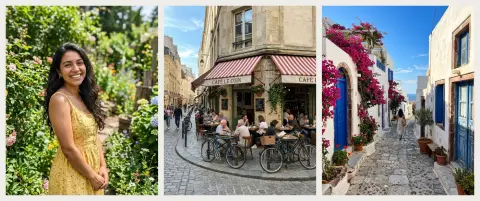
Resize PNG examples.
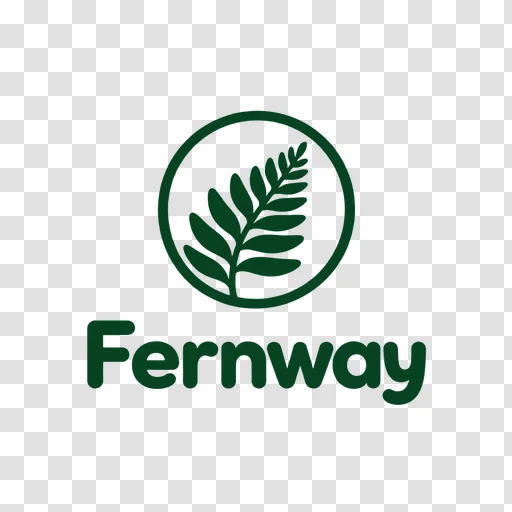
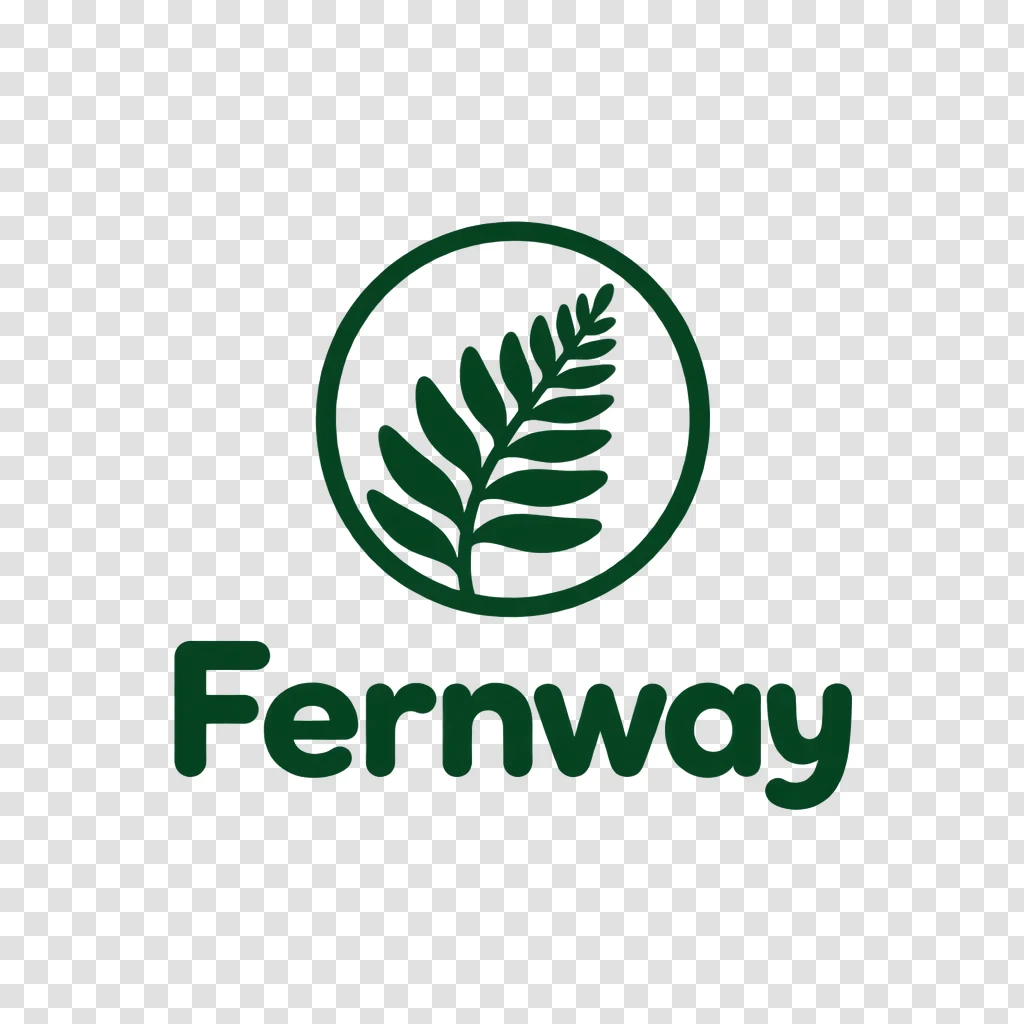
Transparency kept
Resize PNG features.
Transparency kept
Output starts on PNG, so see-through areas of a logo or cut-out stay see-through.
Percent or pixels
Scale by percent, or type a width and height. Proportions can stay locked.
Batch up to 50
Resize many PNGs together and download them as a ZIP.
Resize PNG, step by step.
01
Add your PNGs
Drop, choose or paste the files. Up to 50 can go in together.
02
Set the new size
Use the percent slider or enter pixels. The output format is already PNG.
03
Download
Check the new pixel and file size, then save one file or the whole ZIP.
Resize PNG use cases.
- Logos and icons
- Make a smaller or larger copy of a transparent logo for a site or a slide.
- Stickers and cut-outs
- Resize a cut-out so it fits a design without losing its background.
- Screenshots
- Shrink a large PNG screenshot to a width that fits a page or message.
Resize PNG: best photos and fixes.
How transparency is handled
A PNG can hold see-through pixels, and this tool keeps them when the output is PNG. A logo with a clear background stays clear after resizing. If you change the format to JPG, which has no transparency, the see-through parts become white.
Making a PNG smaller
Shrinking is the cleanest change. Scaling a logo to 50 percent halves each side, so the file also gets much lighter. For a web page, pick the width the image is actually shown at instead of leaving a huge original.
Making a PNG bigger
Enlarging uses smooth scaling, not hard-edged pixel doubling. A photo or soft logo looks fine at a moderate size. Pixel art and sharp icons get soft edges when enlarged, because the tool blends neighbouring pixels. Start from a larger original when you can.
Pixel art and small icons
If you work with pixel art, expect upscaling to blur the crisp squares. This tool does not do nearest-neighbour scaling. Reducing a large icon to a small size works well, so design big and shrink for each use.
Heavy PNG files
PNG is lossless, so photos saved as PNG are large. Resizing down is the fastest way to cut the weight. If the file is still too heavy and it has no transparency, switch the format to JPG and use the quality slider.
Limits to know
Output is held to 16 megapixels. For exact sizes, turn Keep proportions off and choose crop, pad or stretch. For transparent logos, padding with white fills the see-through edges, so check the preview if the background matters.
Resize PNG FAQ.
How do I resize a PNG without losing transparency?
Keep the output format on PNG. Resize by percent or pixels and the see-through areas stay.
Can I resize many PNGs at once?
Yes, up to 50, and you can download them together as a ZIP.
Why does my enlarged PNG look soft?
Enlarging cannot add detail, and the tool uses smooth scaling, so edges blend. Pixel art in particular looks softer.
Will it turn my PNG into a JPG?
Not unless you change the format. The tool starts on PNG.
Can I set an exact width and height?
Yes. Type both, turn Keep proportions off and pick crop, fit whole or stretch.
Is it free?
Yes. It is free, needs no sign-in and uses no credits, and your photo never leaves your device.