Reduce image size in KB
Make a photo fit a KB limit.
Drop images
or paste with ⌘V · JPG · PNG · WebP · HEIC · AVIF · SVG, up to 50 at once
No photo handy? Try one of ours.
 Unblur image →
Reduce image size in KB examples.
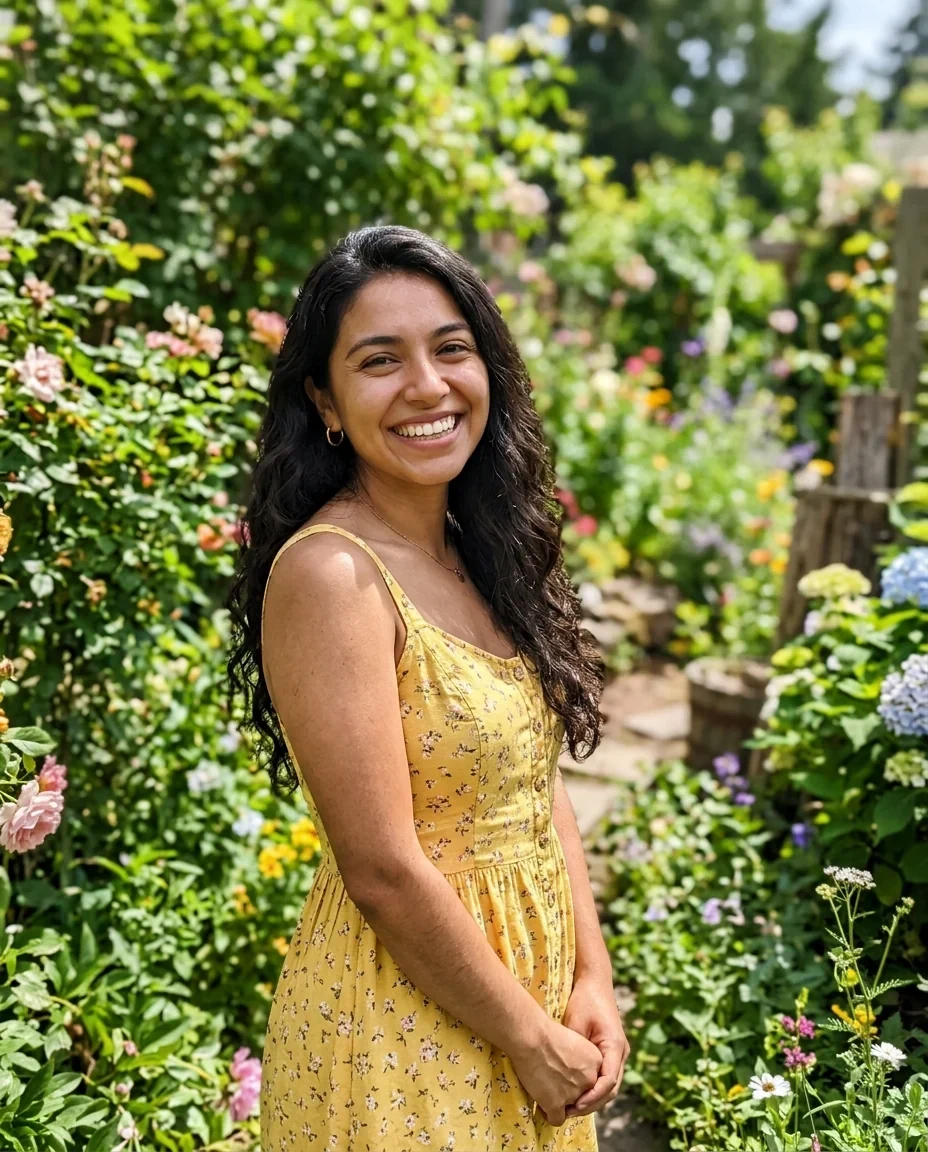
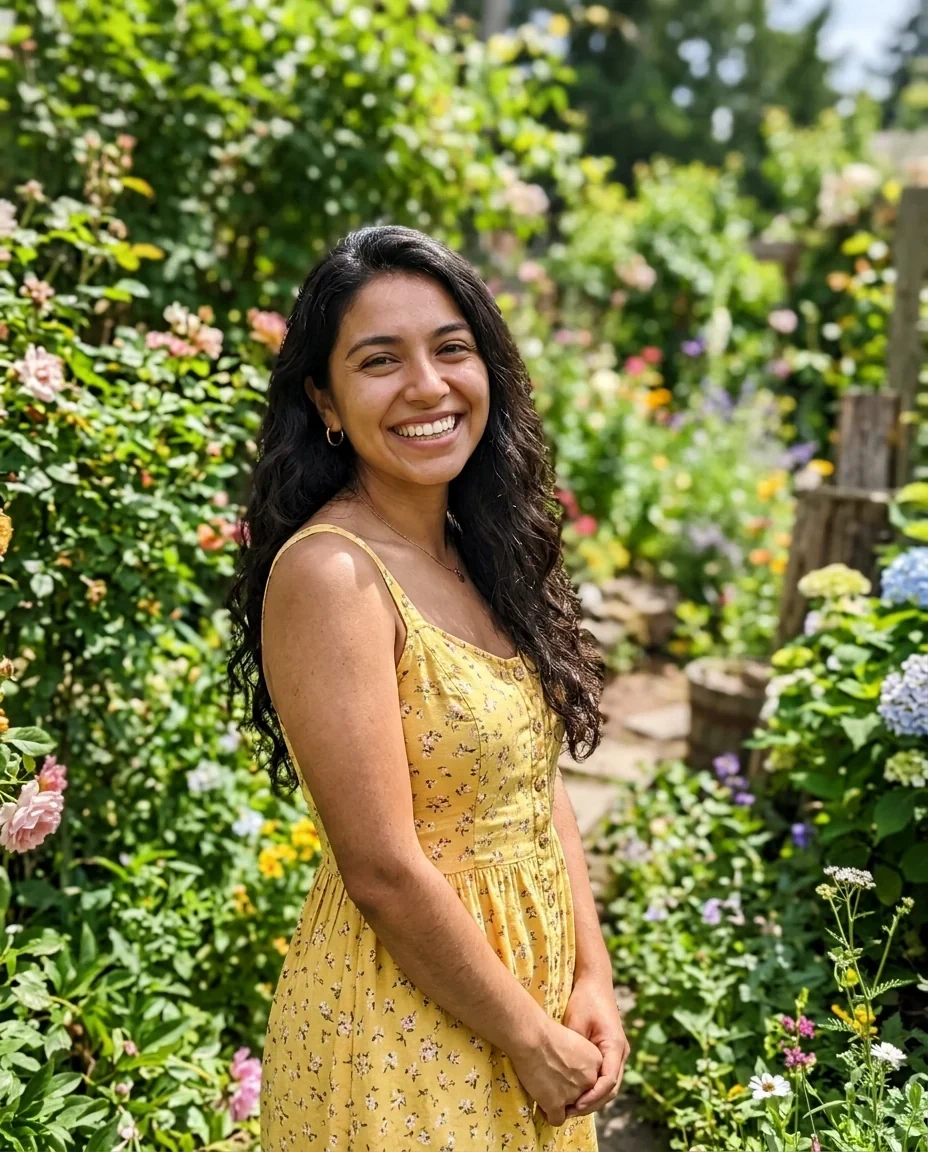
Under 100 KB
Reduce image size in KB features.
Target size buttons
Choose 20, 50, 100 (default), 200 or 500 KB, or type any size from 10 to 5000 KB.
Quality first, then pixels
The tool lowers quality first, then the pixel size, until the file fits.
Old and new size
Each file shows its old and new size, up to 50 files at once.
Reduce image size in KB, step by step.
01
Add your photos
Paste, drop or choose up to 50 files.
02
Set the target
Press a size button or type your own number of KB.
03
Download
Check old → new size, then save one file or a ZIP.
Reduce image size in KB use cases.
- Online forms
- Upload a photo to an application portal that wants a file under 50 KB.
- Exam and job applications
- Meet a range such as 20 to 100 KB for a photo or signature.
- Email and chat
- Send a smaller file when a message or upload has a limit.
Reduce image size in KB: best photos and fixes.
Why JPG is the right format
JPG lets the tool trade quality for size in small steps, so it can land just under your limit. The output starts on JPG for this reason. Switch to Same, PNG or WebP only if the form asks for it.
Why PNG may not hit the target
A PNG cannot be shrunk by lowering quality. The tool can only reduce its colors, which may not be enough. If a form wants a small file and accepts JPG, use JPG.
What to expect at 20 and 50 KB
These limits give small images. A 20 KB file is fine for a thumbnail or a signature, but fine detail will soften. Raise the target a little if the picture looks too rough.
Is the form asking for pixels too?
Many portals set both a size in KB and a pixel size. This tool's long side limit caps the longer edge, but it does not crop to an exact shape. Crop to the right ratio first, then reduce the size.
If the file is already small
When the original is already under your target it is kept as it is, instead of being compressed again. You do not lose quality for no reason.
Doing several photos at once
Add up to 50 files and each gets its own old and new size. Check each one against the limit before you upload. Pictures with lots of fine detail need more reduction to hit a low number.
Reduce image size in KB FAQ.
How do I reduce an image to 50 KB?
Press the 50 KB button and download the result. Quality is lowered first and the pixel size only if needed.
How do I get an image under 100 KB?
Leave the target on 100 KB, which is the default.
Can I type my own size?
Yes, anything from 10 to 5000 KB.
Will the picture look worse?
A little. Lower targets mean softer details. Choose the highest size the form accepts.
Why did my PNG stay big?
A PNG target cannot be forced under a size. Use JPG instead.
Is it free?
Yes. It is free, needs no sign-in and the photo never leaves your device.