YouTube thumbnail resizer
Get a 16:9 thumbnail at the right size and under the file limit.
Drop images
or paste with ⌘V · JPG · PNG · WebP · HEIC · AVIF · SVG, up to 50 at once
No photo handy? Try one of ours.
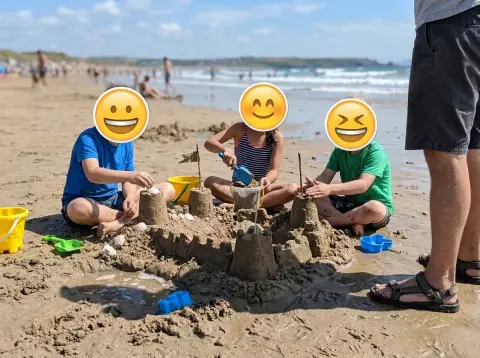 Add emoji to photo →
YouTube thumbnail resizer examples.
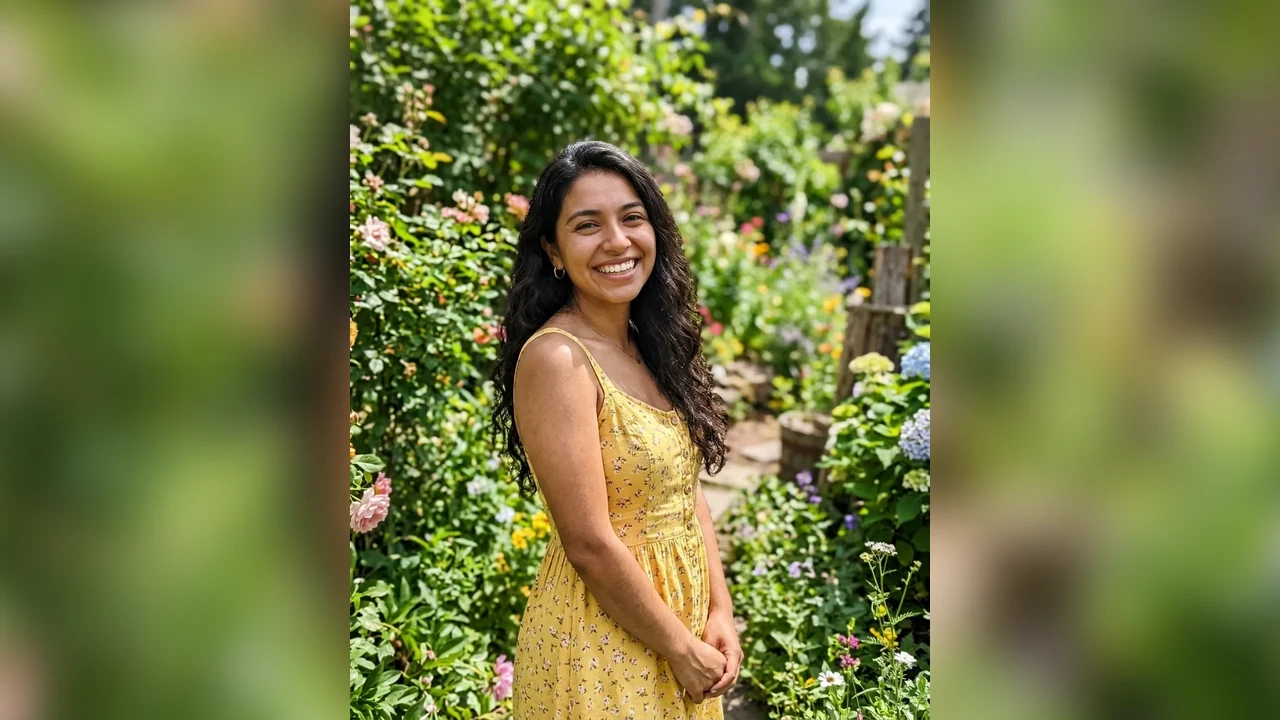
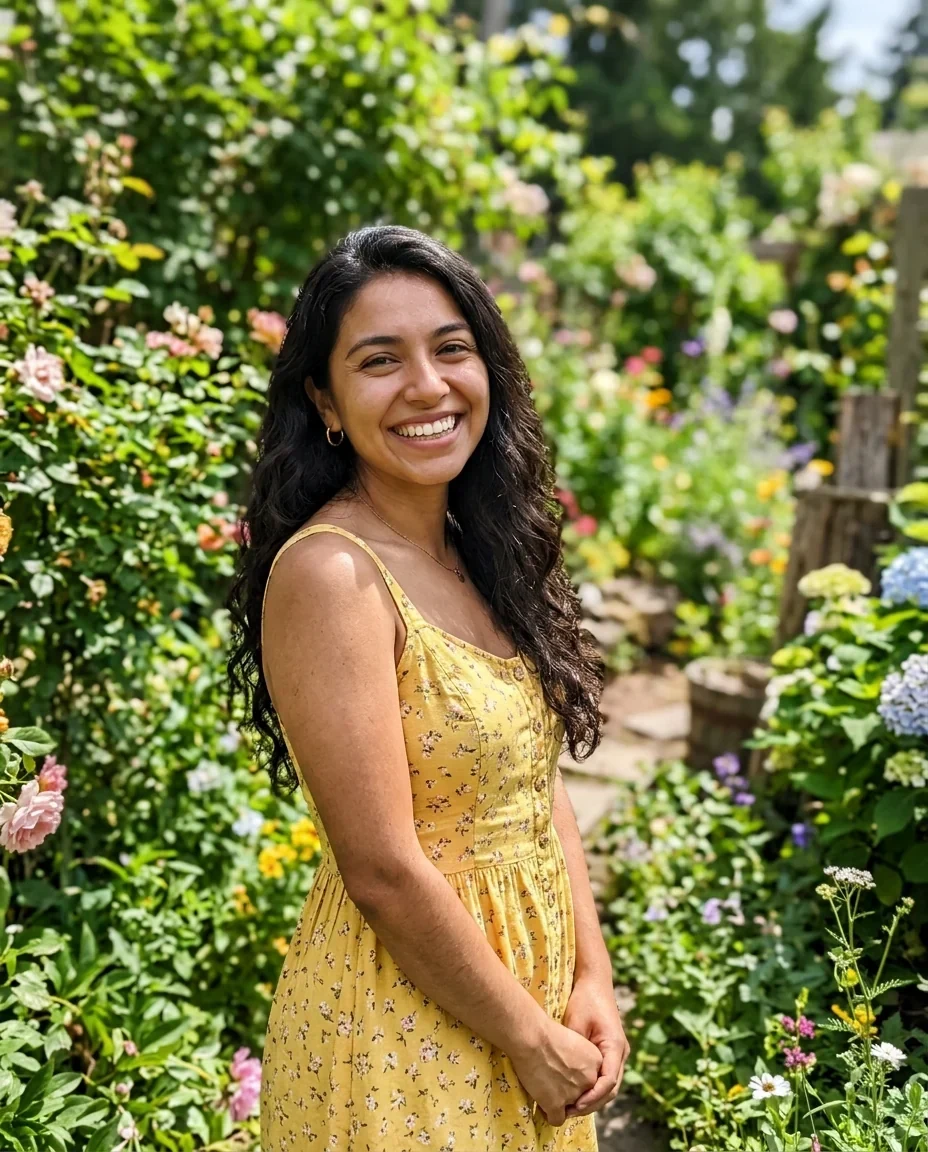
1280 × 720, under 2 MB
YouTube thumbnail resizer features.
Two 16:9 sizes
Choose 1280 by 720, the size YouTube recommends, or 1920 by 1080.
Under 2 MB
JPG output is kept under YouTube's 2 MB limit. Quality is lowered first, then size if needed.
Crop or fit whole
Crop to fill, or keep the whole image on white, black or a blurred copy of it.
YouTube thumbnail resizer, step by step.
01
Add your image
Drop, choose or paste it. Vertical and square photos work too.
02
Choose size and fit
Pick 1280 by 720 or 1920 by 1080, then Crop to fill or Fit whole.
03
Download
Save the JPG. A PNG over 2 MB is flagged Over the size limit.
YouTube thumbnail resizer use cases.
- Thumbnail from a phone photo
- Turn a vertical or 4:3 photo into a 16:9 frame.
- Fixing a rejected thumbnail
- Shrink a file that is over the 2 MB limit.
- A set for a series
- Resize up to 50 images to the same size at once.
YouTube thumbnail resizer: best photos and fixes.
The size to use
YouTube recommends 1280 by 720 pixels, a 16:9 shape. It displays larger thumbnails well, so some creators export at 1920 by 1080 instead. Both are offered here, and both have the same shape, so nothing changes in the framing.
The 2 MB limit
YouTube takes thumbnails up to 2 MB. For JPG, the tool lowers the quality, and if that is not enough the pixel size, until the file fits. A PNG is not shrunk this way, so a PNG over 2 MB is marked Over the size limit. Switch to JPG to fit it.
A vertical photo in a 16:9 frame
A portrait photo is much taller than the frame. Crop to fill keeps a thin horizontal strip, which often cuts the head. Fit whole with a blurred background keeps the full picture in the middle, with the blurred copy filling the sides.
Crop position and the subject
Crop to fill takes the centre of the photo. If the subject is off to one side or near the top, the crop may not include it. Check the preview, and use Fit whole if the subject is cut off.
Text and faces
Thumbnails are viewed small. Large, high contrast text reads better than fine print, and a face with a clear expression holds attention. Add the text in your editor after resizing, or before bringing the image here, and keep it inside the picture, away from the corners.
Start from a big image
A 1280 by 720 thumbnail from a tiny source looks blurry. Start from a photo at least that wide when possible. Large photos are scaled to at most 16 megapixels in the browser, which is far more than a thumbnail needs.
YouTube thumbnail resizer FAQ.
What size is a YouTube thumbnail?
1280 by 720 pixels in 16:9 is the size YouTube recommends. You can also choose 1920 by 1080.
How do I get under the 2 MB limit?
Use JPG output. The tool lowers the quality, and the size if needed, until the file is under 2 MB.
What does Over the size limit mean?
A PNG file came out over 2 MB. Switch to JPG to get a smaller file.
Can I use a vertical photo?
Yes. Choose Fit whole with a blurred background to keep all of it, or crop to fill.
Can I resize several thumbnails together?
Yes, up to 50 at once.
Is it free?
Yes. It is free, needs no sign-in and uses no credits, and your photo never leaves your device.