Invert image colors
Flip every color to its opposite, or make a black and white negative.
Drop a photo
or paste with ⌘V · JPG · PNG · WebP, stays on your device
No photo handy? Try one of ours.
 Recolor image →
 Photo to sketch →
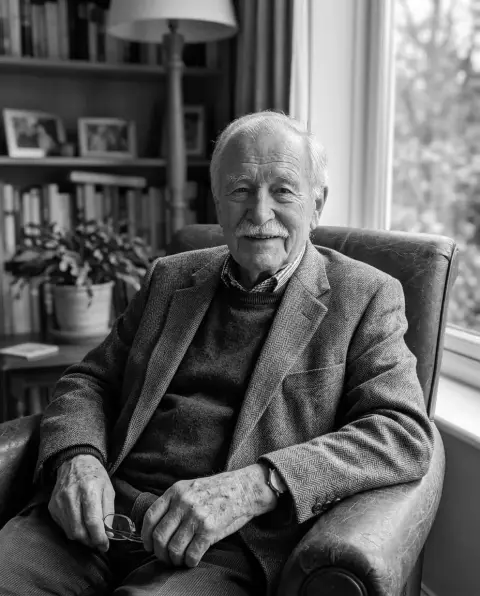
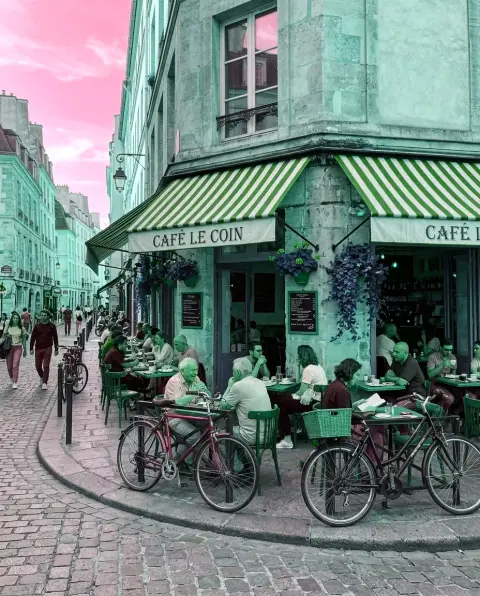
Invert image colors examples.
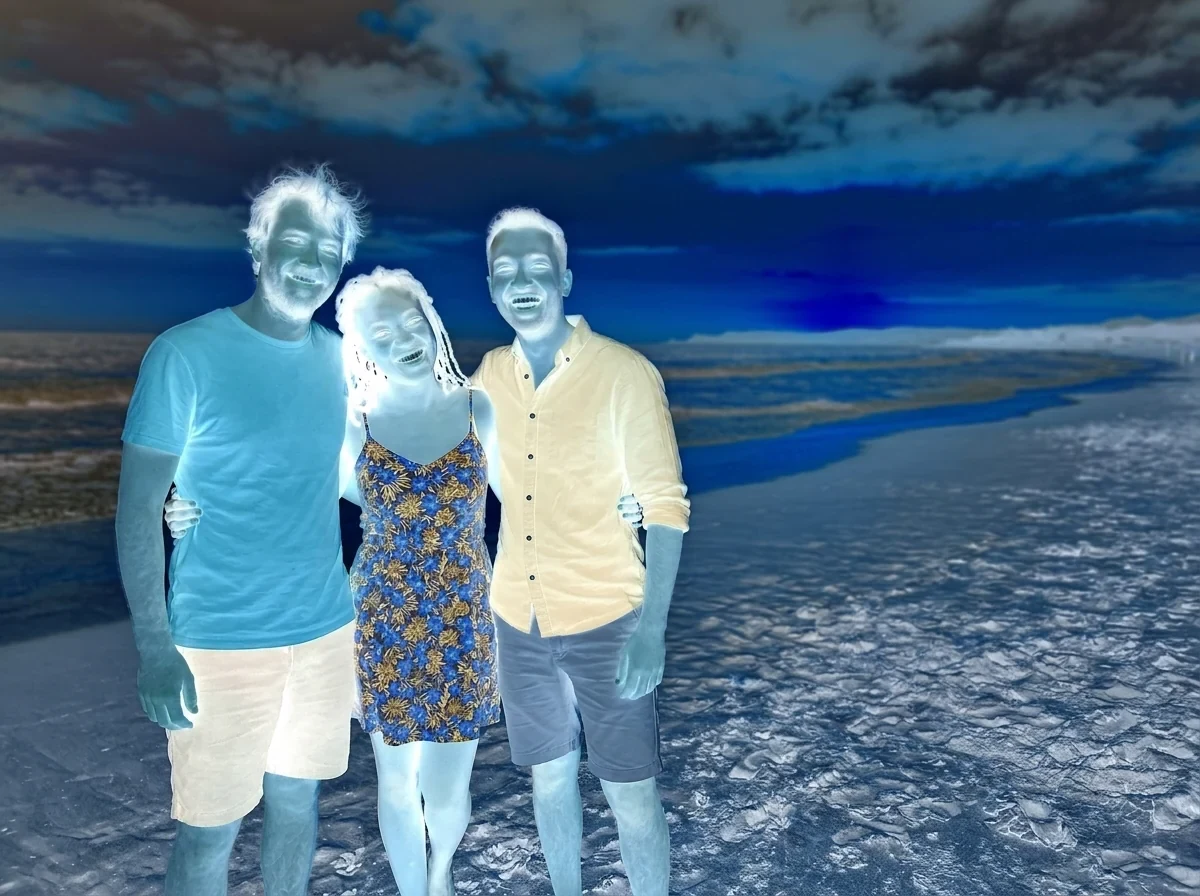
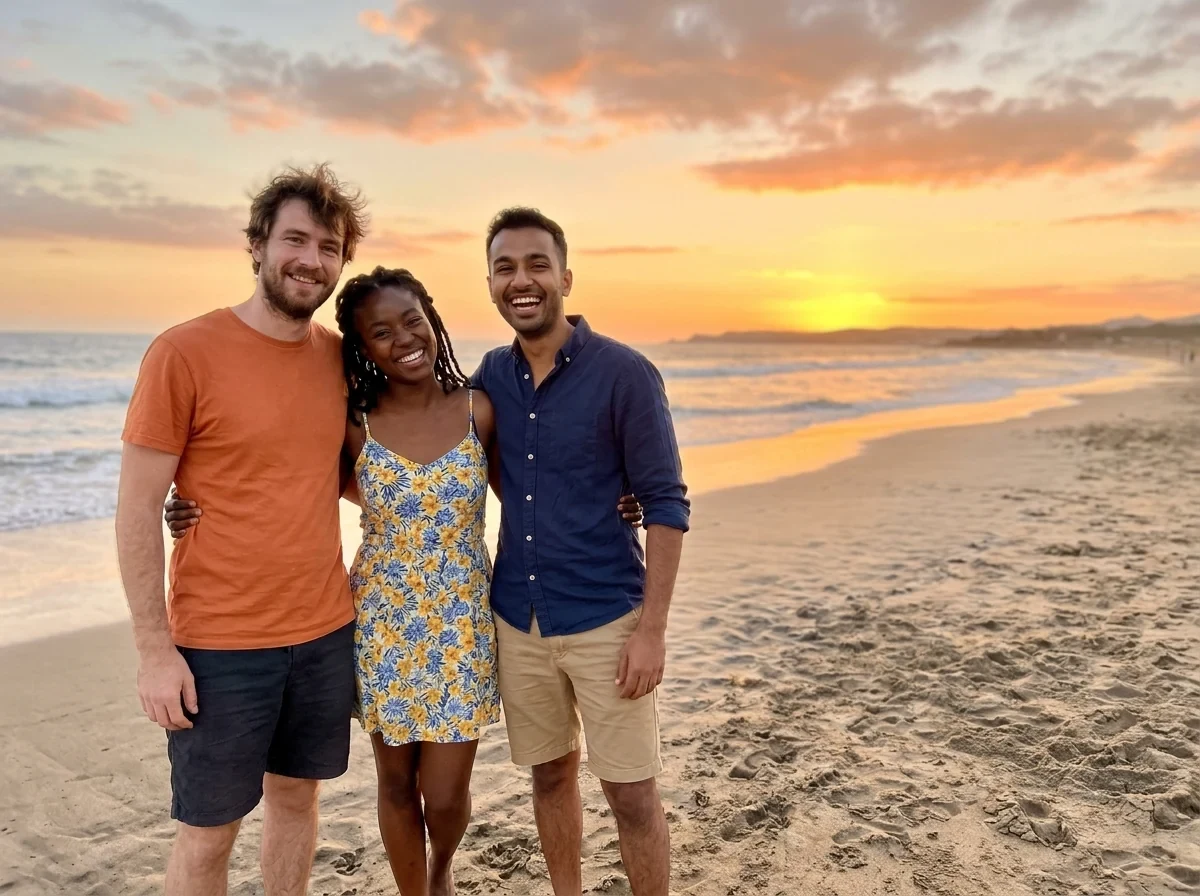
Color negative
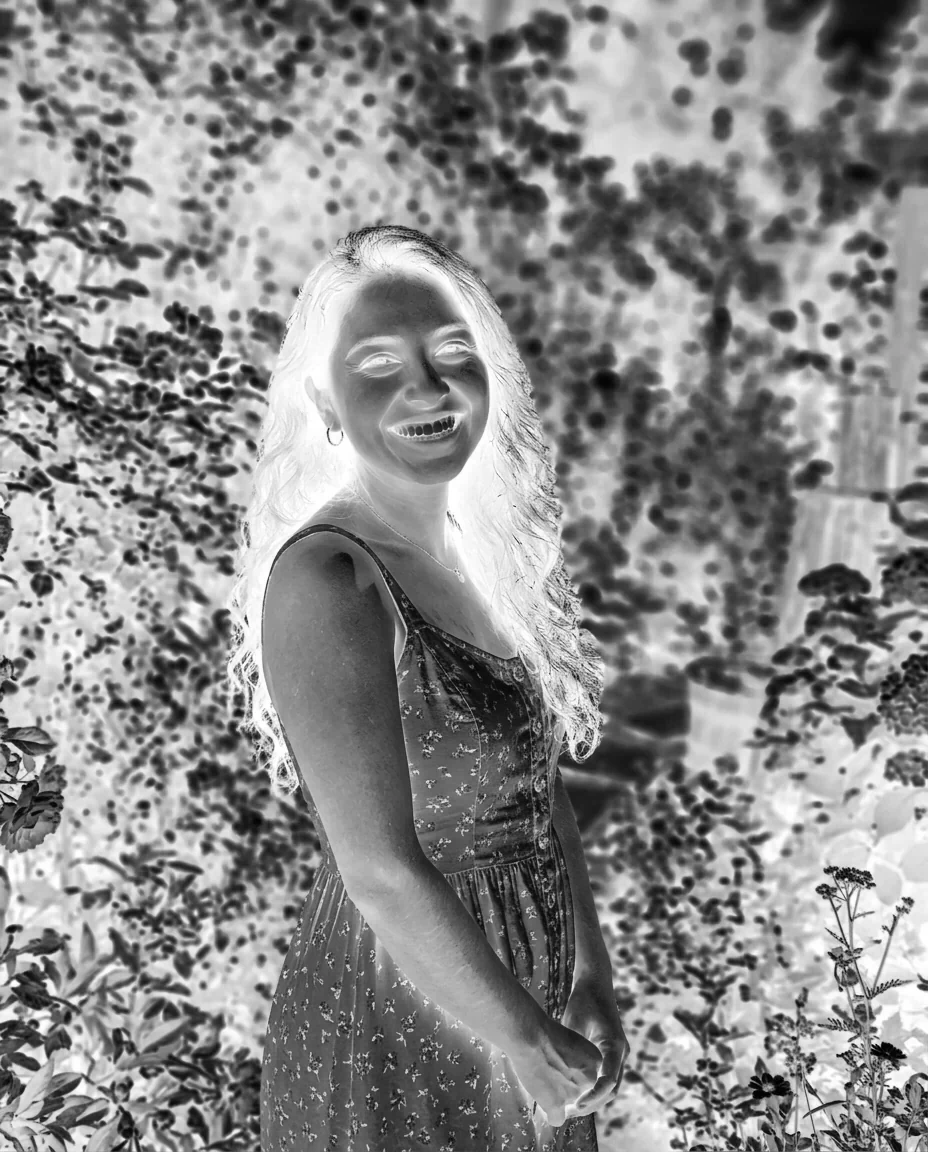

Black & white negative
Invert image colors features.
Color negative
Each color channel is flipped, so a blue sky turns orange.
Black and white
Inverts a grayscale version, like a film negative scan or a dark-mode document.
Transparency kept
See-through areas stay see-through when you save as PNG.
Invert image colors, step by step.
01
Add your image
Drop, choose or paste a photo, scan or screenshot.
02
Pick the look
Choose Color negative or Black and white.
03
Download
Save the full-resolution JPG or PNG.
Invert image colors use cases.
- Negative look
- Make a photo look like a film negative for an art effect.
- Dark-mode documents
- Turn a black-on-white scan or screenshot into light-on-dark.
- Checking details
- Invert a dark photo to see detail in the shadows from a different angle.
Invert image colors: best photos and fixes.
What invert does
Inverting replaces each color with its opposite. For every channel the new value is 255 minus the old one, so black turns white and white turns black. Blue turns orange, green turns magenta and red turns cyan. Applying it twice gets you back to the original.
Color negative or black and white
Color negative keeps all the flipped colors and gives the strong, unnatural look of an inverted photo. Black and white first turns the picture gray and then inverts it, which looks like a monochrome film negative or a document in dark mode.
Scanned film negatives
Inverting a scanned color negative does not give a finished photo. Film has an orange mask, and this tool does not remove it, so the colors will look off. A black and white negative inverts well and works as a quick preview. For full color negatives, use a dedicated film conversion tool.
Text and screenshots
Inverting a screenshot of a white page gives light text on a dark background, useful for reading at night or checking contrast. Images inside the page are inverted as well, so they look like negatives. This tool turns the whole picture, not just the text.
Transparent images
Transparency is kept. A logo with a clear background stays clear after inverting, and only the visible pixels change color. Save as PNG for this. JPG has no transparency, so see-through areas become white.
Resolution
The result is the full size of the original, up to 16 megapixels for larger photos. Nothing is lost in the inversion itself. Saving as JPG adds some compression, while PNG keeps every pixel.
Invert image colors FAQ.
How do I invert the colors of an image?
Add the image, choose Color negative and download. Every color is replaced by its opposite.
What does black and white negative do?
It inverts a grayscale version of the image. Dark areas become light and light areas become dark.
Can I convert a film negative to a positive?
Only roughly. Inverting does not remove the orange mask of color film, so colors will not be correct. Black and white film inverts well.
Will transparency stay?
Yes, if you save as PNG. JPG turns see-through areas white.
Can I undo the invert?
Run the result through the tool again, and you get the original colors back.
Is it free?
Yes. It is free, needs no sign-in and uses no credits, and your photo never leaves your device.