JPG to PNG
Convert JPG photos to PNG when a form or editor asks for it.
Drop images
or paste with ⌘V · JPG · PNG · WebP · HEIC · AVIF · SVG, up to 50 at once
No photo handy? Try one of ours.
 Logo background remover →
JPG to PNG examples.
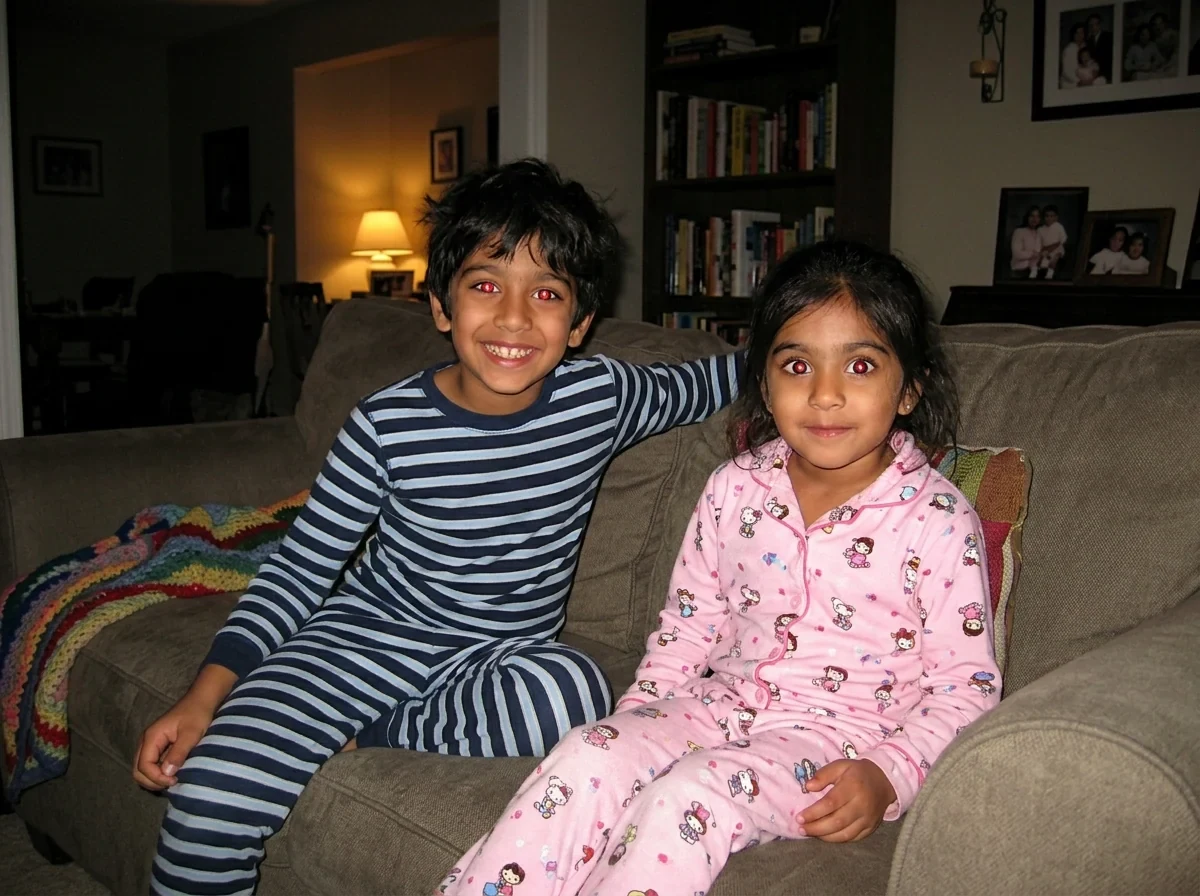
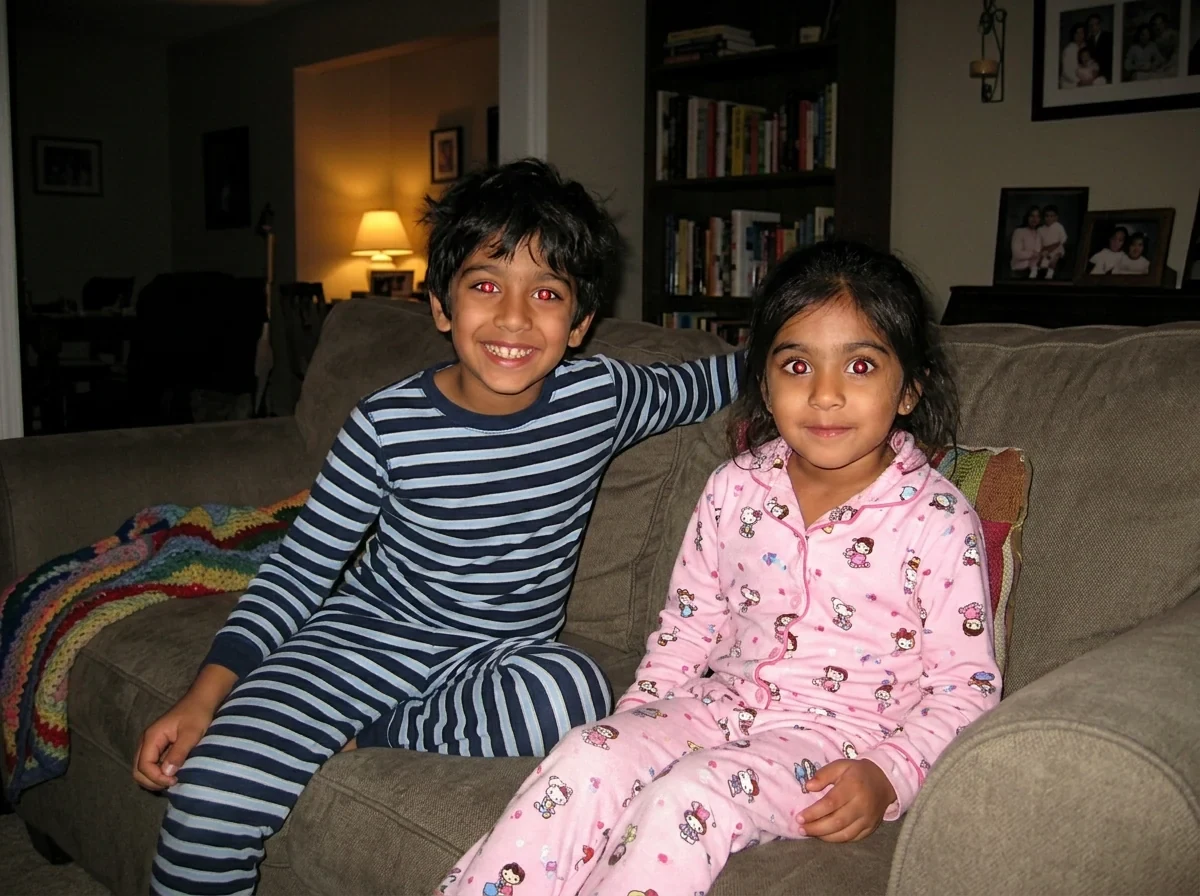
JPG → PNG
JPG to PNG features.
Up to 50 files at once
Add a batch of JPGs and save all the PNGs as a ZIP.
Runs in your browser
Nothing is uploaded and nothing needs signing in.
Names stay the same
Each file keeps its name with a .png ending.
JPG to PNG, step by step.
01
Add your JPG files
Drag, paste or choose them from your device.
02
Keep PNG selected
The page starts on PNG, so there is nothing else to set.
03
Download
Save one PNG or the full ZIP.
JPG to PNG use cases.
- Forms that list only PNG
- Some portals accept PNG but not JPG, particularly for logos and graphics.
- Editing without more JPG loss
- Save as PNG, edit, and save again without adding more compression artifacts.
- Placing images in graphic programs
- Some layout and design software works more smoothly with PNG.
JPG to PNG: best photos and fixes.
What this conversion does and does not do
Converting JPG to PNG changes the container, not the picture. A JPG has already thrown away some detail, and the PNG will hold that same picture exactly as it is, with no further loss. It will not look sharper, and it will not gain a transparent background, because a JPG has no transparent pixels to keep. Treat it as a format change only.
Why the file gets bigger
A PNG of a photograph is usually five to ten times the size of the JPG. The JPG achieved its small size by discarding detail, while PNG stores every pixel. A 1 MB JPG easily becomes a 6 to 8 MB PNG. If you are converting for an upload and a size limit applies, check the limit first or ask whether JPG is allowed.
When PNG is the right choice
A few cases justify it. A program or website may only accept PNG. You may plan to edit and re-save the image many times, since each JPG save loses a little more. Or you may want the picture as a base for a later cut-out, where PNG keeps the clean pixels. For plain sharing, JPG is smaller and just as good.
Getting a transparent background
A PNG made from a JPG still has a solid background, for example a white one around a logo. To make that white area transparent, run the PNG through the background remover and download the result. Simply converting the file format will not remove the background on its own. If the logo has soft shadows or fine hair, the result may need touching up, so check the edges before you use it.
Do it on your own computer
Windows Paint and macOS Preview both open a JPG and save it as PNG. That works for single files. This page is for batches: drop up to 50 JPGs and save the lot as a ZIP, without installing anything or sending photos to a server. It also works offline once the page has loaded, since your browser does the work, which is handy when you travel or have a weak connection.
Camera data
Converting redraws the image, so the camera model, shooting date and GPS location from the JPG are not copied into the PNG. That is handy when sharing a photo online. If you need those details for records, keep the original JPG next to the PNG. Because nothing is uploaded, personal photos such as ID scans or family pictures stay on your device throughout.
JPG to PNG FAQ.
Does converting JPG to PNG improve quality?
No. The PNG shows the same picture as the JPG. It just will not lose more quality when you re-save it.
Can I get a transparent PNG from a JPG?
Not by converting alone, since JPG has no transparency. Remove the background with the background remover and download a PNG.
Why is my PNG larger than the JPG?
PNG stores every pixel without lossy compression, so photos take a lot more space than they do as JPG.
How do I convert JPG to PNG on Windows or Mac?
Open the image in Paint or Preview and save or export as PNG. For many files at once, use this page.
Is there a limit on the number of files?
Up to 50 files at once. Images above 16 megapixels are scaled down to 16 first.
Is it free?
Yes. Quick tools are free, need no sign-in and use no credits; your images stay in your browser. The AI tools linked below need an account.