Thanksgiving PFP Maker
Your face, warm autumn light and a little harvest atmosphere.
Drop a photo
or paste with ⌘V · JPG · PNG · WebP · up to 8 MB
No photo handy? Try one of ours.
Thanksgiving PFP Maker examples.
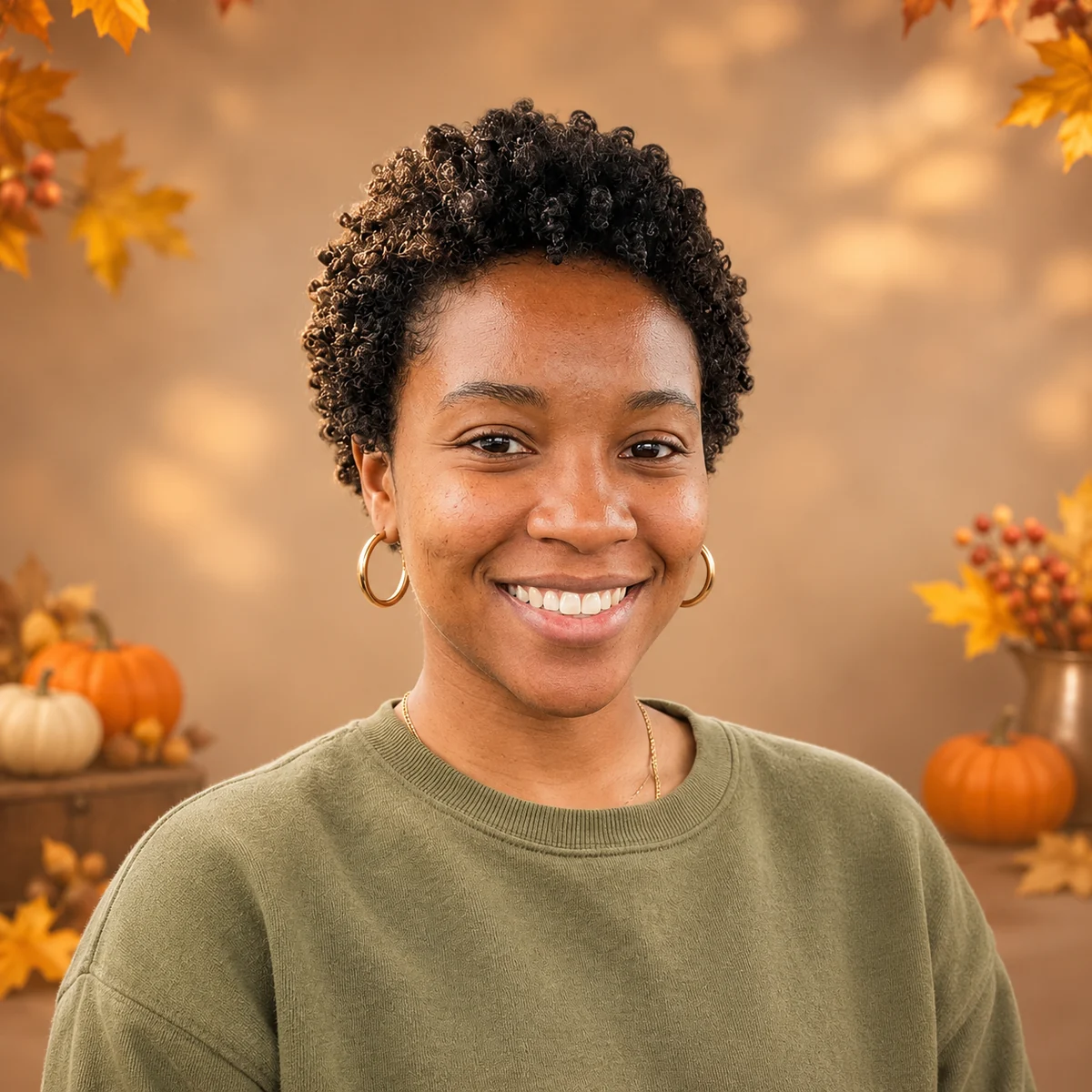
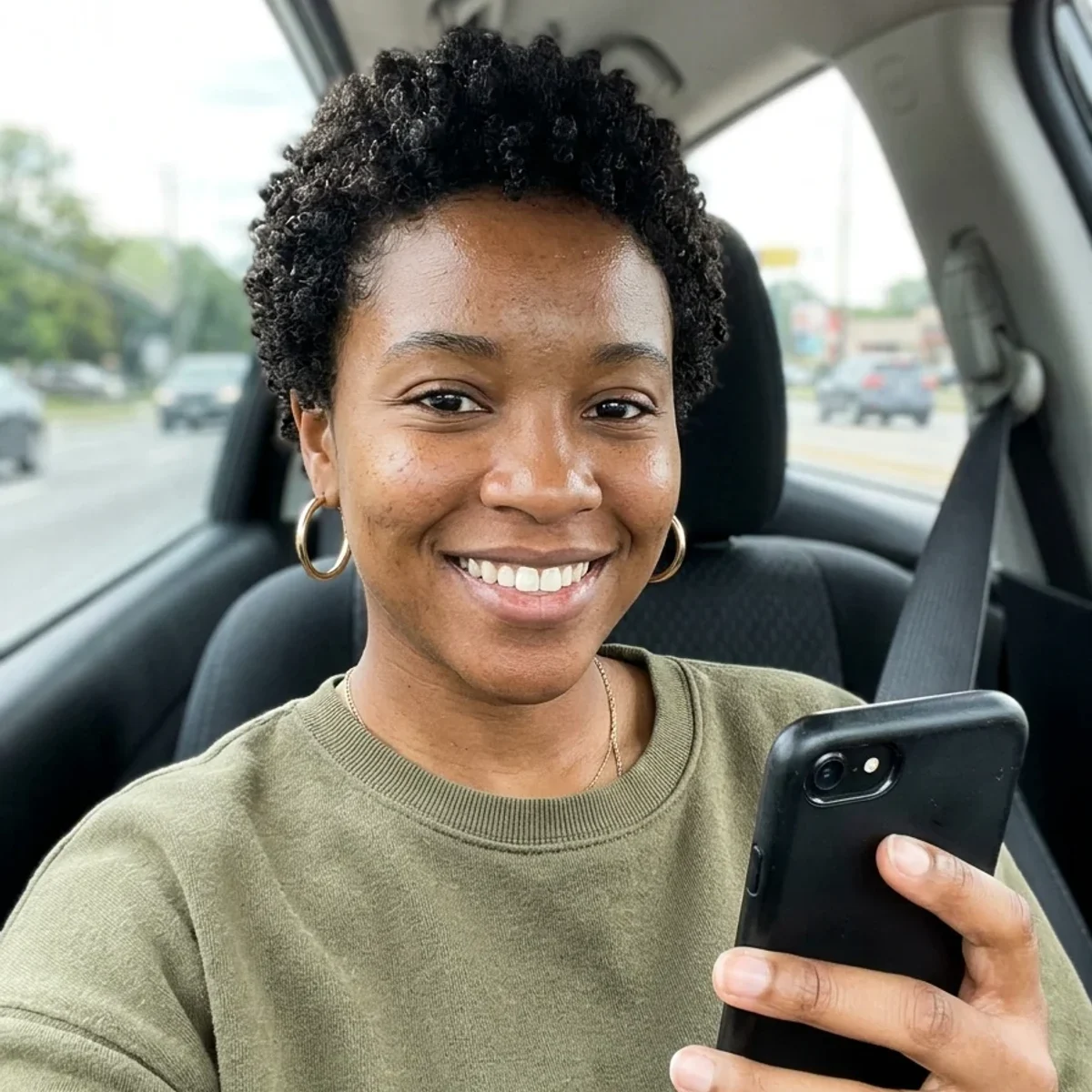
Pumpkins: portrait 1
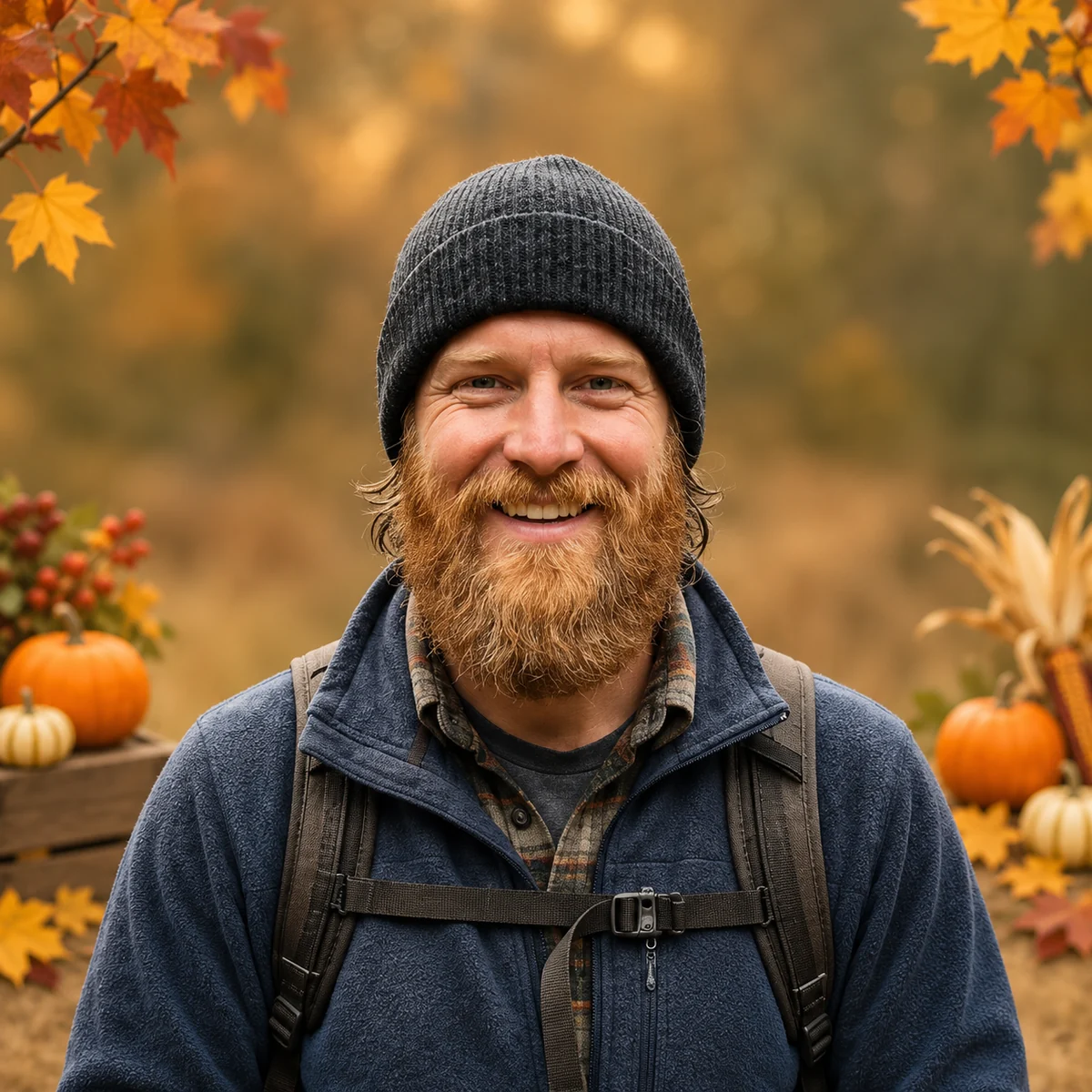
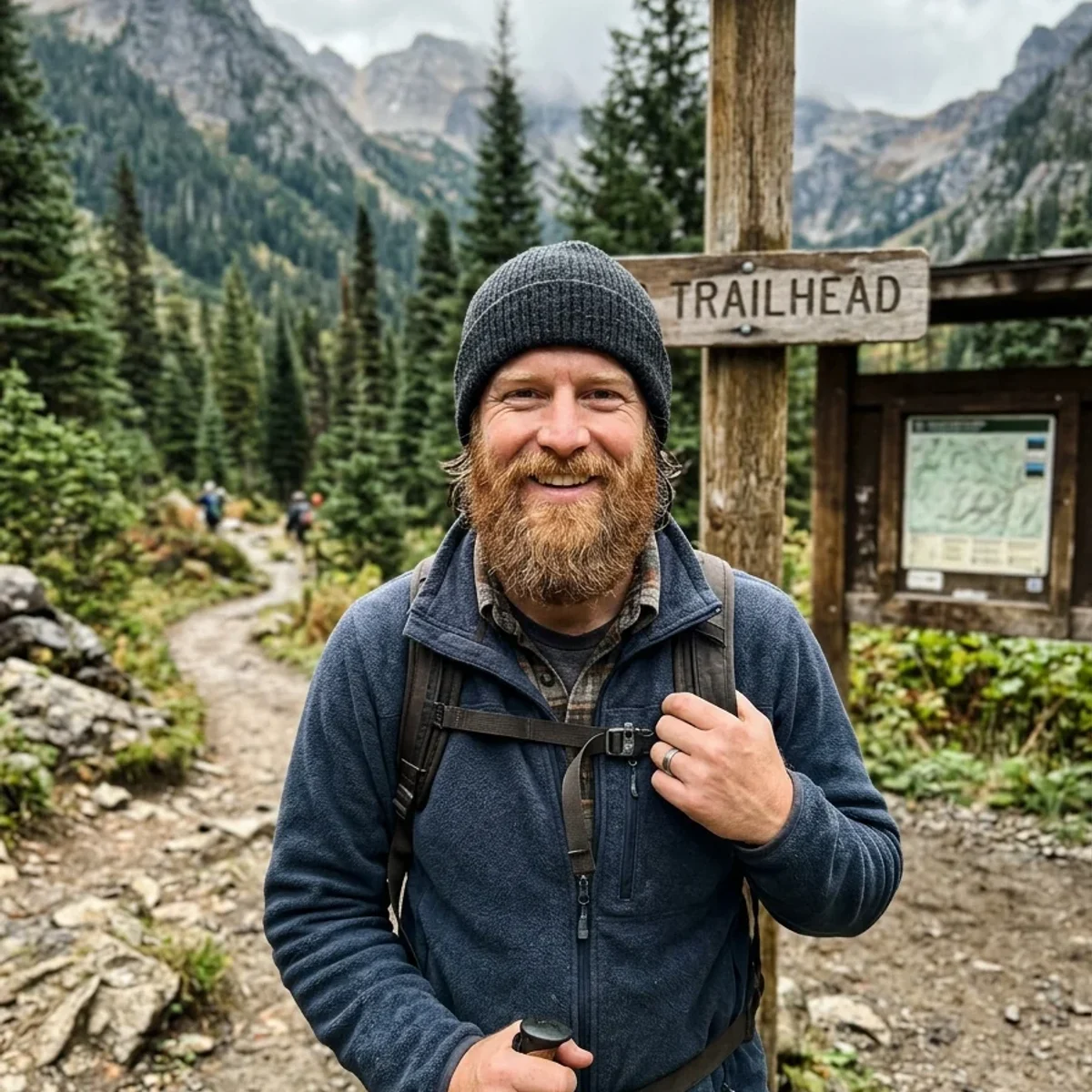
Pumpkins: portrait 2
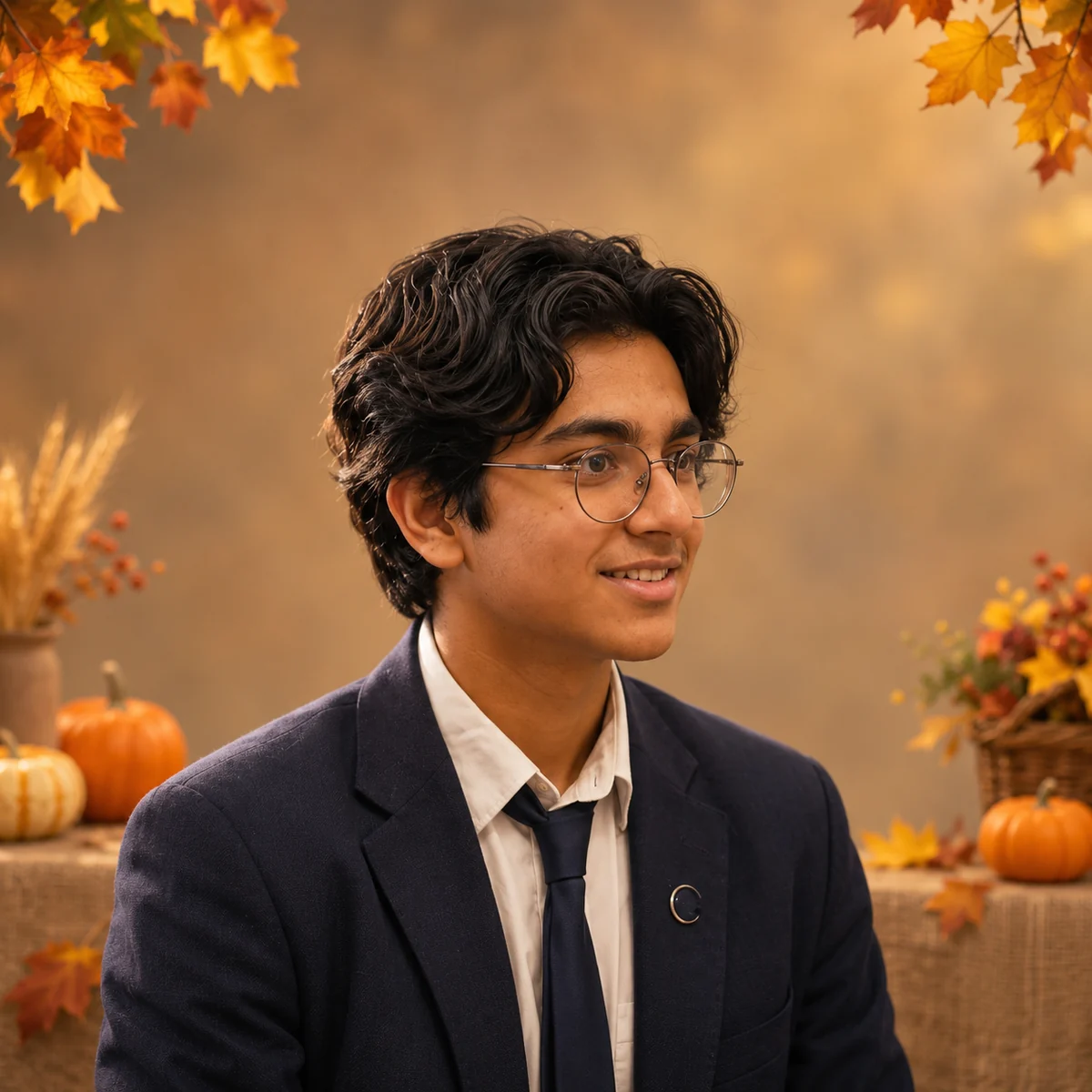
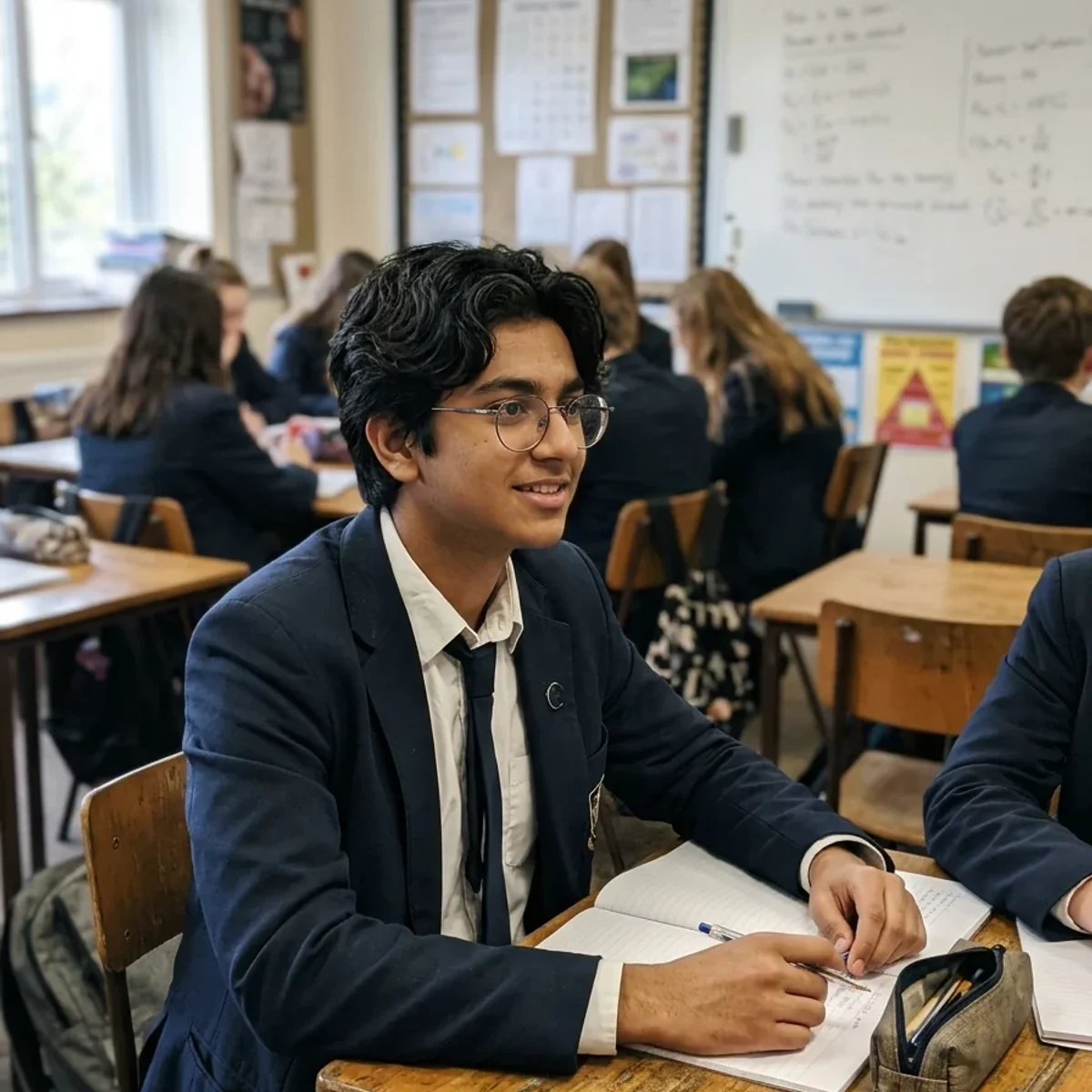
Pumpkins: portrait 3
Thanksgiving PFP Maker features.
A recognizable holiday portrait
The prompt keeps your face, age, skin tone, glasses and expression while introducing warm autumn lighting and a harvest setting. Decorations stay away from the eyes and face so the picture still reads as you when it appears beside a comment or message.
Pumpkins, table or leaves
Pumpkins is the default, with small harvest decorations and a softly blurred background. Cozy table suggests warm candles and autumn flowers. Autumn leaves uses a simpler outdoor setting. Custom lets you describe another background while retaining the profile-photo composition.
Made for profile cropping
The preset requests a square head-and-shoulders image with space around the head. That helps when a social app displays a circular crop. The download itself is a fully opaque square image, without a circular cutout, greeting text, date or decorative border.
Thanksgiving PFP Maker, step by step.
01
Upload your portrait
Use a clear photo of one person with the face visible. A head-and-shoulders portrait is an easy starting point, but leave a little space above the hair. The original background can be ordinary because the selected setting will replace its appearance.
02
Choose an autumn setting
Start with Pumpkins, or choose Cozy table or Autumn leaves. For Custom, describe the background you want in the instructions field. Optional notes can ask to preserve a recognizable accessory or to keep the decorations especially small.
03
Check the small preview
Compare the face with the original, then look at the result at avatar size. Make sure pumpkins, leaves and candles do not compete with your expression. Download the image and adjust the final crop inside the app where you will use it.
Thanksgiving PFP Maker use cases.
- Seasonal social profiles
- Refresh a personal profile for the Thanksgiving period without replacing your face with a generic turkey graphic. Keep the visual style simple if the image will be displayed very small. The tool produces a downloadable file and does not update any social account automatically.
- Family and community themes
- Create individual portraits for a family chat or a community group using the same setting. Upload each person separately and keep the background instructions similar. The lighting and decorations can vary between generations, so review the pictures together before treating them as a matching set.
Thanksgiving PFP Maker: best photos and fixes.
Leave room for a circular crop
Many social apps show a circle cut from the center of a square upload. A face close to the edge may lose part of the hair or glasses in that crop. Start with some breathing room around the head and check the app's final preview after downloading. The preset asks for centered composition, but it cannot control how another platform crops the file. Important accessories should sit near the face rather than at the outer corners.
Keep the seasonal background secondary
Small pumpkins and softly blurred leaves communicate the holiday without taking over the portrait. If the decorations look too large, request fewer objects and more background blur. A table full of plates and candles can be appealing at full size but busy as a tiny avatar. Choose Autumn leaves or a simple Custom background when you need maximum face readability. The subject should remain the clearest and most detailed part of the picture.
Choose a source with consistent lighting
A portrait lit from one broad window is easier to adapt than a face split between bright colored lights. The tool adds warm autumn light, but severe shadows in the original may still influence the result. If the face becomes too orange, ask for natural skin tones and use a more neutrally lit source. Compare against the original rather than judging by the warmth of the background alone, particularly around the eyes and cheeks.
Preserve the details people recognize
Glasses, a familiar hairstyle and your usual expression can matter more than an elaborate seasonal outfit. The default prompt retains clothing unless you ask to change it, so there is no need to request a costume. After generation, inspect the eye shape, smile, hairline and glasses frames. For a closer likeness, use a recent, clear portrait instead of a tiny old profile picture or a screenshot with a beauty filter already applied.
Use one person per profile picture
A group photo gives each face less space and makes it unclear who the avatar represents. Crop to one person before uploading, or choose an individual portrait. For a coordinated family set, process each person with the same background choice and similar instructions. Do not expect identical pumpkins or lighting across independent runs. The shared palette and clear faces are what make the set work, while each image should still be checked individually.
Thanksgiving PFP Maker FAQ.
Is the Thanksgiving PFP maker free?
New accounts receive 15 free credits. One default GPT Image 2 image uses 9 credits, so you can try it after signing in with your email without a payment card. Downloads have no watermark. Different models or resolutions may use more credits, with the price shown before generation.
Will the download be a transparent circle?
No. The default is a fully opaque square image with enough space for a circular profile crop. Your social app can crop it when you upload. If you need a circular image file itself, use a dedicated crop tool after saving the result.
Can I add a Thanksgiving greeting?
This preset is designed for a clear face in a small profile image and explicitly avoids lettering. Use a card or poster tool when readable greeting text is the main goal. Keeping words out also makes the picture usable across languages and different celebrations.
Does it post to my account?
No. It generates an image for you to download. You choose where to upload it and confirm the final crop in that service. The tool does not sign into social platforms or replace your existing profile image on your behalf.